


Python Articles
Excel SQL Python for BPO Professionals Best Guide to Move Into Data Science
Go vs Python for Forward Deployed Engineering Workloads
Python for Forward Deployed Engineers: What You Actually Need to Know
Freelancing as a Python Developer: Getting Your First Client


Get In Touch For Details! Request More Information
What is a Python Library? A Simple Guide for Complete Beginners
Aug 04, 2026 8 Min Read 4481 Views
(Last Updated)
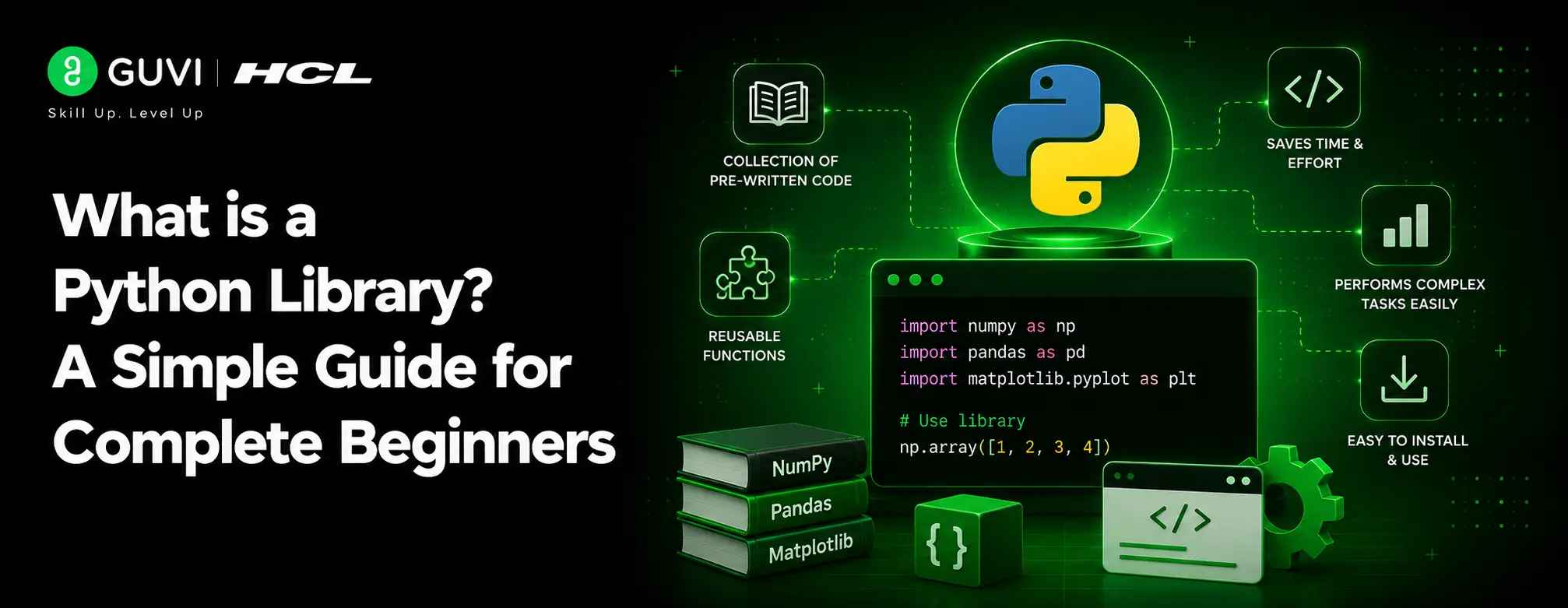
A Python library is a reusable collection of pre-written code, functions, and classes that helps you perform common tasks without writing everything from scratch.
Libraries fall into six broad categories you’ll encounter constantly: data science (NumPy, Pandas), web development (Requests, Flask), machine learning (Scikit-learn, TensorFlow), automation (Selenium, PyAutoGUI), visualization (Matplotlib), and web scraping (BeautifulSoup).
If you’re new to programming, understanding what a Python Library is can dramatically speed up your learning journey. Python is the most extensively used programming language on the web, and most data scientists program with it daily. But what makes Python so powerful and efficient?
Python libraries are the answer. These powerful collections of tools make coding faster, cleaner, and more efficient by providing ready-to-use solutions for domains like data science, web development, machine learning, and automation.
Furthermore, Python libraries are divided into two main types: the Built-in Python Standard Library and External Python Libraries. Throughout this guide, you’ll learn exactly what a Python Library is, how they work, and why they’re essential for both beginners and experienced programmers alike.
Table of contents
- TL;DR Summary
- What is a Python Library?
- What is a Library in Programming?
- Python Library vs Module vs Package — Difference
- Types of Python Libraries
- Built-in Libraries (Standard Library)
- External Libraries (Third-Party)
- How to Identify Which Type You're Using
- Library Quick Reference Table
- Most Popular Python Libraries by Domain: Data Science | Web | ML | Automation
- Top 10 Python Libraries Every Developer Should Know in 2026
- Popular Python Libraries with Examples
- 1) NumPy – Numerical Computing
- 2) Pandas – Data Analysis
- 3) Matplotlib – Data Visualization
- 4) Requests – HTTP Requests
- 5) BeautifulSoup – Web Scraping
- 6) Scikit-learn – Machine Learning
- How to Use Libraries in Python
- 1) Importing a Full Library
- 2) Importing Specific Functions
- 3) Using Aliases (e.g., import pandas as pd)
- 4) Using help() to Explore a Library
- 5) Common Import Errors and How to Fix Them
- How to Install Python Libraries: pip, conda, requirements.txt
- Concluding Thoughts…
- FAQs
- Q1. What exactly is a Python library?
- Q2. How do I use a Python library in my code?
- Q3. What's the difference between built-in and external Python libraries?
- Q4. Can you give examples of popular Python libraries?
- Q5. How do I install an external Python library?
TL;DR Summary
- A Python Library is a reusable collection of pre-written code (functions, classes, modules) that saves you from writing common functionality from scratch.
- Libraries come in two types: built-in (Standard Library, no installation needed) and external (third-party, installed via pip).
- A module is a single file, a package is a folder of related modules, and a library is the broader term covering both, this distinction trips up a lot of beginners.
- You can install a Python Library three main ways: pip (the default), conda (for data science environments), or via a requirements.txt file (for reproducing an entire project’s dependencies at once).
- The most useful libraries to know by domain: NumPy/Pandas (data science), Requests/Flask (web), Scikit-learn/TensorFlow (ML), and Selenium/PyAutoGUI (automation).
What is a Python Library?
A Python library is essentially a collection of pre-written code that you can reuse in your programs without starting from scratch.
Think of libraries as toolboxes filled with specialized tools designed for specific tasks. Instead of crafting each tool yourself, you simply borrow what you need when you need it.
These code collections contain functions, classes, and methods that help you perform common tasks like data manipulation, mathematical operations, web scraping, and visualization.
Consequently, a Python Library makes your coding journey faster, cleaner, and more efficient by providing ready-to-use solutions for different domains.
For instance, when you want to create a visual chart from your data, rather than writing hundreds of lines of code to define how bars or lines should appear, you can import a visualization library that handles all that complexity with just a few lines of code.
What is a Library in Programming?
In the programming context, a library serves as a reusable chunk of code that you can import into your program. A Python Library contains several different kinds of components that expand what you can do with the language.
These components include:
- Built-in data types like numbers and lists
- Built-in functions and exceptions that can be used without any import statement
- A collection of modules which forms the bulk of the library
Python’s standard library is particularly extensive, offering a wide range of facilities for everyday programming tasks. It contains both built-in modules written in C and modules written in Python itself.
Additionally, besides the standard library that comes with Python installation, there’s an active collection of hundreds of thousands of third-party components available from the Python Package Index.
This expands what any Python Library can do even further.
Python Library vs Module vs Package — Difference
Understanding the distinction between modules, packages, and a Python Library is one of the most common points of confusion for beginners, and clearing it up early saves a lot of headaches later.
| Term | What It Is | Example |
|---|---|---|
| Module | A single file containing Python code, with a .py extension | math.py, a single file with math functions |
| Package | A folder containing multiple related modules, plus an __init__.py file | The sklearn folder, containing dozens of related modules |
| Library | A broader term covering one or more packages/modules that work together for a purpose | Pandas, which internally organizes many modules and packages |
In practice: a module is the smallest unit (one file). A package groups related modules together in a folder. A Python Library is the term people actually use in conversation for the whole installable thing, whether it’s technically a single module or a collection of packages. Most real-world “libraries” you install with pip (Pandas, NumPy, Requests) are technically packages containing multiple modules, but nobody calls them “packages” in casual conversation, everyone just says “library.”
Here are more concrete differences:
- Size and scope: modules are individual files; packages are folders of modules; libraries are the broader, user-facing term for either.
- Purpose: modules aim to prevent repeating yourself (DRY principle); a Python Library provides a reusable, installable collection of related functionality.
- Implementation: modules are generally written in Python with valid statements; libraries, especially standard ones, are usually developed in C or Python.
- Usage: you can use Python’s dir() function to see what’s inside a module; there’s no single direct equivalent for an entire library.
For example, the math module is a single file providing mathematical functions, while matplotlib is a library containing multiple modules (organized into packages) for creating various types of data visualizations.
Types of Python Libraries
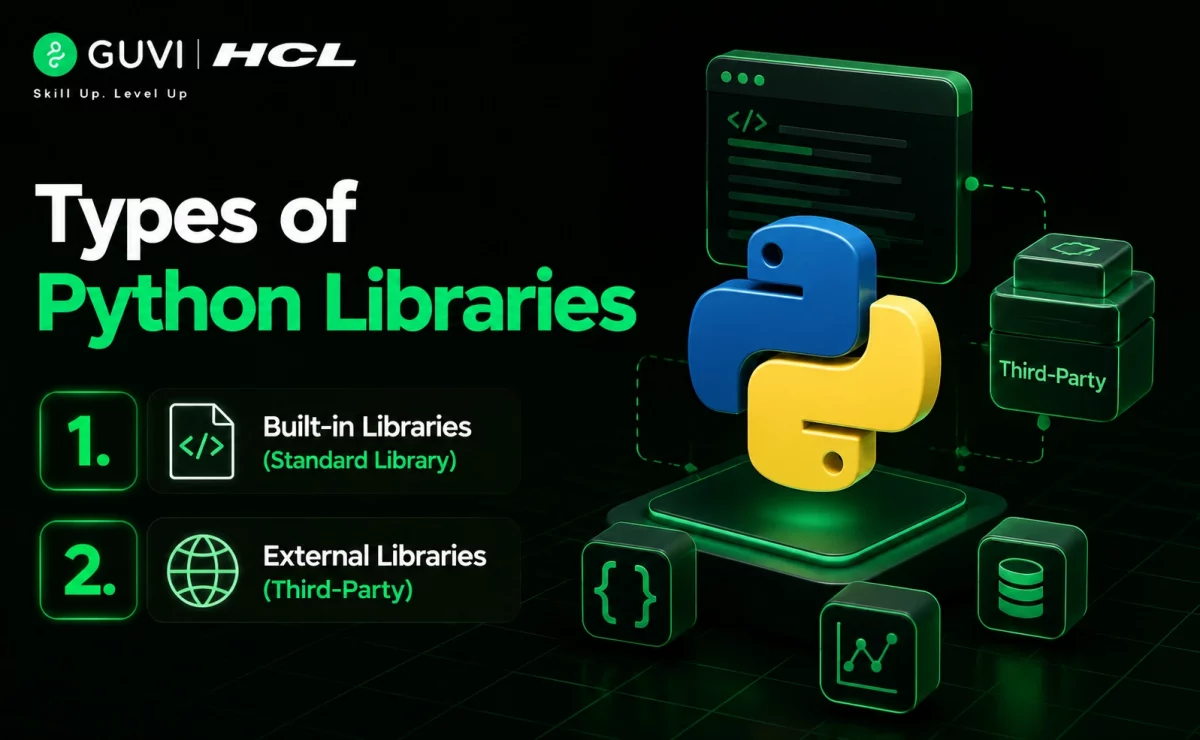
Every Python Library’s ecosystem can be divided into two primary categories. Understanding these types will help you better navigate the Python environment as you build your programming skills.
Built-in Libraries (Standard Library)
The Python Standard Library comes bundled with every Python installation, requiring no additional setup or installation. This extensive collection of modules serves as Python’s foundation, providing essential tools for everyday programming tasks.
What makes the standard library special:
- It contains modules written in C (for performance) and Python
- It provides access to system functionality like file I/O that would otherwise be inaccessible
- It offers standardized solutions for common programming problems
The standard library includes modules for:
- Mathematical operations (math)
- Operating system interactions (os)
- Date and time handling (datetime)
- Random number generation (random)
- JSON data processing (json)
Moreover, the standard library is designed to be portable across different platforms, abstracting away platform-specific details into platform-neutral APIs.
External Libraries (Third-Party)
Unlike built-in modules, an external Python Library isn’t included with Python by default and must be installed separately. These third-party libraries expand Python’s capabilities, allowing you to tackle specialized tasks without writing complex code from scratch.
Popular external libraries include:
- NumPy: for numerical and scientific computing with arrays and matrices
- Pandas: for data analysis and manipulation with DataFrame structures
- Matplotlib: for creating various types of data visualizations
- SciPy: for advanced scientific and engineering computations
- TensorFlow/PyTorch: for machine learning and deep learning
- Scikit-learn: for machine learning tools
- Requests/BeautifulSoup: for HTTP requests and web scraping
Indeed, the real strength of Python lies in this expansive library ecosystem that helps you manipulate data, create machine learning models, or perform complex data analysis without reinventing the wheel.
How to Identify Which Type You’re Using
Determining whether you’re using a built-in or external Python Library is straightforward:
- Installation requirement: if you need to install it using pip or another package manager, it’s an external library. Built-in libraries are already available.
- Import behavior: all libraries require an import statement, but the import process differs slightly: # Built-in library example import math # External library example (requires prior installation) import numpy as np
- Documentation location: built-in libraries are documented in the official Python documentation, whereas external libraries have their own documentation sites.
- Module search path: Python first searches for modules in your current directory, then in the Python path environment, and finally in the Python installation directory. If it’s not found in these locations, it’s an external library.
To add a quick layer of insight, here are a couple of lesser-known but fascinating facts about Python libraries:
The Python Standard Library Is Nicknamed “Batteries Included”: Python’s creators designed the language with a rich standard library so developers could solve common problems immediately without installing extra tools. This philosophy is why Python ships with modules for file handling, math, networking, and even internet protocols right out of the box.
Most Popular Libraries Are Built on Top of Other Libraries: Many well-known Python libraries depend on others under the hood. For example, libraries like Pandas and Scikit-learn rely heavily on NumPy for high-performance numerical computations, showing how Python’s ecosystem is layered and interconnected.
These facts highlight why Python libraries are not just convenient add-ons, but a carefully designed ecosystem that prioritizes reuse, performance, and developer productivity.
Library Quick Reference Table
Here’s a fast reference covering the most commonly used Python Library options, what they do, and the exact command to install each:
| Library | Category | What It Does | pip install command |
|---|---|---|---|
| NumPy | Data Science | Numerical computing with fast, multi-dimensional arrays | pip install numpy |
| Pandas | Data Science | Data analysis and manipulation using DataFrames | pip install pandas |
| Matplotlib | Visualization | Creating static, animated, and interactive plots | pip install matplotlib |
| Requests | Web | Sending HTTP requests to interact with web services and APIs | pip install requests |
| BeautifulSoup | Web Scraping | Parsing HTML/XML to extract data from web pages | pip install beautifulsoup4 |
| Scikit-learn | Machine Learning | Classification, regression, clustering, and model evaluation | pip install scikit-learn |
| TensorFlow | Machine Learning | Building and training deep learning models at scale | pip install tensorflow |
| Flask | Web | Lightweight framework for building web applications and APIs | pip install flask |
| Selenium | Automation | Automating browser actions for testing and web automation | pip install selenium |
| PyAutoGUI | Automation | Automating mouse and keyboard actions on your desktop | pip install pyautogui |
Most Popular Python Libraries by Domain: Data Science | Web | ML | Automation
Rather than listing libraries randomly, it helps to know which ones dominate each specific domain, since that’s usually how developers actually search for them.
Data Science:
- NumPy – the foundational library for numerical arrays and mathematical operations
- Pandas – the go-to tool for structured data analysis and manipulation
- Matplotlib / Seaborn – for visualizing data through charts and plots
Web Development:
- Requests – for making HTTP calls to APIs and web services
- Flask – a lightweight framework for building web apps and APIs quickly
- Django – a full-featured framework for larger, production-grade web applications
Machine Learning:
- Scikit-learn – the standard entry point for classical machine learning algorithms
- TensorFlow / PyTorch – the two dominant frameworks for deep learning
- XGBoost – widely used for gradient-boosted models in competitions and production
Automation:
- Selenium – for automating web browsers, commonly used in testing
- PyAutoGUI – for automating mouse clicks and keyboard input on your desktop
- Schedule – a lightweight library for running Python functions on a timed schedule
Knowing which domain a Python Library belongs to makes it much easier to choose the right tool the first time, instead of discovering the wrong fit halfway through a project.
Top 10 Python Libraries Every Developer Should Know in 2026
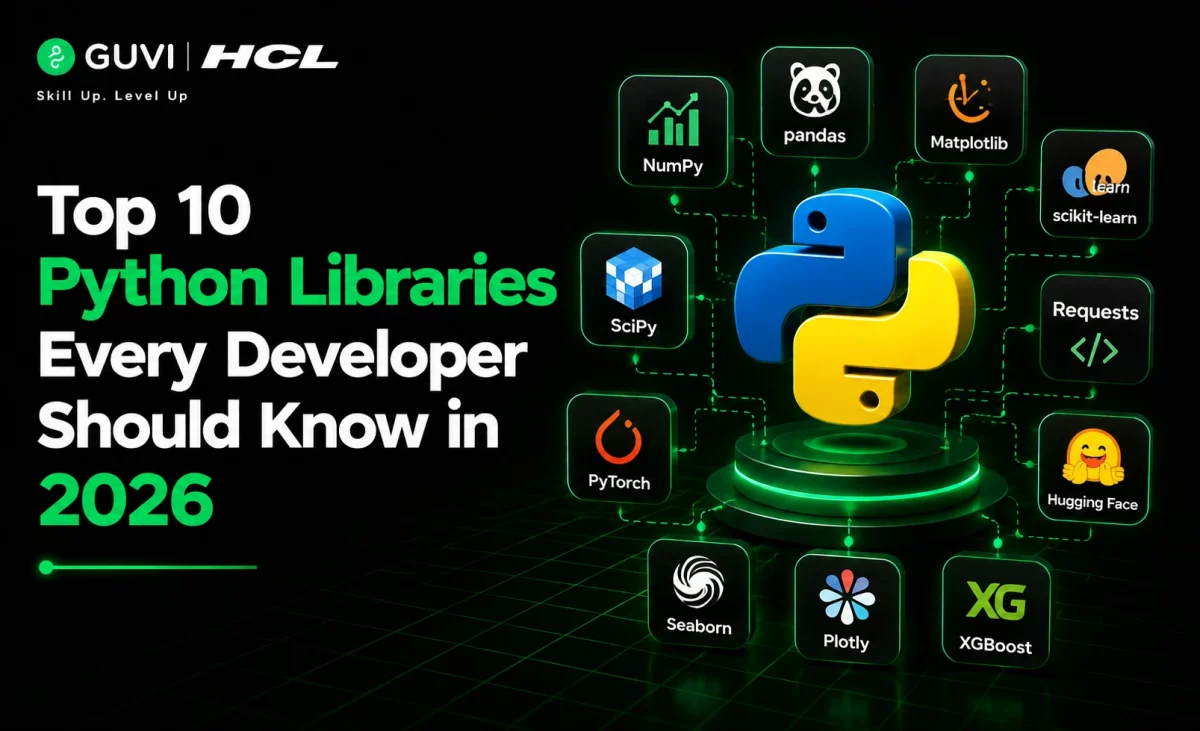
Beyond domain-specific picks, these 10 libraries come up so consistently across real job postings and projects that every Python developer benefits from at least basic familiarity with each Python Library on this list.
- NumPy – the numerical computing backbone that nearly every other data-focused library builds on top of.
- Pandas – the default choice for loading, cleaning, and analyzing structured data.
- Matplotlib – the most widely taught plotting library, and the foundation many other visualization tools build on.
- Requests – the simplest way to call any HTTP API from Python.
- BeautifulSoup – the standard tool for parsing HTML when scraping web pages.
- Scikit-learn – the most approachable entry point into machine learning in Python.
- TensorFlow – one of the two dominant deep learning frameworks, backed by Google.
- Flask – the lightweight framework most developers reach for to spin up a quick API or web app.
- Selenium – essential for browser automation and end-to-end testing.
- Pytest – the most widely used testing framework in the Python ecosystem, essential for writing reliable code.
Learning even the basics of each Python Library on this list gives you a genuinely well-rounded foundation, regardless of which specific domain (data, web, ML, automation) you end up specializing in.

Popular Python Libraries with Examples
Now that we understand what a Python Library is, let’s explore six of them in more depth that demonstrate why Python is a favorite among programmers across various domains.
1) NumPy – Numerical Computing
NumPy (Numerical Python) forms the foundation for scientific computing in Python. This library excels at handling large, multi-dimensional arrays and matrices with high-performance mathematical functions.
Key capabilities:
- Powerful N-dimensional arrays that are faster than Python’s built-in lists
- Comprehensive mathematical functions and tools for numerical operations
- Linear algebra routines, Fourier transforms, and random number generators
NumPy brings C/Fortran-like computational power to Python while maintaining simplicity and elegance. It serves as the foundation for many other scientific libraries, including machine learning frameworks like TensorFlow and PyTorch.
2) Pandas – Data Analysis
Pandas has revolutionized how programmers work with structured data. This fast, powerful, and flexible data analysis tool was built on top of the Python programming language.
What makes Pandas special:
- DataFrames: two-dimensional tabular data structures similar to Excel sheets
- Series: one-dimensional labeled arrays for handling single-column data
- Tools for analyzing, cleaning, exploring, and manipulating data efficiently
Pandas allows you to perform operations like sorting rows, calculating summary statistics, reshaping DataFrames, and joining data sets together.
3) Matplotlib – Data Visualization
Matplotlib is a comprehensive library for creating static, animated, and interactive visualizations. First conceived in 2002, it has become the standard plotting library in Python’s data science ecosystem.
What you can create:
- Publication-quality plots with extensive customization options
- Various chart types (line, bar, scatter, histogram, etc.) with minimal code
- Interactive figures that can zoom, pan, and update
4) Requests – HTTP Requests
The Requests library simplifies how you interact with web services. It allows you to send HTTP/1.1 requests extremely easily without manually adding query strings to URLs or form-encoding your data.
Notable features:
- Support for various HTTP methods (GET, POST, PUT, DELETE)
- Automatic handling of cookies, sessions, and headers
- Built-in SSL verification and error handling
First, you install the library with pip install requests. Then, to make a basic GET request:
import requests
response = requests.get("https://api.example.com/data")
print(response.status_code)  # 200 means success
5) BeautifulSoup – Web Scraping
BeautifulSoup is a Python Library that makes web scraping painless. It parses HTML and XML documents and creates a parse tree that helps you extract the data you need.
How it works:
- Send an HTTP request to a webpage using the Requests library
- Parse the HTML content using BeautifulSoup
- Navigate the parse tree to extract specific data
A basic example of extracting all paragraph text from a webpage:
import requests
from bs4 import BeautifulSoup

response = requests.get("https://example.com")
soup = BeautifulSoup(response.content, "html.parser")
paragraphs = soup.find_all("p")
6) Scikit-learn – Machine Learning
Scikit-learn simplifies machine learning in Python through a consistent, accessible interface. Built on NumPy, SciPy, and Matplotlib, it’s an open-source Python Library that makes predictive data analysis straightforward.
What it offers:
- Algorithms for classification, regression, clustering, and dimensionality reduction
- Tools for model evaluation and performance metrics
- Dataset preprocessing capabilities
How to Use Libraries in Python
Once you understand what a Python Library is, mastering how to incorporate one into your code is the next crucial step.
1) Importing a Full Library
The simplest way to use a library is by importing the entire module with the import statement:
import math
# Now use functions with dot notation
result = math.sqrt(16)  # Returns 4.0
2) Importing Specific Functions
Sometimes, you need only specific functions from a Python Library. For such cases, use the from…import syntax:
from math import sqrt, pi
# Use functions directly without dot notation
result = sqrt(16)  # Returns 4.0
3) Using Aliases (e.g., import pandas as pd)
For libraries with long names or to follow community conventions, you can create aliases:
import numpy as np
import pandas as pd
This technique shortens code and follows Python community standards. Aliases don’t affect performance, the entire module is still imported, but you get a shorter reference name.
4) Using help() to Explore a Library
The help() function serves as your built-in guide to any Python Library:
help(math)       # Shows full module documentation
help(math.sqrt)  # Shows documentation for a specific function
5) Common Import Errors and How to Fix Them
Several issues might arise when importing a Python Library:
- ModuleNotFoundError: occurs when Python can’t find the module. Solution: install it using pip (pip install module_name).
- ImportError: Cannot Import Name: usually happens with circular imports (modules importing each other). Fix by reorganizing your code structure.
- Typo in import statement: double-check spelling (e.g., import matplotlip instead of matplotlib).
How to Install Python Libraries: pip, conda, requirements.txt
Managing a Python Library is an essential skill for any programmer. There are three main ways to get one installed, each suited to a slightly different situation.
Method 1: pip (the default, works everywhere)
Pip is the standard package manager that comes pre-installed with Python 3.4 and later versions, and it’s the most common way to install any Python Library.
pip install package_nameYou can also specify versions:
pip install package_name==1.4.2   # Exact version
pip install package_name>=1,<2    # Version range
To check if a Python Library is installed, view all installed packages, or get detailed info:
pip list
pip show package_name
To uninstall or upgrade:
pip uninstall package_name
pip install --upgrade package_name
Method 2: conda (best for data science environments)
This is another reliable way to install a Python Library. If you use Anaconda or Miniconda, conda manages both Python itself and library dependencies together, which avoids some conflicts pip alone can run into, especially for scientific libraries with C/Fortran dependencies:
conda install numpy pandas scikit-learnConda is particularly popular in data science because it can also manage non-Python dependencies (like specific versions of BLAS or CUDA) that pip doesn’t handle directly.
Method 3: requirements.txt (best for sharing or reproducing a project)
This is the best way to install every Python Library a project needs in one go. When a project needs many specific libraries installed together, a requirements.txt file lists them all so anyone can install the exact same setup in one command:
# requirements.txt
numpy==1.26.4
pandas==2.2.0
requests>=2.31.0
Install everything listed in the file with:
pip install -r requirements.txtThis is the standard way real-world Python projects share their exact dependency list, generate one from your current environment with pip freeze > requirements.txt.
Using Virtual Environments for Library Management
Virtual environments create isolated Python installations, letting each project install its own Python Library versions without conflicts.
To create a virtual environment:
python -m venv my_environmentActivate it on Windows with:
my_environment\Scripts\activateOr on macOS/Linux:
source my_environment/bin/activateOnce activated, any Python Library you install will be isolated to that environment, preventing conflicts between projects.
Master Python the right way with HCL GUVI’s Python Course.
Complex concepts like decorators are broken down through real-world examples and hands-on practice.
Concluding Thoughts…
Python libraries stand as powerful tools that dramatically simplify your coding journey. Throughout this guide, you’ve learned that libraries are essentially pre-written code collections that solve common programming problems without requiring you to build solutions from scratch.
Python’s extensive library ecosystem ultimately represents one of its greatest strengths. These code collections not only speed up development but also connect you to solutions created by the global Python community. Your programming efficiency will improve significantly once you master the art of finding and using the right libraries for your specific needs.
FAQs
Q1. What exactly is a Python library?
A Python library is a collection of pre-written code that you can reuse in your programs. It contains functions, classes, and modules that help you perform common tasks without writing code from scratch, making programming more efficient.
Q2. How do I use a Python library in my code?
To use a Python library, you first need to import it. You can import the entire library using ‘import library_name’ or specific functions using ‘from library_name import function_name’. Once imported, you can use the library’s functions in your code.
Q3. What’s the difference between built-in and external Python libraries?
Built-in libraries come pre-installed with Python and require no additional setup. External libraries, on the other hand, are third-party packages that need to be installed separately using package managers like pip.
Q4. Can you give examples of popular Python libraries?
Some popular Python libraries include NumPy for numerical computing, Pandas for data analysis, Matplotlib for data visualization, Requests for HTTP requests, and Scikit-learn for machine learning tasks.
Q5. How do I install an external Python library?
You can install external Python libraries using pip, the package installer for Python. Simply open your terminal or command prompt and type ‘pip install library_name’. For example, to install NumPy, you would use ‘pip install numpy’.
Success Stories

About the Author
Jebasta
I translate the language of data into stories that anyone can understand. As a writer with a data science background, I simplify analytics, AI, and decision-making so beginners and enthusiasts can confidently explore the world of data.
View all posts by Jebasta
Connect with me @









Did you enjoy this article?