


Full Stack Development Articles
Claude for Architecture and Engineering Documentation
Freelancing as a Python Developer: Getting Your First Client


Get In Touch For Details! Request More Information
Visual Editors & Page Builders: Are They Useful for Learning CSS? (2026 Guide)
Mar 31, 2026 6 Min Read 1785 Views
(Last Updated)
You can write CSS line by line, memorize properties, and still feel unsure about how layouts actually come together on the screen. That confusion often leads developers to ask whether visual editors and page builders help or hurt real CSS learning. In 2026, these tools sit at the center of modern workflows, blending design and code in powerful ways. Understanding their role can shape how effectively you learn CSS.
Read on to see when visual editors and page builders support CSS mastery, where they fall short, and how to use them without weakening your core skills.
Quick Answer: Visual editors and page builders are useful for learning CSS in 2026 when used as support tools rather than replacements for writing code. Visual editors help you understand how CSS properties affect layout and styling through immediate feedback, while page builders clarify page structure and responsiveness. Together, they accelerate learning, provided you continue practicing raw CSS alongside them.
Table of contents
- What is a Visual Editor?
- What is a Page Builder?
- Top Features of Visual Editors
- Top Features of Page Builders
- Step-by-Step Guide to Learning CSS with Visual Editors (Technical Approach)
- Step-by-Step Guide to Learning CSS with Page Builders (Technical Approach)
- Top Benefits of Visual Editors for Learning CSS
- Top Benefits of Page Builders for Learning CSS
- Examples of Visual Editors
- Examples of Page Builders
- Limitations of Visual Editors
- Limitations of Page Builders
- Visual Editors & Page Builders for Learning CSS: A Quick & Comprehensive Comparison
- Conclusion
- FAQs
- Can beginners rely on visual editors to learn CSS effectively?
- Do page builders reduce the need to learn CSS?
- When should learners transition from visual tools to raw CSS?
What is a Visual Editor?
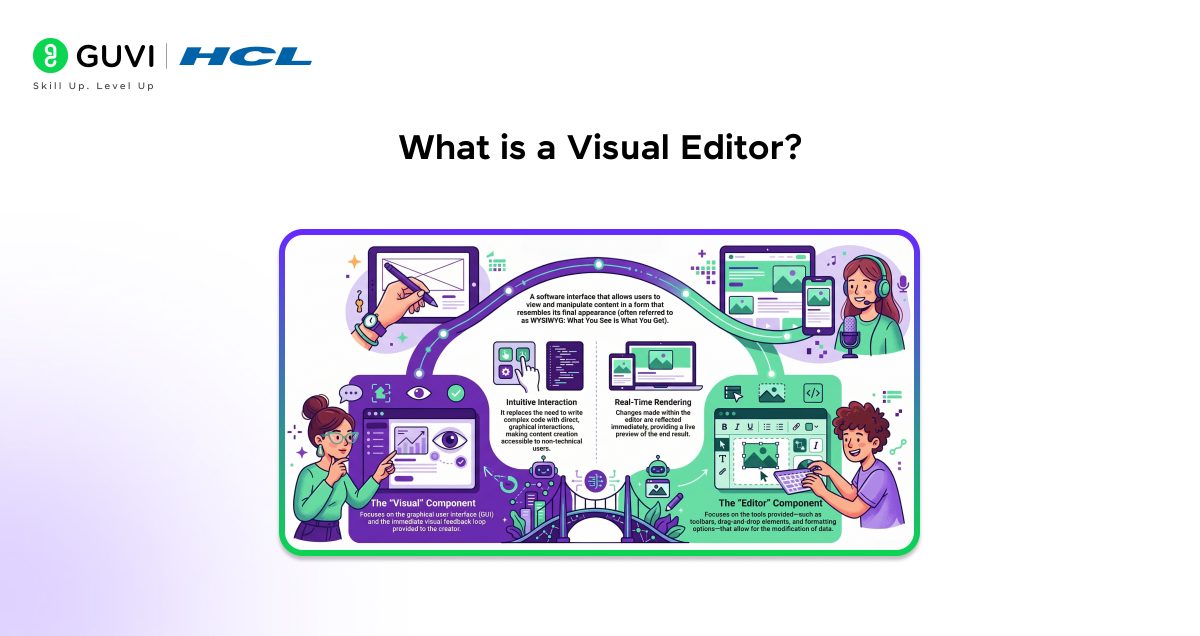
A visual editor is a software interface that allows you to create and modify digital content while seeing changes immediately on the screen. It works by translating user actions such as clicking, dragging, and adjusting settings into underlying code, which removes the need to write syntax for every change. This real-time visual feedback helps you understand layout, spacing, and styling relationships more clearly, which makes it especially useful for design-focused workflows and rapid content iteration.
What is a Page Builder?
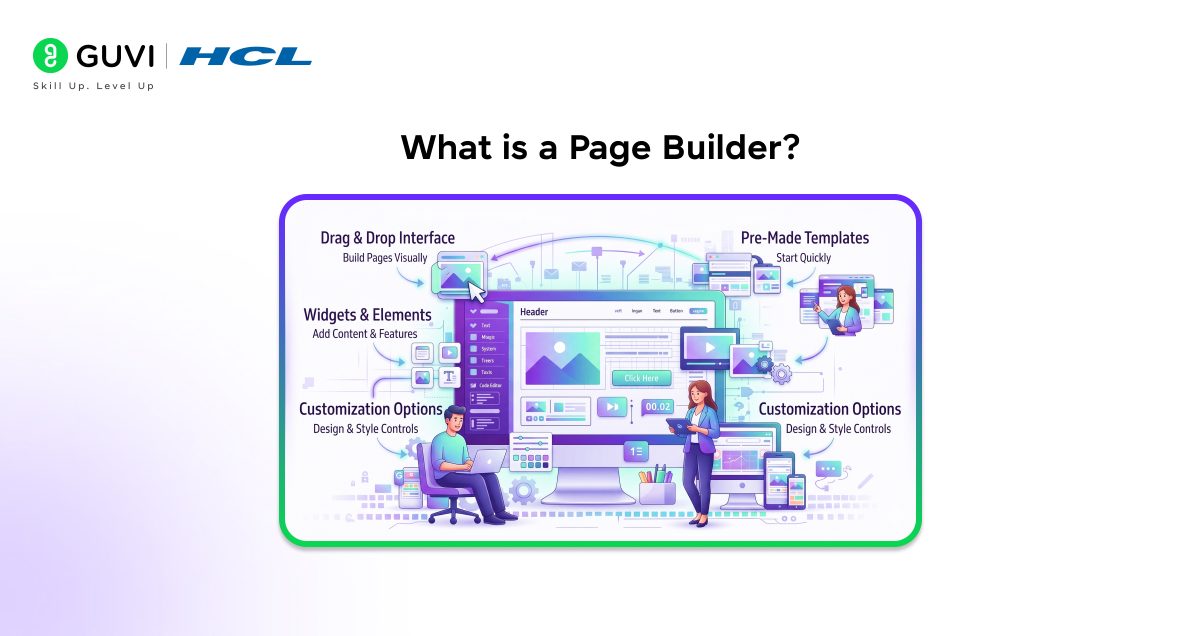
A page builder is a structured visual tool designed specifically for constructing complete web pages using predefined sections, components, and layout systems. It organizes content through rows, columns, and modules, which helps you assemble pages consistently without manually coding each element. Page builders often include layout controls, responsive settings, and styling options, which allows you to focus on page structure, content flow, and usability while the system manages the underlying HTML and CSS.
Top Features of Visual Editors
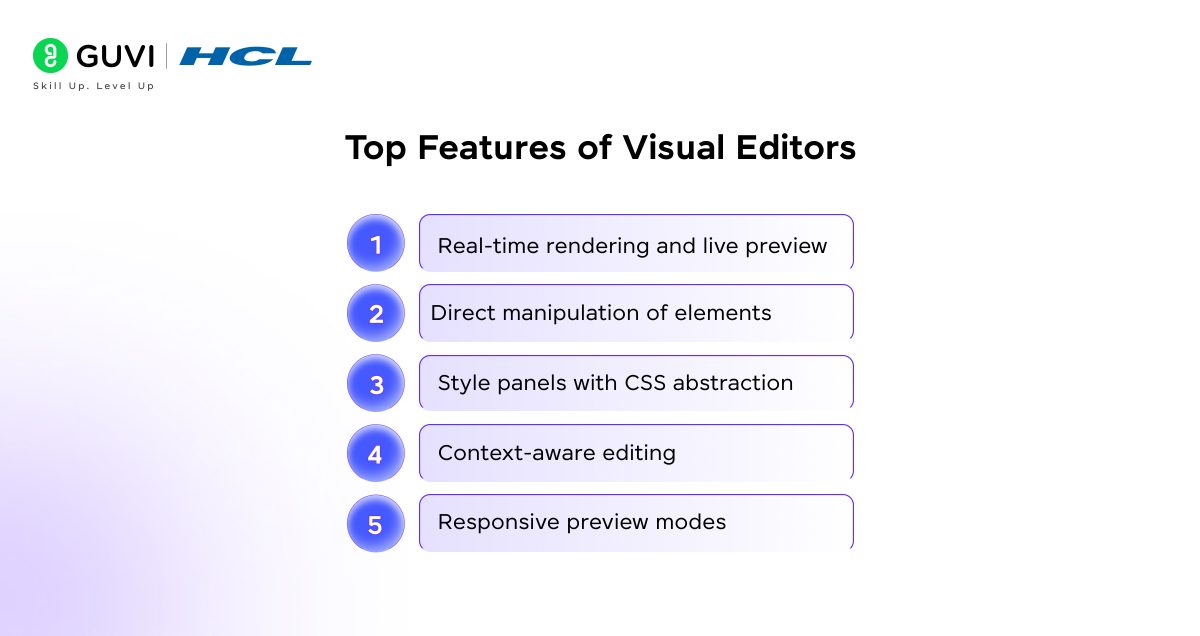
- Real-Time Rendering and Live Preview: Visual editors show changes instantly as content or styles are adjusted, and this immediate feedback connects every action to a visible result. As a result, you develop a clearer understanding of how spacing, alignment, and typography behave within an actual layout.
- Direct Manipulation of Elements: Elements can be selected and modified directly on the screen, and this interaction ties visual movement to underlying style rules. Over time, this connection strengthens awareness of element boundaries, alignment logic, and stacking behavior.
- Style Panels with CSS Abstraction: Style panels translate design controls into structured CSS properties, and this translation preserves technical accuracy without exposing raw syntax. Because properties remain consistent behind the interface, layouts stay predictable and easier to maintain.
- Context-Aware Editing: Editing options adjust based on the selected element, and this focused scope reduces unnecessary controls. Cleaner decision-making follows, leading to styles that interact more predictably across the layout.
- Responsive Preview Modes: Built-in preview modes simulate different screen sizes, and repeated testing across these views reinforces responsive thinking. Early visibility into layout shifts helps prevent scaling issues later in development.
Top Features of Page Builders
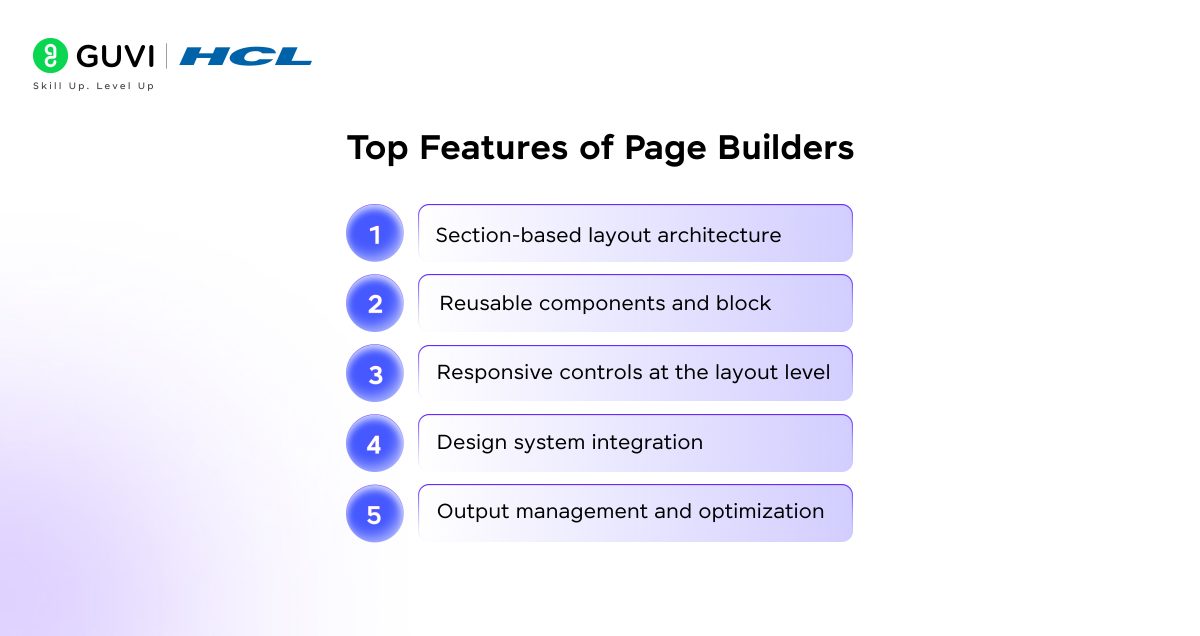
- Section-Based Layout Architecture: Page builders organize content into sections, rows, and columns so that page structure is defined before styling begins. This structural foundation controls how content flows across the page and creates clear boundaries, which makes later adjustments and scaling more predictable.
- Reusable Components and Blocks: Once the layout structure is established, reusable components allow the same design elements to appear across multiple pages. This reuse maintains visual consistency throughout the site and simplifies maintenance, since a single update reflects everywhere the component is used.
- Responsive Controls at Layout Level: Page builders extend structural control into responsiveness by offering device-specific spacing, alignment, and visibility settings. These controls work within the existing layout hierarchy, which keeps responsive behavior consistent across breakpoints without fragmenting the design.
- Design System Integration: Global typography, color, and spacing settings connect directly to sections and components. It reinforces consistency at every level of the layout. This integration ensures that individual pages follow a unified visual system as the site grows.
- Output Management and Optimization: As layouts and components come together, page builders generate structured HTML and CSS in the background. Controlled output preserves performance and reduces layout regressions, even as pages become more complex over time.
Step-by-Step Guide to Learning CSS with Visual Editors (Technical Approach)
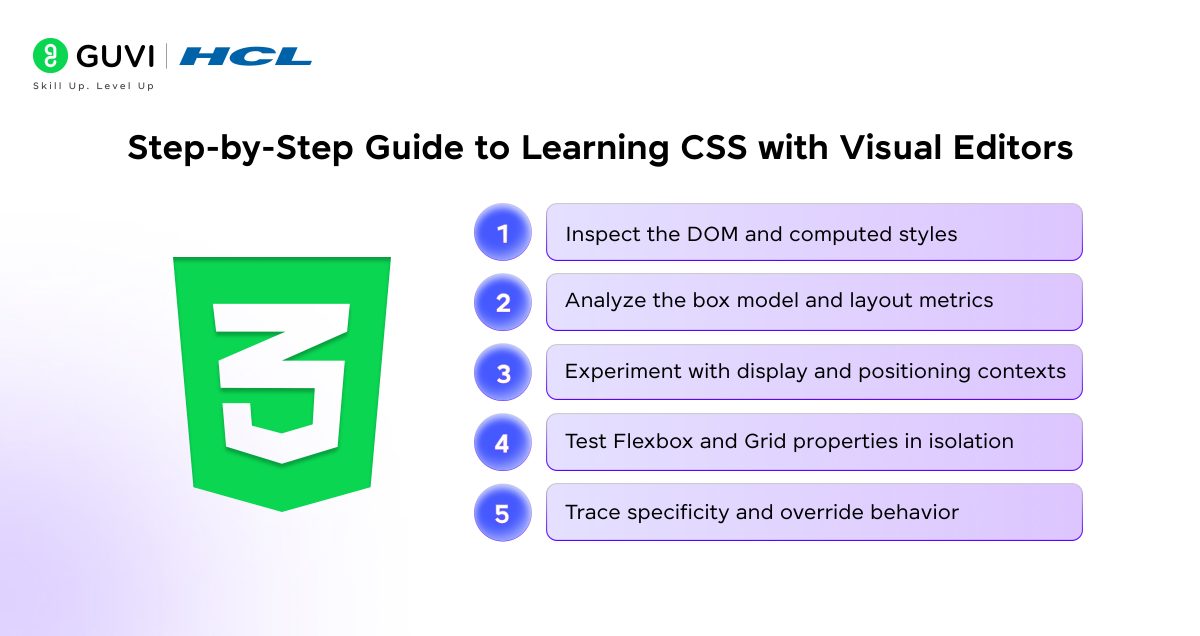
Step 1: Inspect the DOM and Computed Styles
Start by examining the DOM tree and computed styles in browser DevTools. Focus on how CSS rules are resolved after inheritance, specificity, and default browser styles are applied. This step helps you understand the final rendered values rather than only the authored CSS.
Step 2: Analyze the Box Model and Layout Metrics
Inspect margin, border, padding, and content dimensions for individual elements. Adjust these values live and observe reflow and repaint behavior, which clarifies how spacing errors and overflow issues originate.
Step 3: Experiment with Display and Positioning Contexts
Switch between block, inline, inline-block, flex, and grid display values. Test positioning modes such as relative, absolute, and fixed to understand containing blocks, stacking context, and offset calculation.
Step 4: Test Flexbox and Grid Properties in Isolation
Apply Flexbox properties like flex-grow, flex-shrink, align-items, and justify-content, then observe axis behavior. Repeat the process with Grid properties such as grid-template-columns, auto-fit, minmax, and gap to understand layout constraints and track sizing.
Step 5: Trace Specificity and Override Behavior
Toggle selectors on and off while observing which rules are overridden. Compare class selectors, element selectors, and inline styles to build accuracy in resolving cascade conflicts.
Step-by-Step Guide to Learning CSS with Page Builders (Technical Approach)
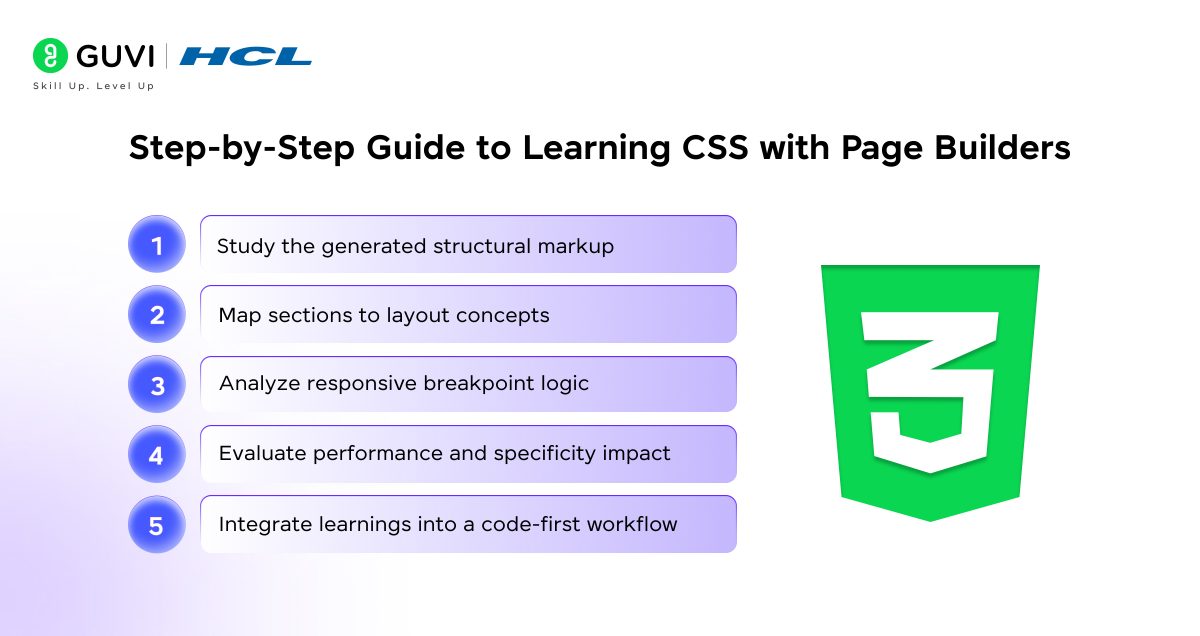
Step 1: Study the Generated Structural Markup
Begin by inspecting the HTML output produced by the page builder. Identify wrapper divs, nested containers, and semantic gaps to understand how layout hierarchy is abstracted.
Step 2: Map Sections to Layout Concepts
Relate sections, rows, and columns to CSS concepts such as containers, flex rows, and grid tracks. This mapping helps connect visual layout blocks to real layout systems.
Step 3: Analyze Responsive Breakpoint Logic
Adjust spacing, width, and visibility settings across breakpoints. Inspect the generated media queries to understand how responsive rules are applied and overridden.
Step 4: Evaluate Performance and Specificity Impact
Inspect the volume of generated CSS and selector depth. Look for excessive nesting, repeated declarations, and inline styles that may affect performance or override control.
Step 5: Rebuild the Layout with Handwritten CSS
Select one completed page and rebuild it using semantic HTML, Flexbox, and Grid. Compare your code with the generated output to identify inefficiencies and abstraction gaps.
Step 6: Integrate Learnings into Code-First Workflow
Apply structural and responsive patterns learned from the page builder into your own CSS architecture. This final step ensures the tool enhances understanding rather than replacing core skills.
Top Benefits of Visual Editors for Learning CSS
- Faster Understanding of CSS Cause and Effect
Visual editors allow you to adjust styles and immediately observe how those changes affect layout and appearance, which strengthens your understanding of how CSS properties influence rendered output. This continuous feedback loop helps you connect properties like margin, padding, width, and alignment to real layout behavior instead of abstract rules.
- Stronger Grasp of the Cascade and Specificity
As styles update live, you can see how competing rules override one another across elements. This visibility clarifies how specificity, inheritance, and source order interact. All these factors make debugging complex stylesheets more intuitive over time.
- Reduced Syntax Overhead During Practice
Visual editors abstract syntax without removing structure, which lets you focus on layout logic rather than memorizing property names. This shift keeps attention on spatial reasoning and responsiveness while gradually reinforcing correct CSS patterns.

- Accelerated Debugging and Experimentation
Immediate visual output shortens the gap between hypothesis and result. Through repeated experimentation, you develop confidence in adjusting layouts and resolving styling issues efficiently.
Top Benefits of Page Builders for Learning CSS
- Clear Understanding of Layout Hierarchy
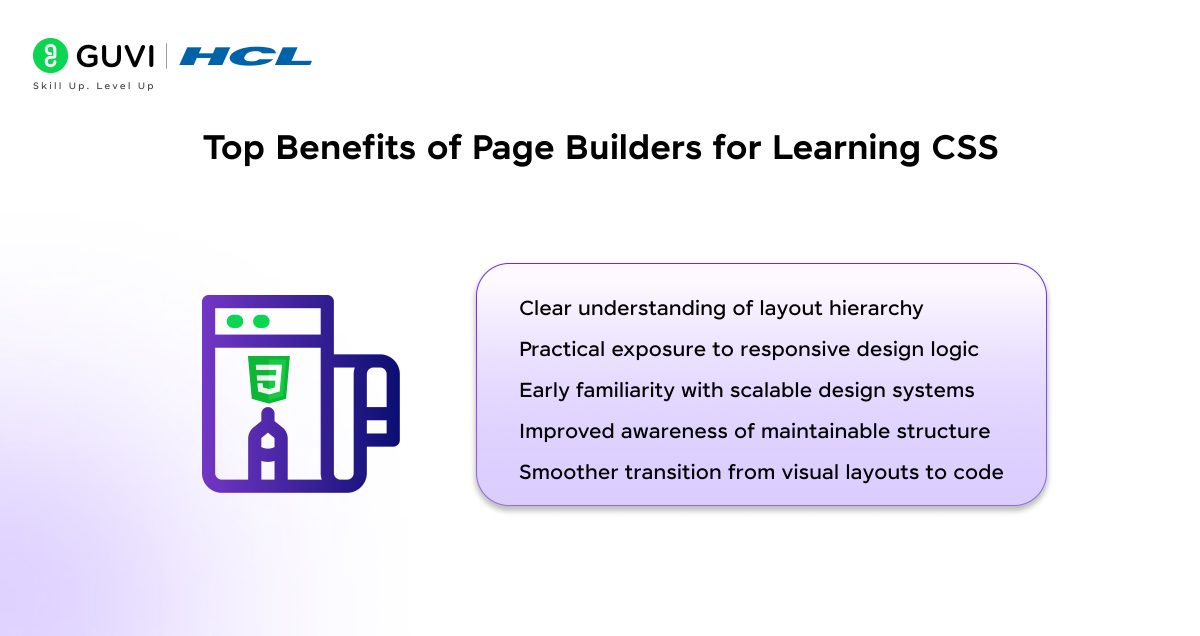
Page builders expose how pages are assembled through containers, rows, and columns, which reinforces the relationship between structure and layout behavior. The attained visibility helps you understand how CSS layouts scale from simple sections to full-page designs.
- Practical Exposure to Responsive Design Logic
Responsive controls demonstrate how spacing, alignment, and visibility change across devices. Regular interaction with these controls strengthens your ability to anticipate responsive issues before writing custom CSS.
- Early Familiarity with Scalable Design Systems
Global styling features introduce the concept of shared typography, color, and spacing rules. This experience mirrors how CSS is organized in production environments where consistency matters across multiple pages.
- Improved Awareness of Maintainable Structure
Reusable sections and components highlight the importance of consistency and modularity. This awareness prepares you to write CSS that supports reuse, refactoring, and long-term maintenance.
- Smoother Transition from Visual Layouts to Code
Page builders connect visual assembly with structural intent. This connection makes it easier to translate visual layouts into well-structured CSS with clearer purpose and direction.
Want to go beyond drag-and-drop design and truly master CSS? Join HCL GUVI’s IITM Pravartak-Certified Full Stack Development Course and learn to build stunning, responsive web layouts from scratch, no page builder needed. Get mentored by experts, work on real-world projects, and gain a strong foundation in HTML, CSS, JavaScript, and MERN stack development to become a confident, job-ready developer.
Examples of Visual Editors
- Browser DevTools (Elements and Styles Panel): Allows direct inspection and modification of CSS in real time, helping you understand how layout, spacing, and specificity affect rendered output.
- Adobe Dreamweaver (Live View): Provides visual editing alongside code view, which supports learning how style changes translate into underlying HTML and CSS.
- Webflow Designer (Style Editor): Exposes CSS concepts such as box model, flex layouts, and positioning through visual controls, reinforcing layout logic through immediate feedback.
- Figma to CSS Inspect Tools: Enable style inspection and handoff, helping you relate design values like spacing and typography to actual CSS properties.
Examples of Page Builders
- WordPress Gutenberg Editor: Uses block-based layout construction that highlights content hierarchy and structural organization across pages.
- Elementor (WordPress): Offers section, column, and widget-based layouts with responsive controls, reflecting common front-end layout patterns.
- Divi Builder: Emphasizes reusable layout modules and global styles, supporting understanding of scalable page structure.
- Webflow CMS Page Builder: Combines visual layout assembly with structured components, helping learners see how full pages are composed and maintained.
Limitations of Visual Editors
- Partial Exposure to Raw CSS Logic: Visual editors abstract many styling decisions, which means you may not fully see how rules are written and organized in code. This gap can slow progress when moving to manual CSS authoring or debugging outside the editor.
- Limited Control Over Complex Layout Scenarios: Advanced layouts involving intricate Grid logic or edge-case responsive behavior are often constrained by the editor’s interface. As complexity increases, visual controls may restrict precision and flexibility.
- Hidden Performance and Specificity Issues: Automatically generated styles can introduce unnecessary rules or higher specificity. These issues remain unnoticed until projects scale or performance problems surface.
- Tool-Dependent Learning Curve: Skills gained inside one visual editor may not transfer cleanly to another environment. Over-reliance on a single tool can reduce adaptability across workflows.
Limitations of Page Builders
- Abstracted Structure Reduces CSS Ownership: Page builders manage layout and styling behind the scenes, which limits direct interaction with HTML and CSS structure. This separation can weaken understanding of how layouts are actually implemented.
- Bloated Output in Large Projects: Auto-generated markup and styles often grow with page complexity. As projects expand, this output can affect performance and complicate maintenance.
- Restricted Customization Beyond Defaults: Design flexibility depends on what the builder allows. When custom behavior is required, limitations appear and workarounds become necessary.
- Weaker Preparation for Code-First Workflows: Page builders emphasize assembly over authorship. Transitioning to professional environments that require writing and managing CSS manually may feel challenging without additional practice.
Visual Editors & Page Builders for Learning CSS: A Quick & Comprehensive Comparison
| Factor | Visual Editors | Page Builders |
| Learning Focus | Teaches how CSS properties affect layout, spacing, and styling at the element level | Teaches page structure, layout hierarchy, and content flow |
| CSS Exposure | Partially abstracted while reflecting box model, alignment, and positioning | Highly abstracted with limited direct CSS interaction |
| Best Use Case | Building intuition for layout behavior and debugging styles | Understanding how complete pages are assembled and scaled |
| Feedback Style | Instant visual response to style changes | Visual confirmation of layout and section decisions |
| Responsive Understanding | Shows how individual elements adapt across screens | Shows how full sections and pages respond to devices |
| Design Consistency | Reinforces consistency at component level | Reinforces global styles and reusable blocks |
| Customization Depth | Fine control over styling choices | Limited to predefined layout and style controls |
| Learning Risk | May delay comfort with writing raw CSS | May weaken core CSS skills if used alone |
| Place in CSS Journey | Bridge between theory and writing CSS | Support tool for learning structure alongside coding |
Master CSS the right way, from visual tools to clean code. Join HCL GUVI’s HTML & CSS Web Development Course and learn how to design stunning and responsive layouts. Understand how visual editors work behind the scenes, then code them from scratch with expert guidance, interactive lessons, and project-based learning.
Conclusion
Visual editors and page builders can accelerate CSS learning when used with clear intent. Visual editors strengthen understanding of how CSS properties affect layout and interaction, while page builders clarify structure, hierarchy, and responsiveness at scale. Neither replaces writing CSS directly, but together they support faster learning, better design judgment, and smoother progression toward code.
FAQs
1. Can beginners rely on visual editors to learn CSS effectively?
Visual editors help beginners understand layout behavior and styling relationships faster, but real progress comes when visual learning is paired with writing CSS manually to reinforce concepts.
2. Do page builders reduce the need to learn CSS?
Page builders simplify layout creation, but they do not remove the need for CSS knowledge. Understanding CSS remains essential for customization, performance, and professional development workflows.
3. When should learners transition from visual tools to raw CSS?
Learners should begin transitioning as soon as basic layout concepts feel familiar, using visual tools for reference while rebuilding the same layouts with handwritten CSS for deeper mastery.
Success Stories

About the Author
Vaishali
I'm a seasoned writer with four years of experience across technical, non-technical, and just about every genre or niche you can imagine. Adaptable and curious, I enjoy exploring new topics and making information engaging and easy to understand. Fueled by a steady stream of tea, I approach each project with creativity, reliability, and genuine enthusiasm for storytelling.
View all posts by Vaishali
Connect with me @

































Did you enjoy this article?