


Cloud Computing Articles
From Beginner to DevOps Engineer: How HCL GUVI Zen Class Helps You Get There
12 Important Azure Admin Roles and Responsibilities- Complete Guide


Get In Touch For Details! Request More Information
How does information move across cities, offices, and homes with such steady precision that conversations, files, and applications reach their destination almost instantly? This question forms the starting point for understanding how a computer network actually works. A network behaves like a coordinated environment where devices exchange data through structured paths shaped by rules, addressing systems, and controlled movement of packets.
Each connection follows an organized pattern that guides flow and strengthens reliability for users who depend on stable communication every day. The process links devices into a unified system that continues functioning even as more users join and digital workloads grow across different locations.
Read the complete blog to explore the full working process in detail.
Table of contents
- Basic Terminologies of Computer Networks
- How Does a Computer Network Work?
- Step 1: Preparing and Structuring Data at the Sender
- Step 2: Moving Structured Data Through the Network
- Step 3: Coordinated Processing at Intermediate Devices
- Step 4: Arrival and Reconstruction at the Receiver
- Step 5: Delivery to Applications and User-Level Use
- Types of Computer Network Architecture
- Top Use Cases of Computer Networks
- Enterprise Operations and Resource Management
- Internet Connectivity and Cloud-Centric Services
- IoT, Mobility, and Intelligent Automation
- Advantages of Computer Networks
- Disadvantages of Computer Networks
- Conclusion
- FAQs
- 1: What is the main role of networking devices in a computer network?
- Why do organizations rely heavily on computer networks today?
- 3: How does security fit into the functioning of a computer network?
Basic Terminologies of Computer Networks
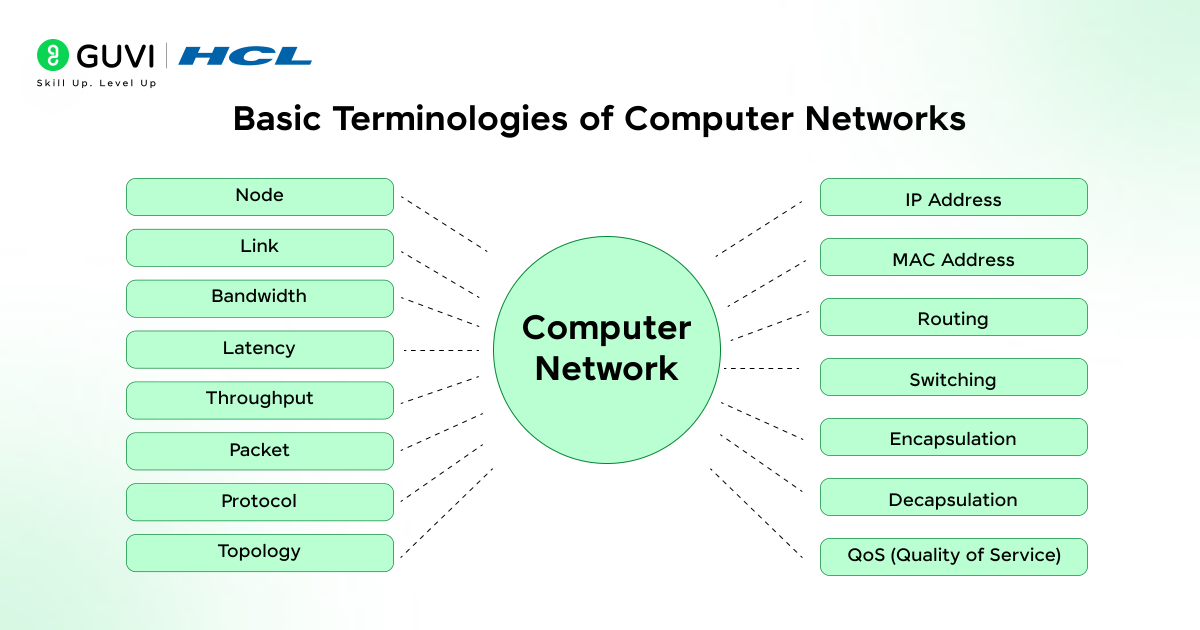
- Node: A node represents any active device that participates in communication through processing, forwarding, or receiving data. It can be a computer, router, switch, or sensor that contributes to the overall behavior of the network.
- Link: A link is the communication path that connects two nodes. It may exist through wired media such as copper or fiber, or through wireless signals operating on structured channels.
- Bandwidth: Bandwidth refers to the maximum amount of data a link can carry within a given time. Higher bandwidth supports faster transfer because more bits move through the medium during each interval.
- Latency: Latency describes the time a signal takes to move from the sender to the receiver. It depends on propagation delay, processing delay, and queue buildup along the route.
- Throughput: Throughput reflects the actual amount of data delivered over the network under real conditions. It often remains lower than the bandwidth due to congestion or retransmissions.
- Packet: A packet is the fundamental unit of data used in digital communication. It contains a header that guides routing and a payload that carries the actual information.
- Protocol: A protocol defines the set of rules and procedures that govern data exchange. It ensures every device interprets signals in a uniform way that maintains order and reliability.
- Topology: Topology represents the structural arrangement of nodes and links within the network. It influences communication paths, fault behavior, and traffic control.
- IP Address: An IP address provides a numerical identity to each device on the network. It helps routers determine where to send packets during communication.
- MAC Address: A MAC address is a hardware-level identifier assigned to a network interface. It supports communication within the local network by distinguishing each device at the data-link layer.
- Routing: Routing is the process that selects a path for packets through interconnected networks. Routers evaluate metrics such as distance or link quality to choose efficient routes.
- Switching: Switching manages the movement of frames inside a local network. A switch examines destination MAC addresses and forwards frames only to relevant ports.
- Encapsulation: Encapsulation wraps data with headers and trailers as it moves down network layers. This structure ensures that each layer handles its own responsibilities during transmission.
- Decapsulation: Decapsulation removes the added headers and trailers at the receiver side. It restores the original data so the upper layers can process it correctly.
- QoS (Quality of Service): QoS refers to techniques that prioritize certain types of traffic to maintain steady performance. It helps networks handle delay-sensitive applications such as voice or streamed video.
How Does a Computer Network Work?
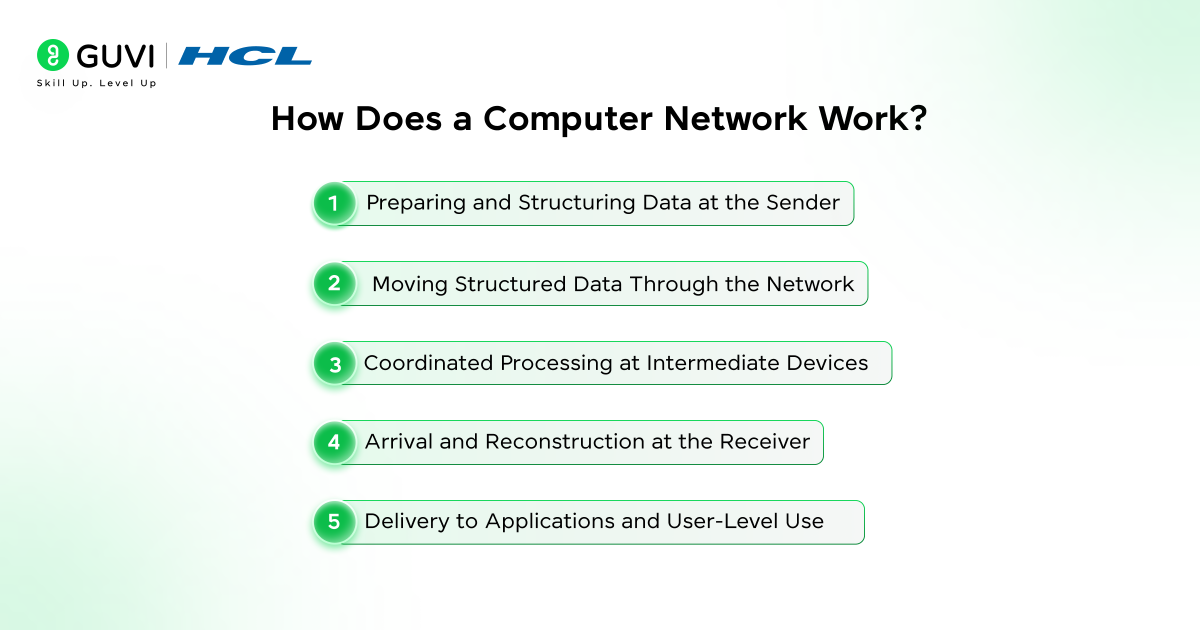
Step 1: Preparing and Structuring Data at the Sender
The sender begins by shaping user information into organized units that can move across the network with clarity. The system builds structure around the data so every layer understands its role during transmission, and this careful preparation forms the base that supports predictable behavior throughout the journey.
A few internal actions guide this preparation in a controlled manner:
- Header Construction: The device attaches guiding details that lower layers rely on during handling.
- Payload Arrangement: Core information is positioned inside a protected section that preserves its meaning during movement.
- Link Readiness Setup: The network interface aligns the prepared data with the signaling rules of the chosen link.
Step 2: Moving Structured Data Through the Network
The prepared data leaves the sender and begins traveling through switches and routers that guide its movement across interconnected paths. Each device interacts with the data through rules that shape how it should be forwarded, and the network maintains a steady flow by interpreting the structural markers added earlier.
Several operations support this movement with controlled precision:
- Path Selection: Forwarding devices pick a suitable direction based on addressing details inside the packet.
- Queue Handling: Traffic waits in managed buffers that prevent sudden overload and maintain orderly progression.
- Signal Transmission: The network interface converts the packet into electrical or optical signals that match the medium in use.
Step 3: Coordinated Processing at Intermediate Devices
Packets often travel through multiple nodes before reaching their destination. Each intermediate device performs targeted checks that protect communication from routing errors, and the network remains stable because every hop evaluates the packet independently.
A few internal tasks guide how these devices maintain controlled operations:
- Header Evaluation: Routers inspect addressing fields and confirm the packet belongs to a valid route.
- Traffic Separation: Devices place packets onto paths that suit their priority level or service category.
- Integrity Verification: Error-checking values are examined so corrupted packets can be removed from the flow.
Step 4: Arrival and Reconstruction at the Receiver
Once packets reach the destination, the receiving device begins restoring them to their original form. The system reverses earlier steps by removing structural information and passing the recovered content to upper layers that interpret it for the user.
Several actions contribute to this controlled restoration process:
- Header Removal: Each layer strips its related control information and passes the inner content upward.
- Order Recovery: Packets are placed into their correct sequence so the final result reflects the sender’s intention.
- Error Handling: The receiver checks reliability markers and requests retransmission if sections arrive in damaged form.
Step 5: Delivery to Applications and User-Level Use
The final stage delivers fully reconstructed data to the application that requested it. The device translates network information into usable content that fits the format expected by software or user processes. The handoff completes the communication cycle and prepares the system for new requests.
Several supporting tasks sustain this final delivery:
- Content Interpretation: Software reads the restored data and converts it into meaningful output for the user.
- Session Maintenance: The device keeps the communication session active as long as the application needs continuous exchange.
- Response Preparation: New outgoing data is shaped into packets so the exchange can continue without delay.
Want to understand how data actually flows through the web you help build? Enroll in our Full Stack Development Course, a hands-on program where you’ll master front-end, back-end, and deployment skills, learn how networked systems power web applications, and earn an industry-recognized certification to boost your career in tech.”
Types of Computer Network Architecture
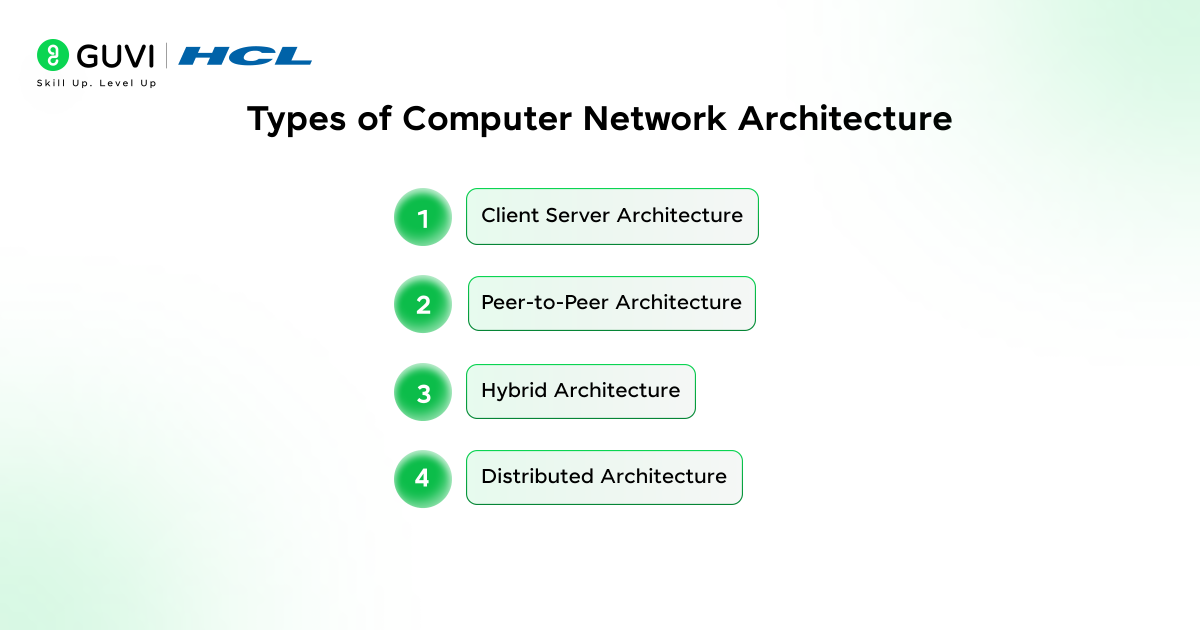
- Client Server Architecture
A client-server architecture forms a controlled setup where a primary server delivers services that clients request on demand. The structure supports orderly access because the server regulates how information moves and how resources are assigned. This creates a stable environment that suits networks needing predictable management.
Key Features
- The server maintains authoritative control over shared services
- Clients receive data through regulated communication paths
Best Uses
- Workplaces need consistent policy enforcement
- Systems that rely on centralized data exploration and handling
- Peer-to-Peer Architecture
A peer-to-peer architecture creates a shared environment where devices exchange data directly without relying on a central authority. Each peer contributes its own resources, which reduces reliance on dedicated infrastructure. This pattern works well in smaller setups where simple cooperation delivers smooth communication.

Key Features
- Direct exchanges between peers without a structured hierarchy
- Each device contributes its own resources to the network
Best Uses
- Home networks that focus on straightforward sharing
- Small groups that value easy device interaction
- Hybrid Architecture
A hybrid architecture blends centralized service delivery with peer-level interaction so networks can support varied operational needs. Sensitive workloads stay under server oversight, and flexible tasks flow between peers. The approach creates room for controlled expansion because each section operates under rules that suit its purpose.
Key Features
- Mixed design supports both controlled and flexible communication
- Sections operate with structures matched to their workflow
Best Uses
- Organizations with departments that follow different communication habits
- Networks that require adaptable layouts for long-term growth
- Distributed Architecture
A distributed architecture places processing power across several independent nodes that collaborate to complete tasks. Each node works on its assigned portion and continues operating even when another fails, which strengthens resilience. This pattern suits networks that must maintain service continuity during heavy load or unexpected disruptions.
Key Features
- Workloads are spread across independent processing nodes
- The system continues functioning even when a single node fails
Best Uses
- Large-scale applications that need reliable performance
- Multi-site environments handling extensive computational demand
Top Use Cases of Computer Networks
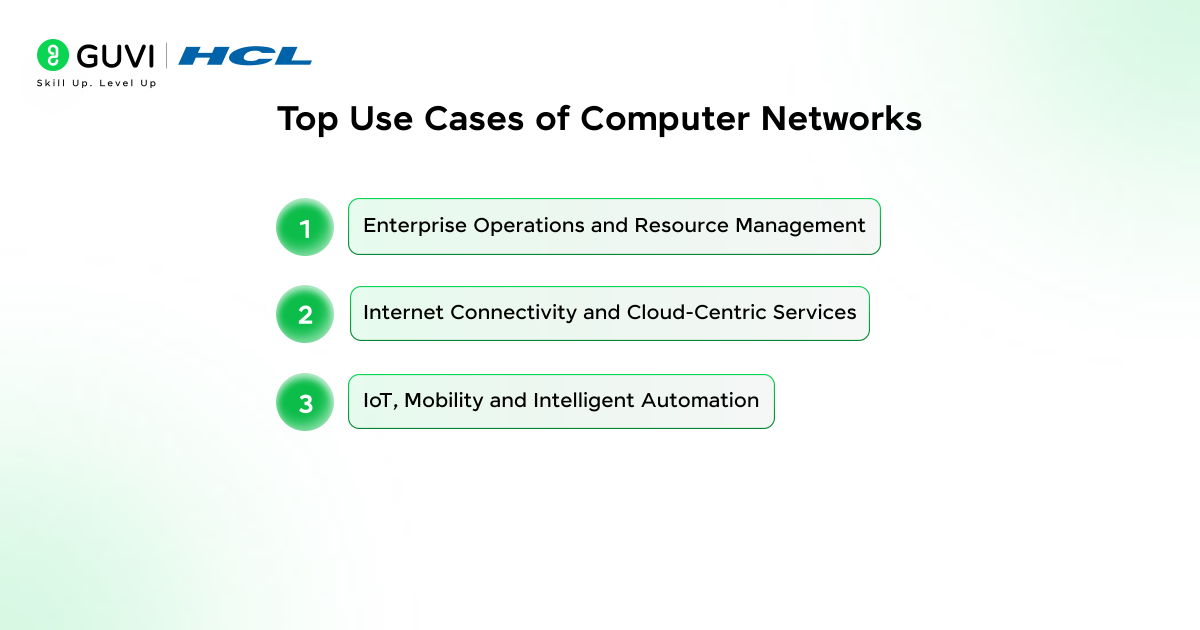
1. Enterprise Operations and Resource Management
- Centralized Data Access and Collaboration: Computer networks allow organizations to store files and shared resources on central servers. They facilitate controlled access, version consistency, and collaborative workflows across departments.
- Internal Communication Systems: Email servers and intranet portals rely on network infrastructure to provide seamless communication with authenticated access and minimal latency inside the organization.
- Distributed Application Deployment: Client-server and microservice architectures use networks to distribute processing. They support enterprises to scale applications and maintain reliable service delivery.
2. Internet Connectivity and Cloud-Centric Services
- Access to Global Web and Online Platforms: Networks form the backbone that connects devices to the internet. They support browsing, DNS lookups, secure protocols, and access to countless online applications and services.
- Cloud Computing and Virtual Resource Provisioning: Modern cloud infrastructure depends on high-speed networks to interconnect virtual machines and storage clusters. It supports elastic scaling and on-demand resource allocation.
- Media Streaming and Content Distribution: Content Delivery Networks (CDNs) route data from geographically distributed nodes. They provide fast video and game streaming with minimized buffering and lowered latency.
3. IoT, Mobility, and Intelligent Automation
- Industrial IoT and Real-Time Monitoring: Factories and smart industries use networked sensors to transmit telemetry, such as vibration, pressure, or temperature. They further enable predictive maintenance and automated control systems.
- Mobile Communication Networks: Cellular systems rely on structured network layers to deliver voice and mobile broadband. They support millions of simultaneous users across wide geographical areas.
Advantages of Computer Networks
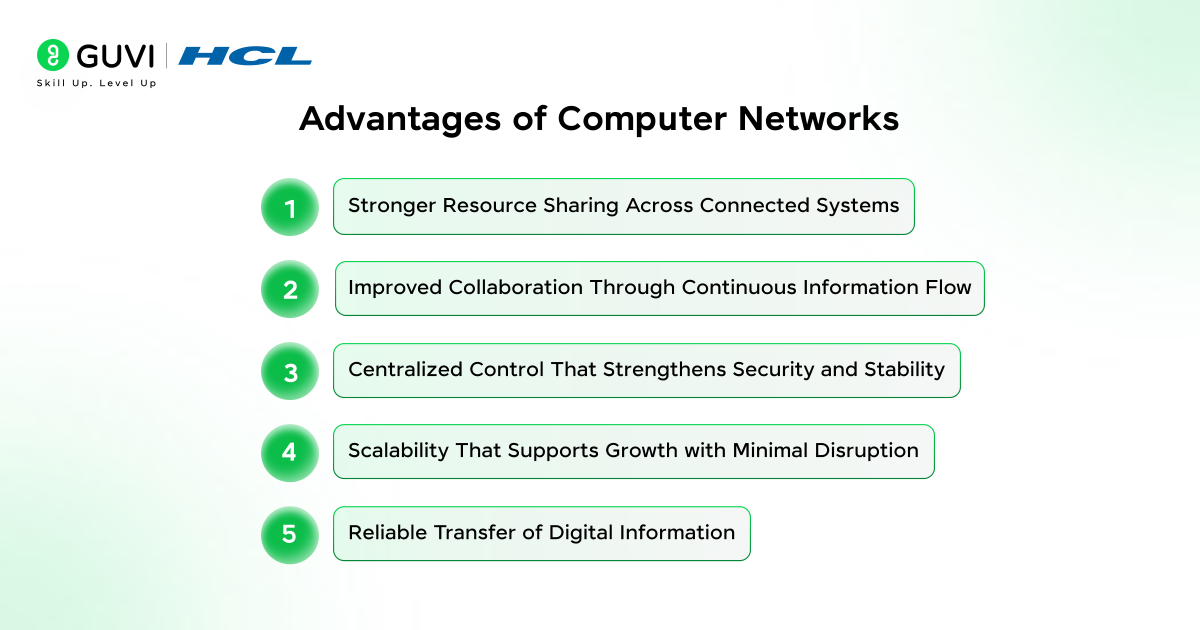
- Stronger Resource Sharing Across Connected Systems
Computer networks give people the ability to use shared printers and applications without buying dedicated equipment for every desk, and this creates a more unified working experience for teams. Devices depend on a coordinated structure that distributes capabilities in a controlled pattern, which reduces unnecessary hardware and simplifies the operational load for organizations.
- Improved Collaboration Through Continuous Information Flow
Teams coordinate better because information moves between users with consistent clarity, and this steady flow keeps discussions aligned with real progress. Every update reaches its destination with purposeful timing, which helps people form decisions around accurate details rather than outdated impressions that slow work.
- Centralized Control That Strengthens Security and Stability
Administrators guide the entire environment from one management point that shapes a safer network for users, and this central control reduces random configuration changes that often create confusion. Access rules and policy updates follow a uniform path across devices, which makes suspicious activity easier to notice and improves overall system stability.
- Scalability That Supports Growth with Minimal Disruption
Networks expand with controlled adjustments because structured addressing blends new devices into the existing layout, and this prevents unexpected strain on communication paths. Organizations add capacity with measured steps that maintain service quality, which allows growth without unsettling the users who depend on the system for daily tasks.
- Reliable Transfer of Digital Information
Data arrives with high accuracy because the network preserves ordered transmission patterns, and this reliability supports environments where precision shapes every task. Users experience smoother operations because the system corrects many faults before they escalate into visible disruptions that affect workflow.
Disadvantages of Computer Networks
- A network outage can stop communication across connected devices and interrupt important work.
- Shared access increases security risk because one weak device can expose the whole system.
- A failed switch in a computer network can affect several users and force quick repair action.
- High-quality networking equipment raises setup costs and strains small budgets.
- Congestion slows performance because crowded links cannot handle rising traffic.
Conclusion
A computer network works as a coordinated system where structured data moves across controlled paths that link devices into a dependable communication environment. Each stage in the journey shapes how information is prepared, forwarded, and restored, and this steady pattern keeps digital activity stable for users in every setting. The process supports growth because new devices blend into the structure without disturbing existing communication. Networks remain valuable because they maintain a consistent flow and distribute responsibilities in a way that strengthens daily operations across all connected locations.
FAQs
1: What is the main role of networking devices in a computer network?
Networking devices guide data through controlled routes that keep communication stable across connected systems. Each device performs a focused task that supports smooth flow, and this helps users interact with applications without facing irregular delays.
2. Why do organizations rely heavily on computer networks today?
Organizations rely on computer networks because shared communication paths help teams access information with consistent clarity. Central storage and controlled connectivity strengthen coordination, and this creates a working environment where decisions depend on accurate and timely data.
3: How does security fit into the functioning of a computer network?
Security fits into a computer network through layered rules that monitor traffic and restrict unauthorized movement of data. The system checks identities and filters suspicious activity, and this helps protect sensitive information from threats that target connected devices.
Success Stories

About the Author
Vaishali
I'm a seasoned writer with four years of experience across technical, non-technical, and just about every genre or niche you can imagine. Adaptable and curious, I enjoy exploring new topics and making information engaging and easy to understand. Fueled by a steady stream of tea, I approach each project with creativity, reliability, and genuine enthusiasm for storytelling.
View all posts by Vaishali
Connect with me @












Did you enjoy this article?