


UI/UX Designing Articles
What is Design Thinking? A Complete 2026 Guide to the Process, Methodology, and Real Best Examples
15 Graphic Designer Roles and Responsibilities: Best guide


Get In Touch For Details! Request More Information

A Complete UI/UX Designer Roadmap for Beginners
Jun 15, 2026 6 Min Read 26556 Views
(Last Updated)
A UI/UX Designer Roadmap can help you understand the path many successful designers follow to build their skills and grow their careers. While the field may seem overwhelming at first, knowing what to learn and when to learn it can make the journey much easier.
Many beginners jump between tools, courses, and tutorials without a clear direction. Having a roadmap helps you stay focused, build the right skills, and move forward with confidence.
Table of contents
- TL;DR Summary
- UI vs UX: What Is the Difference?
- What Does a UI/UX Designer Do?
- UI/UX Designer Roadmap: Phase-by-Phase Overview
- Phase 1: Learn the Fundamentals
- 1 Visual Design Basics
- 2 UX Fundamentals
- 3 Accessibility and Inclusive Design
- Phase 2: Master the Tools
- 1 Design and Prototyping Tools
- 2 User Research and Testing Tools
- 3 Collaboration and Handoff Tools
- Phase 3: Build Core Design Skills
- 1 Wireframing
- 2 Prototyping
- 3 Interaction Design
- 4 Responsive Design
- 5 Design Systems
- Phase 4: Build Your Portfolio
- Recommended Portfolio Projects
- Phase 5: Prepare for Jobs
- UI/UX Designer Career Path and Growth
- UI/UX Designer Salary in India 2026
- Week-by-Week UI/UX Designer Roadmap: 24-Week Plan
- Top Courses to Become a UI/UX Designer in 2026
- Common Mistakes to Avoid
- Conclusion
- FAQs
- How long does it usually take to become a job-ready UI/UX designer?
- Is coding required for UI/UX design?
- Which tool should beginners start with in UI/UX design?
- Can I get a UI/UX job without a design degree?
- How many projects are needed in a UI/UX portfolio?
- What is the biggest reason beginners fail in UI/UX learning?
TL;DR Summary
- A UI/UX Designer Roadmap explains the difference between UI (visual design, such as colours, typography, and layouts) and UX (user experience, such as research, wireframing, and testing), and shows how both work together in digital product design.
- A UI/UX designer works on user research, wireframing, prototyping, visual design, usability testing, and collaboration with teams to build products that are both easy to use and visually strong.
- The UI/UX Designer Roadmap is structured into 5 phases: fundamentals (design thinking, visual basics, UX principles); tools (Figma, Adobe XD, research tools); core skills (wireframing, prototyping, interaction design, responsive design, design systems); portfolio building; and job preparation.
- Practical learning includes mastering tools like Figma, Maze, Hotjar, Miro, and building real projects such as app redesigns, e-commerce sites, dashboards, and onboarding flows to build a strong portfolio with case studies.
- Career growth follows a clear path from junior to senior and lead roles, with salaries increasing based on experience. Success depends on strong portfolio work, user-focused design thinking, and consistent practice following the UI/UX Designer Roadmap.
💡 Did You Know?
- The global UI/UX design market was valued at over USD 1.6 billion in 2023 and is projected to grow at a CAGR of over 22% through 2030, making it one of the fastest-growing creative sectors in the tech economy.
- Figma, used by over 4 million designers globally, was set to be acquired by Adobe for USD 20 billion in 2022, but the deal was blocked by regulators. As of 2026, Figma continues to operate independently and remains the number one tool for UI/UX professionals worldwide.
- Studies show that every ₹1 invested in UX design can return up to ₹100 in value through improved conversions, reduced support costs, and higher user retention, which is why companies in India continue investing heavily in design teams.
UI vs UX: What Is the Difference?
Before following any UI/UX designer roadmap, you need to understand what these two disciplines actually are and how they relate to each other.
| Aspect | UI (User Interface) | UX (User Experience) |
|---|---|---|
| Focus | How a product looks | How a product works and feels |
| Core Tasks | Visual design, colour, typography, icons | User research, wireframing, usability testing |
| Tools | Figma, Adobe XD, Sketch | Maze, Hotjar, Miro, FigJam |
| Output | High-fidelity mockups, design systems | User flows, journey maps, prototypes |
| Goal | Visual appeal and brand consistency | Ease of use and user satisfaction |
In practice, most companies hire UI/UX designers who can do both. The roadmap in this guide systematically covers both disciplines.
Level up your design game with HCL GUVI’s Figma UI/UX Design Course and go from basic to pro by creating high-fidelity designs, interactive prototypes, and real-world UI systems using Figma tools, layouts, and plugins to build job-ready skills that stand out.
What Does a UI/UX Designer Do?
A UI/UX designer is responsible for creating digital experiences that are both visually compelling and easy to use. Their work touches every screen a user interacts with — from a landing page to a checkout flow to a mobile app.
Day-to-day responsibilities include:
- User research — conducting interviews, surveys, and usability tests to understand what users need
- Wireframing — sketching low-fidelity layouts to plan structure before visual design begins
- Prototyping — building interactive, clickable mockups to test user flows
- Visual design — applying colour, typography, icons, and spacing to create the final interface
- Usability testing — watching real users interact with the design and iterating based on findings
- Collaboration — working closely with developers, product managers, and stakeholders

UI/UX Designer Roadmap: Phase-by-Phase Overview
| Phase | Focus | Duration |
|---|---|---|
| Phase 1 | Fundamentals — UI/UX concepts, design thinking, visual basics | Weeks 1–4 |
| Phase 2 | Tools — Figma, Adobe XD, Maze, Hotjar | Weeks 5–8 |
| Phase 3 | Core skills — wireframing, prototyping, IA, interaction design | Weeks 9–16 |
| Phase 4 | Portfolio — 5–6 real-world projects | Weeks 17–20 |
| Phase 5 | Job prep — resume, case studies, interview practice | Weeks 21–24 |
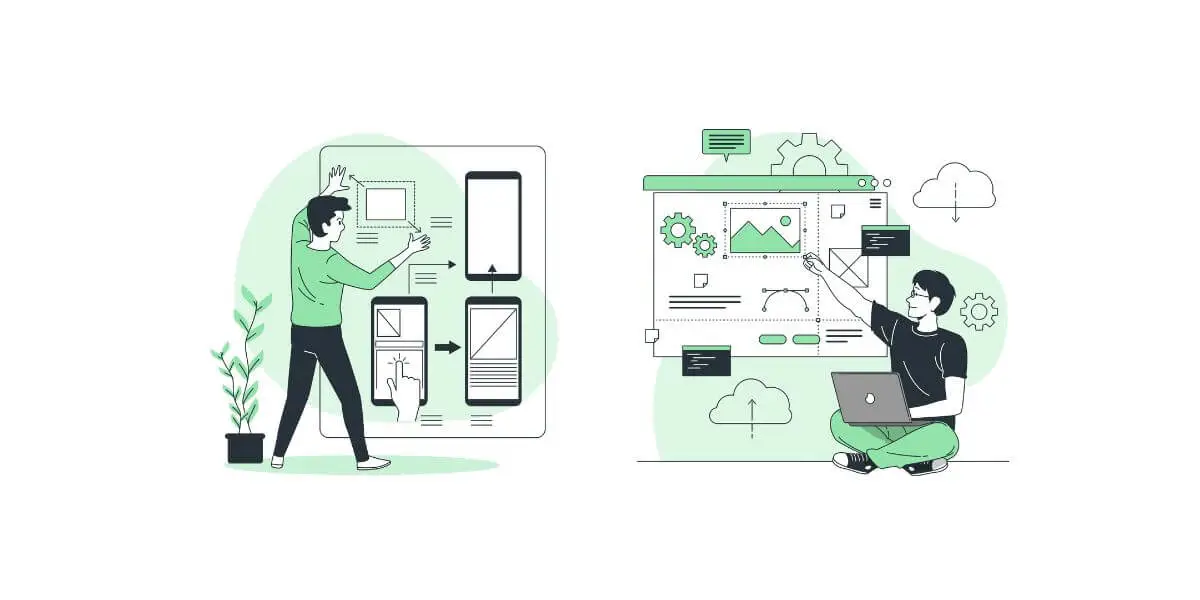
Phase 1: Learn the Fundamentals
Every UI/UX designer roadmap starts here. Before touching any design tool, you need to understand the principles that make a design good or bad.
1.1 Visual Design Basics
Visual design is how you communicate through colour, shape, and space. Core concepts to learn:
- Colour theory — understanding colour psychology, contrast ratios, and accessible colour palettes
- Typography — choosing readable fonts, setting line height, font weight, and text hierarchy
- Layout and spacing — using grids, gutters, alignment, and white space to organise content
- Iconography — when to use icons, how to maintain consistency, and how to source or create them
- Brand consistency — applying the same visual language across an entire product
1.2 UX Fundamentals
UX design is grounded in human psychology and behaviour. Core concepts to learn:
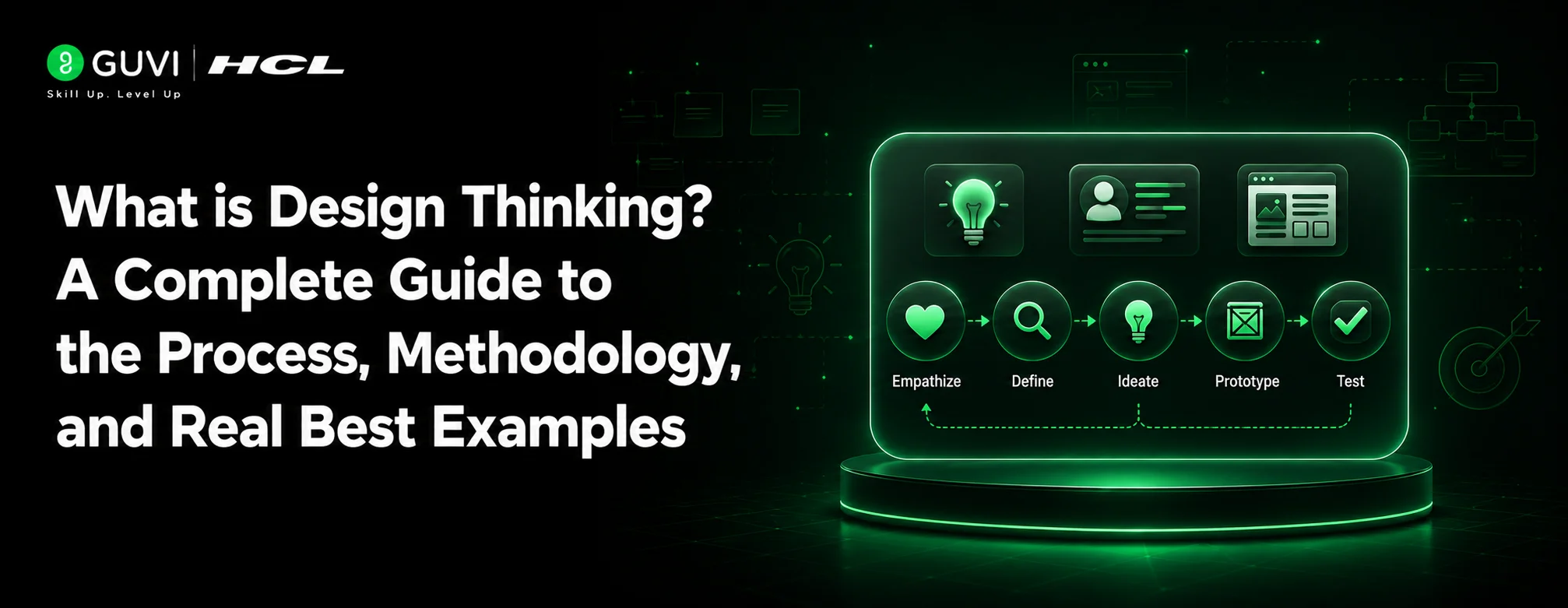
- Design thinking — Empathize, Define, Ideate, Prototype, Test — the 5-stage framework used by designers worldwide
- User research — surveys, user interviews, contextual inquiry, and usability testing methods
- User personas — creating fictional but data-backed representations of your target users
- User journey mapping — documenting every step a user takes to complete a task
- Information architecture (IA) — organising content so users can navigate naturally
- Heuristic evaluation — assessing a design against Nielsen’s 10 usability heuristics
- Feedback and iteration — using usability test results to improve designs continuously
1.3 Accessibility and Inclusive Design
A detail most beginners skip but hiring managers test for. Accessible design means:
- Using sufficient colour contrast (minimum 4.5:1 ratio for normal text)
- Designing for keyboard navigation and screen reader compatibility
- Using clear labels, logical tab order, and descriptive alt text on images
- Following WCAG 2.1 AA guidelines as a baseline
Phase 2: Master the Tools
The UI/UX designer roadmap is tool-heavy. You do not need to master all tools at once — focus on Figma first, then expand.
2.1 Design and Prototyping Tools
| Tool | What It Does | Priority |
|---|---|---|
| Figma | Industry standard — design, prototype, and collaborate in one tool | Must-learn first |
| Adobe XD | Clean prototyping, integrates with Adobe Creative Cloud | Learn second |
| Sketch | Mac-only; still widely used at agencies in India | Optional |
| InVision | Prototyping and stakeholder collaboration | Optional |
| Axure RP | Complex interactive prototypes for enterprise UX | Advanced |
2.2 User Research and Testing Tools
| Tool | What It Does |
|---|---|
| Maze | Remote usability testing — sends prototypes to users and collects interaction data |
| Hotjar | Heatmaps and session recordings to understand real user behaviour on live websites |
| UserTesting | Moderated and unmoderated video user tests |
| Miro / FigJam | Online whiteboarding for user journey maps and affinity diagrams |
| Google Forms | Simple, free survey tool for gathering user research data |
2.3 Collaboration and Handoff Tools
| Tool | What It Does |
|---|---|
| Figma (Dev Mode) | Provides developers with exact measurements, CSS properties, and asset exports |
| Zeplin | Design handoff tool that bridges designers and developers |
| Notion | Documentation, design briefs, and project management |
| Jira / Trello | Agile project tracking used in most design teams |
Phase 3: Build Core Design Skills
This phase is where your UI/UX designer roadmap moves from learning to doing. These are the five core skills you must practise consistently.
3.1 Wireframing
A wireframe is a low-fidelity blueprint of a screen. It shows layout, hierarchy, and content placement without any visual design. Good wireframing habits:
- Always wireframe before you design — it prevents expensive visual rework
- Use simple boxes, lines, and placeholder text
- Share wireframes with stakeholders early to validate the structure before you invest in full design
3.2 Prototyping
A prototype is an interactive simulation of your design. It lets users click through screens and experience the product before it is built.
- Start with low-fidelity prototypes (linked wireframes) for early concept testing
- Build high-fidelity prototypes in Figma to test final interactions before developer handoff
- Always test your prototypes with at least 5 real users — you will catch more issues in one hour of testing than in a week of internal review
3.3 Interaction Design
Interaction design defines how users interact with elements — button states, hover effects, transitions, micro-animations, and feedback states (loading, error, success).
- Every interactive element needs at least three states: default, hover, and active
- Transitions should be quick (200–400ms) and purposeful — not decorative
- Error messages must tell users what went wrong and exactly how to fix it
3.4 Responsive Design
Every screen you design must work across mobile, tablet, and desktop viewports. Core practices:
- Design mobile-first — constraints on mobile force clarity that benefits all screen sizes
- Use a 12-column grid and define breakpoints at 320px, 768px, and 1440px
- Test every design in both light and dark mode
3.5 Design Systems
A design system is a library of reusable components — buttons, inputs, cards, modals, type styles, colour tokens — that keeps an entire product consistent.
- Start with atomic design: define base tokens (colours, type, spacing), then build components from them
- In Figma, create a component library that your entire project references
- Understanding design systems is what separates mid-level designers from senior ones in interviews
Phase 4: Build Your Portfolio
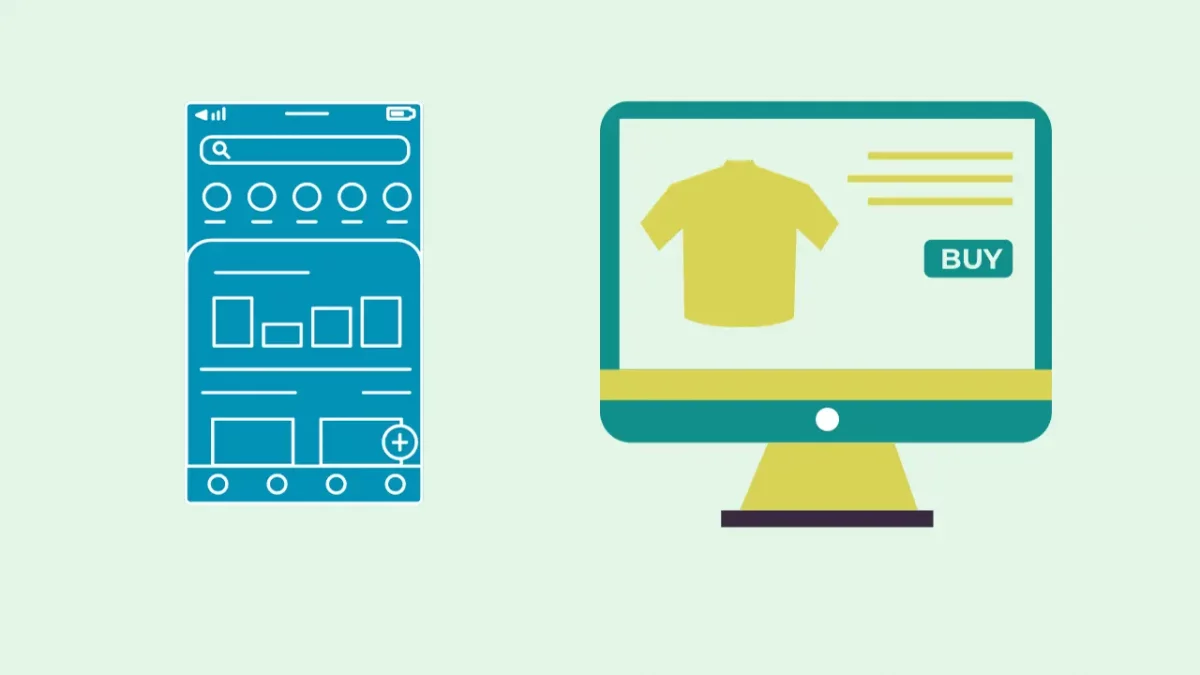
This phase is non-negotiable. Without a strong portfolio, no amount of theoretical knowledge will get you hired. Every UI/UX designer roadmap must end here.
Recommended Portfolio Projects
| Project | Skills Demonstrated |
|---|---|
| Mobile app redesign (existing app like Zomato or Swiggy) | Competitive analysis, user flows, visual design |
| E-commerce website | Product browsing, cart, checkout UX, responsive design |
| Dashboard design (analytics or SaaS) | Data visualisation, information hierarchy |
| Onboarding flow design | User psychology, progressive disclosure, empty states |
| Wearable or IoT device interface | Constraint-based design, micro-interactions |
| Accessibility redesign of an existing product | Inclusive design, WCAG compliance |
Each portfolio project must include: the problem statement, your research findings, wireframes, final designs, and what you would do differently next time. This is what design interviewers call a case study and it is what gets you hired.
Phase 5: Prepare for Jobs
Your UI/UX designer roadmap ends here — but only the learning phase. This is where you translate everything into job applications.
- Build your portfolio on Behance or a personal website — not just on a Google Drive folder. A live URL is professional; a shared folder link is not.
- Write strong case studies — each project needs a narrative: what was the problem, who are the users, what did you discover in research, how did you solve it, and what was the outcome?
- Prepare for UI/UX interview questions — expect both conceptual questions (design thinking, heuristics) and portfolio walkthroughs.
- Practise design challenges — many companies offer take-home challenges with a 24–48-hour deadline. Practise under time constraints.
- Network on LinkedIn — follow designers at companies you want to join, engage with their work, and connect authentically.
Master UX research, Figma, AI-powered prototyping, and real-world UI design through live bootcamp-style classes with HCL GUVI’s AI-Powered UI/UX & Product Design Course and build a job-ready portfolio with real projects, mentorship, and placement support that gets you hired. Your future in design starts the moment you decide to build it!
UI/UX Designer Career Path and Growth
| Level | Title | Experience | Focus |
|---|---|---|---|
| Entry | Junior UI/UX Designer | 0–2 years | Wireframing, basic prototyping, visual design under guidance |
| Mid | UI/UX Designer | 2–4 years | Independent project ownership, research, design systems |
| Senior | Senior UI/UX Designer | 4–7 years | Strategy, mentoring, design system leadership |
| Lead | Lead Designer / Head of Design | 7+ years | Cross-team design direction, business impact, stakeholder management |
Beyond this track, experienced UI/UX designers move into Product Designer, UX Researcher, UX Writer, or Design Manager roles — all high-paying and high-autonomy positions.
UI/UX Designer Salary in India 2026
| Level | Experience | Average Annual Salary |
|---|---|---|
| Fresher / Entry Level | 0–2 years | ₹4,16,250 to ₹6,42,500 |
| Mid Level | 2–5 years | ₹6,42,500 to ₹9,30,000 |
| Senior Level | 5+ years | ₹12,00,000 to ₹28,00,000 |
| Top Earners (product companies) | Senior | Up to ₹13,50,000 (90th percentile, Glassdoor) |
Companies like CRED, Swiggy, Flipkart, PhonePe, and Razorpay are known for paying significantly above these averages for strong portfolio candidates. Bangalore pays the highest for UI/UX roles, followed by Mumbai, Hyderabad, and Pune.
Week-by-Week UI/UX Designer Roadmap: 24-Week Plan
This is the most actionable part of any UI/UX designer roadmap. Most guides tell you what to learn. This one tells you when.
| Weeks | Focus | What to Do |
|---|---|---|
| 1–2 | Foundation theory | Study UI vs UX, design thinking process, and Nielsen’s 10 heuristics |
| 3–4 | Visual design basics | Practice colour theory, typography scale, and grid layouts in Figma |
| 5–6 | Figma mastery | Complete GUVI’s Figma course; build 3 practice screens daily |
| 7–8 | User research | Run 3 user interviews on any product you use; synthesise findings |
| 9–10 | Wireframing | Wireframe 5 different app flows; share with a peer for critique |
| 11–12 | Prototyping | Build 2 interactive prototypes in Figma with real navigation |
| 13–14 | IA and flows | Map user journeys for 2 products; redesign the broken parts |
| 15–16 | Design systems | Build a component library with colours, type, and 10 base components |
| 17–18 | Project 1 | Mobile app redesign with full case study: research → wireframes → final design |
| 19–20 | Project 2 | E-commerce site design with responsive breakpoints |
| 21 | Portfolio | Publish case studies on Behance or personal site |
| 22 | Resume and LinkedIn | Update with projects, skills, and relevant keywords |
| 23 | Interview prep | Study UI/UX interview questions, practice design challenges under 2 hours |
| 24 | Applications | Apply to 10 companies with personalised cover letters referencing their product |
Top Courses to Become a UI/UX Designer in 2026
Learning the right things from the right source shortens your journey significantly. Here are the best courses to consider based on where you are starting from.
| Course | Platform | Best For | Cost |
|---|---|---|---|
| UI/UX Design Course with Placement Assistance | HCL GUVI Zen Class | Beginners wanting a structured, job-ready program with mentorship | Paid |
| Mastering Figma UI/UX Design | HCL GUVI | Anyone starting with Figma | Paid |
| UX Fundamentals | HCL GUVI | Beginners building UX thinking skills | Paid |
| UI Fundamentals | HCL GUVI | Beginners learning visual design principles | Paid |
| Google UX Design Certificate | Coursera | Self-paced learners wanting global certification | Paid |
| UI/UX Design Specialisation | Interaction Design Foundation | Deep theory and research-focused learning | Paid |
Common Mistakes to Avoid
- Skipping user research and jumping straight to Figma. This is the most common mistake beginners make. A beautiful design built on assumptions is just expensive guesswork. Always start with at least 3 to 5 user interviews or usability test observations before designing anything.
- Building a portfolio of concepts instead of problems solved. Interviewers do not care how pretty your screens look. They want to know what problem you were solving, who you were solving it for, what you discovered in research, and how your design addressed the findings. A plain-looking design with a strong case study beats a beautiful screen with no story every time.
- Treating accessibility as an afterthought. Colour contrast, keyboard navigation, and screen reader compatibility are not optional extras. They are skills interviewers specifically test for at product-based companies, and neglecting them limits the range of companies you can work at.
Conclusion
Following a UI/UX Designer Roadmap can make your learning journey more focused and manageable. Build your skills step by step, practice with real projects, and keep improving your portfolio. With consistency and patience, a UI/UX Designer Roadmap can help you build the confidence needed to start a successful career in UI/UX design.
FAQs
1. How long does it usually take to become a job-ready UI/UX designer?
Around 5–6 months with consistent practice and real projects in a UI/UX Designer Roadmap.
2. Is coding required for UI/UX design?
Not required for most UI/UX Designer Roadmap roles focused on design and research.
3. Which tool should beginners start with in UI/UX design?
Figma is the most important starting tool in a UI/UX Designer Roadmap.
4. Can I get a UI/UX job without a design degree?
Many companies hire based on portfolio quality instead of degrees in a UI/UX Designer Roadmap.
5. How many projects are needed in a UI/UX portfolio?
At least 4–6 strong case study projects are preferred.
6. What is the biggest reason beginners fail in UI/UX learning?
Skipping user research and focusing only on visual design in a UI/UX Designer Roadmap.
Success Stories

Did you enjoy this article?
Comments









i learn a lot .