


Data Analysis Articles
What Is Finance Analytics? Career Scope and Job Roles
Marketing Analyst to Data Scientist: Skills and Career Path
Healthcare Team Leads, Operations Managers and Implementation Leads to Analytics Leadership
Non-Voice Process Associate to Data Analyst: Career Path and Skills


Get In Touch For Details! Request More Information
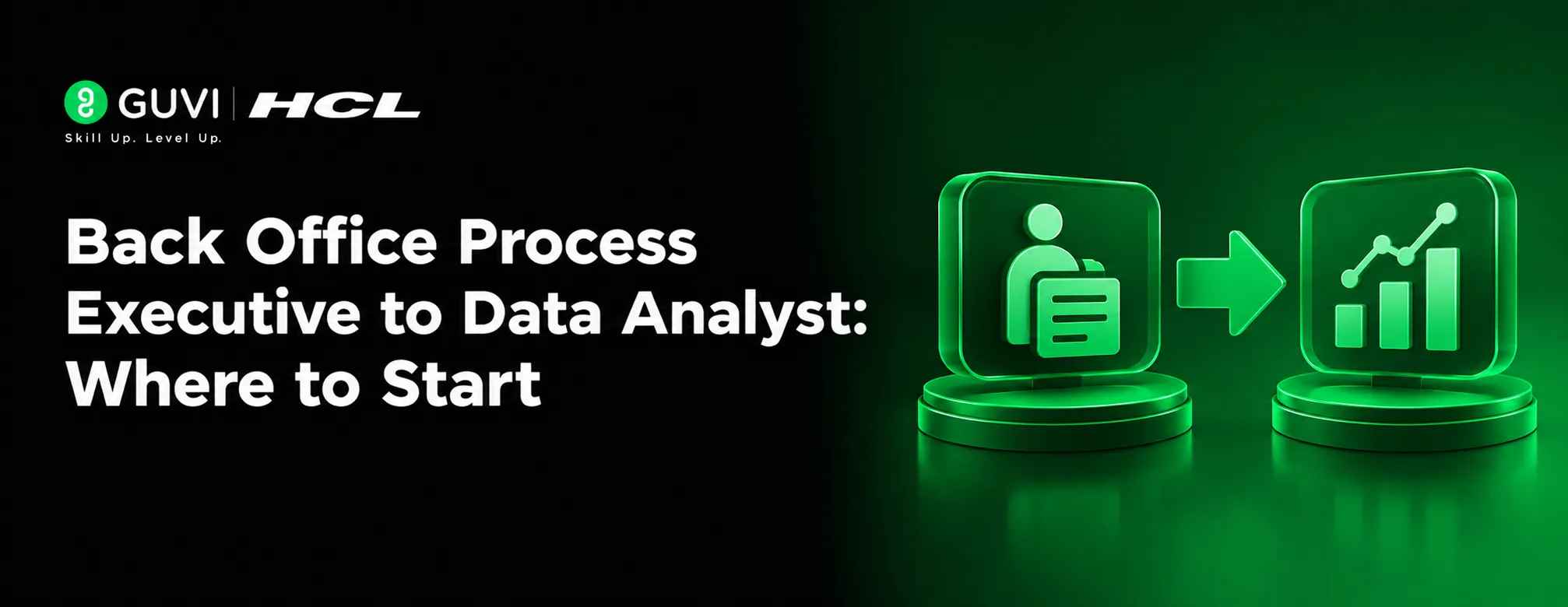
Back Office Process Executive to Data Analyst: Where to Start
Nov 02, 2026 4 Min Read 21 Views
(Last Updated)
Working as a back office process executive gives you experience in handling records, updating databases, preparing reports, and maintaining operational accuracy. Over time, you may notice that your daily responsibilities involve more than data entry. You are also working with information that helps teams track performance and make decisions.
If you want to move into a more analytical role, data analytics can be a practical career direction. Your existing process knowledge can give you a useful starting point, while learning tools such as Excel, SQL, and Power BI can help you develop the technical skills required for analyst positions.
This guide explains how to approach a back office to data analytics career change, which skills to learn, and how to demonstrate your abilities through projects.
Table of contents
- TL;DR
- Why Is Data Analytics a Suitable Career Move for Back Office Executives?
- What Skills Should You Learn First?
- Excel
- SQL
- Power BI
- Basic Statistics
- How to Turn Your Back Office Experience into an Advantage
- Which Projects Should You Build?
- A Practical Roadmap for Making the Career Change
- What Challenges Should You Expect?
- Conclusion
- FAQs
- Can a back office process executive become a data analyst?
- Is data analytics a good career change for data entry executives?
- Do I need coding experience to become a data analyst?
- Which tools should I learn first for a back office to data analytics transition?
- Can I switch to data analytics without leaving my current job?
- Which jobs can I apply for after working as a back office executive?
TL;DR
- Back office executives already work with structured information, records, and operational reports.
- Learn Excel, SQL, Power BI, and basic statistics to develop data analysis skills.
- Practise cleaning, organizing, interpreting, and presenting real-world datasets.
- Build projects based on operational processes such as order tracking and productivity analysis.
- Update your resume to highlight analytical responsibilities and measurable contributions.
- Apply for entry-level data analyst and reporting analyst positions.
Why Is Data Analytics a Suitable Career Move for Back Office Executives?
Back office roles often involve working with large amounts of information. You may update customer records, verify transactions, track orders, maintain spreadsheets, or prepare daily reports. These responsibilities provide exposure to how businesses collect and manage data.
Data analytics builds on this foundation. Instead of only recording information, analysts examine datasets to identify patterns, understand performance, and support business decisions.
For example, someone who maintains order records could learn to analyse delivery delays, identify frequently occurring errors, and prepare reports showing operational performance. This shift from processing information to interpreting it is an important part of the transition.
What Skills Should You Learn First?
You do not need to master every analytics tool at once. Start with the skills that help you understand and work with business data.
1. Excel
Excel is a useful starting point because many back office teams already use spreadsheets. Learn formulas, sorting, filtering, conditional formatting, PivotTables, and charts.
Practise analysing records instead of simply updating them. For example, calculate monthly transaction volumes or compare team productivity across different periods.
2. SQL
SQL helps analysts retrieve and organize information stored in databases. Focus on SELECT statements, WHERE conditions, sorting, grouping, joins, and aggregate functions.
Practise answering business questions using sample datasets, such as identifying the number of orders processed by each department or finding records with missing information.
3. Power BI
Power BI helps convert raw data into interactive reports and dashboards. Learn how to import data, clean it using Power Query, create relationships, and build visual reports.
Start with a simple dashboard that displays daily workload, pending cases, completed tasks, and error rates.
4. Basic Statistics
Learn concepts such as averages, percentages, median, trends, and data distribution. These help you interpret results instead of relying only on charts.
You should also understand how to compare performance across teams or time periods without drawing conclusions from incomplete information.
How to Turn Your Back Office Experience into an Advantage
A career change does not mean your previous experience becomes irrelevant. Your understanding of operational workflows can help you identify useful questions and interpret business data in context.
For example:
- Data validation: Experience checking records can support learning data cleaning and quality checks.
- MIS reporting: Preparing regular reports can provide a foundation for performance analysis.
- Transaction processing: Familiarity with transaction records can help you understand volume, accuracy, and exception trends.
- Process coordination: Knowledge of workflow stages can help you identify delays and bottlenecks.
The important difference is how you present these experiences. Explain how you worked with information, identified discrepancies, maintained accuracy, or supported reporting rather than describing your role only as data entry.
Which Projects Should You Build?
Projects help demonstrate that you can apply analytics concepts beyond classroom exercises. Choose datasets that resemble the operational work you already understand.
Consider these project ideas:
1. Back Office Productivity Dashboard
Analyse daily tasks completed, pending workloads, processing time, and error rates. Use Excel or Power BI to create a dashboard that highlights productivity patterns.
2. Data Entry Quality Analysis
Work with a sample dataset containing duplicate records, missing fields, and inconsistent formats. Clean the data and summarize the issues you identified.
3. Customer Support Operations Report
Analyse sample customer service records to understand complaint categories, resolution times, and case volumes. Present the findings through charts and a dashboard.

4. Order Processing Analysis
Use sample order data to examine processing status, delays, cancellations, and monthly order trends. Explain what the results reveal about operational performance.
For every project, include the business question, dataset, tools used, cleaning steps, analysis, and key findings. Upload your work to GitHub and provide clear documentation.
A Practical Roadmap for Making the Career Change
A structured learning plan can help you move from routine process work towards analytical responsibilities.
- Understand the fundamentals: Learn basic statistics and improve your Excel skills. Practise with datasets related to business operations.
- Develop technical skills: Learn SQL and Power BI. Work on retrieving, cleaning, analysing, and presenting information.
- Build a project portfolio: Complete two or three well-documented projects that demonstrate different analytical tasks.
- Update your resume: Highlight reporting, data validation, spreadsheet usage, and process improvement experience where applicable. Include your new tools and projects.
- Prepare for interviews: Practise SQL queries, Excel exercises, dashboard explanations, and questions about how you interpret data.
- Apply for relevant roles: Explore positions such as Junior Data Analyst, MIS Analyst, Reporting Analyst, and Operations Analyst.
You can follow this roadmap while continuing your current job. Consistent practice and completed projects are more useful than rushing through multiple courses without applying what you learn.
Your experience maintaining operational records can help you understand data quality, workflow performance, and reporting needs, all of which are relevant to business analytics.
What Challenges Should You Expect?
The transition may take time, particularly if your current role involves limited analytical responsibilities. Learning SQL, understanding data relationships, and interpreting results can initially feel unfamiliar.
Another challenge is competing with candidates who already have formal analytics experience. You can address this by building practical projects, explaining your operational knowledge clearly, and preparing for technical assessments.
Avoid presenting yourself as an experienced data analyst before gaining the relevant skills. Be transparent about your current experience while showing that you are actively developing the capabilities required for the role.
Conclusion
Moving from a back office process executive role to data analytics is a gradual transition that requires learning, practice, and proof of your abilities. Your experience with business records and operational workflows gives you a starting point, but you will need to develop the ability to clean, analyse, and interpret data.
Begin with Excel, progress to SQL and Power BI, and build projects around processes you already understand. With consistent effort and a portfolio that demonstrates practical skills, you can work towards opportunities in data analytics.
FAQs
1. Can a back office process executive become a data analyst?
Yes. Back office professionals can transition into data analytics by learning tools such as Excel, SQL, and Power BI. Building practical projects and developing analytical thinking can help prepare them for entry-level roles.
2. Is data analytics a good career change for data entry executives?
It can be a suitable option for people who enjoy working with information and identifying patterns. Data analytics involves interpreting and presenting data rather than only entering or maintaining records.
3. Do I need coding experience to become a data analyst?
You can begin with Excel and basic statistics without programming experience. However, learning SQL is important, and Python can be added later to expand your analytical capabilities.
4. Which tools should I learn first for a back office to data analytics transition?
Start with Excel, followed by SQL and Power BI. Once you are comfortable with these tools, consider learning Python for data analysis.
5. Can I switch to data analytics without leaving my current job?
Yes. You can learn during your available study hours, practise with sample datasets, and build projects alongside your current responsibilities. You can begin applying once you have developed the necessary skills.
6. Which jobs can I apply for after working as a back office executive?
Depending on your skills and experience, you can explore Junior Data Analyst, MIS Analyst, Reporting Analyst, Operations Analyst, and Data Analyst Trainee positions.
Success Stories

About the Author
HCL GUVI
This article was selected and published as part of the HCL GUVI AI Blogathon 2026, an initiative designed to encourage students, AI enthusiasts, and aspiring tech writers to simplify complex AI concepts through impactful technical content. The contest recognized high-quality, original, and insightful AI-focused blogs, with selected authors receiving publication opportunities on the HCL GUVI blog platform along with official author credits and recognition.
View all posts by HCL GUVI
Connect with me @










Did you enjoy this article?