


Uncategorised Articles
Q-Learning Explained: A Beginner's Guide
Claude for Code Documentation with JSDoc


Get In Touch For Details! Request More Information
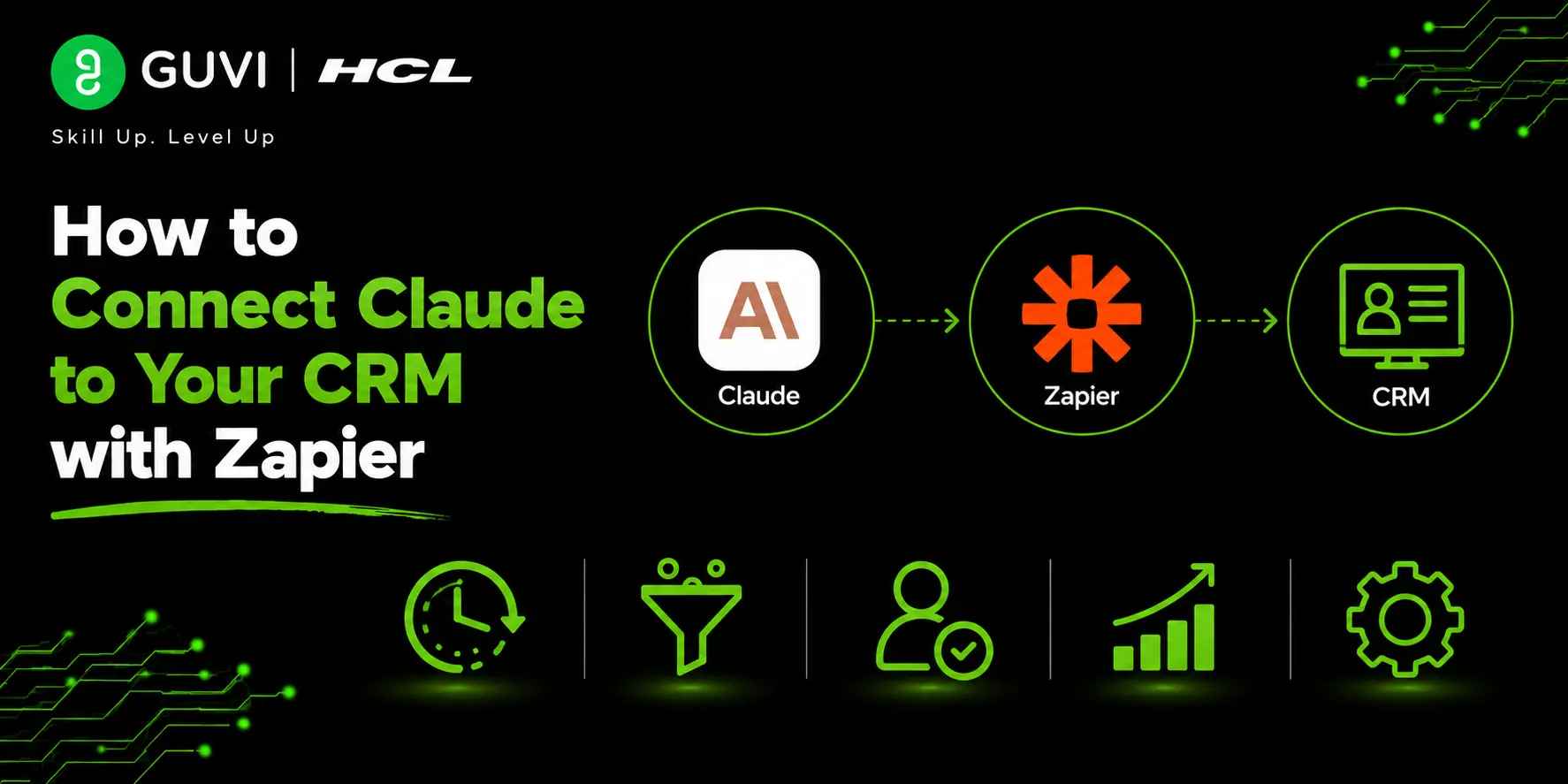
How to Connect Claude to Your CRM with Zapier
Aug 10, 2026 3 Min Read 237 Views
(Last Updated)
Every customer interaction generates valuable data, but manually updating CRM records, tracking opportunities, and managing follow-ups can quickly become time-consuming. By Connect Claude to Your CRM with Zapier, businesses can automate routine workflows, improve customer engagement, and reduce manual effort using generative Artificial Intelligence.
Table of contents
- TL;DR
- Direct Answer Box
- Why Connect Claude to Your CRM with Zapier?
- How to Connect Claude to Your CRM with Zapier
- Step 1: Choose Your CRM Platform
- Step 2: Create a Zapier Workflow
- Step 3: Configure Claude Action
- Step 4: Automate Customer Conversation Summaries
- Step 5: Draft Customer Follow-Ups
- Step 6: Improve Your CRM Workflow
- Step 7: Test Workflow Automation
- Step 8: Optimize Your Automations
- Claude CRM Tasks You Can Automate
- Tasks Claude Should Not Replace
- Best Practices for Connecting Claude to Your CRM
- Conclusion
- FAQs
- Can I integrate Claude with my CRM?
- Will Claude automate all tasks in my CRM?
- Which CRM software integrates with Zapier?
- How can Claude improve my CRM workflow?
- Can Claude write customer follow-up messages?
- Is Zapier safe for CRM automation?
- What are the best practices for connecting Claude to a CRM with Zapier?
TL;DR
- Automate CRM workflows by connecting Claude to your CRM through Zapier.
- Utilize Claude to summarize customer conversations, create follow-up messages, organize CRM records, and streamline repetitive tasks.
- Automate CRM workflows with Claude for better customer relationships.
- Harness generative Artificial Intelligence technology by automating repetitive CRM tasks and focusing on building customer relationships.
- Define clear instructions for your automation workflows to get the most out of Claude CRM integrations.
Data Point: Automations on Zapier help businesses connect thousands of apps and automate repetitive workflows. Teams use Zapier integrations to streamline how they work, reduce time spent on manual tasks, and keep their business applications updated with fresh data.
Source: https://zapier.com/
Direct Answer Box
| Connecting Claude to your CRM allows Claude to automate customer relationship management. Claude can summarize customer conversations, draft follow-up messages, keep CRM records organized, and streamline your team’s most repetitive tasks. |
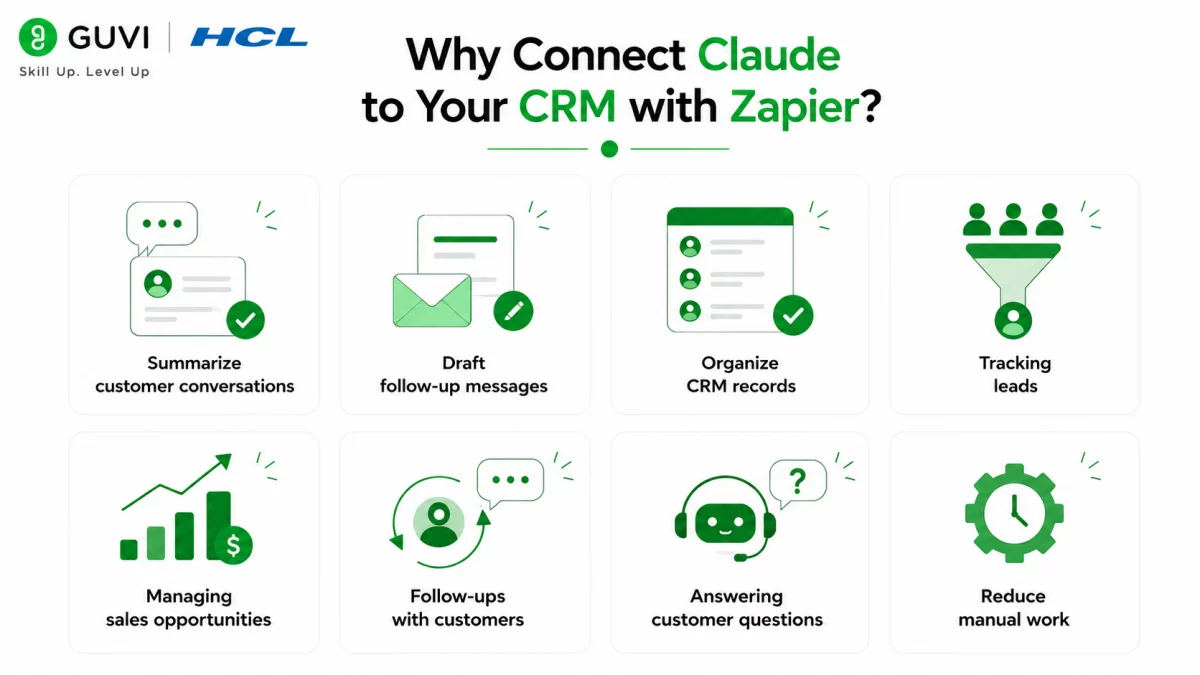
Why Connect Claude to Your CRM with Zapier?
Whether you work in sales, customer support, or marketing, your business probably interacts with multiple customers each day. Not only do you have to update CRM records when customer information changes, but you may also have to keep track of customer conversations, follow up with sales leads, and send out routine messages.
Here are some tasks Claude can automate with your CRM:
- Summarize customer conversations
- Draft follow-up messages
- Organize CRM records
- Tracking leads
- Managing sales opportunities
- Follow-ups with customers
- Answering customer questions
- Reduce manual work
How to Connect Claude to Your CRM with Zapier
Step 1: Choose Your CRM Platform
Start by selecting the CRM platform that your business uses. This can be Salesforce, HubSpot, Zoho CRM, or any other platform that your company manages customer information.
Step 2: Create a Zapier Workflow
Log in to your Zapier account and create a new Zap that connects Claude to your CRM platform. You’ll want to decide what will trigger the automation. For example, whenever a new lead is added to your CRM or when customer information is updated.
Step 3: Configure Claude Action
Next, you need to decide what Claude will do after the automation has been triggered. Will Claude summarize the customer conversation? Send a follow-up message? Create a task? Organize CRM records?
Step 4: Automate Customer Conversation Summaries
Use Claude to create summaries of customer interactions. This includes sales meetings, customer support conversations, account updates, and more. Summaries can give your employees quick insights without reading through CRM notes.
Step 5: Draft Customer Follow-Ups
Claude can even generate follow-up emails and messages to customers. Use Claude to draft customer-ready emails using information from your CRM.
Step 6: Improve Your CRM Workflow
Automating tasks within your CRM can help your team access information faster, respond more quickly to customer inquiries, and ensure your customers are receiving consistent communication from your team.
Step 7: Test Workflow Automation
Test out your new automation to make sure Claude generates the correct customer summaries, emails, and that the data pulled from your CRM is accurate.
Step 8: Optimize Your Automations
Learn how to automate your workflows with Artificial Intelligence. Improve your workflow automation skills and apply them to your business by enrolling in HCL GUVI’s Business Analytics Course.
Millions of businesses utilize Zapier to integrate their CRM with hundreds of other business applications. Your team can integrate Claude into these automations to streamline how you work. Automatically generate summaries of customer conversations, create follow-up messages, organize CRM records, and boost your team’s productivity by reducing repetitive tasks.
Claude CRM Tasks You Can Automate
Whether you’re managing customer support tickets, tracking sales opportunities, or updating CRM records, Claude can assist you throughout your CRM workflows.

It can help with:
- Writing customer summaries
- Organizing CRM data
- Drafting follow-up emails
- Tracking customer leads
- Generating sales opportunity reports
- Writing customer notes
- Helping your sales team
- Automating internal documentation
- Tracking customer conversations
- Finding ways to improve workflow
- Working across departments
- Learning from customer interactions
The HCL GUVI’s Artificial Intelligence eBook is your starting point for learning about real Artificial Intelligence. Our eBook provides readers with practical Artificial Intelligence concepts, prompt engineering techniques, and real-world business applications to help professionals understand how to use generative Artificial Intelligence for CRM automation and workflow optimization.
Tasks Claude Should Not Replace
While Claude provides many opportunities to automate your CRM workflow, there are still tasks that should be handled by your team. Claude is great for automating manual tasks, but employees should always handle:
- Building customer relationships
- Making business decisions
- Sales negotiations
- Planning marketing strategies
- Approving financial expenditures
- Reviewing information for compliance
- Sending final customer communications
- Managing sensitive customer data
Claude automations can save your team time, but shouldn’t be relied on to manage important customer interactions. Let Claude handle the repetitive tasks and have your employees focus on building better customer relationships.
Warning: Claude will generate conversation summaries, customer updates, and helpful information based on your CRM’s data. However, Claude can misinterpret information or may not always provide complete responses. Always review Artificial Intelligence-generated text before sending it to customers and verify that customer data is accurate.
Best Practices for Connecting Claude to Your CRM
Here are some best practices to consider when building your Zapier workflows and connecting Claude to your CRM:
- Maintain updated CRM records.
- Build structured Zapier workflows.
- Write clear prompts.
- Review Claude’s responses.
- Don’t expose customer data.
- Test automations before sending them to customers.
- Monitor your automated workflows.
- Use Claude as an assistant.
Conclusion
Integrating Claude into your CRM allows you to automate CRM tasks and streamline how your team works. While generative Artificial Intelligence can automate manual tasks and boost productivity, employees should always focus on building strong customer relationships and making important business decisions. Connect Claude to your CRM and start automating simple tasks today.
FAQs
1. Can I integrate Claude with my CRM?
Yes, you can automate your CRM tasks by connecting Claude to your CRM platform through Zapier.
2. Will Claude automate all tasks in my CRM?
Claude can automate many repetitive tasks, but your employees should always manage customer relationships, business decisions, and important communications.
3. Which CRM software integrates with Zapier?
Zapier integrates with Salesforce, HubSpot, Zoho CRM, Pipedrive, Microsoft Dynamics 365, and many other CRM platforms.
4. How can Claude improve my CRM workflow?
Claude can improve CRM workflows by automating repetitive tasks such as summarizing customer conversations, drafting follow-up emails, generating sales opportunity reports, organizing CRM records, and supporting your team’s daily activities.
5. Can Claude write customer follow-up messages?
Yes. Claude can generate customer-ready follow-up emails and messages using information stored in your CRM.
6. Is Zapier safe for CRM automation?
Zapier is designed to automate workflows securely, but businesses should follow their own security policies, protect customer information, and regularly monitor their automations.
7. What are the best practices for connecting Claude to a CRM with Zapier?
Maintain updated CRM records, build structured Zapier workflows, write clear prompts, review Artificial Intelligence-generated content, protect sensitive customer information, test automations regularly, monitor workflow performance, and use Claude as a collaborative assistant rather than a replacement for human judgment.
Success Stories

About the Author
Vishalini Devarajan
An Aerospace Engineer turned content writer, I focus on making complex concepts easy to understand through well-structured, reader-friendly blogs. Whether it’s a technical topic or a non-technical one, I love creating content that is clear, engaging, and impactful.
View all posts by Vishalini Devarajan
Connect with me @















Did you enjoy this article?