


Artificial Intelligence and Machine Learning Articles
Finance Manager to Data Analytics: Career Growth, Salary and Seniority
How to Evaluate LLM Outputs in Production Deployments
AI/ML Skills Gap 2026: Why Companies Can't Find Job-Ready Talent
20 AI/ML Interview Questions Recruiters Can Use Without a Tech Background - Best Guide


Get In Touch For Details! Request More Information

Introducing Replit Projects: Everything You Need to Build
Jun 24, 2026 4 Min Read 669 Views
(Last Updated)
You don’t just want to write code, you want to build something real. An app that runs in production, with a database, environment variables, and everything working smoothly.
But traditional development makes it messy. Setting up environments, managing deployments, handling configs, it quickly becomes overwhelming.
That’s where Replit Projects comes in. It’s built for developers who want to go beyond code and actually ship.
In this guide, you’ll see what Replit Projects is, why it matters, and how it helps you build and launch real apps faster and simpler.
Table of contents
- Quick TL;DR Summary
- What Makes Projects Different From Traditional Repls
- How Replit Projects Actually Work
- Step 1: Create a Project
- Step 2: Develop with real infrastructure
- Step 3: Test in development environment
- Step 4: Deploy to production
- Step 5: Monitor and scale
- What You Can Actually Build With Projects
- How to Create Your First Replit Project
- Step 1: Click Create Project
- Step 2: Connect to the database
- Step 3: Build your application
- Step 4: Configure environment variables
- Step 5: Deploy to production
- Step 6: Share with users
- Common Mistakes When Starting With Projects
- Getting Maximum Value From Projects
- The Infrastructure Behind Projects
- Conclusion
- FAQs
- Do I need to pay extra for Projects features?
- Can I migrate existing Repls to Projects?
- What happens to my data if I stop using a Project?
- Can I use databases other than PostgreSQL?
- How do Projects handle traffic spikes?
Quick TL;DR Summary
- This guide explains what Replit Projects is and how it differs from traditional Repls for building production applications.
- You will learn the key features Projects brings, including production databases, automatic deployments, and proper environment management.
- The guide covers when to use Projects versus traditional Repls and what makes Projects the right choice for serious development.
- Step-by-step instructions show you how to create your first Project and deploy a real application with persistent data.
- Practical examples demonstrate building full-stack apps, API services, and data-driven applications using Projects.
- You will understand what production-ready development on Replit looks like and how Projects changes the platform from code editor to complete application platform.
What Are Replit Projects?
Replit Projects is a development environment designed for building production-ready applications, with built-in support for databases, deployments, secrets management, and essential infrastructure.
What Makes Projects Different From Traditional Repls
Projects fundamentally change what you can build on Replit. Here is exactly what makes them different.
- Production-grade database included
Every Project comes with a PostgreSQL database built in. Real relational database. ACID transactions. Proper indexes. Everything persists reliably. Your data does not disappear when you restart.
- Automatic deployments
Push code and Projects automatically deploys it to production. No manual deployment steps. No separate deployment pipelines to configure. Just git push and your changes go live.
- Environment separation
Projects clearly separates development from production. Different database instances. Different environment variables. Different resource allocations. Work safely in development without touching production data.
- Built for production traffic
Projects allocate proper resources for production workloads. Handle real user traffic. Scale appropriately. Monitor performance. Everything you need to run an actual application.
- Secrets management
Environment variables and secrets get managed properly. Development secrets stay in development. Production secrets stay in production. Encrypted storage. Secure by default.
Read More: Vibe Coding 101 with Replit: Build Your First App Without Overthinking Code
How Replit Projects Actually Work
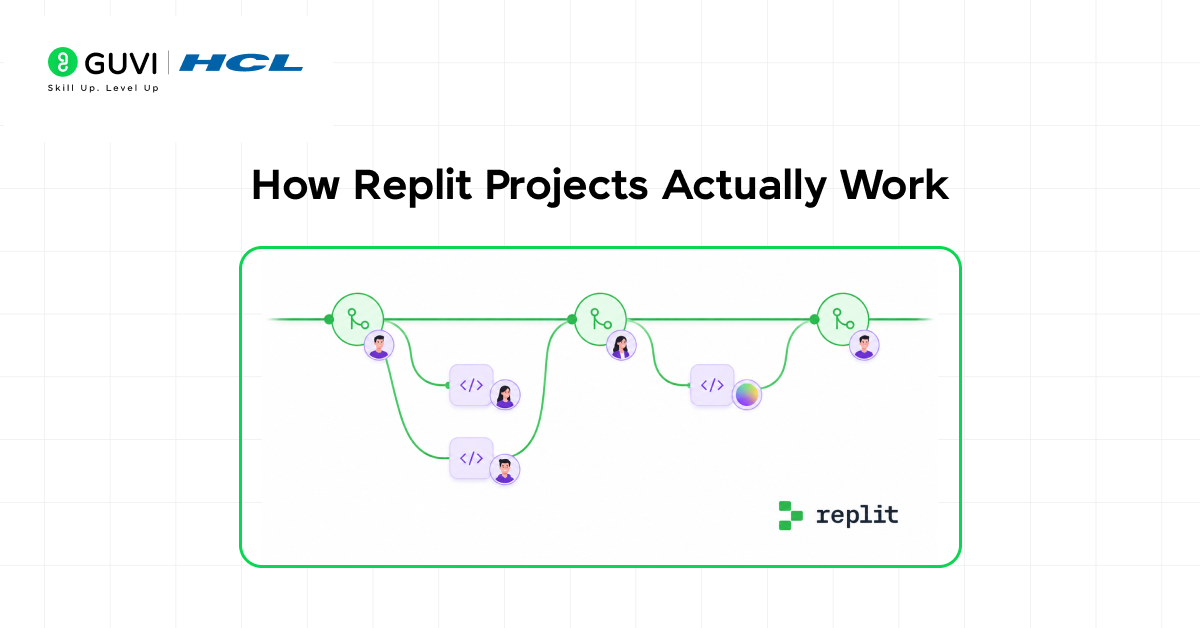
Here is what happens when you build with Projects instead of traditional Repls.
Step 1: Create a Project
Start With Production in Mind
Create a new Project and Replit provisions everything you need. Production database. Deployment infrastructure. Environment management. All configured and ready to use immediately.
Step 2: Develop with real infrastructure
Code Against Actual Production Services
Write code that connects to a real PostgreSQL database. Use environment variables managed properly. Work with the same services your production app will use. No mocking. No fake data.
Step 3: Test in development environment
Verify Without Touching Production
Your development environment has its own database instance. Test database migrations. Try new features. Break things safely. Production stays untouched and stable.
Step 4: Deploy to production
Ship With Confidence
Commit your code. Projects automatically deploy to production. Database migrations run automatically. Environment variables switch to production values. Your app goes live with proper infrastructure.
Step 5: Monitor and scale
Keep Apps Running Reliably
Projects monitor your production deployment. Provides logs. Tracks errors. Allocates resources based on traffic. Your app stays online and performs well under real usage.
Replit Projects can automatically handle database migrations between development and production.
You can write and test a migration in development, and when deployed, it is applied to production with built-in rollback support if something goes wrong.
This reduces the risk of deployment errors and simplifies managing schema changes in live applications.
What You Can Actually Build With Projects
- Full-stack web applications
Build a SaaS product with user authentication, subscription billing, and persistent user data. Projects provides the database for user accounts, the deployment infrastructure for your frontend and backend, and the environment management for API keys and secrets.
- API services
Create a REST API or GraphQL service that handles production traffic. Projects gives you the database for data storage, automatic scaling for traffic spikes, and proper logging for debugging issues.
- Data-driven applications
Build analytics dashboards, reporting tools, or data processing applications. Projects provides PostgreSQL for complex queries, proper indexing for performance, and the compute resources to handle large datasets.
- Mobile app backends
Create the backend for iOS or Android apps. Projects handles user data storage, push notification infrastructure, file uploads, and all the server-side logic mobile apps need.
How to Create Your First Replit Project
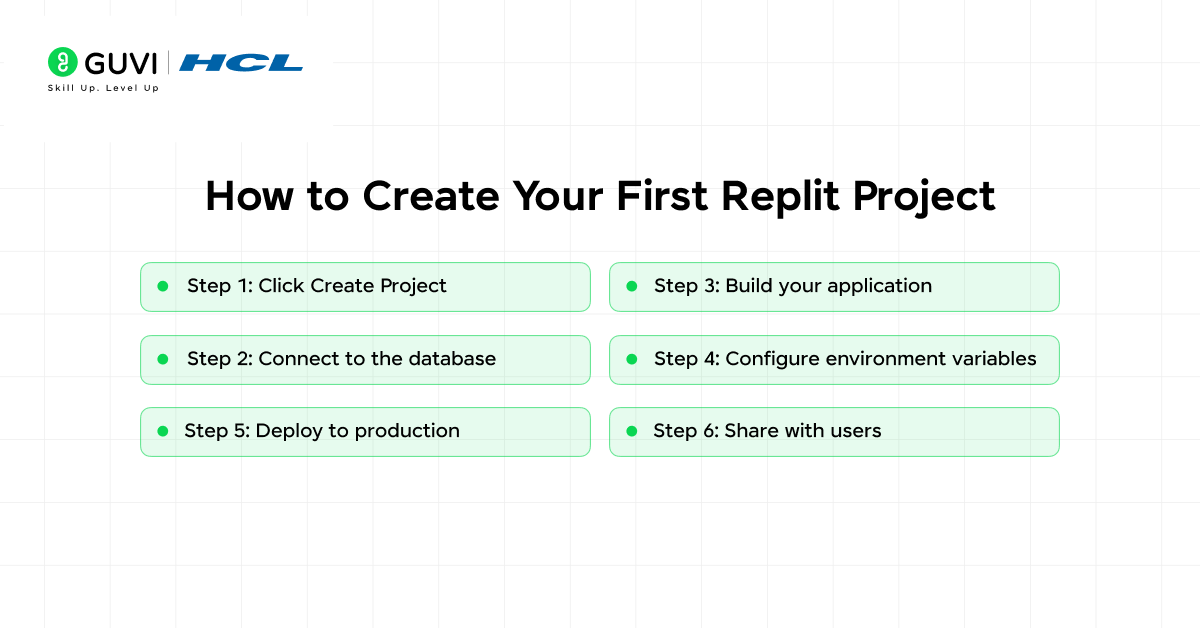
Here is exactly how to start building with Projects step by step.
Step 1: Click Create Project
Choose Project Instead of Repl
From your Replit dashboard, click the Create button. Select “Project” instead of “Repl”. Choose your language and framework. Replit provisions your Project with all infrastructure included.
Step 2: Connect to the database
Use the built-in PostgreSQL
Projects include database connection details in your environment variables. Import your database library, use the provided connection string, and start querying. The database is already running and ready.

Step 3: Build your application
Develop normally with production services
Write your app code. Create database tables. Add features. Everything works against real infrastructure from day one. No switching from SQLite to PostgreSQL later. Start with production technology.
Step 4: Configure environment variables
Set up development and production secrets
Add environment variables in the Projects dashboard. Mark which are development-only and which are production. Projects keep them separate automatically. API keys, database passwords, and secrets stay secure.
Step 5: Deploy to production
Push and watch it go live
Commit your code when ready. Projects detects the commit and starts deployment automatically. Database migrations run. The environment switches to production mode. Your app goes live at a production URL.
Step 6: Share with users
Your app is now running in production
Projects gives you a production URL. Share it with users. They interact with your real application backed by real infrastructure. Monitor usage, check logs, and iterate based on real user feedback.
Common Mistakes When Starting With Projects
- Treating it like a traditional Repl
- Not using environment variables correctly
- Skipping database migrations
- Ignoring production logs
- Not testing before deploying
Getting Maximum Value From Projects
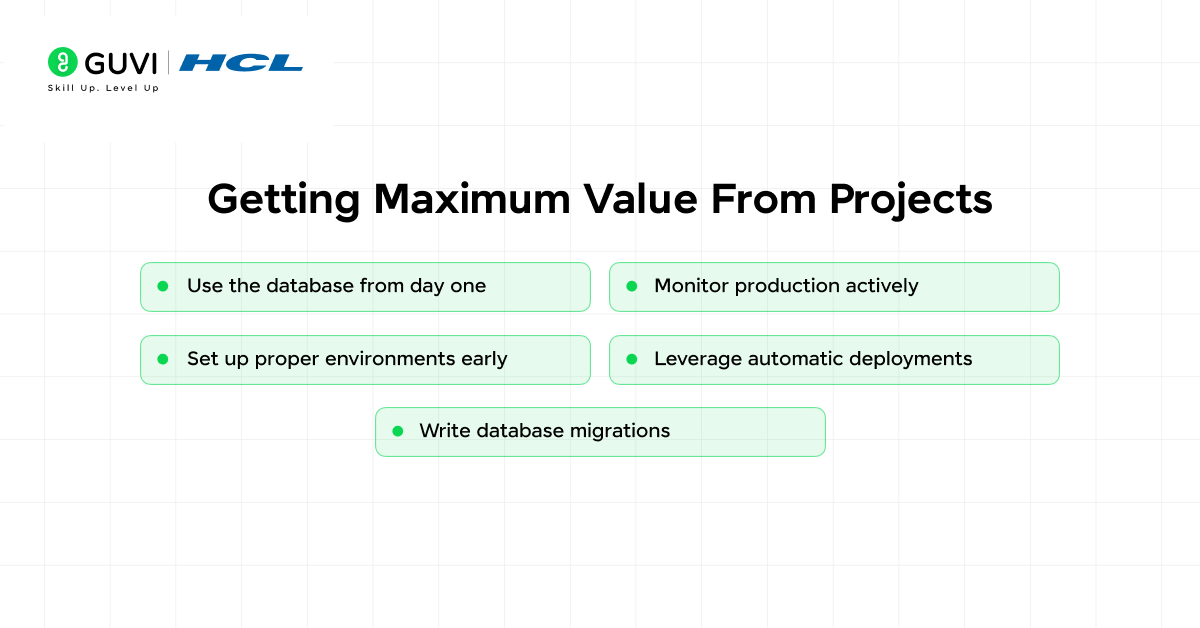
- Use the database from day one
Don’t start with file storage planning to migrate later. Use PostgreSQL immediately. Design your data model properly. Take advantage of real database features like transactions, joins, and indexes.
- Set up proper environments early
Configure development and production environment variables from the start. Don’t wait until deployment to think about secrets management. Build good habits early.
- Write database migrations
Every schema change should be a migration. This keeps development and production in sync. Projects apply migrations automatically during deployment. Make it part of your workflow.
- Monitor production actively
Check your production logs regularly. Watch for errors. Track performance. Projects provide the tools. Use them to keep your app healthy.
- Leverage automatic deployments
Commit to the main branch when ready to deploy. Projects handle the rest. This simple workflow keeps deployment friction low and lets you ship updates frequently.
Replit Projects represent a major shift in what the platform enables.
Earlier, Replit focused on making coding accessible. Today, it focuses on making shipping production-ready applications accessible.
This means you can go from idea to a deployed app with real users—all without leaving the platform.
The Infrastructure Behind Projects
- Isolated production environments
Each Project gets dedicated production resources. Your app does not share resources with development or other Projects. Proper isolation means performance is predictable and secure.
- Managed PostgreSQL databases
Replit Projects use managed PostgreSQL instances. Automatic backups. Point-in-time recovery. Proper maintenance. You get enterprise-grade database infrastructure without managing servers.
- Automatic SSL certificates
Production deployments get SSL certificates automatically. Your app serves over HTTPS without you configuring anything. Security by default.
- Built-in monitoring and logging
Projects collect logs from your application automatically. Track errors. Debug issues. Monitor performance. All built into the platform without external services.
To learn more on Replit projects, consider HCL GUVI’s Intel & IITM Pravartak Certified Artificial Intelligence & Machine Learning course. Endorsed with Intel certification, this course adds a globally recognized credential to your resume, a powerful edge that sets you apart in the competitive AI job market.
Conclusion
Projects are not an incremental improvement. It is a fundamental change in what you can build on Replit.
Traditional Repls taught you to code. Projects lets you ship production applications. The difference between learning and building real products.
Everything you need is built in. Everything works together. Nothing requires external services or complex configuration. Just create a Project and start building something real.
FAQs
1. Do I need to pay extra for Projects features?
Projects may have different pricing than traditional Repls. Check Replit’s pricing page for current details on what is included in free and paid tiers.
2. Can I migrate existing Repls to Projects?
Yes. Replit provides migration tools to move traditional Repls to Projects. The process involves moving code and setting up the database properly for the new environment.
3. What happens to my data if I stop using a Project?
Database backups are maintained according to your plan. Check Replit’s data retention policies for specifics on how long data persists after a Project is deleted.
4. Can I use databases other than PostgreSQL?
Projects is built around PostgreSQL. For other databases, you would need to use external services. PostgreSQL covers most application needs effectively.
5. How do Projects handle traffic spikes?
Projects automatically allocate resources based on traffic patterns. The exact scaling behavior depends on your plan. Higher-tier plans provide more robust scaling capabilities.
Success Stories

About the Author
Vishalini Devarajan
An Aerospace Engineer turned content writer, I focus on making complex concepts easy to understand through well-structured, reader-friendly blogs. Whether it’s a technical topic or a non-technical one, I love creating content that is clear, engaging, and impactful.
View all posts by Vishalini Devarajan
Connect with me @













Did you enjoy this article?