


Artificial Intelligence and Machine Learning Articles
AI/ML Skills Gap 2026: Why Companies Can't Find Job-Ready Talent
20 AI/ML Interview Questions Recruiters Can Use Without a Tech Background - Best Guide
How Industry-Backed AI/ML Bootcamps Are Changing the AI/ML Hiring Pipeline - Best Guide 2026
From IT Support to AI Engineer: A Realistic Career Switch Guide 2026


Get In Touch For Details! Request More Information
Build a Private Bookmark Manager in Replit with Extension
Jun 24, 2026 5 Min Read 827 Views
(Last Updated)
The idea of having the ability to bookmark sites saves hours of frustration. Save the links, lose them without context, get back to it months later, no memory of why you even saved it, nothing is usable. It’s not about storage; it’s about organization, structure, and intelligent retrieval.
Now the shift is not to use another tool. With AI-assisted development, instead of having to make compromises with existing bookmarking systems, you’re the one creating it, dictating how the app works, and allowing for flexibility in how it integrates with the way you think.
In this article, we are going to go through the process of creating your very own private Bookmark Manager in Replit using the Chrome extension. We won’t simply outline steps to code a system. We will go through a real build scenario where AI does most of the heavy lifting, and you guide it by designing the appropriate prompts.
Table of contents
- TL;DR
- Why Build Your Own Bookmark Manager
- How Replit Changes the Development Workflow
- System Architecture Overview
- Step 1: Designing the Build with Prompts
- Step 2: Building the Frontend Interface
- Step 3: Creating the Backend and Database
- Step 4: Developing the Chrome Extension
- Step 5: Connecting Everything
- Adding AI Features to Your Bookmark Manager
- Real Challenges and How to Solve Them
- Best Practices for AI-Assisted Development
- Common Mistakes to Avoid
- Conclusion
- FAQs
- Do I need coding experience to build this project?
- Why use a private bookmark manager instead of existing tools?
- What is Manifest V3 in Chrome extensions?
- Can I add more features later?
- Is AI integration necessary?
- How long does it take to build this?
TL;DR
- A custom-built private bookmark manager allows for controlled and private access to your stored links.
- By utilizing the Replit agent, a web app and a Chrome extension can be developed simultaneously, reducing development to little to no code.
- The build is broken down into prompt engineering, front-end, back-end, extension, and integration phases.
- The application can support future features like automatic link summarization and intelligent tagging by leveraging the power of AI.
- A fully functional application can be produced at minimal cost and time investment compared to traditional development methods.
Why Build Your Own Bookmark Manager
A lot of the existing bookmark managers are built with the masses in mind, not how a single person processes thoughts. It assumes a generic structure of how bookmarks would be stored and managed, and the friction builds up over time.
By building your own system, you get to decide what structure it follows, how your bookmarks are stored, tagged, searched, etc. You are driving, rather than adapting. This could be very useful if you are doing any form of research, learning, or managing references for a project.
The data remains under your control, with none of the limitations imposed by a third-party service that may decide one day to discontinue it. You decide when it dies or what the next stage will be.
How Replit Changes the Development Workflow
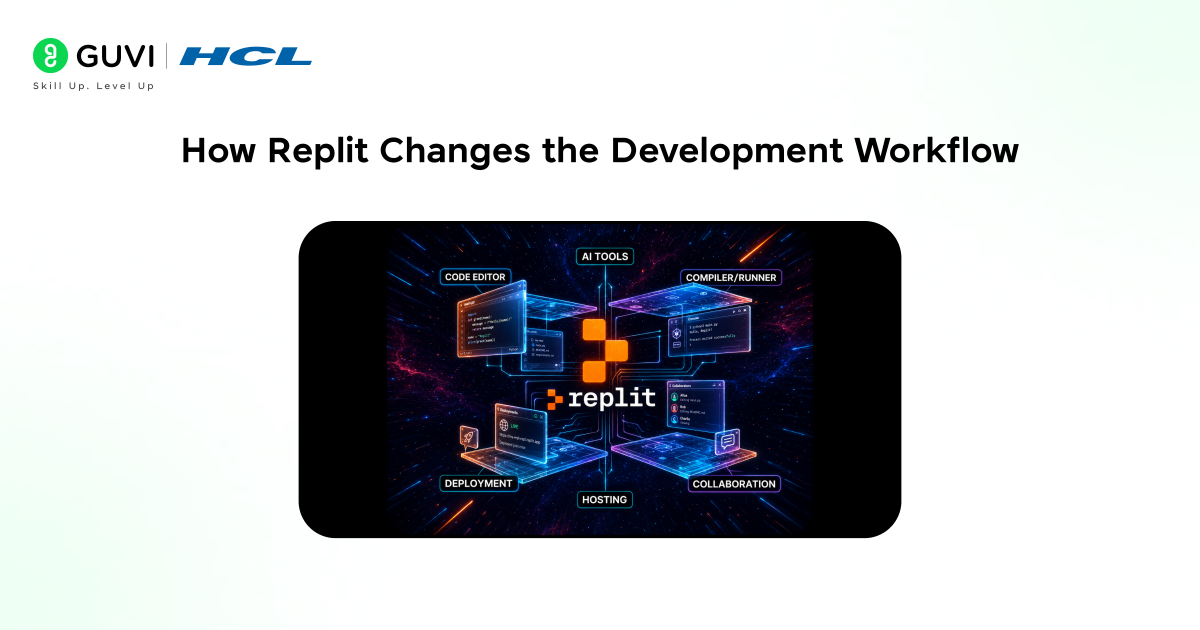
Usually, development involves writing lines of code sequentially, which can get tedious. Replit allows us to use their AI agents to write and assemble an application based on our instructions.
We do not need to write any syntax at the beginning. We only describe our desired outcome, how we want the program to behave, and which features it needs to have, and the system will assemble it from there. Building full-stack applications becomes extremely accessible, as we are going from manual programming to guided development.
To understand how this AI-assisted approach works in real scenarios, you can explore this guide on Vibe coding with Replit.
In browser-based systems, Chrome extensions can capture live page data such as URLs, titles, and metadata in real time.
This makes them one of the fastest ways to build capture-first workflows without needing to switch to a separate application.
System Architecture Overview
To get started on building our bookmark manager, we first need to look at the overall system structure.
The system comprises three layers: the frontend, which takes care of the user interface(UI) where we can view our bookmarks, the backend, where the core logic resides and handles our authentication and data processing, and the database, which will store our users, bookmarks, and tags associated with them.
Additionally, the Chrome extension serves as our “capture” layer and allows users to save a bookmark directly from their browser and send that information to the backend.
These systems are all linked together; the extension talks to the backend, and the backend updates the database, which is then updated on our frontend view.
Step 1: Designing the Build with Prompts
Coding is not the most important thing in this part. The system must be defined well.
Begin with the features of the application. Explain the operations: user registration and login, bookmark saving, bookmark tagging, bookmark viewing, and display. Also state what the extension should perform while the user clicks on it.
Segment the prompt into sections. Define the application and its features, describe user operations, and the technical requirements like “Chrome extension using Manifest V3.”
A precise prompt is a better prompt. The AI needs to understand the context you are defining using best practices for writing better AI prompts, and it cannot improvise at this stage.
Step 2: Building the Frontend Interface
The prompt will be used for generating the front-end for the application. The layout and components, along with navigational elements, will be created at this stage. The interface for adding and managing bookmarks should be provided for easy use by the end user.
It should have functionalities for displaying saved links, searching among them, and classifying them based on user-provided tags. Minimal and clean design is appropriate, as this feature needs to be fast and easy to use.
At this point in the process, the system creates pages, styles, and initial functional parts. Any change to the layout or components can be easily done via modification of prompts or a little manual coding.
Step 3: Creating the Backend and Database
Backend is where all the application logic resides. User authentication, processing requests, and database interactions are managed in the backend.
An organized database is critical, and we need tables for users, bookmarks, and tags. Each bookmark must have a relation to a user and might have a many-to-many relationship with tags.
Authentication ensures each user’s data can be private and isolated from others. The Replit built-in authentication system can be integrated at this step.
Data flows from the extension to the application via APIs in the backend, such as saving and retrieving bookmarks.
Step 4: Developing the Chrome Extension
This makes the whole system usable. A Chrome extension can immediately save a link for the users without going into the main application.

We need to write a Manifest V3 file. In this file, we will define the extension permissions and their background operation, how the extension would interact with web pages, etc.
The extension should fetch the current URL and post it to the backend. We might want a pop-up with the tag or annotation fields to attach to the bookmark.
Knowing how extensions work is vital. They are not the same as a web application, so they would be set up slightly differently.
Step 5: Connecting Everything
After developing individual components, we should connect everything.
The extension must communicate with the backend through API calls, which process data and save it in the database. Meanwhile, the frontend should display information with this update.
Testing at this stage is very important. Ensure that bookmarks can be saved correctly, the user can be logged in, and data is displayed coherently.
When you combine these, most issues occur. Take your time to test each component’s connection.
Adding AI Features to Your Bookmark Manager
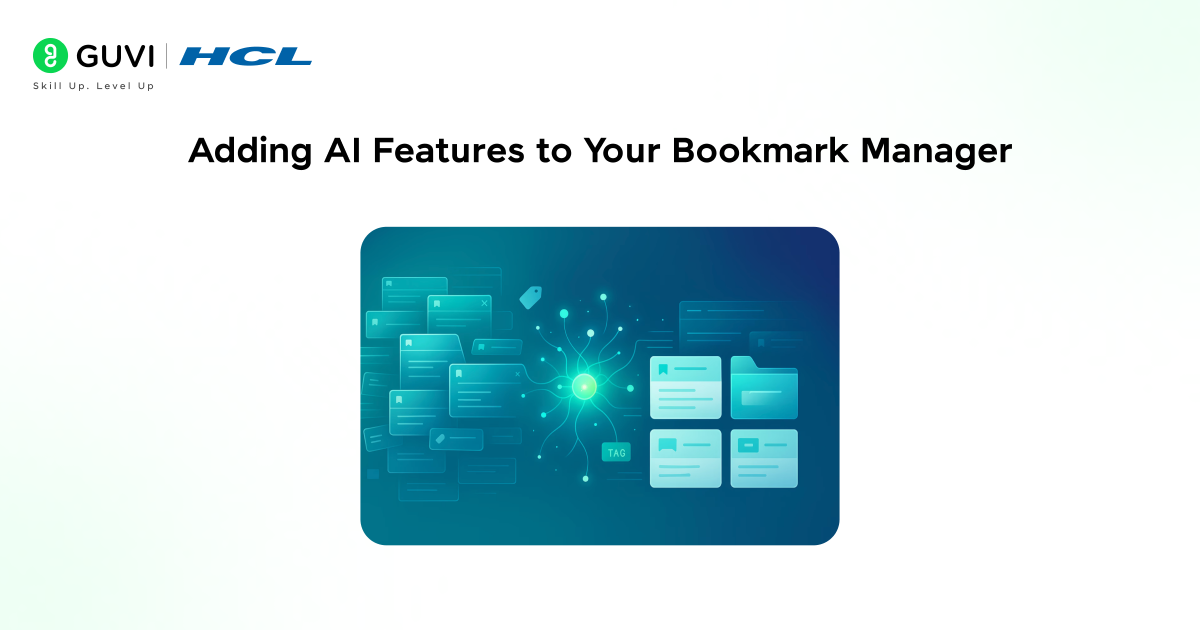
This is where your bookmark manager gets a major boost in utility. You can have the system read through saved pages and generate a summary of them. This is useful in getting a quick understanding of what the link is before actually clicking on it. It could also generate relevant tags for the page.
To do this, extract the text from the page, send the text to an AI, and have the AI give you the tags and a summary, then save it along with the bookmark.
With this, the bookmark manager is no longer just a place to save links; it is an intelligent information-retrieving system.
Real Challenges and How to Solve Them
Building anything that involves two systems talking to each other is not always going to be straightforward. Authentication errors could arise where the extension cannot connect to the backend.
Database problems can be tricky, especially if you are constantly making database modifications. Well-handled database migrations would maintain data consistency.
Performance issues can crop up with large loads or with AI computation. Large payloads are a serious culprit, and you can avoid them by limiting request size and by ensuring your AI calls are efficient.
To solve these problems, be systematic, read your logs, isolate your issue, and refine your prompts.
Best Practices for AI-Assisted Development
The most critical thing to remember is to always be specific, tell the AI exactly what you’re looking for.
Also, do not give the AI tasks in one step; instead, break them into steps and feed them one by one to improve accuracy and help with debugging.
Remember to check the outputs and analyze them carefully, as it can create functionally correct code but not necessarily the optimal solution, so always check to make changes.
Also, keep track of your changes using version control or checkpoints in case of any mistakes.
To better understand how AI-assisted development works in real projects like building a bookmark manager and Chrome extension, you can explore this GenAI ebook as a practical reference.
Common Mistakes to Avoid
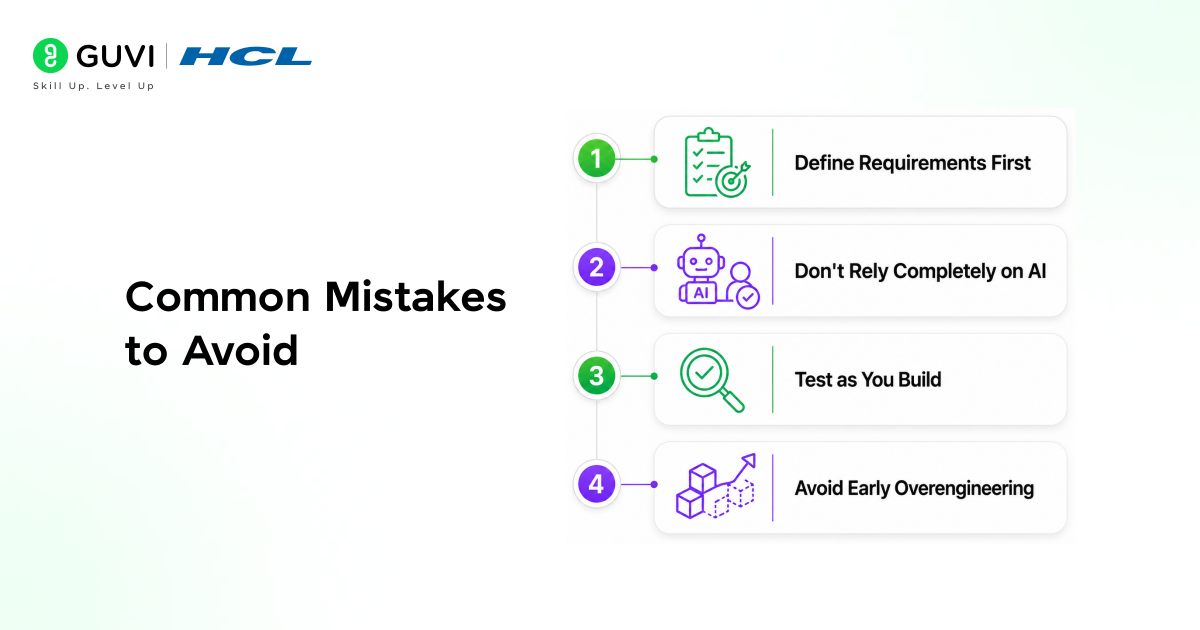
Starting without a clear plan leads to confusion. Always define requirements first.
Relying completely on AI without reviewing results can create hidden issues. Stay involved in the process.
Ignoring testing can cause problems later. Validate each part of the system as you build.
Overcomplicating features early can slow progress. Focus on a working version first, then expand.
To effectively build a private bookmark manager and Chrome extension using Replit Agent, understanding how natural language prompts, application workflows, and AI interact with structured data is essential for creating efficient and scalable systems. Programs like HCL GUVI’s Artificial Intelligence and Machine Learning course can help build these skills through hands-on experience.
Conclusion
Building your own private bookmark manager and Chrome extension used to be an extensive, cumbersome, and time-consuming endeavor. Now, thanks to services such as Replit, it is more efficient and attainable.
The change here is not necessarily in technology but more in ideology. Code is becoming less about writing code and more about directing AI to code for you.
Through disciplined design, effective prompts, and the iterative nature of engineering, you can create powerful custom tools. This is not only for bookmarks, but also about engineering your own workflow using the advantages of AI.
FAQs
1. Do I need coding experience to build this project?
No. Basic understanding helps, but AI tools handle most of the implementation. Your main role is to define requirements clearly.
2. Why use a private bookmark manager instead of existing tools?
A private system gives full control over data, customization, and features that match your workflow.
3. What is Manifest V3 in Chrome extensions?
It is the latest specification for building Chrome extensions, focusing on security, performance, and better resource management.
4. Can I add more features later?
Yes. The system can be expanded with features like search filters, sharing, or advanced AI capabilities.
5. Is AI integration necessary?
No, but it significantly improves usability by adding summaries and intelligent tagging.
6. How long does it take to build this?
A basic version can be built quickly, while advanced features require additional refinement and testing.
Success Stories

About the Author
Vishalini Devarajan
An Aerospace Engineer turned content writer, I focus on making complex concepts easy to understand through well-structured, reader-friendly blogs. Whether it’s a technical topic or a non-technical one, I love creating content that is clear, engaging, and impactful.
View all posts by Vishalini Devarajan
Connect with me @








Did you enjoy this article?