


Artificial Intelligence and Machine Learning Articles
How to Evaluate LLM Outputs in Production Deployments
AI/ML Skills Gap 2026: Why Companies Can't Find Job-Ready Talent
20 AI/ML Interview Questions Recruiters Can Use Without a Tech Background - Best Guide
How Industry-Backed AI/ML Bootcamps Are Changing the AI/ML Hiring Pipeline - Best Guide 2026


Get In Touch For Details! Request More Information
How to Prompt v0: A Beginner-Friendly Guide to Better AI App Building
Sep 03, 2026 5 Min Read 1316 Views
(Last Updated)
What if the difference between a rough AI-generated interface and a production-ready app came down to just one thing, how you write your prompt? Most people using v0 expect great output by simply asking for “a dashboard” or “a landing page.” v0 doesn’t just respond to prompts, it interprets intent and context to build complete apps. As AI development grows, prompting becomes critical, directly impacting UI quality, workflows, and production readiness.
Keep reading to learn the exact frameworks, templates, and techniques that help you get better results from v0 faster.
Quick Answer:
Prompting v0 works best when you clearly describe what you want to build, who will use it, and what constraints or design preferences it should follow. Vercel’s guidance emphasizes three core inputs: product surface, context of use, and constraints & taste. The more specific your prompt, the better v0 can generate cleaner UI, stronger UX decisions, and more maintainable code.
- In 2025 alone, nearly 9.6 million projects were built on v0.
- v0 by Vercel is one of the top AI React component generators in 2026, with 6M+ users and a full-stack sandbox.
- Vercel is also the creator of Next.js, a widely used React framework for building production-grade applications.
Table of contents
- What Is v0?
- Why Prompting is Important in v0
- The 3-Part Framework for Prompting v0
- How to Write a Good v0 Prompt?
- Best Prompt Templates for v0
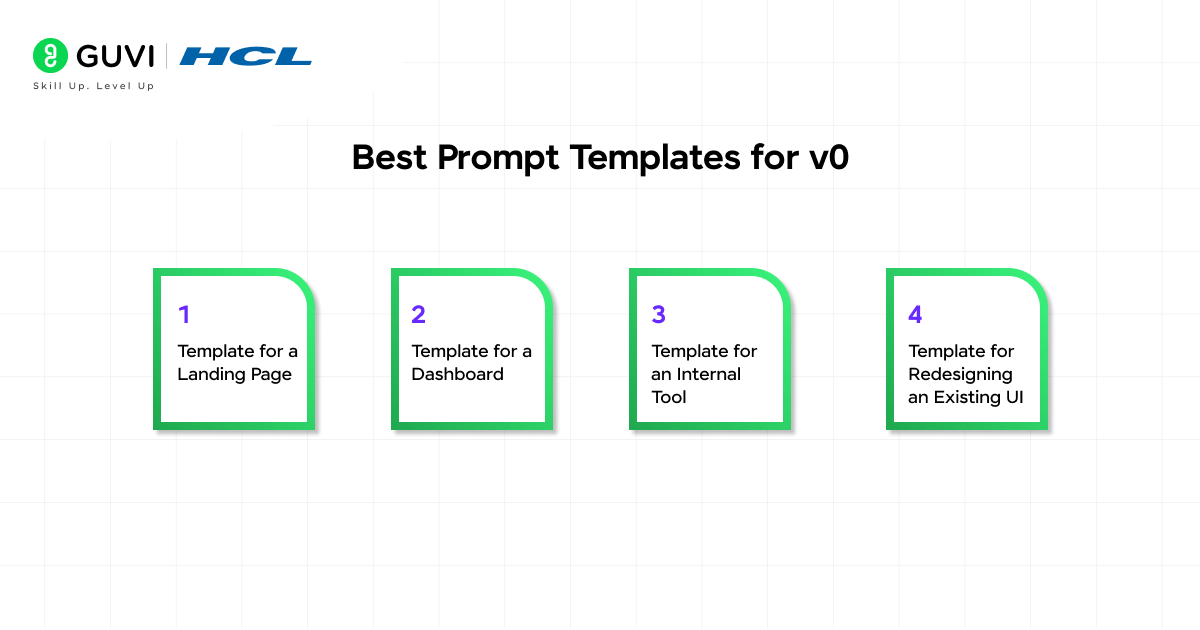
- Template for a Landing Page
- Template for a Dashboard
- Template for an Internal Tool
- Template for Redesigning an Existing UI
- Examples of Strong vs Weak Prompts
- Why it fails
- Common Mistakes to Avoid
- Tips to Improve v0 Output Iteratively
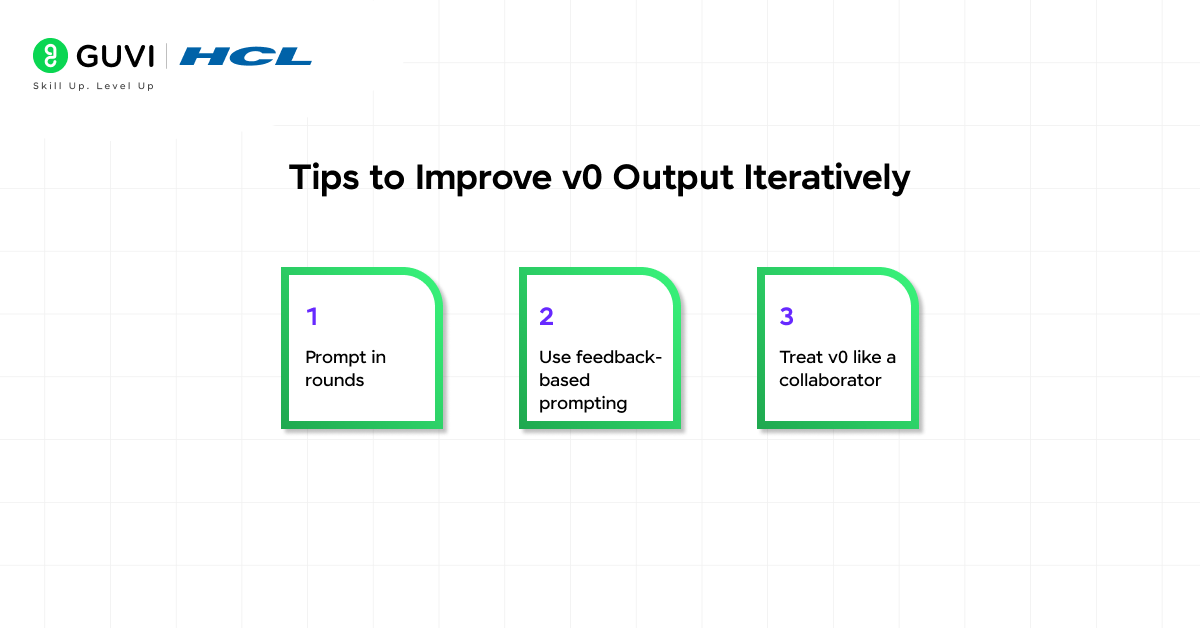
- Prompt in rounds
- Use feedback-based prompting
- Treat v0 like a collaborator
- Who Should Learn v0 Prompting?
- Developers
- Designers
- Product managers
- Founders and solo builders
- Conclusion
- FAQs
- What mistakes should you avoid when prompting v0?
- Can beginners use v0 effectively without coding?
- How can you improve v0 outputs after the first response?
What Is v0?
v0 by Vercel is an AI-powered development environment that lets users generate and iterate full-stack apps using natural language. It is optimized for modern stacks like React and serverless architectures, producing production-ready UI, backend logic, and workflows. v0 significantly reduces the gap between idea and deployment by combining design and infrastructure in one system.
Why v0 is different from a normal chatbot: v0 is execution-focused and not just conversational. It converts intent into real outputs like UI components, app structures, APIs, and workflows rather than just explanations. It also operates as an agentic system, maintaining context, handling multi-step instructions, and refining outputs iteratively. This makes it function more like a collaborative development partner, enabling faster transition from concept to working software.
Why Prompting is Important in v0
- Better Prompts Lead to Better App Output
In v0, your prompt doesn’t just guide the output, it actually shapes how the entire app is built, from the UI to the logic behind it. Unlike traditional tools where you manually define every structure, v0 reads your intent and turns it into a working layout. When your prompts are clear, you get more structured components, better data flow, and layouts that actually make sense, instead of generic templates.
Clear prompts also make a big difference in how usable the final output is. When you mention what users need to see, track, or do, v0 focuses on the right components and skips unnecessary features. The result is a cleaner interface, smoother performance, and something that feels much closer to a real, production-ready app rather than just a rough prototype.
- Prompting is Now a Practical Builder Skill
Prompting in v0 has evolved into a core product-building skill, not just a way to interact with Artificial Intelligence. It sits at the intersection of development, design, and product thinking.
- Developers use prompting to accelerate scaffolding, reduce boilerplate, and generate structured code aligned with modern frameworks
- Product managers translate requirements and PRDs into working prototypes without deep coding involvement
- Designers leverage prompts to rapidly test UI patterns, layouts, and interaction flows
- Non-technical founders use prompting to convert ideas into functional products, significantly lowering the barrier to building software
This shift makes prompting a high-leverage capability in modern AI-assisted development workflows.
The 3-Part Framework for Prompting v0
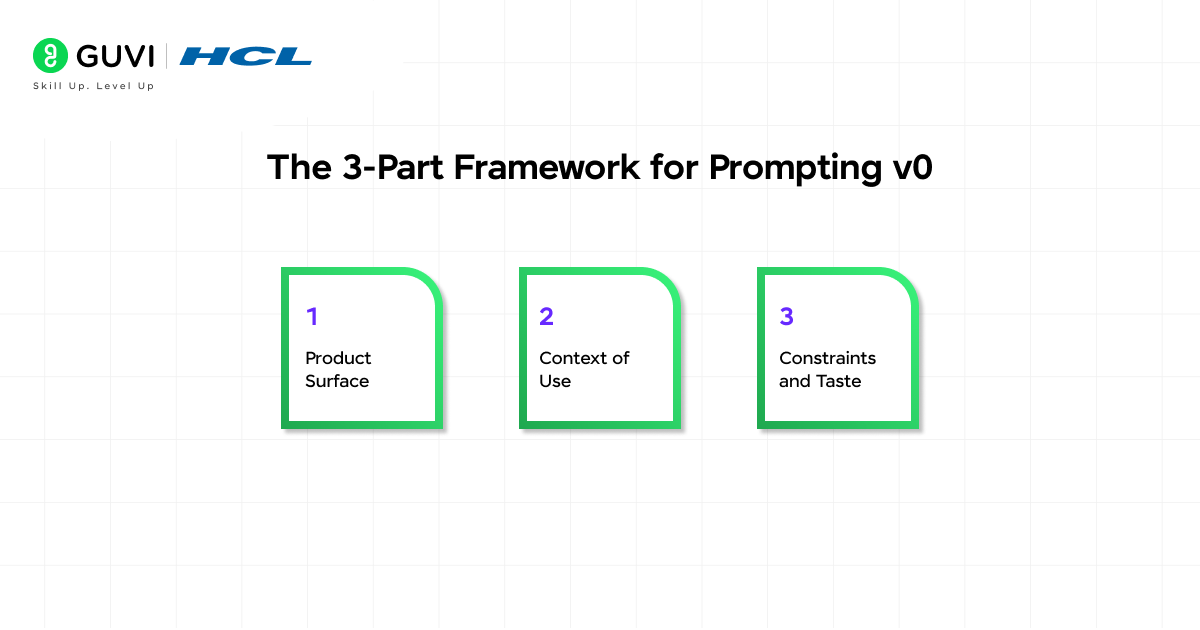
- Product Surface
The product surface defines what you are building at a structural level. This includes components, sections, actions, and data elements that make up the interface.
Instead of vague inputs like “dashboard,” effective prompts specify what the system should render, such as KPI cards, trend charts, tables, filters, and action buttons. This allows v0 to construct a logical component tree and layout hierarchy, ensuring the output reflects actual product functionality rather than placeholders.
- Context of Use
Context of use provides behavioral and decision-making context for the application. It answers who the user is, when they interact with the product, and what outcomes they expect.
By defining user type, usage frequency, and decision goals, you enable v0 to optimize for interaction patterns, information density, and cognitive load. For example, a dashboard used daily by non-technical users will prioritize clarity and scanability, while a technical tool may emphasize depth and control.
- Constraints and Taste
Constraints and taste define the boundaries within which the system should operate. This includes design preferences, brand guidelines, layout rules, and technical requirements.
Specifying constraints such as modern/minimal design, mobile-first layout, or accessibility expectations ensures consistency and prevents arbitrary design decisions. Similarly, mentioning frameworks or system limitations helps align output with real-world implementation environments, making the generated code more usable.
How to Write a Good v0 Prompt?
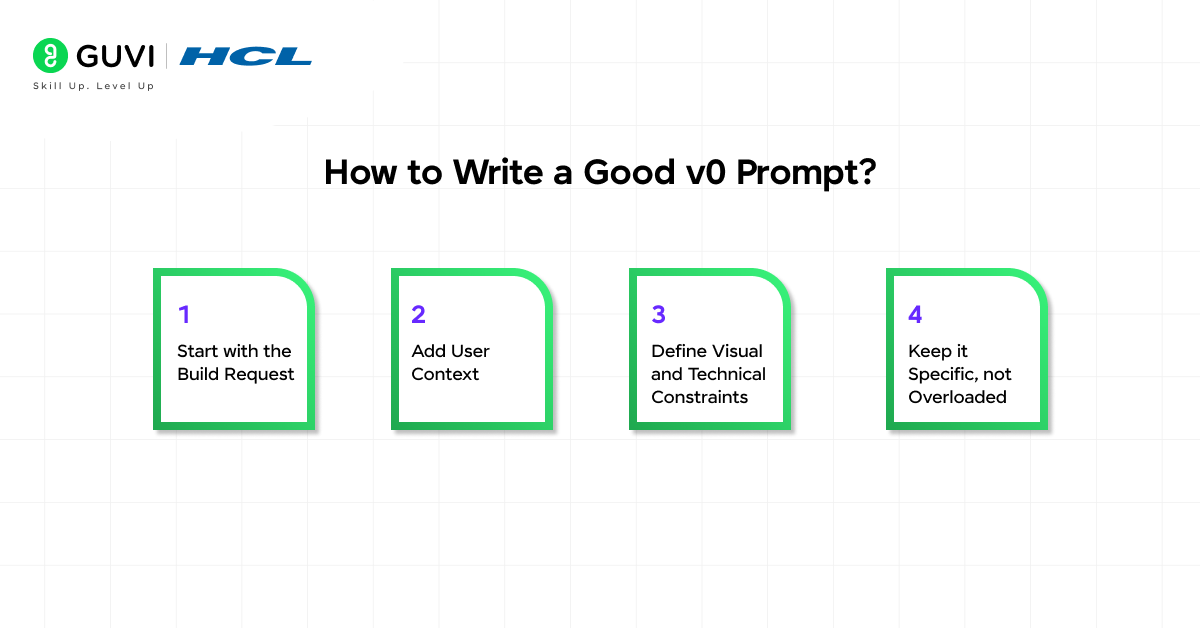
- Start with the Build Request
Begin with a clear and explicit description of the product. Define what you are building and highlight the core features first, so v0 can establish a strong structural foundation before adding refinements.
- Add User Context
Incorporate details about the target user and their workflow. Explain who will use the product and what they are trying to achieve, allowing v0 to tailor layouts, interactions, and information hierarchy accordingly.
- Define Visual and Technical Constraints
Specify design preferences such as minimal, modern, or enterprise-style UI. Include technical expectations like frameworks, responsiveness, or accessibility standards if required. This ensures the output aligns with both aesthetic and implementation goals.
- Keep it Specific, not Overloaded
Effective prompts balance clarity and focus. Provide enough detail to guide structure and behavior, but avoid excessive or conflicting instructions. Overloaded prompts can fragment output, while well-scoped prompts produce cohesive, high-quality results aligned with your intent.
Best Prompt Templates for v0

1. Template for a Landing Page
When prompting v0 for landing pages, the goal is to define conversion intent + structure + visual direction. A strong prompt ensures v0 generates not just sections, but a coherent hierarchy aligned with user flow.
Template: “Build a landing page for [product] used by [audience] to [goal]. Include hero section, value proposition, feature highlights, social proof, and CTA. Keep the design [style] with clear visual hierarchy, strong typography, and responsive layout.”
Key insights:
- Specify conversion goal to influence CTA placement
- Mention sections explicitly to control layout structure
- Define design system hints like spacing, typography, and responsiveness
2. Template for a Dashboard
Dashboards require clarity in data representation + interaction patterns + decision-making context. v0 performs best when metrics and actions are tightly defined.
Template: “Build a dashboard for [user type] who needs to monitor [metrics] and take [actions]. Include KPI cards, trend charts, tables, and filters. Use a [design style] interface optimized for quick scanning and decision-making.”
Key insights:
- Define metrics and timeframes to guide chart selection
- Include interaction elements like filters or sorting
- Emphasize scanability and information density
3. Template for an Internal Tool
- Internal tools depend on workflow clarity and data operations, not just UI aesthetics. Prompts should reflect system behavior and user tasks.
Template: “Build an internal tool for [team] to manage [workflow]. Include data inputs, tables, actions (create/edit/delete), and status tracking. Prioritize [speed/clarity/usability] with a functional and minimal UI.”
Key insights:
- Clearly define CRUD operations and data flow
- Mention user roles or permissions if relevant
- Focus on efficiency over visual complexity
4. Template for Redesigning an Existing UI
Redesign prompts should balance continuity and improvement. v0 needs clarity on what to retain versus what to enhance.
Template: “Redesign this [page/app] for [target users]. Retain core functionality, improve UX, navigation, and visual hierarchy. Apply [brand/style constraints] and optimize for responsiveness and accessibility.”
Key insights:
- Specify what to keep vs improve
- Highlight UX issues like navigation or clutter
- Include brand or system constraints for consistency
Examples of Strong vs Weak Prompts
- Weak prompt example
“Build a sales dashboard”
Why it fails
- Lacks user context
- No defined metrics or actions
- No layout or component guidance
- No design direction
This forces v0 to guess, leading to generic and often unusable outputs.
- Strong prompt example
“Build a sales dashboard for non-technical sales managers who check performance daily. Include top performers, quota progress, pipeline stages, and a 6-month revenue trend. Use a clean, modern design optimized for quick scanning.”
Why it works:
- Defines user persona and usage context
- Specifies data and components
- Sets design expectations
- Aligns output with real decision-making workflows
Build real AI applications beyond prompting basics with structured, hands-on learning. Join HCL GUVI’s Artificial Intelligence and Machine Learning Course to learn from industry experts and Intel engineers through live online classes, master Python, ML, MLOps, Generative AI, and Agentic AI, and gain practical experience with 20+ industry-grade projects, 1:1 doubt sessions, and placement support with 1000+ hiring partners.
Common Mistakes to Avoid
- Being too vague: Generic prompts lead to generic UI and weak structure.
- Giving too many instructions at once: Overloaded prompts reduce coherence and increase conflicts.
- Adding contradictory requirements: Conflicting inputs break layout logic and design consistency.
- Forgetting constraints: Without constraints, outputs lack alignment with real-world use cases.
- Assuming the AI knows your context: v0 does not infer business logic unless explicitly provided.
Tips to Improve v0 Output Iteratively
1. Prompt in rounds
- Generate base structure first
- Refine layout and components
- Improve styling and hierarchy
- Optimize micro-details and interactions
2. Use feedback-based prompting
- Request targeted revisions
- Improve one section at a time
- Clearly state what to keep vs change
3. Treat v0 like a collaborator
- Give directional input, not just commands
- Critically evaluate outputs
- Iterate with intent to reach production quality
Who Should Learn v0 Prompting?
1. Developers
- Accelerate scaffolding and reduce boilerplate
- Move faster from idea to deployable code
2. Designers
- Rapidly prototype UI concepts
- Experiment with layout and interaction patterns
3. Product managers
- Convert PRDs into functional prototypes
- Bridge gap between idea and engineering
4. Founders and solo builders
- Build usable products without large teams
- Validate ideas quickly with working interfaces
Conclusion
Prompting v0 is not about writing long instructions. It is about writing clear ones. Once you understand how to define the product surface, the user context, and the constraints, your outputs become far more useful. As v0 becomes more powerful and production-focused, prompting it well is turning into a real advantage for modern builders.
FAQs
What mistakes should you avoid when prompting v0?
Avoid vague requests, conflicting instructions, and missing constraints. Overloading prompts with too many requirements can also break coherence and lead to inconsistent UI or logic.
Can beginners use v0 effectively without coding?
Yes, beginners can use v0 by focusing on clear intent and user context. Even without deep coding knowledge, structured prompts can generate usable interfaces and workflows.
How can you improve v0 outputs after the first response?
Refine prompts iteratively. Start with structure, then improve layout, then enhance styling and interactions. Giving targeted feedback helps v0 produce more accurate and polished results.
Success Stories

About the Author
Vaishali
I'm a seasoned writer with four years of experience across technical, non-technical, and just about every genre or niche you can imagine. Adaptable and curious, I enjoy exploring new topics and making information engaging and easy to understand. Fueled by a steady stream of tea, I approach each project with creativity, reliability, and genuine enthusiasm for storytelling.
View all posts by Vaishali
Connect with me @











Did you enjoy this article?