
Prerequisites and Tech Stack for the Countdown Timer Project
Pre-requisites & Tech Stack Used
Before starting development, ensure you have the following tools and environmen ts in place. We will use React (JavaScript) as the main technology, along with Node.js and npm for tooling.
Basic Requirements.
To build and run this project, you need:
- Node.js (v14 or later) installed on your machine. Node.js is a JavaScript runtime environment that lets us run JavaScript on the command line. Download it from the official Node.js site and install it.
- npm or Yarn, the package manager that comes with Node. We will use npm commands.
- A code editor like VS Code or Sublime, to write JavaScript and React code.
- A modern web browser to test the app.
Tech Stack Used.
This project uses the following technologies:
- React (a JavaScript library for UIs) to build the app interface.
- JavaScript (ES6+), HTML, CSS for coding the functionality and styling.
- create-react-app: a tool that sets up a React project with zero configuration. It creates the project structure and build scripts for us.
- Netlify: a platform to host and deploy static websites. We will use Netlify to deploy our React app. (Netlify auto-detects React apps and sets the build command to npm run build and publish directory to build.)
Input
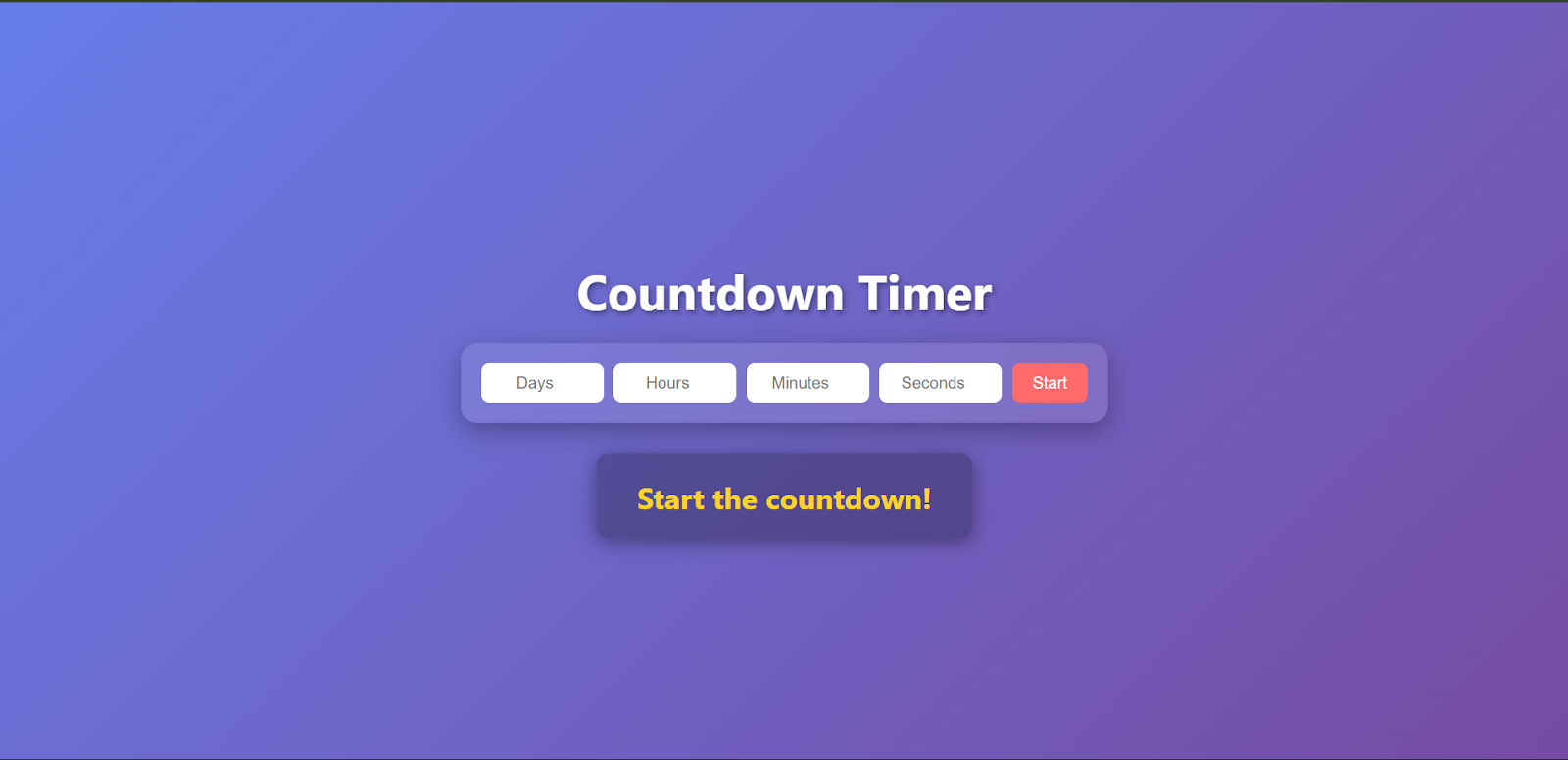
The app will accept user input for the countdown duration. Specifically, we will have four numeric input fields labeled Days, Hours, Minutes, Seconds. The user can enter values into each field to set how long the countdown should run (e.g. 0 days, 2 hours, 15 minutes, 30 seconds).
Output
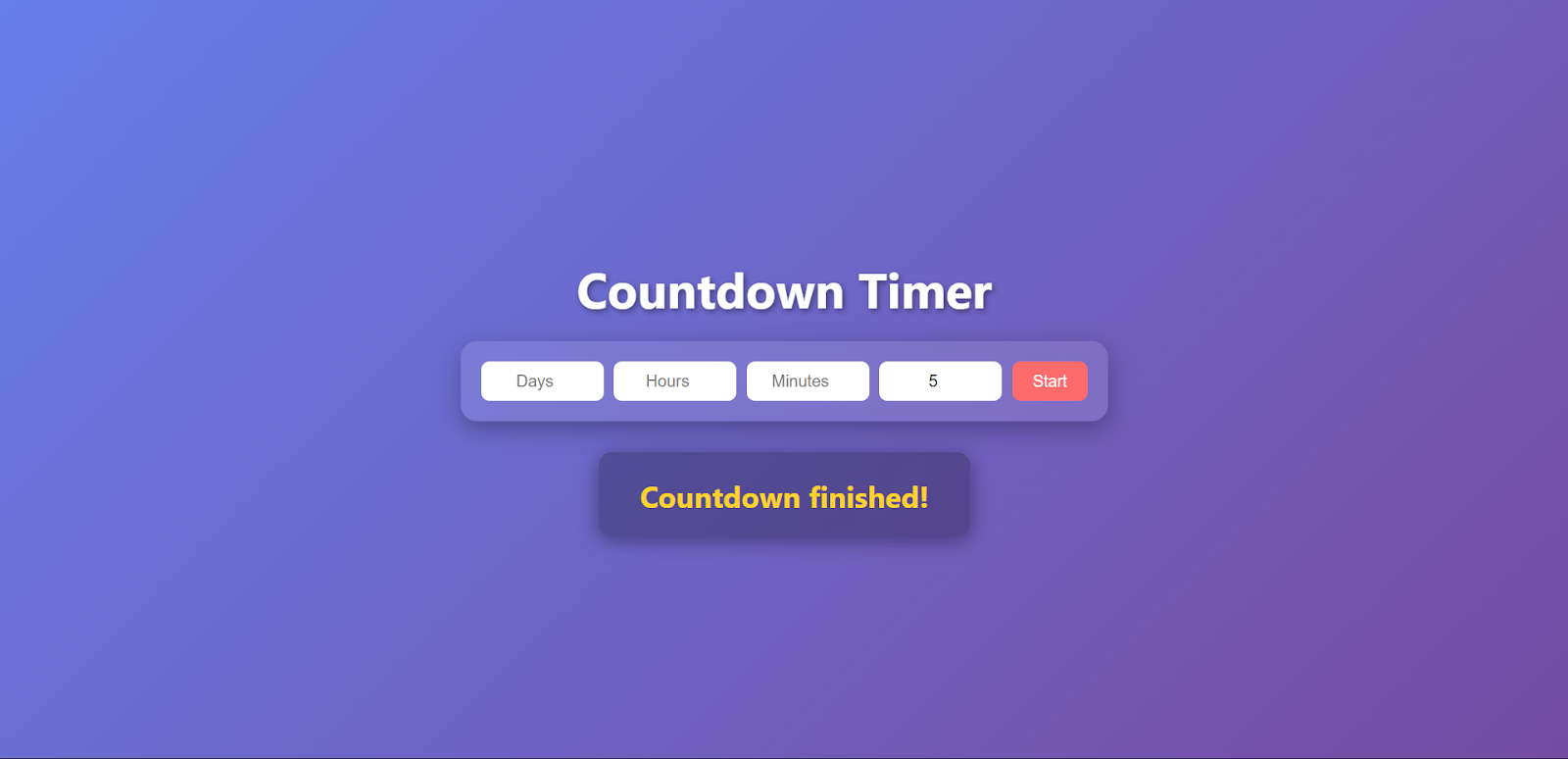
The output will be a dynamic display of the remaining time in days, hours, minutes, and seconds. Each second, the numbers decrement in real-time. Once the countdown reaches zero, the app will stop the timer and display a final message such as “**Countdown finished!**” to indicate that time is up.
ReactJS Projects










