Data Collection in Data Science
Data science projects begin with collecting information relevant to a specific analytical problem. The quality and structure of the collected data directly influence statistical analysis, feature engineering, and machine learning performance.
For example, a retail company developing a sales forecasting model may require historical transaction records, product prices, promotional information, and inventory data. These records may be distributed across CSV files, Excel spreadsheets, relational databases, and external APIs.
Data collection in data science is the process of acquiring, extracting, and integrating relevant information from structured, semi-structured, and unstructured sources for analysis and predictive modelling.
The process involves identifying suitable sources, understanding data schemas, extracting records, validating information, and preparing datasets for subsequent processing.
What Are the Different Sources of Data in Data Science?
Data scientists collect information from several types of systems.
| Data Source | Data Structure | Common Format | Data Science Application |
|---|---|---|---|
| CSV Files | Structured | .csv |
Transaction analysis |
| Excel Files | Structured | .xlsx |
Financial reporting |
| JSON Files | Semi-structured | .json |
API responses |
| REST APIs | Structured or semi-structured | JSON, XML | External data integration |
| Relational Databases | Structured | SQL tables | Customer records |
| NoSQL Databases | Varies | Documents, key-value records | Application events |
| Application Logs | Semi-structured | JSON, text | User behaviour analysis |
| IoT Sensors | Structured or streaming | Numerical records | Predictive maintenance |
| Web Pages | Semi-structured or unstructured | HTML | Public information extraction |
The source selected depends on the availability of information, the update frequency, and the technical requirements of the project.
For example, historical sales records may be available as CSV exports, whereas real-time weather measurements may be retrieved from an API.
1. How Do You Collect Data From CSV Files?
CSV stands for Comma-Separated Values.
A CSV file stores tabular information as text, with individual records typically arranged on separate lines and fields separated by commas.
Consider a file named sales.csv.
order_id,customer_id,product,quantity,price
1001,C101,Laptop,2,45000
1002,C102,Mouse,3,800
1003,C103,Keyboard,1,1500
The first row defines the column names.
Each subsequent row represents an observation.
Reading CSV Files With Pandas
Python's Pandas library provides read_csv() for importing CSV data into a DataFrame.
import pandas as pddf = pd.read_csv("sales.csv")print(df.head())Output:
   order_id customer_id   product  quantity  price
0      1001        C101    Laptop         2  45000
1      1002        C102     Mouse         3    800
2      1003        C103  Keyboard         1   1500
The DataFrame contains five columns representing order details.
Important CSV Import Parameters
| Parameter | Purpose |
|---|---|
sep |
Specifies the delimiter |
header |
Identifies the header row |
names |
Assigns custom column names |
dtype |
Specifies column data types |
usecols |
Selects required columns |
parse_dates |
Parses date columns |
encoding |
Specifies text encoding |
na_values |
Identifies custom missing-value markers |
For example, a large CSV file may contain 30 columns, but the analysis requires only three.
df = pd.read_csv( "sales.csv", usecols=["customer_id", "quantity", "price"])print(df.head())Selecting relevant columns reduces unnecessary data loading.
When Should You Use CSV Files?
CSV files are useful for transferring tabular data between different applications because they are widely supported.
However, CSV files do not preserve rich spreadsheet formatting and do not inherently define column data types.
Pandas may infer incorrect data types if values contain inconsistent formatting.
For example, identifiers containing leading zeros should often be imported as strings rather than integers.
2. How Do You Collect Data From Excel Files?
Excel files are commonly used for financial reports, inventory records, business metrics, and manually maintained datasets.
Pandas supports Excel imports through read_excel().
import pandas as pddf = pd.read_excel("sales_report.xlsx")print(df.head())Excel workbooks may contain multiple worksheets.
A specific sheet can be selected using sheet_name.
df = pd.read_excel( "sales_report.xlsx", sheet_name="Monthly Sales")Reading Specific Excel Columns
df = pd.read_excel( "sales_report.xlsx", usecols=["Product", "Quantity", "Revenue"])This loads only the specified columns.
CSV vs Excel for Data Collection
| Feature | CSV | Excel |
|---|---|---|
| File Type | Plain text | Spreadsheet workbook |
| Multiple Sheets | No | Yes |
| Data Formatting | Not preserved | Supported |
| Formula Support | No | Yes |
| Data Type Information | Limited | Cell types available |
| Common Use | Data exchange | Business reporting |
Excel is useful for business-maintained datasets, while CSV is often convenient for automated data exchange.
Excel imports also require care because formulas, merged cells, inconsistent headings, and manually entered values can complicate analysis.
3. How Do You Collect Data From JSON Files?
JSON stands for JavaScript Object Notation.
It represents information using objects, arrays, keys, and values.
JSON is widely used in APIs, web applications, event tracking, and document-oriented systems.
Consider the following customer record.
{
  "customer_id": "C101",
  "name": "Aarav",
  "location": "Delhi",
  "purchases": [
    {
      "product": "Laptop",
      "amount": 45000
    },
    {
      "product": "Mouse",
      "amount": 800
    }
  ]
}
The record contains nested data because the purchases field stores an array of objects.
Reading JSON Using Python
Python provides a built-in json module.
import jsonwith open("customer.json", "r", encoding="utf-8") as file: customer = json.load(file)print(customer["name"])Output:
AaravThe json.load() function converts a JSON document into corresponding Python objects.
JSON objects commonly become dictionaries, while JSON arrays become lists.
Converting Nested JSON Into a DataFrame
Pandas provides json_normalize() for flattening nested records.
import pandas as pddata = { "customer_id": "C101", "name": "Aarav", "purchases": [ {"product": "Laptop", "amount": 45000}, {"product": "Mouse", "amount": 800} ]}df = pd.json_normalize( data, record_path="purchases", meta=["customer_id", "name"])print(df)Output:
  product  amount customer_id   name
0  Laptop   45000        C101  Aarav
1   Mouse     800        C101  Aarav
Each purchase becomes a separate row, while customer information is retained.
Nested JSON requires careful interpretation because flattening arrays can change the number of observations.
4. What Are APIs in Data Science?
An Application Programming Interface (API) allows software applications to exchange information through defined requests and responses.
REST APIs commonly use HTTP methods such as GET, POST, PUT, PATCH, and DELETE.
For data collection, GET requests are frequently used to retrieve information.
For example, a weather forecasting project may retrieve temperature, humidity, and rainfall information from a weather API.
Understanding an API Response
A hypothetical API response might contain:
{
  "city": "Delhi",
  "temperature": 29,
  "humidity": 65,
  "condition": "Cloudy"
}
The response can be parsed into Python objects and incorporated into a dataset.
Retrieving API Data With Python
The requests library supports HTTP requests.
import requestsurl = "https://api.example.com/weather"response = requests.get( url, params={"city": "Delhi"}, timeout=10)response.raise_for_status()data = response.json()print(data)The URL is illustrative rather than an active API endpoint.
Code Explanation
requests.get()sends an HTTP GET request.paramsattaches query parameters.timeoutlimits how long the request may wait.raise_for_status()raises an exception for unsuccessful HTTP status codes.response.json()parses the response body as JSON.
Production API integrations must also consider authentication, pagination, rate limits, transient failures, and response schema changes.
5. How Do You Collect Data From SQL Databases?
Relational databases store information in tables containing rows and columns.
Tables are connected using identifiers such as primary keys and foreign keys.
For example, an e-commerce database may contain separate tables for customers, orders, and products.
Retrieving Records Using SQL
SELECT
    customer_id,
    order_id,
    order_amount
FROM orders
WHERE order_amount > 5000;
This query retrieves orders with values greater than ₹5,000.
Reading SQL Data Into Pandas
Pandas provides read_sql() for loading query results into a DataFrame through a suitable database connection.
import pandas as pdfrom sqlalchemy import create_engineengine = create_engine( "sqlite:///retail.db")query = """SELECT customer_id, order_amountFROM ordersWHERE order_amount > 5000"""df = pd.read_sql(query, engine)print(df.head())This example assumes that retail.db exists and contains an orders table.
Using SQL queries to select relevant records can reduce the amount of data transferred into Python.
What Is the Difference Between Batch and Streaming Data Collection?
Data collection systems can process information in batches or as continuous streams.
Batch Processing
Batch processing collects and processes data at scheduled intervals.
For example, a company may import transaction records every night.
Batch processing is commonly used for historical reporting, periodic model training, and offline analysis.
Streaming Data
Streaming systems process events continuously or in small intervals as they arrive.
For example, a payment platform may analyse transaction events shortly after they occur.
Streaming technologies can support fraud detection, application monitoring, and real-time analytics.
| Aspect | Batch Processing | Streaming Processing |
|---|---|---|
| Processing Pattern | Scheduled groups | Continuous event flow |
| Data Freshness | Depends on batch schedule | Potentially near real time |
| Typical Use | Historical reporting | Event monitoring |
| Common Technologies | SQL jobs, ETL tools | Apache Kafka, stream processors |
Streaming systems require additional consideration of event ordering, late-arriving records, and duplicate delivery.
What Is Data Integration?
Data integration combines information from multiple sources into a consistent dataset.
Consider a delivery prediction project requiring:
- Historical order records from a SQL database
- Weather measurements from an API
- Delivery distances from a routing system
- Driver information from an operational database
The datasets may use different identifiers, timestamps, and geographical formats.
Data integration therefore requires consistent join keys and careful timestamp alignment.
For example, weather information should correspond to the conditions available at the relevant prediction time.
Using weather observations recorded after a completed delivery could introduce data leakage into a historical prediction model.
How Do You Validate Collected Data?
Data validation checks whether information satisfies expected structural and logical requirements.
Common validation rules include:
- Schema Validation: Required columns and data types must be present.
- Completeness: Essential fields should contain valid values.
- Uniqueness: Unique identifiers should not be duplicated unexpectedly.
- Range Validation: Numerical values should satisfy realistic constraints.
- Referential Integrity: Related records should contain valid identifiers.
- Timestamp Validation: Dates must follow consistent formats and logical sequences.
For example, a transaction quantity of -50 may require investigation depending on whether the dataset represents purchases, returns, or inventory adjustments.
Data validation should reflect the meaning of each variable rather than applying arbitrary rules.
Common Mistakes in Data Collection
- Collecting large volumes of irrelevant information.
- Assuming imported columns have correct data types.
- Ignoring API response failures or pagination.
- Combining datasets using inconsistent identifiers.
- Using information that was unavailable at the intended prediction time.
Data Science Tutorial for Beginners
Vaishali Ardhana

Recommended Handbooks

C++ Handbook

Python Basics Handbook

Javascript Handbook

Building a Random Joke Generator Using ReactJS

Build a Character Counter in React JS

Build Your QR Code Generator using React JS

Build a Birthday Reminder App using React JS

Building BMI Calculator Using ReactJS
Building Random Password Generator using ReactJS
Temperature Converter Project in React
Building a To-Do List App Using ReactJS
Building a Weather App Project Using ReactJS
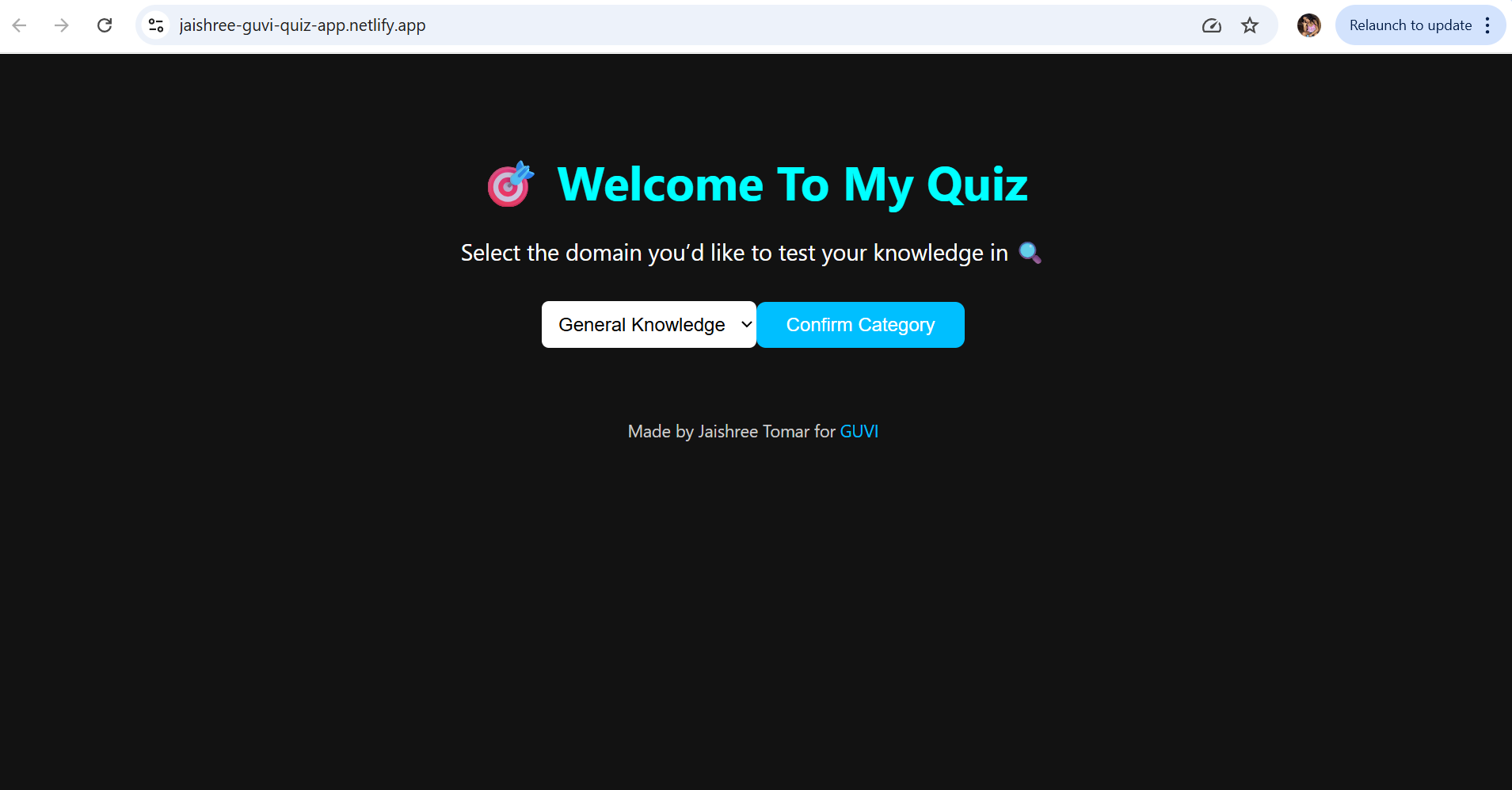
Building a Quiz App in ReactJS

Building a GenZ Carousel App in React

ReactJS Projects Handbook

Computer Networks Tutorial

Operating System Tutorial
DBMS and SQL Tutorial

Java Tutorial

C Language Tutorial

PHP Tutorial

Android Tutorial

Linux Guide Tutorial
Data Structures and Algorithms Tutorial

Computer Architecture

HTML 5 References Tutorial

Docker Tutorial

GIT (Using Github) Tutorial

Go Language Tutorial

GIT Guide

CSS Tutorial
Advanced Data Structures

Spring Framework Tutorial

Spring Boot Tutorial

Kotlin Tutorial

Apache Cordova Tutorial

Python Tutorial

SASS-SCSS Tutorial

MongoDB Tutorial

Numpy Tutorial

PL-SQL Tutorial

Python Built-in Functions Tutorial

Pandas Tutorial

Elasticsearch Tutorial

Matplotlib Tutorial

Web Scraping Tutorial

Networking with Python

Tkinter Tutorial

Java Programs Tutorial

Java Examples Tutorial

Servlet Tutorial

JSP Tutorial

Java Type Conversion Tutorial

Java 8 Tutorial

Java 9 Tutorial

Java 10 Tutorial

Java 11 Tutorial

Java Util Library Tutorial

Building a Contact Us Form in ReactJS

Building a Age Calculator App Using ReactJS

Movie Recommendation System Project Using Content-Based Filtering

Recipe Finder App using ReactJS
Sales Data Analysis Project for Beginners Using Data Science

Student Performance Analysis Project for Beginners Using Data Science

Word Counter Tool Using ReactJS

Customer Churn Prediction Project Using Classification Techniques

Basic Expense Tracker App using ReactJS

Simple Binary to Decimal Converter in React

Real-Time Unit Converter in React
House Price Prediction Using Machine Learning (XGBoost)
Weather Data Analysis and Visualization Using Python

Expandable Accordion Component using React

OTP Verification Component using React

Cricket Data Analysis Using Python
Credit Card Fraud Detection for Beginners using Data Science

Deep learning Tutorial

Software Development Life Cycle Tutorial
Stock Price Prediction for Beginners using Data Science

Apache Kafka Tutorial

Angular Tutorial

Django Tutorial

Computer Programming Tutorial

Tensorflow Tutorial

Java OOPs Concepts Tutorial

Building an Image Classification System Using CNN

News Recommendation System Using Machine Learning

Fake Review Detection System using Machine Learning

Product Feedback App Using Full Stack Development - Customer Review and Rating System

Job Portal with Applicant Tracking System Using Full Stack Development

(FalCon Store) A Modern React-Based E-Commerce App UI with Admin Dashboard

Student Management System using Python (Beginner-Friendly Project Guide)

HTML Tutorial - From Basics to Implementation

Machine Learning Tutorial

ReactJS Tutorial

Hibernate Tutorial

Data Analysis with Python Handbook
Probability and Statistics for Data Science

Artificial Intelligence Tutorial

Power BI Tutorial

R for Data Science
SQL for Data Science

Data Analytics Tutorial