


Javascript Articles
Arrow Functions in JavaScript: A Complete Guide
What Is Currying in JavaScript?


Get In Touch For Details! Request More Information

When you open a website and see content change instantly after clicking a button or submitting a form, JavaScript is working behind the scenes. But JavaScript does not directly manipulate HTML as plain text once the page loads. Instead, it uses a structured representation of the webpage called the DOM in JavaScript to understand and control everything you see on the screen.
Understanding the DOM in JavaScript is essential for beginners who want to build interactive and dynamic websites. This blog explains what the DOM in JavaScript is, why it is important, how it works internally, and how JavaScript uses the DOM to access, modify, and update webpage elements in real time.
Quick Answer
The DOM in JavaScript, short for Document Object Model, is a structured representation of an HTML document created by the browser. It represents the webpage as a tree of objects so JavaScript can access and modify elements dynamically. Using the DOM in JavaScript, developers can change content, styles, and behavior without reloading the page.
Table of contents
- What Is DOM In JavaScript
- Why DOM Is Important In JavaScript
- How DOM Works In A Browser
- How JavaScript Accesses DOM Elements
- How JavaScript Manipulates The DOM
- 💡 Did You Know?
- Conclusion
- FAQs
- Can the DOM be used to access hidden elements on a webpage?
- Does the DOM update automatically when the HTML file changes on the server?
- Can text nodes in the DOM be manipulated separately from their parent element?
- Are comments in HTML part of the DOM?
- Can multiple scripts interact with the same DOM simultaneously?
What Is DOM In JavaScript
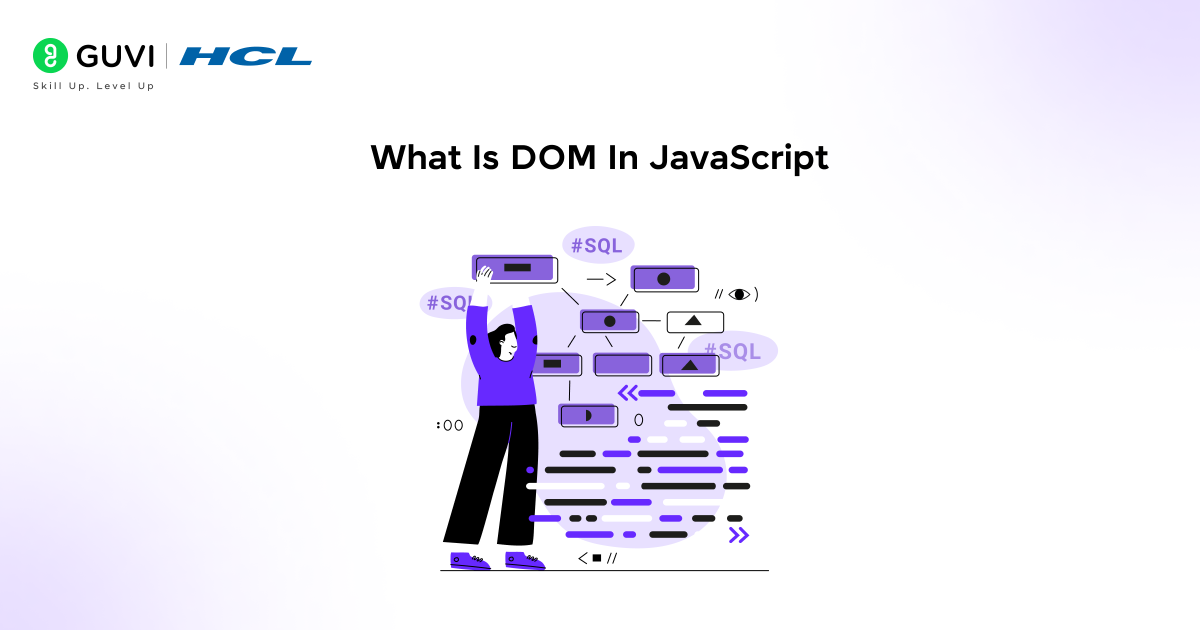
The DOM in JavaScript, short for Document Object Model, represents an HTML document as a structured tree of objects. Every element on a webpage becomes a node in this tree, allowing JavaScript to understand the page structure and interact with different elements while the page is running in the browser.
Key Elements
- Document – Represents the entire web page that the browser loads
- Node – Every HTML element, text, or comment becomes a node in the DOM tree
- Tree Structure – Shows relationships between elements using parent and child connections
Example
A web page with a heading and a button is represented in the DOM as connected nodes, where JavaScript can update the heading text by modifying its DOM node instead of changing the HTML file.
Do check out this HCL GUVI’s JavaScript for Beginners course to strengthen your understanding of the DOM and other core JavaScript concepts. This course is perfect for beginners who want to build interactive web pages and learn how to manipulate elements efficiently using JavaScript.
Why DOM Is Important In JavaScript
The DOM in JavaScript is important because it allows JavaScript to interact with and control a webpage after it has loaded in the browser. Without the DOM, JavaScript would not be able to change content, respond to user actions, or update the page dynamically. In the points below, you will clearly understand why the DOM in JavaScript plays a crucial role in building interactive and responsive websites.
Key Points
- Dynamic Content Updates – JavaScript can change text, images, and layout without reloading the page
- Interactive Webpages – User actions like clicks and inputs can trigger changes on the page
- Real-Time Control – Webpage elements can be updated instantly using JavaScript logic
- Separation of Structure and Logic – HTML defines structure, while JavaScript controls behavior through the DOM
How DOM Works In A Browser
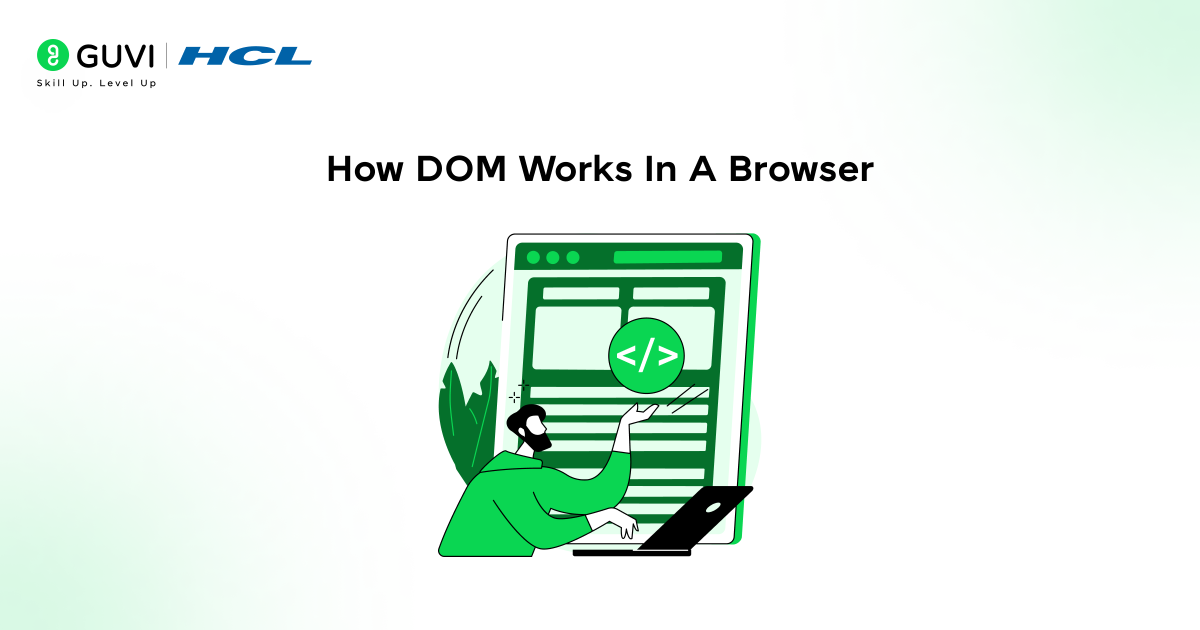
When a browser opens a webpage, it reads the HTML and creates a tree-like structure called the DOM. Each part of the page, like headings, paragraphs, and buttons, becomes a “node” in this tree. This structure allows JavaScript to find any element on the page and make changes without touching the HTML file directly.
Key Points
- Root Node – The whole webpage
- Parent Nodes – Elements that contain other elements
- Child Nodes – Elements inside a parent element
- Sibling Nodes – Elements at the same level under the same parent
Example
On a simple page with a heading and a button, the page is the root node, the heading is a child node, and the button is a sibling node. JavaScript can update the heading or button without changing the original HTML.
Do check out the HCL GUVI’s JavaScript Hub to explore more tutorials, tips, and resources that will help you master the DOM and other core JavaScript concepts. This hub is perfect for beginners and developers looking to strengthen their JavaScript skills.

How JavaScript Accesses DOM Elements
When a webpage loads, all HTML elements become nodes in the DOM tree. JavaScript can locate these nodes using built-in methods to access and interact with them. Accessing DOM elements is the first step before you can read, modify, or update their content, attributes, or styles.
Key Elements
- getElementById – This method selects a single element based on its unique ID. It is very fast and useful when you know exactly which element you want to access, like a main heading or a specific button.
- getElementsByClassName – This method selects all elements that share the same class name. It returns a collection, allowing you to loop through multiple elements and apply changes to all of them at once.
- querySelector – This method selects the first element that matches a CSS-style selector. You can use IDs, classes, or any valid CSS selector, making it very flexible for targeting elements.
- querySelectorAll – This method selects all elements that match a CSS-style selector and returns a list of nodes. It is useful when you want to apply changes to multiple elements with the same class, attribute, or tag.
Example
A heading with the ID “title” can be accessed using document.getElementById(“title”). Once accessed, JavaScript can change its text or style without modifying the HTML file itself. Similarly, all buttons with the class “btn” can be selected using document.getElementsByClassName(“btn”) to apply the same style to each.
How JavaScript Manipulates The DOM

Once JavaScript accesses DOM elements, it can modify them in multiple ways to make a webpage dynamic. This includes changing text, updating HTML content, modifying styles, and altering attributes like links or images. Manipulating the DOM is what allows websites to respond to user actions without reloading the page.
Key Points
- Text Content (textContent) – Allows you to change the text of any element dynamically
- HTML Content (innerHTML) – Lets you replace or add content inside an element
- Style (style) – Enables direct modification of CSS styles like color, size, or layout
- Attributes (src, href, etc.) – Let you modify element attributes such as links, images, or input values
Do check out HCL GUVI’s Online IDE to practice JavaScript and experiment with the DOM in real time. This IDE is perfect for beginners who want a hands-on environment to write, test, and debug their code efficiently.
💡 Did You Know?
- The DOM is recreated every time a webpage loads, even if the HTML file hasn’t changed.
- Whitespace and comments in HTML are also treated as nodes in the DOM tree.
- Modern JavaScript frameworks like React and Vue still rely on the DOM to render and update content efficiently.
Conclusion
The DOM in JavaScript is the bridge between HTML and JavaScript, allowing developers to make webpages interactive and dynamic. Understanding how the DOM represents elements as nodes helps you see how JavaScript can access and control every part of a webpage.
By learning how to manipulate content, styles, and attributes using the DOM, beginners can start building responsive and engaging websites. Mastering the DOM in JavaScript is a crucial step toward becoming a confident and effective web developer.
FAQs
1. Can the DOM be used to access hidden elements on a webpage?
Yes, JavaScript can access elements even if they are hidden with CSS, allowing you to modify or reveal them dynamically.
2. Does the DOM update automatically when the HTML file changes on the server?
No, the DOM only represents the page currently loaded in the browser; changes on the server require reloading or fetching new content.
3. Can text nodes in the DOM be manipulated separately from their parent element?
Yes, text nodes are individual nodes in the DOM and can be accessed or modified independently of their parent elements.
4. Are comments in HTML part of the DOM?
Yes, HTML comments are treated as nodes in the DOM tree, though they do not appear visually on the page.
5. Can multiple scripts interact with the same DOM simultaneously?
Yes, multiple JavaScript scripts can access and manipulate the DOM, but developers need to manage timing and conflicts carefully.
Success Stories

About the Author
Jebasta
I translate the language of data into stories that anyone can understand. As a writer with a data science background, I simplify analytics, AI, and decision-making so beginners and enthusiasts can confidently explore the world of data.
View all posts by Jebasta
Connect with me @













Did you enjoy this article?