


Artificial Intelligence and Machine Learning Articles
Google Jules Tutorial: Real Examples & Implementation
Docling AI Explained: A Comprehensive Guide to Parsing
Detecting Hallucinations in Generative AI: Types, Examples, Methods, and Best Practices


Get In Touch For Details! Request More Information

UCI Machine Learning Repository: A Comprehensive Guide
Sep 02, 2025 6 Min Read 7171 Views
(Last Updated)
If you’re venturing into machine learning, you’ve likely heard of the UCI Machine Learning Repository. This repository (hosted at the University of California, Irvine) is essentially a vast online archive of datasets that are commonly used for machine learning research and education.
For decades, it has been a go-to resource for students, educators, and researchers to find datasets for developing and testing their algorithms. As of 2025, the UCI Repository maintains hundreds of datasets (currently 682) spanning diverse domains, and it’s used by millions of people worldwide in the ML community.
In this article, we’ll explore what the UCI Machine Learning Repository offers, why it’s so valuable, how you can use it, and some interesting facts and challenges surrounding it. So, without further ado, let us get started!
Table of contents
- Key Features and Benefits of UCI Machine Learning Repository
- Diverse Collection of Datasets
- Standardized Formats
- Detailed Documentation
- Benchmarking and Comparisons
- Community Contributions
- Free Access
- What are the Kinds of Datasets in the UCI Repository?
- Types of Machine Learning Tasks Covered
- Popular Dataset Examples
- Using the UCI Machine Learning Repository
- Step 1: Access the Repository
- Step 2: Search or Browse
- Step 3: Select a Dataset and Read Details
- Step 4: Download the Data
- Step 5: Load into Your Tool and Analyze
- Quick Quiz
- Conclusion
- FAQs
- What is the UCI Machine Learning Repository used for?
- Is the UCI Machine Learning Repository free to use?
- How do I download datasets from the UCI Machine Learning Repository?
- What types of datasets are available in the UCI Machine Learning Repository?
- Can I contribute my own dataset to the UCI Machine Learning Repository?
Key Features and Benefits of UCI Machine Learning Repository
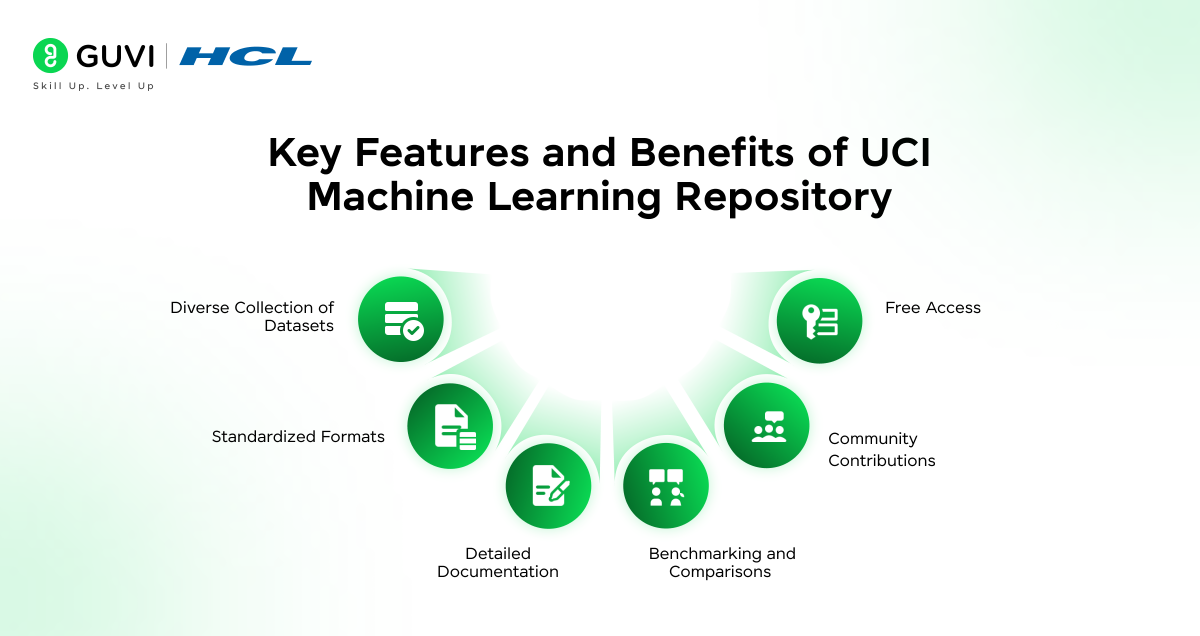
The UCI Machine Learning Repository didn’t become famous by accident; it provides several key features and benefits that make it incredibly useful for anyone learning or working with machine learning:
1. Diverse Collection of Datasets
The repository offers a wide range of datasets across various domains (from biology to finance, education, image recognition, and more). Whether you need numerical tabular data, text data, time-series, or categorical data, you’ll likely find something suitable.
This diversity allows you to practice various machine learning tasks using real-world data relevant to your project.
2. Standardized Formats
Nearly all datasets on UCI are provided in common, machine-learning-friendly formats like CSV or ARFF (Attribute-Relation File Format). These standardized formats make it easy for you to load the data into your analysis tools (e.g., Python pandas, R, MATLAB, Weka, etc.) without needing to convert or clean up file types.
In other words, you can spend more time analyzing data and less time wrestling with format issues.
3. Detailed Documentation
Each dataset comes with a description and metadata explaining what the data is about. Typically, a dataset’s page will tell you the dataset’s source (who donated or created it), what the columns (features) mean, what the rows (instances) represent, and any relevant context or preprocessing info.
This documentation is crucial for understanding the data before you dive into modeling. It helps you know the problem domain and any quirks in the data (such as missing values or categorical encodings) up front.
4. Benchmarking and Comparisons
Because the UCI datasets are so commonly used, they serve as benchmark standards for the community. Researchers often test new machine learning algorithms on UCI datasets (like testing a new classifier on the classic Iris or Adult dataset) and report results.
This means you can compare your model’s performance with published results or with other algorithms on the same dataset, which is a great learning tool. By using a shared repository of datasets, it’s easier to compare algorithms fairly.
5. Community Contributions
The repository is open for contributions – researchers and practitioners around the world can donate new datasets to UCI. Over the years, this has led to a growing and evolving collection.
The community-driven aspect means that as new kinds of data or challenges emerge, they can be added to UCI for others to use. If you ever collect an interesting dataset, you could even contribute it to help others. This collaborative spirit keeps the repository up-to-date and relevant.
6. Free Access
Importantly, the UCI Repository is freely accessible. You do not need to pay or even log in to download datasets. This open access lowers the barrier for students and enthusiasts everywhere to get hands-on with real data. You can just browse, click, and download a dataset to start experimenting right away.
These features collectively make the UCI Machine Learning Repository an indispensable learning tool. It provides you with ready-to-use data and saves you the trouble of hunting down datasets or cleaning badly formatted files.

What are the Kinds of Datasets in the UCI Repository?
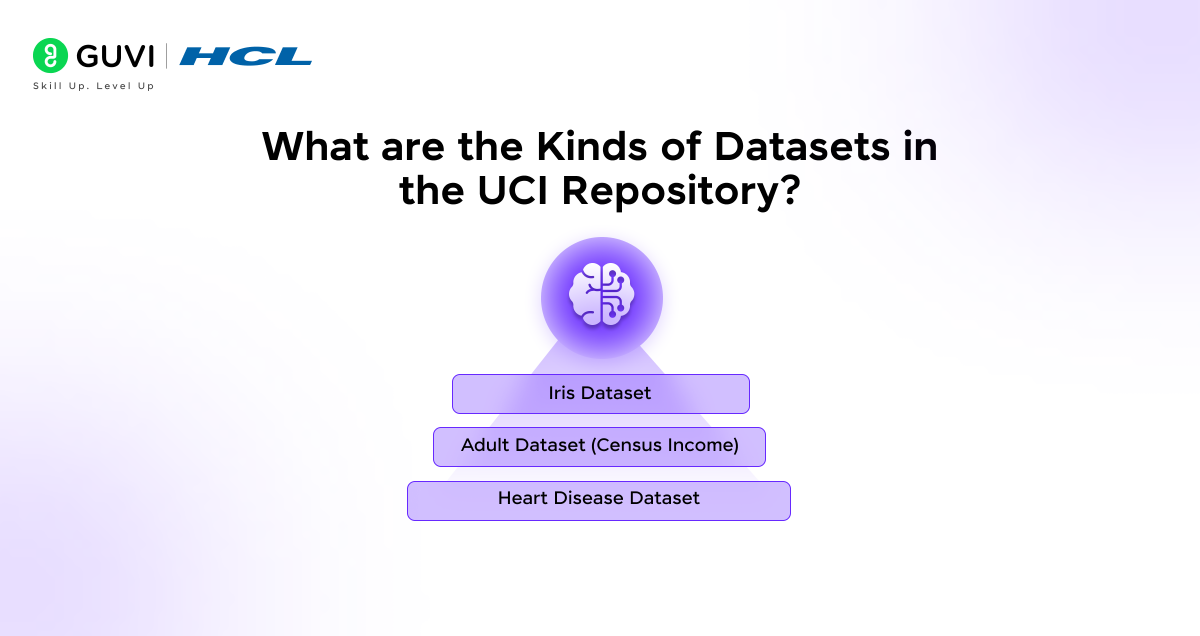
One reason the UCI Repository is so popular is the variety of datasets it hosts. Let’s break down what kinds of datasets you can find and highlight a few well-known examples.
Types of Machine Learning Tasks Covered
The datasets in UCI cover almost every major machine learning task category:
- Classification: These are datasets for predicting categorical labels. For example, classifying an email as spam vs. not spam, or determining the species of a flower from measurements.
- Regression: These datasets involve predicting a continuous numeric value. A classic regression example is predicting house prices from features like size and location.
- Clustering: These datasets are used for unsupervised learning, where the goal is to find groups or clusters in the data without predefined labels.
- Anomaly Detection (Outlier detection): Some datasets are geared toward finding unusual or rare cases in the data. For example, network intrusion detection datasets or medical screening datasets to catch rare diseases.
- Time Series and Sequential Data: UCI includes datasets that have a time component, useful for forecasting or sequence modeling. An example would be a dataset of airline passenger counts over time. There are also sequential datasets, like sensor readings over time, text sequences, etc., which can be used for sequence classification or prediction tasks.
No matter which type of task you want to practice, be it teaching a computer to recognize images, predict stock prices, cluster similar songs, or detect anomalies, chances are UCI has a relevant dataset you can use.
Popular Dataset Examples
To give you a concrete sense of what’s available, here are some famous datasets from the UCI Repository and what they’re used for:
- Iris Dataset: A small, classic dataset introduced by Ronald Fisher in 1936, containing measurements of iris flowers. It has 150 instances and 4 features (petal and sepal dimensions) for three species of iris. It’s often the first dataset you encounter for classification tutorials, as the task is to classify the iris species from the measurements.
- Adult Dataset (Census Income): A dataset extracted from U.S. Census data, used to predict whether a person’s annual income exceeds $50K based on their demographic attributes (age, education, occupation, etc.). This is a popular binary classification task and a common benchmark for algorithms; the data has over 48,000 instances, which is relatively larger and more realistic than toy example.
- Heart Disease Dataset: A collection of medical data (from Cleveland Clinic and other sources) aimed at predicting the presence of heart disease in a patient given various health measurements (like cholesterol level, blood pressure, etc.). It’s widely used in research on medical ML models. The UCI heart disease data has multiple versions; a common one has 303 instances and 14 attributes.
The variety means you can always find a dataset to match your interest, whether it’s in economics, medicine, sports, etc.
Using the UCI Machine Learning Repository
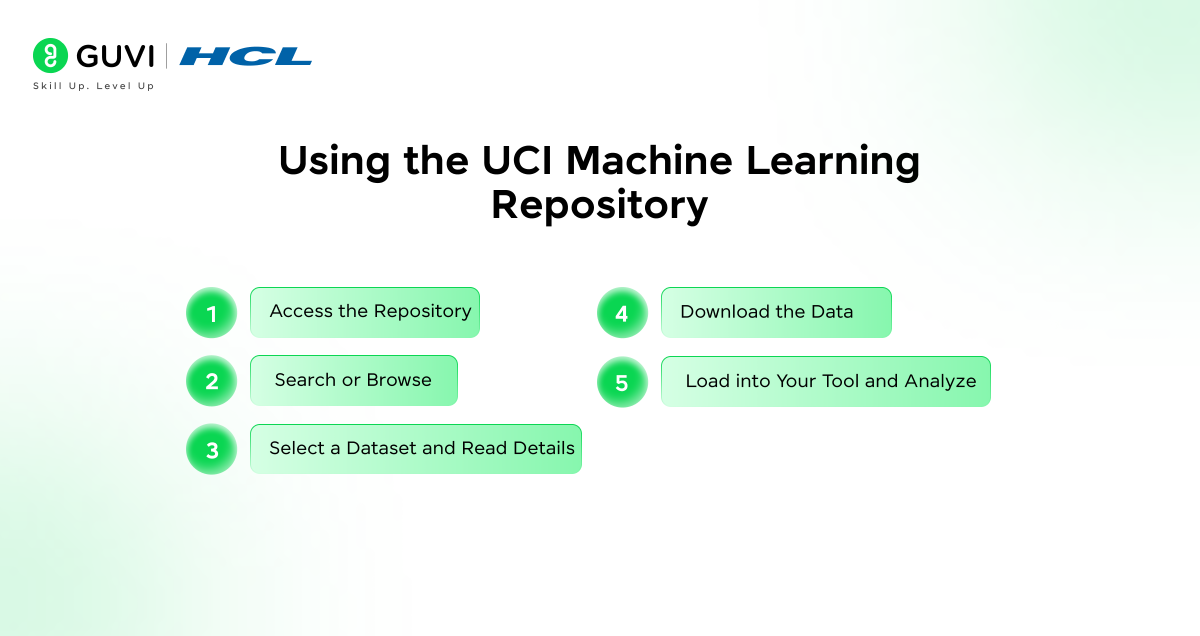
One of the best aspects of the UCI Repository is that it’s straightforward to use. You don’t need any special tools beyond a web browser to get started. Here’s a step-by-step guide on how you can use it:
Step 1: Access the Repository
Visit the official UCI Machine Learning Repository website. You’ll land on the home page, which typically highlights some popular datasets and new additions.
Step 2: Search or Browse
If you have a specific topic in mind (say, finance or biology), you can use the search bar or filters on the site to find relevant datasets. The repository offers advanced search and filtering tools to streamline discovery.
For example, you can filter by dataset characteristics, such as category/domain, the number of attributes (features), dataset size (number of instances), the type of task (classification, regression, etc.), and so on, to narrow down the list.
Alternatively, you can browse through an alphabetical or categorized list of datasets. The site’s browse page lets you sort or filter datasets by popularity, name, data type (e.g. tabular, time-series), subject area, and more. This makes it easier to find a dataset that suits your needs.
Step 3: Select a Dataset and Read Details
Once you find a dataset of interest, click on its name. This will bring up the dataset’s detail page. Here, you should read the documentation carefully. Typically, you’ll see a description of what the data represents, how it was collected, and what each feature means.
Often, they also list the dataset’s size (instances, features), the recommended or relevant machine learning tasks (e.g. “Classification, Regression”), and citations to papers that used it. This context is important so you know how to properly use the data.
Step 4: Download the Data
On the dataset’s page, you’ll find links to download it. Most UCI datasets can be downloaded directly as a CSV file or an ARFF file (ARFF is a format used by Weka software).
In many cases, the data might be bundled in a ZIP archive, especially if there are multiple files (like a data file plus a separate documentation file).
Simply click the download link for the format you prefer (CSV is convenient for using in Python/R; ARFF is handy if you’re using Java or Weka) and save the file to your computer.
Step 5: Load into Your Tool and Analyze
After downloading, you can load the dataset into your favorite analysis environment. If you’re a Python user, for instance, you can use pandas (read_csv) to load a CSV, or use scipy or the liac-arff library to load ARFF. R users can use read.csv or packages like foreign for ARFF.
Once loaded, you can start exploring the data: print out some rows, check summary statistics, and then proceed to apply your machine learning algorithm of choice. Because the data from UCI is already in a clean, ready-to-use format, you can jump straight into analysis or model-building with minimal preprocessing hassle. This is great for learning – you get to focus on modeling rather than data cleaning.
In short, using the UCI Repository is as easy as browsing a catalog and downloading a file. It’s designed to be user-friendly for newcomers. After a couple of times, you’ll feel quite comfortable finding and using data from UCI.
Quick Quiz
Ready to test your knowledge? Here’s a quick question based on the above content:
Q: Approximately how many datasets does the UCI Machine Learning Repository maintain as of 2025?
A. Around 70
B. Around 300
C. Around 700
D. Over 5000
Think about it for a moment…
Answer: C. Around 700. In fact, the repository hosts 682 datasets as of the latest count, which is roughly in the “hundreds” range (certainly far more than 70, and nowhere near 5000). This number grows as new datasets are contributed.
(Bonus: Option A (70) would have been the right answer if it were the early 1990s, and Option B (300) would be closer to the mid-2000s. Option D (5000) is way too high – maybe one day UCI will get there, but not yet!).
If you’re serious about mastering machine learning repositories like this, and want to apply them in real-world scenarios, don’t miss the chance to enroll in HCL GUVI’s Intel & IITM Pravartak Certified AI & ML course. Endorsed with Intel certification, this course adds a globally recognized credential to your resume, a powerful edge that sets you apart in the competitive AI job market.
Conclusion
In conclusion, the UCI Machine Learning Repository is a foundational resource in the machine learning community. It provides an accessible, one-stop location for finding a wide variety of datasets that you can use to learn, practice, and benchmark machine learning algorithms.
While UCI datasets might not cover every possible need (especially extremely large-scale data or very specialized domains), the platform continues to evolve, new datasets are added, and improvements are made to the site’s usability. So go ahead and explore the UCI Machine Learning Repository.
FAQs
1. What is the UCI Machine Learning Repository used for?
The UCI Machine Learning Repository is a public archive of datasets that students, researchers, and developers use to learn, practice, and test machine learning algorithms. It’s especially popular for education, prototyping models, and benchmarking algorithm performance because the datasets are well-documented and available in easy-to-use formats.
2. Is the UCI Machine Learning Repository free to use?
Yes. All datasets in the UCI Machine Learning Repository are freely accessible without any login or payment. You can browse the collection, download datasets directly, and use them for learning, research, or personal projects, provided you give proper citation if used in published work.
3. How do I download datasets from the UCI Machine Learning Repository?
You can visit the official website, search or browse for a dataset, open its detail page, and click the download link for the preferred format (usually CSV or ARFF). Some datasets are compressed in ZIP files, which you’ll need to extract before using.
4. What types of datasets are available in the UCI Machine Learning Repository?
The repository contains datasets for various tasks, including classification, regression, clustering, anomaly detection, and time-series analysis. They cover domains like healthcare, finance, biology, text analysis, and more, with sizes ranging from small (hundreds of rows) to large (millions of records).
5. Can I contribute my own dataset to the UCI Machine Learning Repository?
Yes. The UCI Repository accepts dataset contributions from the global community. You need to follow their submission guidelines, which include providing the dataset in a standard format and including detailed documentation about the features, data source, and intended tasks.
Success Stories

About the Author
Lukesh S
A professional content writer who has experience in freelancing and now working as a Technical Content Writer at HCL GUVI having sound knowledge in Blog Writing and Creative Writing!
View all posts by Lukesh S
Connect with me @













Did you enjoy this article?