


Uncategorised Articles
Q-Learning Explained: A Beginner's Guide
Claude for Code Documentation with JSDoc


Get In Touch For Details! Request More Information
How to Use Claude for API Documentation Writing
Aug 06, 2026 3 Min Read 231 Views
(Last Updated)
API documentation writing is a strong assistant because it can process technical material and rewrite it into something developers can actually use. If you give it routes, parameters, examples, and expected behaviour, it can generate readable documentation much faster than writing every page from scratch.
Table of contents
- TL;DR Summary Box
- What Does Claude Help With? API Documentation Writing
- Claude for Documentation
- Reference Docs
- How-To Guides
- Examples and Snippets
- Changelogs and Updates
- How To Prepare Inputs
- Useful Inputs
- Why This Matters
- How To Prompt Claude Well
- Good Prompt Elements
- Suggested Documentation Structure
- Common Sections
- Why Structure Helps
- Comparison Table
- Best Workflow For Teams
- Step 1: Draft
- Step 2: Verify
- Step 3: Refine
- Common Mistakes
- Real-World Example
- What To Do Next
- Conclusion
- FAQs
- Can Claude write API docs from code?
- What kind of API docs does Claude handle best?
- Should I let Claude write the final version?
- What should I give Claude before asking it to write?
- How do I keep docs consistent?
- Can Claude write developer examples?
TL;DR Summary Box
- Claude is useful for first drafts of API references, guides, examples, and changelogs.
- It works best when you provide endpoint details, request and response samples, and usage context.
- Good API docs should be accurate, consistent, and easy for developers to scan.
- Claude should speed up documentation work, not replace technical review.
- The strongest process is draft, verify, refine, and publish.
| Direct Answer Box: Claude can help you write API documentation faster by turning technical notes, code, and endpoint details into clear, developer-friendly docs. The best workflow is to give Claude structured source material, define the audience and tone, and then review the output for accuracy, consistency, and completeness. |
What Does Claude Help With? API Documentation Writing
Claude can help with many parts of API documentation. It is especially useful for turning raw technical inputs into polished content that is easier to publish and maintain.
Claude for Documentation
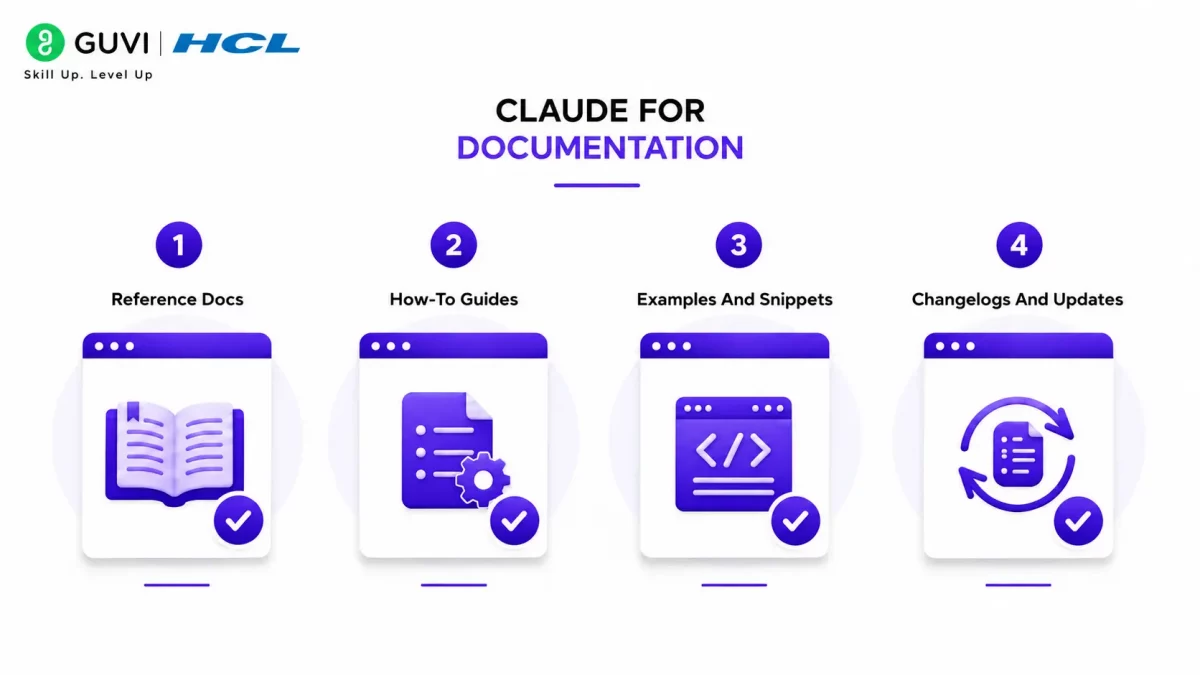
1. Reference Docs
Claude can draft endpoint descriptions, request parameters, response examples, and error notes. That makes it useful for building the core API reference developers rely on.
2. How-To Guides
Claude can turn technical workflows into step-by-step guides. This is helpful when you want to show developers how to authenticate, make their first request, or handle common use cases.
3. Examples and Snippets
Claude can generate example requests, sample responses, and short code blocks for docs. These examples make documentation more practical and easier to follow.
4. Changelogs and Updates
Claude can also help summarize changes between versions. That is useful when you need release notes or migration guidance for developers.
How To Prepare Inputs
Claude writes better documentation when you give it organized source material. The more complete your inputs are, the less cleanup you need later.
1. Useful Inputs
Before you ask Claude to write, gather:
- Endpoint names.
- Request methods.
- Parameters.
- Response fields.
- Error codes.
- Authentication requirements.
- Example payloads.
- Edge cases.
- Existing notes or design docs.
2. Why This Matters
If you give Claude incomplete or messy input, the output will usually be generic. Clear source material gives it enough context to produce documentation that feels specific and reliable.
How To Prompt Claude Well
The best prompts tell Claude what kind of document you want, who it is for, and what structure to follow. That reduces guesswork and makes the output easier to edit.
1. Good Prompt Elements
A strong prompt usually includes:
- The audience.
- The API or feature name.
- The doc type.
- The required sections.
- The tone.
- The output format.
For example, you can ask Claude to write an API endpoint page for beginner developers, keep it concise, include examples, and use consistent headings.
2. Suggested Documentation Structure
A consistent structure makes API docs easier to scan. Claude can follow a standard template well if you ask for it directly.
3. Common Sections
A good API doc often includes the following:
- Overview.
- Authentication.
- Endpoint purpose.
- Request parameters.
- Example request.
- Example response.
- Error handling.
- Notes or caveats.
4. Why Structure Helps
Developers look for answers fast. A predictable layout makes it easier for them to find what they need without reading the whole page.
Comparison Table
| Documentation Task | Claude’s Strength | Human Role |
| Endpoint drafts | Fast first draft from technical notes | Verify technical accuracy |
| Tutorials | Turns steps into readable guides | Confirm workflow correctness |
| Code examples | Produces sample requests and snippets | Test the examples |
| Changelog summaries | Condenses version changes | Validate release details |
| Style consistency | Keeps tone and structure aligned | Enforce doc standards |

Best Workflow For Teams
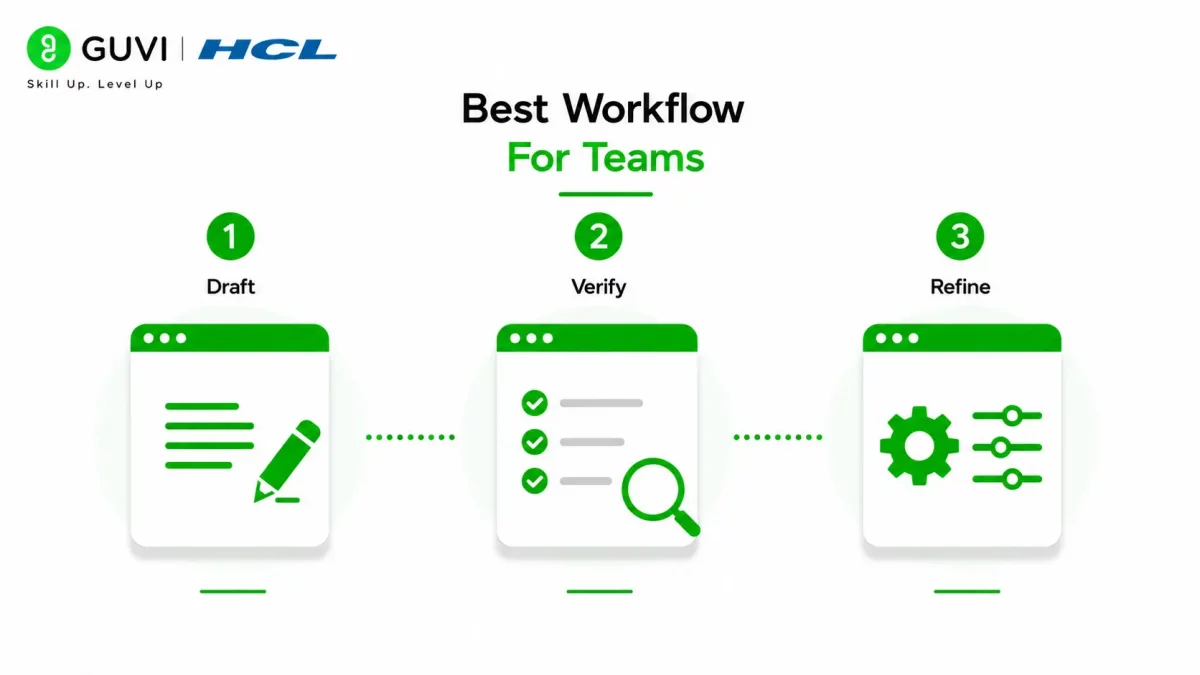
The most reliable workflow is to use Claude for the first draft, then review the document against source code or product specs. That keeps the process fast without losing accuracy.
Step 1: Draft
Ask Claude to write the page using your preferred structure and examples. This saves time and gives you a solid starting point.
Step 2: Verify
Check the draft against the actual API behavior, codebase, or schema. This is the step that protects accuracy.
Step 3: Refine
Fix wording, improve examples, and align the draft with your internal documentation style. This is where the doc becomes publication-ready.
💡 ProTip: Ask Claude to write in the same template every time. Consistent formatting matters more than flashy writing in API documentation.
Common Mistakes
The biggest mistake is letting Claude invent technical details. If the source material is incomplete, you should not assume the model guessed correctly.
To Avoid:
- Skipping technical review.
- Mixing writing styles across pages.
- Using vague prompts.
- Letting examples remain untested.
- Writing too much prose and not enough structure.
Use Claude to turn your code into clear API docs, with endpoints, parameters, examples, and errors written in a clean structure. Learn full-stack skills with HCL GUVI’s Full Stack Development Course.
Real-World Example
If a team gives Claude an endpoint spec with a route, payload, and sample response, Claude can usually turn that into a usable doc page quickly. The result is not final by default, but it can cut down the time spent on first drafts and formatting.
That makes it especially useful for product teams, developer experience teams, and technical writers who need to publish faster without starting from zero.
What To Do Next
Start with one endpoint or one guide, then create a reusable documentation template. Once the structure is stable, Claude can help you scale documentation across the whole API.
Conclusion
Claude is a practical tool for API documentation writing when you treat it as a drafting assistant, not a source of truth. It can help you produce clearer endpoint pages, guides, examples, and changelogs much faster.
The best results come from strong inputs, consistent structure, and human review. Use Claude to speed up the writing, then verify everything before publishing.
FAQs
1. Can Claude write API docs from code?
Yes, Claude can turn code, route details, and schema notes into first-draft documentation.
2. What kind of API docs does Claude handle best?
It works well for endpoint references, how-to guides, code examples, and release notes
3. Should I let Claude write the final version?
No. A technical reviewer should check accuracy before anything goes live.
4. What should I give Claude before asking it to write?
Give it endpoint names, parameters, responses, error codes, and example payloads.
5. How do I keep docs consistent?
Use the same template, tone, and section order across all pages.
6. Can Claude write developer examples?
Yes, it can draft request and response examples, but they should always be tested.
Success Stories

About the Author
HCL GUVI
This article was selected and published as part of the HCL GUVI AI Blogathon 2026, an initiative designed to encourage students, AI enthusiasts, and aspiring tech writers to simplify complex AI concepts through impactful technical content. The contest recognized high-quality, original, and insightful AI-focused blogs, with selected authors receiving publication opportunities on the HCL GUVI blog platform along with official author credits and recognition.
View all posts by HCL GUVI
Connect with me @











Did you enjoy this article?