


Artificial Intelligence and Machine Learning Articles
How to Differentiate Lesson Content with ChatGPT?
How to Create and Use an OpenAI ChatGPT API Key (2026)


Get In Touch For Details! Request More Information
Transform Your Slides: Best AI Presentation Tools
Mar 19, 2026 8 Min Read 5862 Views
(Last Updated)
Creating a great presentation takes more time than most people expect. You need to think about structure, design, content, and visuals, all at the same time. For many professionals, this process eats into hours that could be spent elsewhere.
AI tools for PPT are changing that. These tools can turn a simple idea or a block of text into a fully designed, ready-to-present slide deck in minutes. Whether you are a student, a business professional, or a startup founder, AI-powered presentation tools can help you work faster and look more polished.
This guide covers the best AI tools for PPT creation, how they work, and how to choose the right one for your needs.
TL/DR Summary:
The best AI tools for PPT creation in 2026 include Beautiful.ai, Gamma, Tome, Canva Magic Design, Pitch, SlidesAI, Microsoft Copilot for PowerPoint, Decktopus AI, MagicSlides, Presentations.ai, and Sendsteps.ai.
Table of contents
- What Are AI Tools for PPT?
- Key Capabilities of AI Presentation Tools
- Transform Your Slides: Best AI Presentation Tools
- Beautiful.ai
- Tome
- Canva Magic Design
- Gamma
- SlidesAI
- Pitch
- Microsoft Copilot for PowerPoint
- Decktopus AI
- Presentations.ai
- MagicSlides
- Sendsteps.ai
- Conclusion
- FAQs
- What are AI tools for PPT?
- How to choose an AI presentation tool
- Do AI presentation tools offer integration with other software?
- How do content quality and customization features enhance presentations?
- What are the common pros and cons of using AI-powered presentation tools?
What Are AI Tools for PPT?
AI tools for PPT are software platforms that use artificial intelligence to help users build presentations. Instead of starting from a blank slide, you enter a topic, paste in some text, or describe what you need, and the tool builds a slide deck for you.
These tools go far beyond simple templates. They combine natural language processing, design automation, and visual generation to produce presentations that look professionally made.
Curious about how AI actually works behind these tools? If you’ve ever wondered what’s powering the magic under the hood, the language models, the design automation, the content generation, understanding AI fundamentals makes you a sharper user of every tool on this list.
HCL GUVI’s AI & Machine Learning Course is a good place to start if you want to go beyond just using AI tools and actually understand them.
Key Capabilities of AI Presentation Tools
- Automatic slide design – AI arranges content into clean, structured layouts
- Content generation – AI writes slide titles, summaries, and bullet points based on your input
- Image and visual creation – Some tools generate or suggest images, icons, and graphics
- Layout suggestions – AI recommends the best layout for each type of content
- Data visualization – Charts and graphs are generated automatically from your data
Also Explore: The Ultimate List of Free AI Tools You Shouldn’t Miss in 2026
Transform Your Slides: Best AI Presentation Tools
Here’s an overview of the Top 11 AI Presentation Tools:
| Tool | Free Plan | Starting Price | Best For | PPT Export | Standout Feature | Tool Link |
| Beautiful.ai | Limited | $12/mo[₹1,108] | Design quality | Yes | Smart Slides auto-layout | Try Now |
| Tome | Yes | $6.9 (₹625) | Storytelling | Limited | AI narrative arc builder | Try Now |
| Canva Magic Design | Yes | ₹4,000/mo | Creative/visual decks | Yes | 250K+ design templates | Try Now |
| Gamma | Yes | ₹950/mo | Speed & quality | Yes | 60-sec full deck from prompt | Try Now |
| SlidesAI | Yes | ₹769 /mo | Google Slides users | Via GS | Works inside Google Slides | Try Now |
| Pitch | Yes | ₹172 /mo | Sales & investor decks | Yes | Slide engagement analytics | Try Now |
| Microsoft Copilot for PowerPoint | No | $30/user/mo | Office 365 users | Native | Word/PDF to PPT conversion | Try Now |
| Decktopus AI | Yes | $14.99 /mo[₹1,383] | Quick automation | Yes | 2-min guided deck builder | Try Now |
| Presentations.ai | Limited | Custom | Enterprise scale | Yes | CRM-connected enterprise decks | Try Now |
| MagicSlides | Yes | $6.99/mo | Academic/research | Via GS | YouTube/URL to slides | Try Now |
| Sendsteps.ai | Yes | Business plan at ₹ 484 per /mo | Interactive/live decks | Yes | Interactive live polls & Q&A | Try Now |
After testing 20+ AI presentation tools, we ranked the 12 best AI tools for PPT in 2026, scored on design quality, AI accuracy, ease of use, pricing, and value for money. Each tool below includes full pricing, content quality rating, official link, who it’s best for, standout feature, and honest pros & cons.

1. Beautiful.ai
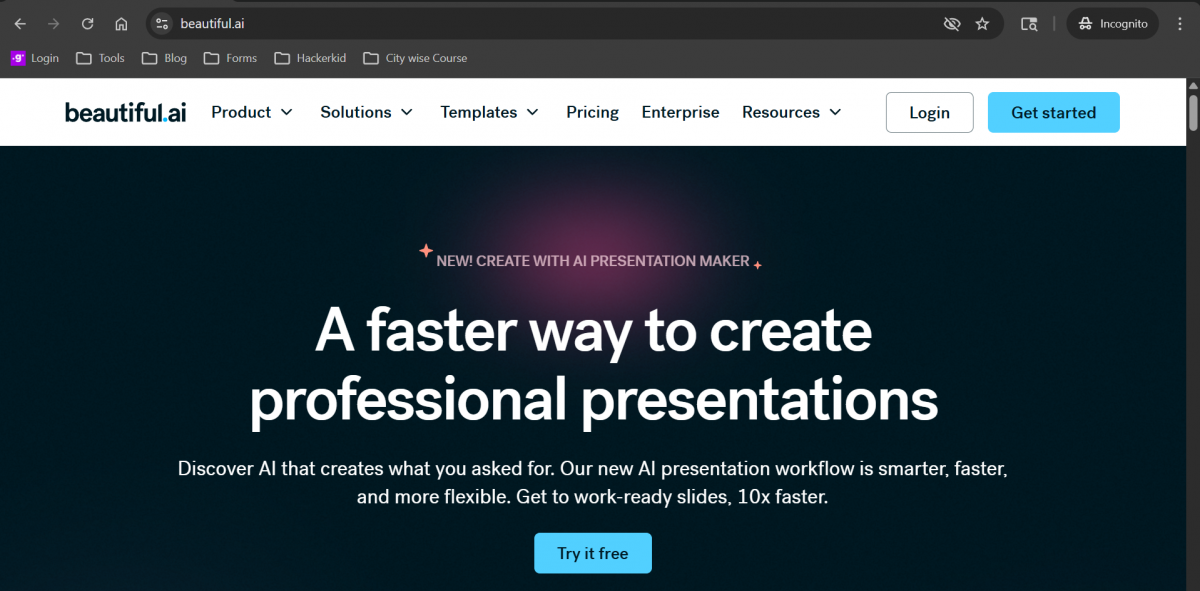
Overview: Beautiful.ai is one of the most well-known AI presentation tools. It focuses on smart slide design that automatically adjusts as you add content.
Key Features:
- Smart slide templates that resize and reformat automatically
- Over 60 slide types including timelines, charts, and team slides
- Brand kit to keep your slides consistent with company colours and fonts
- Real-time collaboration for teams
Best Use Cases: Business presentations, company decks, and team reports
Who Is This Tool Best For? Design-conscious professionals, agencies, brand managers
Standout Feature: Smart Slides technology auto-adjusts layout and alignment as you add content, no design skills needed
Pricing: Starts at around $12 per month for individuals. Team plans are available.
Pros
- DesignerBot generates complete decks from a text prompt
- Smart templates auto-adjust to content changes
- Real-time brand kit enforcement across all slides
- Team collaboration with full version history
- PowerPoint and PDF export available
Cons
- The free plan is very limited (1 presentation only)
- Less flexible for highly custom layouts
- Pricing jumps significantly for team plans
- Fewer integrations vs. Canva or Gamma
Link: https://www.beautiful.ai/
2. Tome
Overview: Tome takes a storytelling approach to presentations. It is designed to help you build narrative-driven decks quickly using AI-generated content.
Key Features:
- AI generates an entire presentation from a single text prompt
- Supports embedded video, live web pages, and interactive content
- Clean, modern visual style
- Built-in AI image generation
Best Use Cases: Startup pitches, product demos, and creative presentations
Who Is This Tool Best For? Storytellers, product teams, VCs, startup founders
Standout Feature: AI outlines the entire narrative arc and story structure before building slides, not just content
Pricing: Free plan available. Pro plan starts at $6.9 (₹625) per month.
Pros
- AI structures argument and narrative automatically
- DALL-E 3 integration for unique, on-brand images
- Live data embeds from Figma, Loom, and Airtable
- Viewer analytics show engagement per slide
- Excellent for investor and VC-facing presentations
Cons
- Limited PowerPoint export capability
- The free plan is restricted to 10 pages only
- Better for web-viewed decks than offline presentations
- Less suited for data-heavy enterprise reports
User Reviews and Ratings: 4.7 / 5 (Source: Product Hunt).
Expert View: “Tome could solve a real problem for people: creating compelling slides at speed.” – Marc Abraham.
Try Now: Tome
3. Canva Magic Design
Overview: Canva is already one of the most popular design platforms in the world. Its Magic Design feature uses AI to generate presentation slides based on your inputs.
Key Features:
- Thousands of customisable presentation templates
- AI-powered design suggestions with Magic Design
- Drag-and-drop editor for easy customisation
- Access to a huge library of stock images, icons, and fonts
Standout Feature: visual-first AI with strong template library
Best Use Cases: Social media-style presentations, marketing decks, and educational content
Who Is This Tool Best For? Social media marketers, educators, small business owners
Pricing: Free plan available. Canva Pro starts at ₹4,000 around per month.
Pros
- 250,000+ templates for every use case
- Magic Write for AI slide content generation
- Built-in background remover and AI image generator
- Familiar interface, very low learning curve
- Exports to PowerPoint, PDF, and social formats
Cons
- AI content quality is less powerful than GPT-4 native tools
- Brand consistency tools require a paid plan
- Can feel generic without manual customization
- A large template library can be overwhelming
Link: https://www.canva.com/magic-design/
4. Gamma
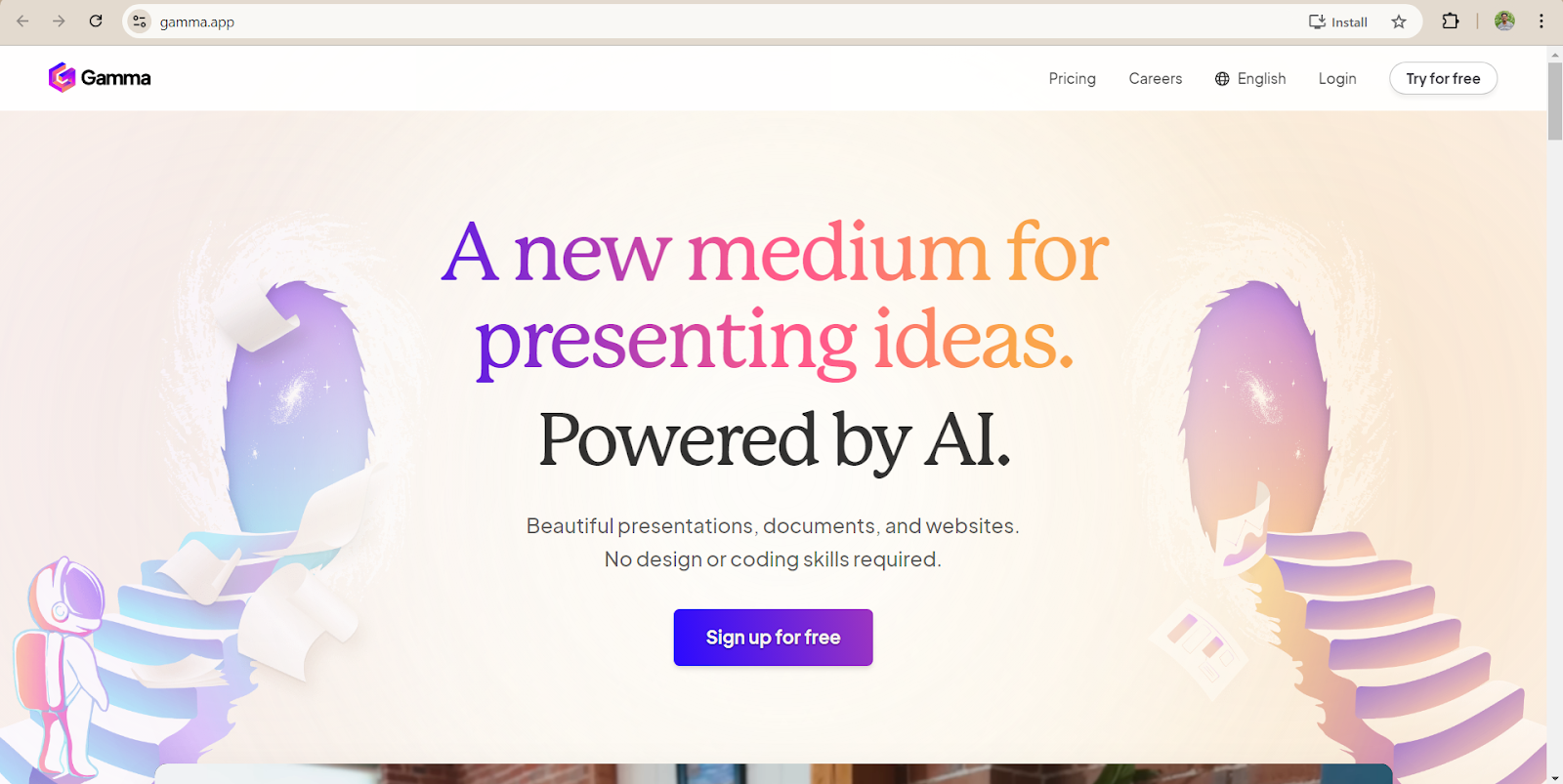
Overview: Gamma is a newer tool that has gained a lot of attention for how quickly it generates full presentations from a prompt. It focuses on clean design and easy editing.
Key Features:
- Full deck generated from a text prompt in under a minute
- AI can rewrite, shorten, or expand slide content on request
- Built-in collaboration and sharing
- Supports export to PowerPoint and PDF
Best Use Cases: Quick presentations, internal briefings, and content-heavy decks
Who Is This Tool Best For? Marketers, founders, educators, and content creators
Pricing: Free plan available with limited credits. The Pro plan starts at around ₹950 a month.
Standard Feature: Generates a complete, professional deck from a single text prompt in under 60 seconds
Pros
- Unlimited AI generations on the free plan
- One-click theme redesign without losing content
- Direct export to PowerPoint (.pptx)
- Embedded media (images, GIFs, charts) auto-generated
- Smart card-based layout adapts to any screen size
Cons
- Limited offline functionality
- Advanced animations require manual configuration
- Export formatting occasionally differs from the web view
User Reviews and Ratings: 4.8 / 5 (Source: Product Hunt).
Expert View: “Gamma revolutionizes content creation with its user-friendliness and adaptability, making it an indispensable asset across various industries.” - Futurepedia
Try Now: Gamma
5. SlidesAI
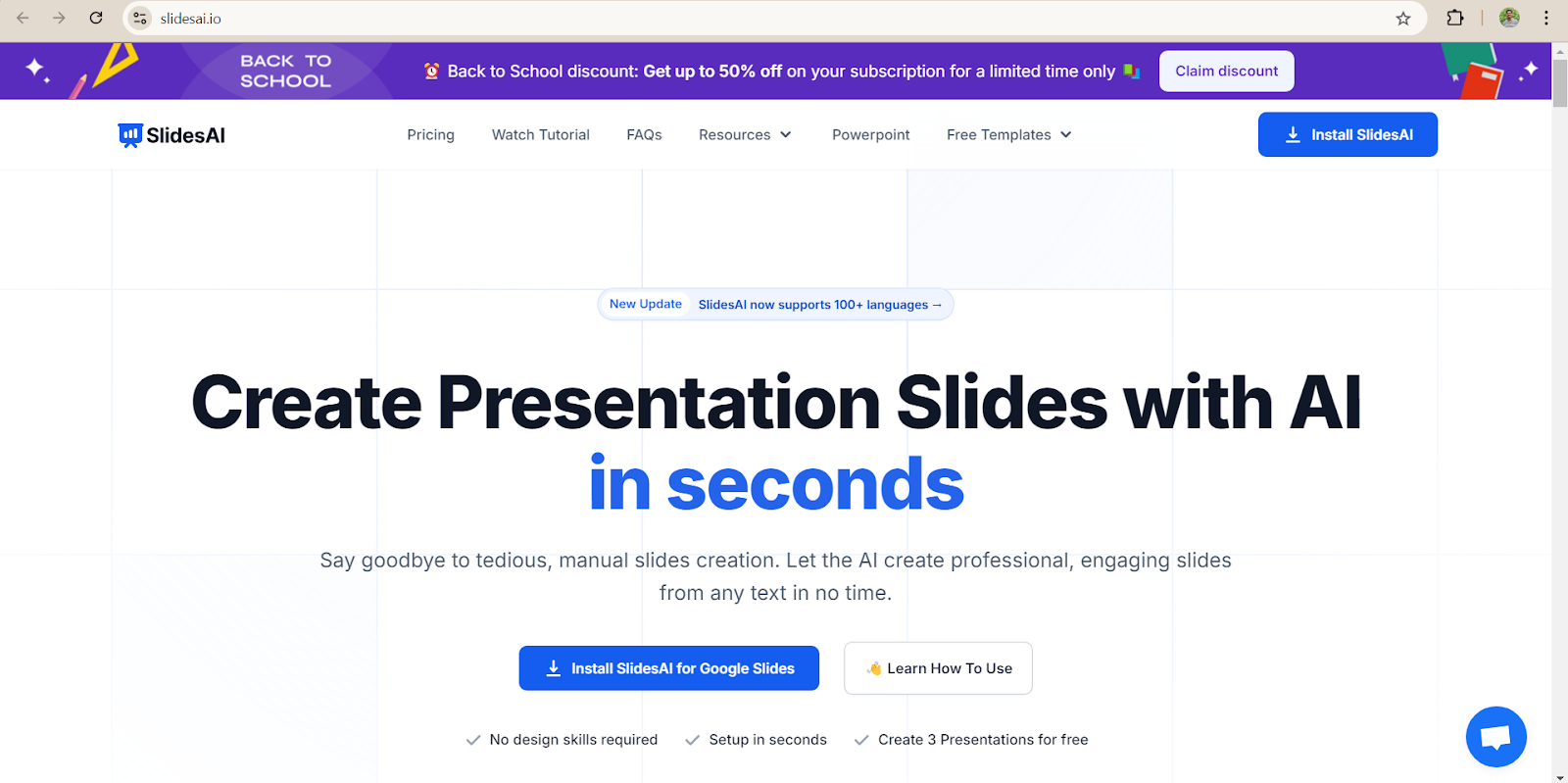
Overview: SlidesAI is a Google Slides add-on that converts your written text into a complete slide presentation. It is a good option for anyone already working in the Google Workspace ecosystem.
Key Features:
- Paste any text and AI generates slides automatically
- Integrates directly with Google Slides
- Supports multiple slide themes and colour palettes
- Works in over 100 languages
Standout Feature: text-to-slides conversion is accurate and reliable
Best Use Cases: Quick presentations, internal briefings, and content-heavy decks
Google Workspace users, educators, and students
Who Is This Tool Best For? Teachers, students, and anyone working within Google Workspace
Pricing: Free plan with limited slide generations. Paid plans start at around ₹769 per month.
Pros
- Works inside Google Slides, no new app to learn
- Paste any article, essay, or report and create slides
- Supports 100+ languages
- Automatic color theme and font pairing
- Best free option for Google Workspace users
Cons
- Free plan limited to 3 presentations/month
- Design quality is lower compared to other tools
- Limited customization options for advanced users
User Reviews and Ratings: 4.2 / 5 (Source: Google Workspace).
Expert View: “SlidesAI is an innovative AI-powered platform that takes the hassle out of creating captivating and professional presentations”. – Sprout24
Try Now: SlidesAI
6. Pitch

Overview: Pitch is a modern presentation tool that blends AI assistance with strong team collaboration features. It is built for teams that create and share presentations regularly.
Key Features:
- AI helps with slide content and layout suggestions
- Real-time collaboration with comments and version history
- Analytics to track how viewers engage with your presentation
- Clean, professional templates
Standout Feature: GPT-4 based with strong narrative structure
Best Use Cases: Best for Sales & Investor Decks
Who Is This Tool Best For? Startups, sales teams, and investor relations professionals
Best For: Sales teams, marketing teams, and agencies
Pricing: Free plan available. Pro plans start at around ₹172 per month.
Pros
- AI suggests slide structures based on deck type
- Real-time team collaboration with version control
- Analytics: track who viewed your deck and for how long
- 1,000+ professionally designed templates
- Excellent for investor and sales use cases
Cons
- Higher price point vs. competitors ($22/mo for Pro)
- Free plan limited to 5 projects only
- Design flexibility lower than Canva
- Learning curve for full feature adoption
User Reviews and Ratings: 4.2 / 5 (Source: G2).
Expert View: “So much easier to make customized, attractive decks than Google Slides or ppt” – G2.
Try Now: Pitch
7. Microsoft Copilot for PowerPoint
Overview: Microsoft Copilot for PowerPoint is a native AI assistant built directly into the PowerPoint application. It is designed for enterprise teams and corporate professionals who are already working within the Microsoft 365 ecosystem.
Key Features:
- Converts Word documents and PDFs directly into fully formatted PowerPoint presentations
- Slide rewriting using natural language commands
- Speaker coach provides AI delivery feedback
- Seamless integration with Microsoft Teams and SharePoint
Standout Feature: Converts Word documents and PDFs directly into fully formatted PowerPoint presentations without leaving the PowerPoint app.
Best Use Cases: Best for Office 365 Users
Who Is This Tool Best For? Enterprise teams, Office power users, and corporate professionals
Pricing: No free tier. Included in Microsoft 365.
Pros
- Native inside PowerPoint, no new app or learning curve needed
- Creates presentations directly from existing Word or PDF documents
- Natural language commands let you rewrite or restructure slides instantly
- Speaker coach gives AI-powered delivery and pacing feedback
- Deep integration with Teams and SharePoint for enterprise workflows
Cons
- No free tier, requires a $30 per user per month Microsoft 365 subscription
- Only useful if your team is already inside the Microsoft ecosystem
- Design creativity is more limited compared to dedicated AI design tools
- Slide layouts can feel generic without manual customisation
Link: https://m365.cloud.microsoft/
8. Decktopus AI
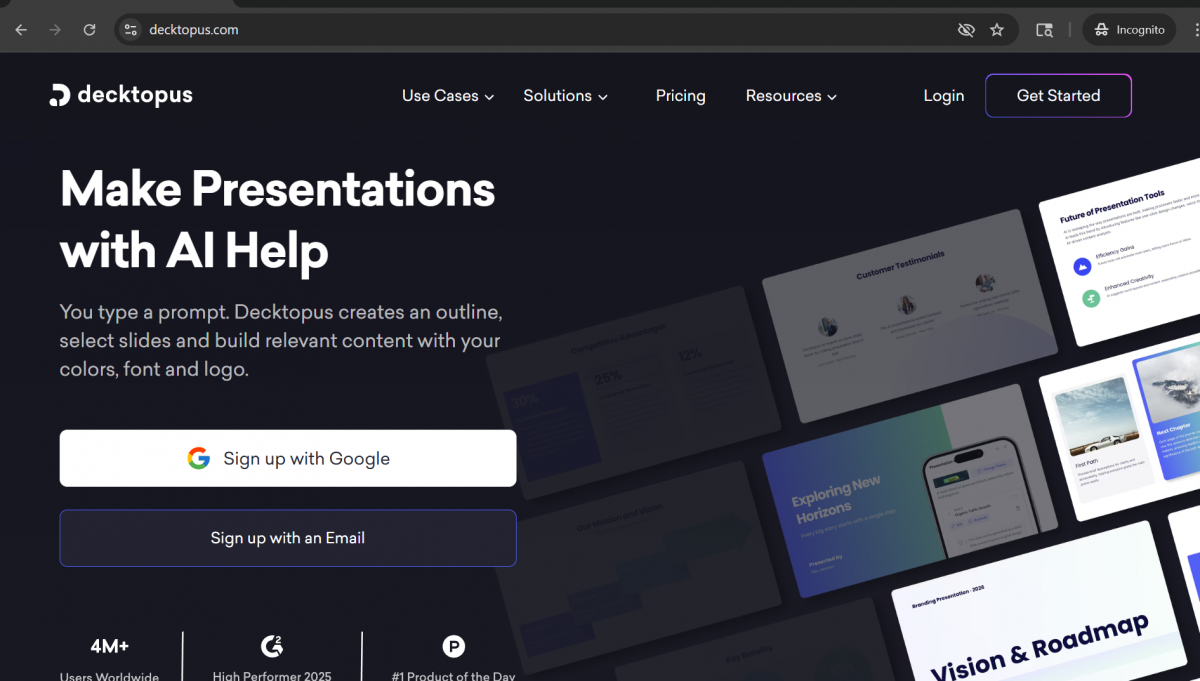
Overview: Decktopus AI is a fast, automated presentation builder that guides users through a short setup process before generating a complete deck. It is built for solopreneurs and consultants who need a ready-to-use presentation with minimal effort.
Key Features:
- Guided 4-question setup to tailor content and design to your audience and purpose
- Full deck generated, including content, images, and design in a single step
- Export to PowerPoint is available
- Free plan includes up to 5 decks
Standout Feature: Answer just 4 questions about your audience and purpose, and Decktopus generates a complete deck including content, images, and design in under 2 minutes
Best Use Case: Best for Quick, Automated Decks
Who Is This Tool Best For? : Solopreneurs, consultants, and anyone who needs fast, automated decks
Pricing: Free plan available for up to 5 decks. Pro plan at $14.99 [₹1,383.58] Approx per month. Business plan at $34.99 per month. (Approx) Enterprise pricing is custom.
Pros
- Fastest deck generation available, complete in under 2 minutes
- Guided setup questions improve the relevance and quality of AI output
- Best value pricing for solo users and freelancers
- Generates content, images, and design together in one automated step
- PowerPoint export makes it easy to continue editing outside the platform
Cons
- Content quality is lower than premium tools like Gamma or Copilot
- Limited design customisation options after the deck is generated
- Not well suited to complex or enterprise-level presentations
- Fewer collaboration features than team-focused tools like Pitch or Beautiful.ai
Link: https://www.decktopus.com/
9. Presentations.ai
Overview: Presentations.ai is an enterprise-grade AI presentation platform built for large organisations that need consistent brand compliance across hundreds or thousands of slide decks. It is designed for consulting firms, Fortune 500 teams, and large enterprise departments.
Key Features:
- Auto-enforces brand guidelines across every presentation created by the team
- Integrates with CRM and database sources to generate data-driven slide content
- AI generates slides from live business data in real time
- SOC 2 and GDPR compliant for enterprise security requirements
Standout Feature: Automatically enforces brand guidelines across thousands of presentations while integrating with CRM and database sources to produce data-driven decks at scale.
Best Use Case: For Enterprise Scale
Who Is This Tool Best For? Large enterprises, consulting firms, and Fortune 500 teams
Pricing: Limited free access available. Enterprise pricing is custom and requires direct contact with the sales team.
Pros
- Enterprise-grade brand compliance built into every slide automatically
- Integrates with CRM and external databases for live, data-driven presentations
- AI generates slides directly from real business data
- SOC 2 and GDPR compliant, meeting strict enterprise security standards
- Built to support teams of 50 or more users at scale
Cons
- No transparent pricing, an enterprise sales process is required to get a quote
- Too advanced and complex for small teams or individual users
- Longer implementation and onboarding time compared to self-serve tools
- Limited public reviews and community resources make it harder to evaluate independently
Link: https://www.presentations.ai/
10. MagicSlides
Overview: MagicSlides is an AI presentation tool built around converting existing content into structured slide decks. It works particularly well for academic and research use cases, turning YouTube videos, research papers, and web pages into ready-to-use presentations.
Key Features:
- Converts YouTube videos directly into structured slide decks
- Summarises academic papers and research articles into slide-ready content
- URL-to-slides: paste any webpage and generate a full deck
- Google Slides integration for seamless workflow
Standout Feature: Converts YouTube videos, research papers, and URLs into structured presentation decks, making it uniquely suited to academic and research source material.
Best Use Case: Best for Academic & Research Presentations
Who Is This Tool Best For? Students, researchers, academics, and educators
Pricing: Free plan available with 3 presentations per month.
Pros
- Converts YouTube videos directly into slide decks, a feature no major competitor offers
- Summarises academic papers and research articles into concise, structured slides
- URL-to-slides lets you turn any webpage into a presentation instantly
- Most affordable paid plan available at $6.99 per month
- Google Slides integration fits naturally into academic workflows
Cons
- Design quality is noticeably lower than premium tools like Beautiful.ai or Gamma
- Free plan is capped at just 3 presentations per month
- Best suited to academic content and not well optimised for business or marketing decks
- Limited customisation and branding options for professional use
Link: https://www.magicslides.app/
11. Sendsteps.ai
Overview: Sendsteps.ai is an AI presentation tool that goes beyond static slides by generating interactive live elements alongside your content. It is built for trainers, educators, and event speakers who need to engage a live audience during their presentation.
Key Features:
- Generates live polls, quizzes, Q&A sessions, and word clouds alongside slide content
- AI builds the full presentation structure and interactive elements together
- Export to PowerPoint available for offline use
- Free plan available with core features included
Standout Feature: The only AI PPT tool that generates interactive live audience engagement elements, including polls, Q&A sessions, word clouds, and quizzes as part of the presentation itself.
Who Is This Tool Best For? Trainers, educators, event speakers, and workshop facilitators
Best Use Case: Best for Interactive Presentations
Pricing: Free plan available. Pro plan at ₹234 per month. Business plan at ₹ 484 per month. Enterprise pricing is custom.
Pros
- Only AI presentation tool that generates live polls, quizzes, and Q&A alongside slides
- Built-in audience engagement tools set it apart from every other tool on this list
- Ideal for training sessions, live workshops, and public-speaking events
- PowerPoint export available for use in offline or hybrid settings
- Free plan gives new users access to core interactive features
Cons
- Slide design quality is lower than that of design-focused tools like Canva or Beautiful.ai
- Interactive engagement features are only relevant during live presentations
- Limited value for static or shareable decks that are not presented live
- Smaller user community compared to established tools like Gamma or Canva
Link: https://www.sendsteps.com/en/
These AI presentation tools offer a variety of features to help you create stunning presentations with ease. Choose the one that best fits your workflow!
Want to do more than use AI, want to build with it? These tools are impressive, but they’re just the surface.
If you’re a professional looking to future-proof your skills, learning the foundations of AI and machine learning puts you ahead of the curve. Check out HCL GUVI AI & ML Course, structured for working professionals, no prior coding background needed.
Conclusion
AI tools for PPT are changing how presentations are built. They save time, improve design quality, and enable anyone to create professional slides, even without design experience.
The best tool for you depends on your workflow, your budget, and what kind of presentations you create most often. If you need speed and simplicity, Gamma or Tome are strong choices. If you need team collaboration and analytics, Pitch or Beautiful.ai are worth exploring. If you are already in the Google ecosystem, SlidesAI makes a smooth addition.
The key is to treat AI as a starting point, not a finished product. Use it to handle the heavy lifting, then apply your own knowledge and creativity to make each presentation genuinely yours.
FAQs
1. What are AI tools for PPT?
AI tools for PPT are software platforms that use artificial intelligence to help create PowerPoint presentations automatically. They can generate slide content, design layouts, suggest visuals, and structure an entire presentation from a simple prompt or text input.
2. How to choose an AI presentation tool
Consider factors like ease of use, compatibility with your preferred platforms, and the type of presentations you need to create.
3. Do AI presentation tools offer integration with other software?
Yes, tools like Plus AI and MagicSlides integrate seamlessly with Google Slides, while others like Beautiful.ai are standalone apps.
4. How do content quality and customization features enhance presentations?
AI tools automate layout and design, allowing users to focus on high-quality content and providing options for customization to match branding or specific needs.
5. What are the common pros and cons of using AI-powered presentation tools?
Pros include time-saving features, ease of use, and automation. Cons often include limited customization and platform compatibility.
Success Stories

About the Author
Lukesh S
A professional content writer who has experience in freelancing and now working as a Technical Content Writer at HCL GUVI having sound knowledge in Blog Writing and Creative Writing!
View all posts by Lukesh S
Connect with me @












Did you enjoy this article?