


Artificial Intelligence and Machine Learning Articles
Claude for Git: Commit Messages and PR Descriptions
How to Use Claude for Architecture Decision Records (ADRs)


Get In Touch For Details! Request More Information
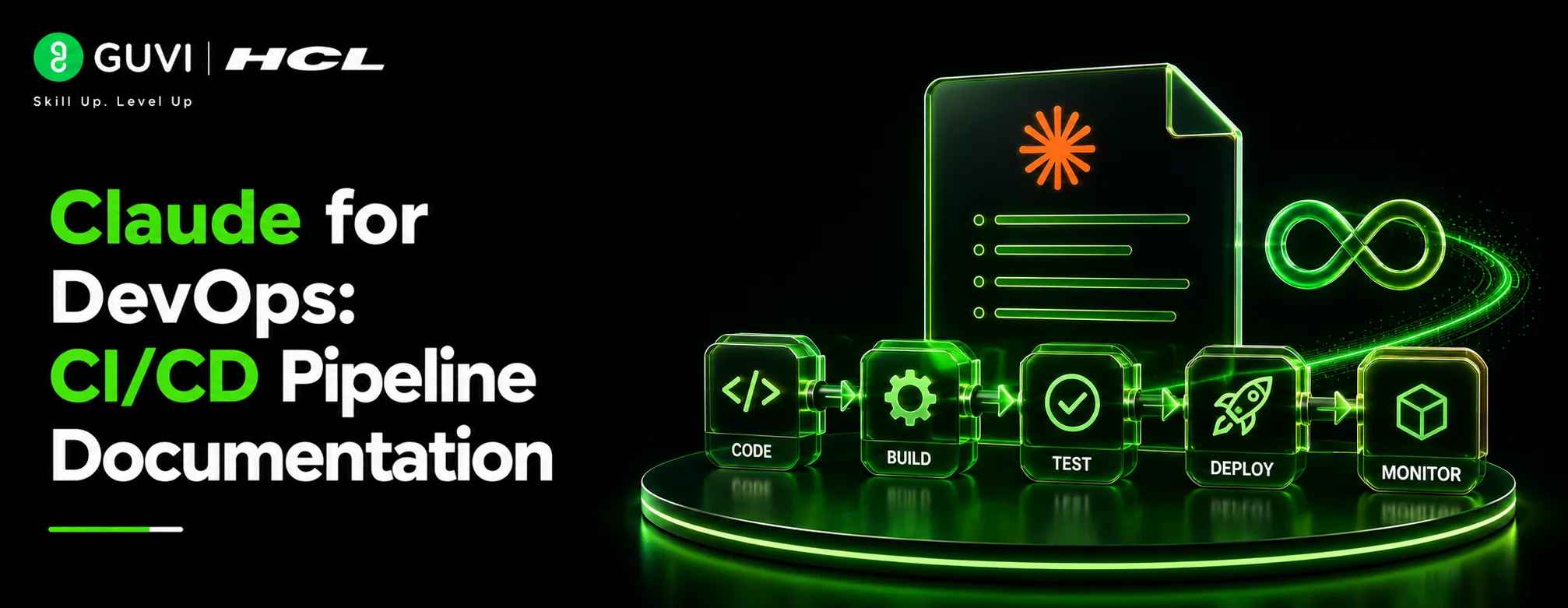
Claude for DevOps: CI/CD Pipeline Documentation
Aug 12, 2026 4 Min Read 42 Views
(Last Updated)
Documentation is the most consistently neglected part of DevOps because engineers are always closer to shipping the next change than writing about the last one. Claude DevOps workflows close this gap by handling the writing layer of documentation tasks so engineers spend five minutes providing context rather than forty-five minutes writing prose. With Claude for DevOps, teams can streamline this process and keep essential documentation up to date.
Table of contents
- Quick TL;DR
- Where Claude Adds the Most Value in DevOps Documentation
- Documenting CI/CD Pipelines from Configuration Files
- Writing Runbooks from Operational Notes
- Writing Post-Incident Reports
- Documenting Infrastructure as Code
- Writing Architecture Decision Records
- Conclusion
- FAQs
- What is Claude used for in DevOps documentation?
- Can Claude read and document YAML pipeline configurations?
- How do I get Claude to write runbooks specific enough to use during incidents?
- Can Claude document Terraform and Kubernetes configurations?
- What information do I need to provide for a post-incident report?
- Can Claude write Architecture Decision Records?
Quick TL;DR
Claude DevOps workflows help engineers, platform teams, and SREs generate, maintain, and improve CI/CD pipeline documentation, runbooks, incident reports, and infrastructure documentation faster than manual writing allows. Claude reads pipeline configuration files, understands infrastructure-as-code, and produces clear technical documentation that non-specialist team members can follow without needing to reverse-engineer YAML files or ask the original author.
Where Claude Adds the Most Value in DevOps Documentation
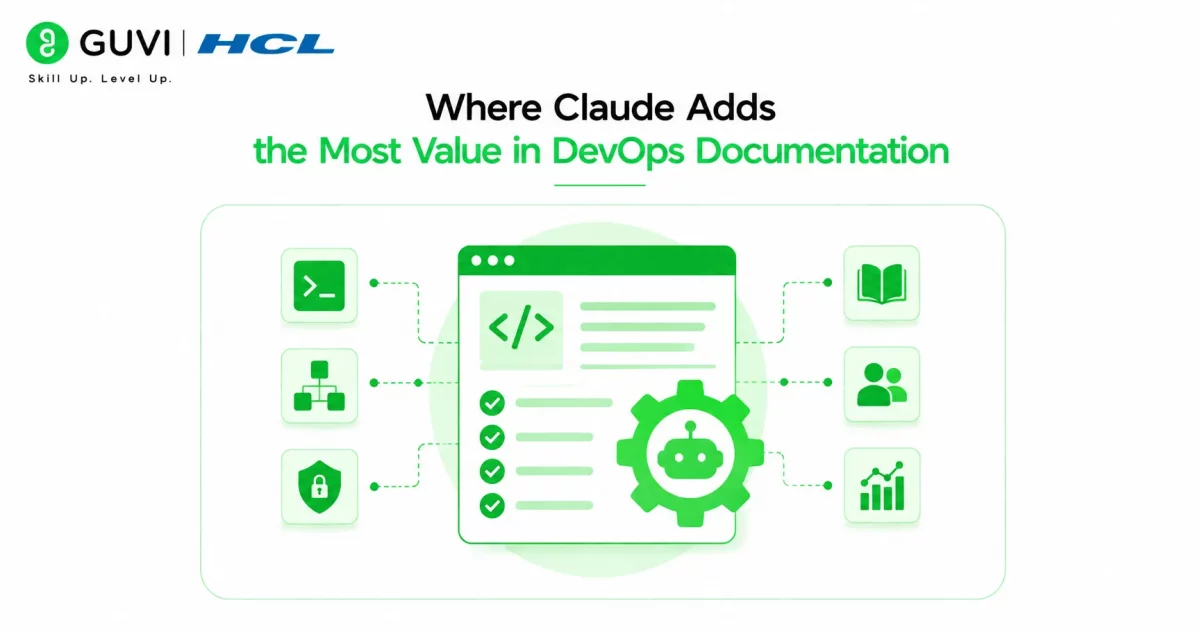
| Documentation Type | What Claude Does | Time Saved |
| CI/CD pipeline docs | Explains pipeline stages, triggers, and failure modes from config files | 2–4 hours per pipeline |
| Runbooks | Converts rough operational notes into step-by-step runbooks | 3–5 hours per runbook |
| Post-incident reports | Structures timeline, root cause, and action items from incident notes | 1–2 hours per report |
| Infrastructure docs | Documents IaC resources, dependencies, and architecture from Terraform or Ansible | 3–6 hours per module |
| Onboarding guides | Produces developer onboarding documentation from existing setup notes | 4–8 hours per guide |
| Architecture decision records | Structures ADRs from bullet point context and decisions | 1–2 hours per ADR |
Read More: Claude Code Tutorial: Generate, Debug, and Document Code
Documenting CI/CD Pipelines from Configuration Files
Pipeline documentation is the highest-priority DevOps documentation task because undocumented pipelines become tribal knowledge that blocks onboarding, slows debugging, and creates single points of failure when the original author leaves.
Paste your pipeline configuration into Claude with this prompt:
You are a senior DevOps engineer writing documentation for a teamthat includes engineers unfamiliar with this pipeline.

Document this CI/CD pipeline configuration covering:

1. Pipeline overview: what it does, what triggers it, and what it produces
2. Stage-by-stage breakdown: what each stage does, what it requires,
   and what it produces as output
3. Environment variables and secrets: what each one is used for
   (do not include actual values)
4. Failure modes: what happens when each stage fails and how to identify
   which stage failed from the logs
5. Manual intervention points: any steps that require human approval
   or manual triggers
6. Dependencies: external services, registries, or tools the pipeline
   relies on
7. How to run the pipeline manually if the automatic trigger fails

Pipeline configuration:
[paste your YAML or pipeline config here]
This prompt produces documentation that a junior engineer who has never seen the pipeline can follow without asking questions, which is the right standard for any runbook or pipeline doc.
Writing Runbooks from Operational Notes
Runbooks are only useful if they are specific enough to follow under pressure during an incident. Most runbook drafts fail because they are written at too high a level of abstraction. Claude produces concrete, step-by-step runbooks when given sufficient operational detail.
Write a runbook for this operational procedure.

System: [What system or service this covers]
Trigger: [When this runbook should be used]
Audience: [Who will execute this runbook, their experience level]

Procedure notes:
[Paste rough notes, bullet points, or a description of the steps]

Format the runbook as:
1. Overview: what this runbook covers and when to use it
2. Prerequisites: access, tools, and permissions required before starting
3. Steps: numbered, with exact commands where applicable and
   expected output for each step so the operator knows it worked
4. Verification: how to confirm the procedure completed successfully
5. Rollback: what to do if something goes wrong during execution
6. Escalation: who to contact if the runbook does not resolve the issue

Write commands as plain text. Include expected outputs for
verification steps. Flag any step where the operator must
make a judgment call rather than follow a fixed instruction.
The expected outputs for each verification step is the most important instruction in this prompt. Runbooks without expected outputs leave operators guessing whether each step worked correctly under pressure.
Architecture Decision Records were formalized by Michael Nygard in 2011 to capture the context and rationale behind significant technical decisions. Despite being one of the most recommended documentation practices in software engineering, fewer than 25 percent of teams maintain ADRs consistently, with writing time cited as the primary barrier.

Writing Post-Incident Reports
Post-incident reports are where DevOps teams extract learning from failures, but they are consistently written poorly or not at all because engineers are exhausted after resolving an incident. Claude compresses the writing time significantly when given structured incident notes.
Write a post-incident report from these incident notes.

Incident summary: [One sentence describing what failed]
Severity: [P1 / P2 / P3 and customer impact]
Duration: [Start time to resolution time]
Teams involved: [List by role, not name]

Incident notes:
[Paste timeline notes, Slack thread excerpts, or bullet point
summary of what happened and when]

Structure the report as:
1. Executive summary (3–4 sentences, non-technical, suitable for leadership)
2. Timeline (chronological, with timestamps if available)
3. Root cause (specific technical cause, not "human error")
4. Contributing factors (conditions that made the incident worse or harder to detect)
5. Impact (systems affected, user impact, duration)
6. Resolution steps (what was done to fix it)
7. Action items (specific, owned, and time-bound)
8. What went well (detection, communication, or response that worked)
The action items must be specific, owned, and time-bound instruction prevents Claude from generating vague action items like “improve monitoring” that never get completed because they have no owner or deadline.
Want to build the DevOps skills to automate, deploy, and document production infrastructure confidently? Explore HCL GUVI’s DevOps Course, designed to help you develop the CI/CD, IaC, and cloud automation foundations modern engineering roles demand
Documenting Infrastructure as Code
Terraform modules, Ansible playbooks, and Kubernetes manifests are notoriously difficult to document because the configuration language is dense and the relationships between resources are not obvious from the files alone.
Document this infrastructure as code for a team that needs tounderstand, maintain, and modify it without the original author.

IaC type: [Terraform / Ansible / Kubernetes / CloudFormation]
Cloud provider: [AWS / GCP / Azure]

Cover:
1. What infrastructure this code creates or manages
2. Resource inventory: list each resource with a one-line description
   of its purpose
3. Input variables: what each variable configures and its default value
4. Dependencies: which resources depend on which other resources
   and why
5. Outputs: what values are exported and where they are consumed
6. How to apply, plan, and destroy this configuration safely
7. Known limitations or gotchas the next engineer should be aware of

IaC configuration:
[paste your Terraform, Ansible, or Kubernetes files here]
A Google SRE study found that teams with comprehensive runbooks resolved incidents 40 percent faster than those relying on undocumented institutional knowledge. The improvement was most significant for P1 incidents outside business hours when the original system author was unreachable.
Writing Architecture Decision Records
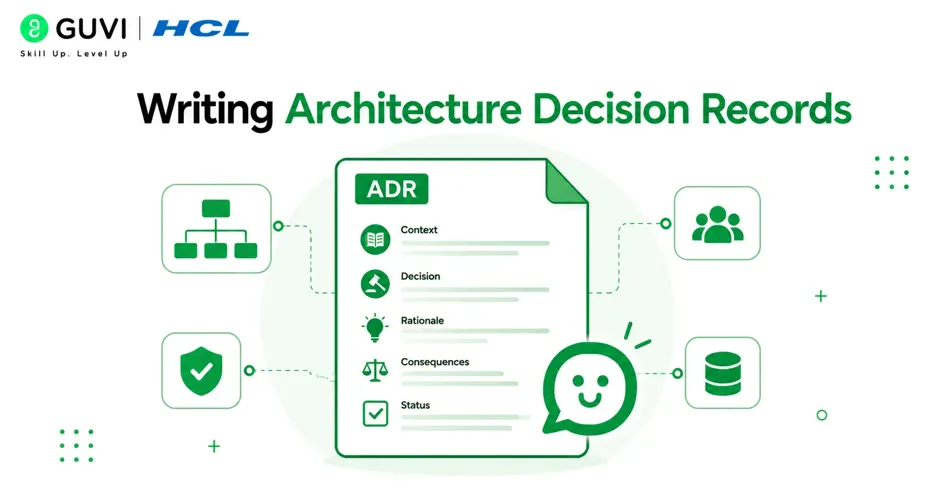
Architecture Decision Records document why a technical decision was made, which is the context that disappears fastest from institutional memory. Claude generates complete ADRs from bullet point context in minutes.
Write an Architecture Decision Record for this technical decision.

Decision: [What was decided]
Context: [The situation that required a decision]
Options considered: [List the alternatives that were evaluated]
Decision rationale: [Why this option was chosen over the others]
Consequences: [What this decision makes easier, harder, or different]
Status: [Proposed / Accepted / Deprecated / Superseded]

Format as a standard ADR with sections:
Title, Status, Context, Decision, Consequences, and Alternatives Considered.
Keep it under 500 words. Write for an engineer joining the team
in two years who needs to understand why this decision was made.
The audience instruction, an engineer joining in two years, is the most important framing in this prompt because it prevents ADRs from assuming context that will not exist when the document is actually needed.
Conclusion
Claude DevOps documentation workflows address the consistent gap between the quality of the systems engineers build and the quality of the documentation those systems receive.
Pipeline docs, runbooks, incident reports, IaC documentation, and ADRs all follow predictable structures that Claude generates quickly when given the right operational context, removing the writing friction that keeps documentation perpetually on the backlog.
FAQs
What is Claude used for in DevOps documentation?
Generating CI/CD pipeline documentation, runbooks, post-incident reports, infrastructure as code documentation, and architecture decision records from configuration files and operational notes.
Can Claude read and document YAML pipeline configurations?
Yes. Paste your pipeline YAML directly and Claude produces human-readable documentation covering stages, triggers, failure modes, dependencies, and manual intervention points.
How do I get Claude to write runbooks specific enough to use during incidents?
Include exact commands, expected outputs for each verification step, and rollback instructions in your prompt brief. Runbooks without expected outputs are not specific enough to follow reliably under incident pressure.
Can Claude document Terraform and Kubernetes configurations?
Yes. Paste the IaC files and Claude produces resource inventories, dependency maps, variable documentation, and operational guidance for engineers who need to maintain the configuration.
What information do I need to provide for a post-incident report?
A one-sentence incident summary, severity, duration, teams involved, and timeline notes or Slack thread excerpts. Claude structures these into a complete report with executive summary, root cause, and time-bound action items.
Can Claude write Architecture Decision Records?
Yes. Provide the decision, context, options considered, rationale, and consequences in bullet form and Claude produces a complete ADR formatted to standard conventions in under five minutes.
Success Stories

About the Author
HCL GUVI
This article was selected and published as part of the HCL GUVI AI Blogathon 2026, an initiative designed to encourage students, AI enthusiasts, and aspiring tech writers to simplify complex AI concepts through impactful technical content. The contest recognized high-quality, original, and insightful AI-focused blogs, with selected authors receiving publication opportunities on the HCL GUVI blog platform along with official author credits and recognition.
View all posts by HCL GUVI
Connect with me @








Did you enjoy this article?