


Python Articles
Freelancing as a Python Developer: Getting Your First Client
Common Python Mistakes Beginners Make And How to Fix Them
Python Best Practices: Writing Clean, Maintainable Code Like a Pro
How to Build a Python Developer Portfolio That Gets You Hired


Get In Touch For Details! Request More Information
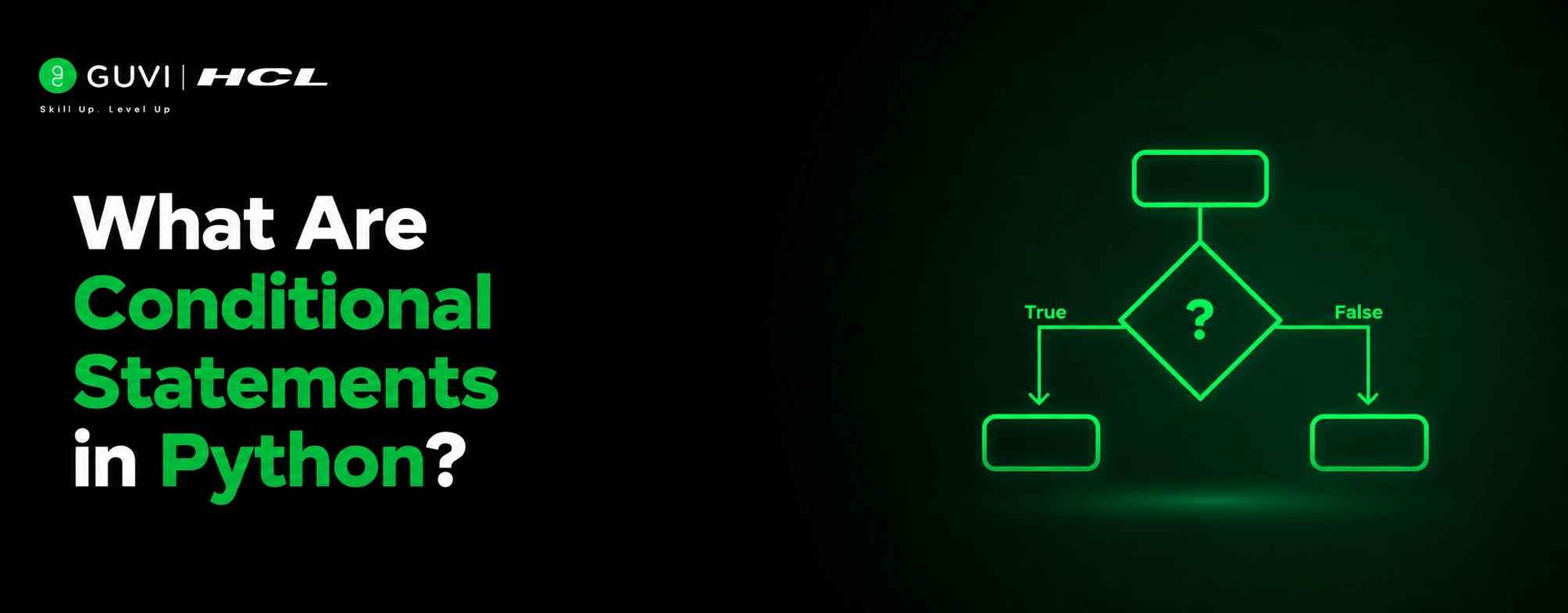
Conditional statements let programs make decisions instead of always running top to bottom. Whether checking user access, evaluating values, or applying business rules, if, elif, and else are fundamental to Python. Since conditions are used throughout loops, functions, and error handling, understanding them is essential for writing effective code.
Table of contents
- TL;DR Summary
- What is a Conditional Statement?
- The if Statement
- Indentation Is Not Optional
- Adding an Alternative with else
- Handling Multiple Conditions with elif
- Nested Conditional Statements
- The Ternary Operator: One-Line Conditionals
- Conditional Statements: Quick Reference
- Common Mistakes Beginners Make
- Conclusion
- FAQs
- What are conditional statements in Python?
- What is the difference between if, elif, and else?
- Can I use if without else in Python?
- Why does Python use indentation instead of curly braces?
- What is a nested if statement?
- What is the ternary operator in Python?
TL;DR Summary
- Conditional statements allow Python to make decisions by evaluating conditions and choosing different execution paths.
- Using if, elif, else, ternary expressions, nested conditionals, and match-case, your programs can respond dynamically to different situations.
- From login systems to games and automation scripts, conditional logic is a core part of almost every Python application
Want to build a rock-solid foundation in Python from conditionals and loops to functions, data structures, and real coding projects? Check out HCL GUVI’s Python Programming Course built for absolute beginners who want a structured, hands-on path into programming.
What is a Conditional Statement?
A conditional statement is a piece of code that checks whether something is True or False, and then runs a different block of code depending on the answer. In plain English, it is the programming version of saying ‘if it’s raining, take an umbrella; otherwise leave it at home.’ Python evaluates the condition, gets a Boolean result, and picks a path.
Conditions in Python are built using comparison operators like ==, !=, >, <, >=, and <=, often combined with the logical keywords and, or, and not. The result of any of these comparisons is always either True or False, which is exactly what an if statement needs to make its decision.
The if Statement
The if statement is the simplest conditional in Python. It runs a block of code only when its condition evaluates to True. If the condition is False, Python simply skips the block and moves on.
| age = 20 if age >= 18: print(“You are eligible to vote.”) # Nothing happens if the condition is False # Python just moves past the block entirely |
Indentation Is Not Optional
Python does not use curly braces to mark the start and end of a block, the way many other languages do. It uses indentation. Every line that belongs inside the if block must be indented by the same amount, usually four spaces. Get the indentation wrong, and Python will either throw an error or, worse, run the wrong lines under the wrong condition.
Want to build a rock-solid foundation in Python from conditionals and loops to functions, data structures, and real coding projects? Check out HCL GUVI’s Python Programming Course built for absolute beginners who want a structured, hands-on path into programming.
Adding an Alternative with else
On its own, if only handles the case where something is true. Most real decisions need a fallback for when it is not. That is what else is for it catches every case the if did not.
| age = 15 if age >= 18: print(“You are eligible to vote.”) else: print(“You are not eligible to vote yet.”) |
Exactly one of the two blocks runs; never both, never neither. That guarantee is what makes if-else predictable and easy to reason about, even once your conditions get more complicated.
Handling Multiple Conditions with elif
Real-world decisions are rarely a simple yes-or-no. Often there are several possible outcomes, and you need to check them one after another. That is exactly what elif (short for ‘else if’) is built for it lets you chain as many conditions as you need, checked in order, top to bottom.
| marks = 72 if marks >= 90: grade = “A” elif marks >= 75: grade = “B” elif marks >= 60: grade = “C” else: grade = “F” print(f”Grade: {grade}”) # Grade: C |
Python checks each condition in order and stops at the first one that is True. In the example above, marks is 72, which is not 90+ and not 75+, but it is 60+, so grade becomes ‘C’ and Python never even looks at the else. The order of your elif chain matters more than people expect get it wrong, and you can end up in the wrong bucket entirely.
Nested Conditional Statements
Sometimes one decision depends on another decision. That is where nested conditionals come in an if statement sitting inside another if statement. It works, but it can get messy fast, so it is worth using sparingly and only when the logic genuinely depends on layered checks.
| username = “admin” password = “secure123” if username == “admin”: if password == “secure123”: print(“Login successful. Welcome, admin.”) else: print(“Incorrect password.”) else: print(“Unknown username.”) |
This same logic can often be flattened using and, which keeps things more readable: if username == ‘admin’ and password == ‘secure123’:. Whenever a nested if starts looking deep, it is worth asking whether and or or could express the same condition more cleanly.
Read More: Python Interview Questions and Answers
Python’s strict use of indentation to define code blocks, instead of curly braces, was a deliberate design choice by its creator Guido van Rossum in the late 1980s. The idea was based on a simple principle: developers already indent code for readability, so making indentation syntactically meaningful would enforce consistent, clean, and readable code across all Python programs. This design decision is one of the key reasons Python is often praised for its readability and clean structure.

The Ternary Operator: One-Line Conditionals
Sometimes a full if-else block feels like overkill for a simple decision, especially when you are just assigning one of two values to a variable. Python’s ternary expression compresses that into a single readable line.
| age = 20 # Full if-else version if age >= 18: status = “adult” else: status = “minor” # Ternary version — same result, one line status = “adult” if age >= 18 else “minor” |
The format reads almost like English: value_if_true if condition else value_if_false. It is great for simple assignments, but resist the urge to chain multiple ternaries together that turns a readable shortcut into a debugging headache.
Conditional Statements: Quick Reference
| Keyword | Purpose | Runs When | Example Use Case |
| if | Runs a block only if condition is True | Condition is True | Check if user is logged in |
| elif | Checks another condition if the first failed | Previous if/elif was False, this is True | Grading scale: A, B, C bands |
| else | Catches everything else | All above conditions were False | Default/fallback case |
| Nested if | An if inside another if | Outer condition True, then inner checked | Login success + admin check |
| Ternary (a if b else c) | One-line conditional expression | Used inline, not as a block | Quick value assignment |
| match-case | Pattern matching (Python 3.10+) | Value matches a case pattern | Replacing long if-elif chains |
Common Mistakes Beginners Make
1. Using = instead of ==: A single equals sign assigns a value; a double equals sign compares two values. Writing if age = 18: is a syntax error in Python, but the confusion between assignment and comparison trips up nearly every beginner at least once.
2. Inconsistent indentation: Mixing tabs and spaces, or indenting by different amounts within the same block, causes IndentationError or worse: code that runs but does the wrong thing. Stick to four spaces per level and let your editor handle the rest.
3. Forgetting that elif stops at the first match: Once one elif condition is True, Python skips every condition after it even if a later one would also be True. If you need to check several independent conditions that could all apply, use separate if statements instead of one elif chain.
4. Writing overly nested conditionals: Three or four levels of nested if statements make code hard to read and easy to break. Combine conditions with and/or, or restructure the logic into smaller functions, before reaching for another layer of nesting.
Conclusion
Conditional statements make code capable of making decisions. if handles a condition, else covers the alternative, and elif checks multiple possibilities in order. Nested conditionals and ternary operators provide finer control, while match-case can simplify long elif chains. The best way to understand them is by writing and testing your own code.
FAQs
What are conditional statements in Python?
Conditional statements are instructions that let Python make decisions by checking whether something is True or False and running different code depending on the result. The main keywords are if, elif, and else. They are the foundation of decision-making logic in every Python program, from simple scripts to large applications.
What is the difference between if, elif, and else?
if checks a condition and runs its block only if that condition is True. elif (else if) checks an additional condition, but only if every condition before it was False. else has no condition of its own it runs only when none of the preceding if or elif conditions were True. Python checks them in order and stops at the first True result.
Can I use if without else in Python?
Yes. An if statement is complete on its own; it simply does nothing if the condition is False. You only need else when you want a specific fallback action to happen in that case. Many real programs use a standalone if to act conditionally, with no alternative branch needed.
Why does Python use indentation instead of curly braces?
Python’s creator, Guido van Rossum, designed the language to use indentation to define code blocks instead of curly braces, which most other languages use.
What is a nested if statement?
A nested if statement is an if statement placed inside another if (or elif/else) block. It is used when one decision genuinely depends on the outcome of another, for example, checking a username first, and only checking the password if the username was correct.
7. What is the ternary operator in Python?
Python’s ternary operator is a one-line way of writing a simple if-else expression, in the format value_if_true if condition else value_if_false. It is most useful for short variable assignments where a full multi-line if-else block would be unnecessary.
Success Stories

About the Author
Vishalini Devarajan
An Aerospace Engineer turned content writer, I focus on making complex concepts easy to understand through well-structured, reader-friendly blogs. Whether it’s a technical topic or a non-technical one, I love creating content that is clear, engaging, and impactful.
View all posts by Vishalini Devarajan
Connect with me @















Did you enjoy this article?