


Artificial Intelligence and Machine Learning Articles
AI/ML Skills Gap 2026: Why Companies Can't Find Job-Ready Talent
20 AI/ML Interview Questions Recruiters Can Use Without a Tech Background - Best Guide
How Industry-Backed AI/ML Bootcamps Are Changing the AI/ML Hiring Pipeline - Best Guide 2026
From IT Support to AI Engineer: A Realistic Career Switch Guide 2026


Get In Touch For Details! Request More Information
Bolt.new: Can AI Really Build Your Full-Stack App in Minutes?
Apr 14, 2026 5 Min Read 2143 Views
(Last Updated)
Can bolt.new really build a full-stack application in minutes instead of weeks? AI-powered development tools promise to revolutionize how you create software, but the claims often sound too good to be true.
Bolt.new is an AI tool that turns your prompts into production-ready code, reportedly creating everything from a chess.com clone to a QR code generator in minutes rather than the traditional days or weeks of development. Developers have documented building complete React Native and Supabase apps in just 34 minutes, showcasing the impressive speed of AI-assisted development.
In this guide, you’ll discover what is bolt.new, how it works, and how to build a full stack app with bolt.new from setup to deployment. Let’s begin!
Quick Answer:
Yes, Bolt.new can build simple full-stack apps in minutes, but complex applications still require time, refinement, and manual debugging.
Table of contents
- A) What is Bolt.new AI and How It Works?
- 1) The Core Concept Behind Bolt.new
- 2) Key Features That Set It Apart
- 3) How The AI Processes Your Prompts
- 4) No Coding Knowledge Required
- B) Building Your First Full-Stack App with Bolt.new
- Step 1: Setting Up Your Account
- Step 2: Writing Your First Prompt
- Step 3: Reviewing The Generated Code
- Step 4: Making Edits And Refinements
- Step 5: Testing Your Application
- Step 6: Deploying To Production
- C) Real Performance Test: Can It Really Build Apps in Minutes?
- 1) Speed Test With Simple Applications
- 2) Testing Complex Full-Stack Features
- 3) Quality Of Generated Code
- 4) Common Issues And How To Fix Them
- D) Pricing, LLM Options, and Free vs Paid Features
- 1) Free Tier Limitations And Token Caps
- 2) Paid Plans And What They Offer
- 3) Using Bolt.new With Different LLMs
- 4) Cost Comparison With Traditional Development
- Concluding Thoughts…
- FAQs
- Q1. How long does it take Bolt.new to build a simple application?
- Q2. Can Bolt.new create full-stack web applications?
- Q3. Does Bolt.new support mobile app development?
- Q4. What are the token limits on Bolt.new's free plan?
- Q5. How does Bolt.new's pricing compare to hiring traditional developers?
A) What is Bolt.new AI and How It Works?
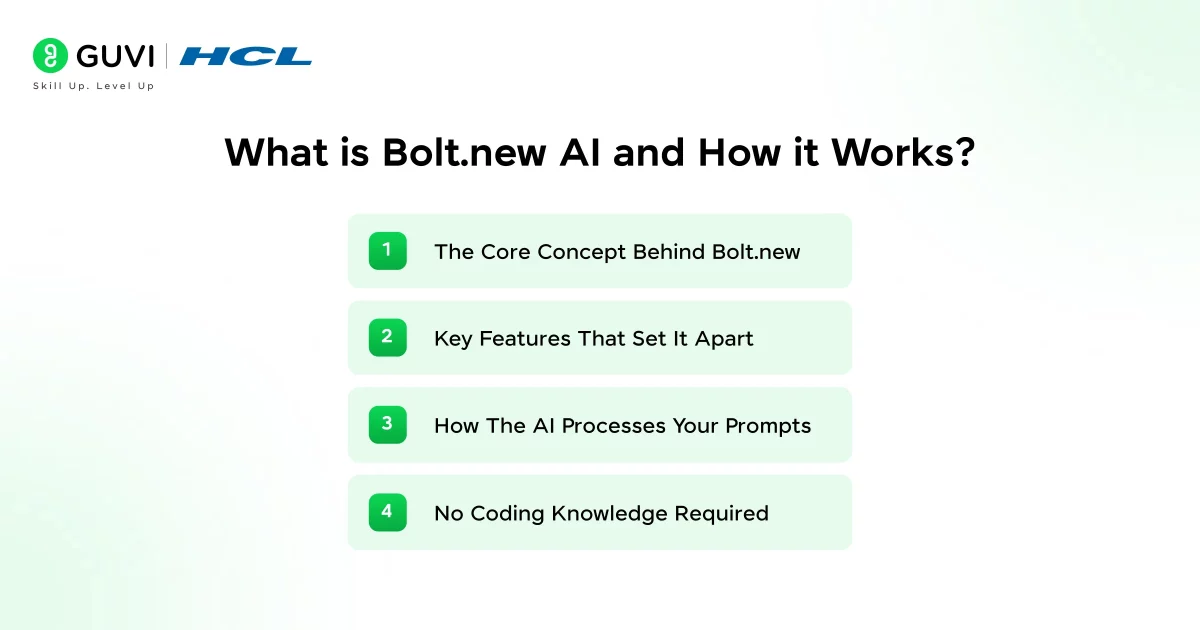
1) The Core Concept Behind Bolt.new
Bolt.new is an AI-powered web development agent built by StackBlitz that turns your natural language descriptions into working code. The platform runs on WebContainers technology, which essentially means you get a complete development environment running directly in your browser without installing packages, setting up servers, or configuring databases on your local machine.
The browser-based IDE includes a code editor with live preview, terminal for running commands, file system navigation, and integrated deployment options. You focus on describing what you want to build while bolt.new handles the technical setup.
2) Key Features That Set It Apart
Bolt.new offers several capabilities that distinguish it from other AI development tools:
- Full-stack scaffolding: Generates frontend, backend, and database layers in one go, giving you a complete foundation to build on
- Built-in Supabase integration: Authentication, database storage, and APIs come pre-configured, eliminating hours of manual setup
- Multiple LLM options: Choose between Claude Agent for production-quality apps or v1 Agent for quick prototypes
- Plan Mode: Reviews your project structure before writing code, helping you clarify requirements and save tokens
- Backend infrastructure: Bolt V2 includes authentication, databases, file storage, edge functions, and hosting inside Bolt Cloud
3) How The AI Processes Your Prompts
Bolt.new uses Anthropic’s Claude 3.5 Sonnet LLM to convert your prompts into functional code. When you submit a prompt, the system analyzes your request to understand requirements, generates appropriate code based on patterns from its training data, creates necessary file structures and components, and updates in real-time as you refine your instructions.
You can enhance prompts using the built-in feature by clicking the plus icon in the chatbox. What’s more, the system prompts let you guide bolt.new’s behavior across all projects.
4) No Coding Knowledge Required
You don’t need programming experience to use bolt.new. The platform removes technical roadblocks by letting you describe what you want through simple chat prompts. You provide ideas and feedback while bolt.new handles the code generation, making it accessible for non-developers looking to turn concepts into working applications.
B) Building Your First Full-Stack App with Bolt.new
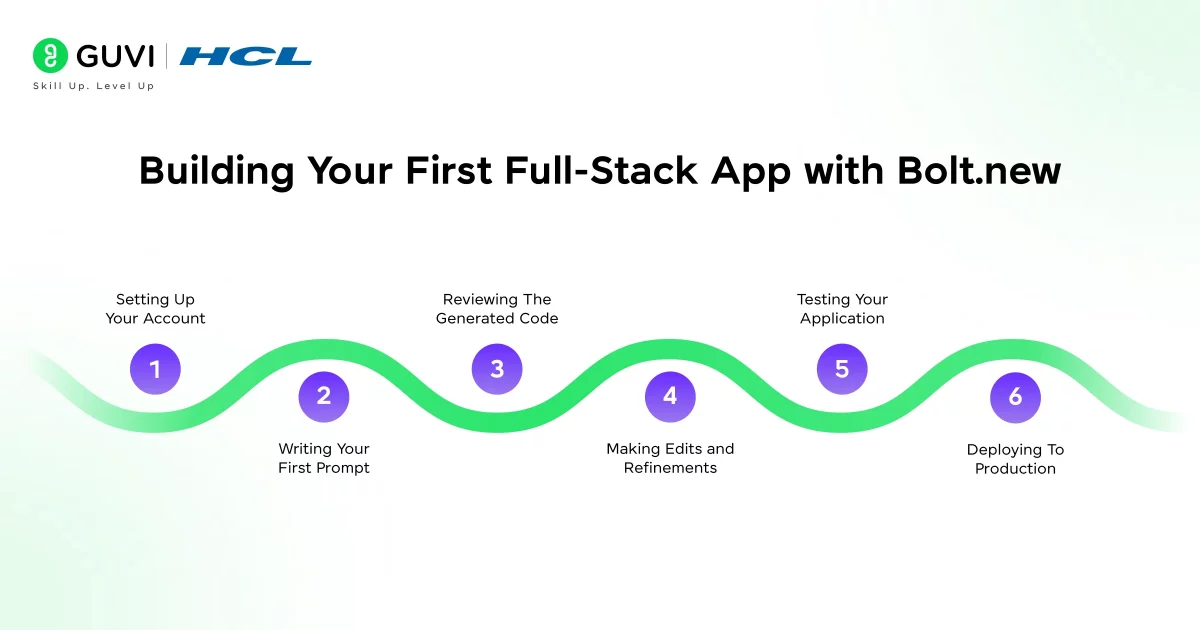
Step 1: Setting Up Your Account
Head to bolt.new and sign up for an account. Setting up takes under 45 seconds with no downloads or configurations required. Once logged in, you’ll see a clean interface with a prompt box in the center where you describe what you want to build.
Step 2: Writing Your First Prompt
Write your initial prompt in the chatbox, then click the plus icon in the bottom-left corner and select “Enhance prompt”. Bolt generates a refined version that you can edit before submitting. Start by establishing your application architecture and first key component rather than trying to build everything at once.
Instead of “Build me a SaaS app landing page,” try “I’m building a SaaS landing page for a project management tool. Let’s start only with the hero section” with specific requirements for gradients, headlines, and CTAs.
Step 3: Reviewing The Generated Code
Bolt generates a complete project structure within 1-2 minutes. You’ll see a file tree showing all files, package.json with dependencies, code across multiple files, and a live preview of your running application. The interface includes a code editor, terminal, and file system navigation all running directly in your browser.
Step 4: Making Edits And Refinements
Use Discussion Mode to brainstorm changes with the AI before committing tokens. Ask Bolt to make one change at a time rather than multiple updates simultaneously. You can manually edit code directly in the IDE if you have coding knowledge, though this remains optional. Be explicit about what should and shouldn’t change by referring to specific files or elements.
Step 5: Testing Your Application
Scan the QR code to preview your app on your phone. Test core functionality by logging in with valid credentials, adding data, logging out and back in to verify persistence. For Supabase integrations, check the table editor to confirm data is being fetched and stored properly in the database.
Step 6: Deploying To Production
Bolt offers built-in hosting that publishes your project to a .bolt.host URL instantly with SSL included. Alternatively, connect to Netlify for one-click publishing, link to GitHub and deploy on Vercel or other platforms, or download your project for deployment anywhere. Free plan users can access community support on Discord, while paid plan users get email support Monday through Friday.
C) Real Performance Test: Can It Really Build Apps in Minutes?
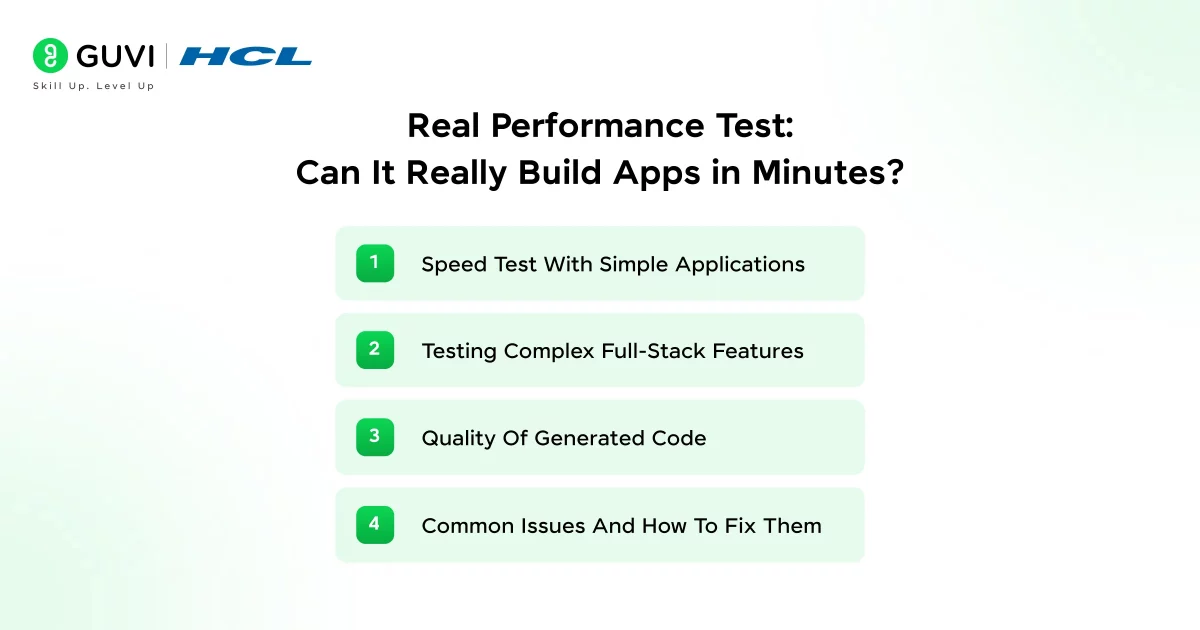
1) Speed Test With Simple Applications
Testing reveals that bolt.new handles basic projects with impressive speed. Landing pages generate in 2-4 minutes with 92% success rate. A simple to-do app takes 8-12 minutes and consumes 12,000-18,000 tokens. One developer built a React-based to-do app with Node.js backend and MongoDB integration in just 2 minutes and 30 seconds.

These simple builds typically require 1-2 iterations to get production-ready. For instance, an e-commerce product landing page generated in 45 seconds with approximately 800,000 tokens, producing clean Next.js components with responsive Tailwind CSS.
2) Testing Complex Full-Stack Features
Performance drops markedly as complexity increases. Dashboards with authentication take 25-35 minutes, consuming 35,000-50,000 tokens with only 68% success rate. E-commerce MVPs require 45-60 minutes and burn through 65,000-95,000 tokens.
Complex SaaS applications push bolt.new beyond its reliability threshold, achieving just 31% success rate and requiring 90+ minutes with 120,000+ tokens. A task management dashboard with Supabase integration needed 2.1 million tokens and required significant refinement.
3) Quality Of Generated Code
Bolt.new creates well-structured project files and handles npm packages automatically. However, the AI generates duplicate components or loses pattern consistency as projects grow larger. Authentication flows and complex UI customizations often need manual debugging. One developer burned over 20 million tokens trying to fix a single authentication issue.
4) Common Issues And How To Fix Them
Blank preview screens are common. Try prompting “The preview is not showing, fix this” or refresh the browser. Token consumption accelerates during debugging cycles, often doubling initial estimates. Enable the ‘diffs’ feature to prevent rewriting entire files during small changes. Break large requests into smaller, focused prompts to avoid overwhelming the system.
D) Pricing, LLM Options, and Free vs Paid Features
1) Free Tier Limitations And Token Caps
Bolt.new’s free plan includes 300,000 daily tokens and 1 million monthly tokens. You get access to public and private projects, unlimited databases, and website hosting. However, free plans don’t offer token rollover, and you’ll see Bolt branding on hosted websites with a 10MB file upload limit. Not all LLM models are available on the free tier.
2) Paid Plans And What They Offer
Pro plans start at USD 25.00 (~₹2,050) per month with 10 million tokens, no daily limit, custom domains, and token rollover. Teams pricing sits at USD 30.00 (~₹2,450) per member monthly, where tokens aren’t shared across members. Enterprise offers custom pricing with SSO, audit logs, and compliance support. Starting July 1, 2025, paid plan tokens roll over for one additional month.
3) Using Bolt.new With Different LLMs
Bolt.new primarily runs on Claude 3.5 Sonnet and added Opus 4.6 in 2026. You can switch between Claude Agent for production-quality apps or v1 Agent for quick prototypes. Sonnet 4.5 works for most development, while Sonnet 4.6 handles deeper reasoning tasks.
4) Cost Comparison With Traditional Development
Traditional freelance developers cost INR 4,00,000-12,50,000 monthly. Bolt.new at USD 25.00 monthly provides faster prototyping at a fraction of this cost.
Turn your AI curiosity into real-world applications with HCL GUVI’s industry-ready AI & ML Course—designed for beginners with no coding background and packed with hands-on projects and expert mentorship
Concluding Thoughts…
Bolt.new delivers on its promise for simple projects, generating landing pages and basic apps in minutes. As complexity increases, you’ll face longer build times and higher token consumption. However, the platform remains valuable for rapid prototyping and MVPs at a fraction of traditional development costs.
Start with the free tier to test basic projects. Once you understand its strengths and limitations, upgrade to Pro if you need faster iterations and custom domains for production deployments.
FAQs
Q1. How long does it take Bolt.new to build a simple application?
Simple applications like landing pages typically generate in 2-4 minutes, while basic to-do apps take around 8-12 minutes. Apps without database features build faster, whereas projects requiring authentication, databases, and other backend features may take approximately 5 minutes or longer to set up completely.
Q2. Can Bolt.new create full-stack web applications?
Yes, Bolt.new can build JavaScript-based full-stack web applications with frontend, backend, and database layers. The platform generates complete project structures including authentication, APIs, and database integration, making it suitable for building functional web applications from simple landing pages to more complex dashboards.
Q3. Does Bolt.new support mobile app development?
Bolt.new supports mobile app development through automatic Expo integration. When you request a mobile app, the platform uses Expo to create applications that work across multiple platforms, making mobile development accessible even without extensive coding experience.
Q4. What are the token limits on Bolt.new’s free plan?
The free plan provides 300,000 daily tokens and 1 million monthly tokens. These tokens don’t roll over to the next month, and you’ll have access to public and private projects, unlimited databases, and website hosting, though with some limitations like Bolt branding and a 10MB file upload limit.
Q5. How does Bolt.new’s pricing compare to hiring traditional developers?
Traditional freelance developers typically cost INR 4,00,000-12,50,000 monthly, while Bolt.new’s Pro plan starts at just USD 25.00 per month. This makes it significantly more cost-effective for rapid prototyping and building MVPs, though it works best for simpler projects rather than highly complex applications.
Success Stories

About the Author
Jaishree Tomar
A recent CS Graduate with a quirk for writing and coding, a Data Science and Machine Learning enthusiast trying to pave my own way with tech. I have worked as a freelancer with a UK-based Digital Marketing firm writing various tech blogs, articles, and code snippets. Now, working as a Technical Writer at GUVI writing to my heart’s content!
View all posts by Jaishree Tomar
Connect with me @










Did you enjoy this article?