


Artificial Intelligence and Machine Learning Articles
Finance Manager to Data Analytics: Career Growth, Salary and Seniority
How to Evaluate LLM Outputs in Production Deployments
AI/ML Skills Gap 2026: Why Companies Can't Find Job-Ready Talent
20 AI/ML Interview Questions Recruiters Can Use Without a Tech Background - Best Guide


Get In Touch For Details! Request More Information
How to Run DeepSeek R1 Locally?
Jun 06, 2026 4 Min Read 1263 Views
(Last Updated)
What if your AI system could not only generate answers but also explain how it arrived at them with clear, stepwise reasoning? As AI adoption moves from experimentation to production, the focus is shifting from output fluency to reliability, traceability, and control. DeepSeek R1 reflects this shift by prioritizing structured reasoning for complex tasks such as coding, mathematics, and logical analysis. Running it locally using Ollama allows teams to strengthen data privacy and evaluate reasoning behavior in a controlled environment without external dependencies.
Read the full guide to learn how to run DeepSeek R1 locally step-by-step:
Quick Answer: DeepSeek R1 runs locally via Ollama by installing, pulling, and running the model, with GPU acceleration, quantization, API access, prompt structuring, troubleshooting, and alternatives like Hugging Face, vLLM, Docker, and cloud deployment.
- DeepSeek R1 achieves around 72.5% accuracy on complex medical reasoning benchmarks, reflecting strong performance in multi-step analytical tasks.
- DeepSeek R1 successfully solves about 50% of tasks that usually require around 35 minutes of expert human effort.
- DeepSeek R1 achieves up to 90.8% on the MMLU benchmark, ranking among leading models for general knowledge and reasoning performance.
Table of contents
- What is DeepSeek R1?
- Top Features of DeepSeek R1
- How to Run DeepSeek R1 Locally Using Ollama
- Step 1: Verify System Requirements
- Step 2: Install Ollama
- Step 3: Pull the DeepSeek R1 Model
- Step 4: Run the Model Locally
- Step 5: Test Reasoning Capabilities
- Step 6: Use via API (Optional)
- Step 7: Optimize Performance
- Other Ways to Run DeepSeek R1
- Real-World Use Cases for Local Deployment of DeepSeek R1
- Local vs Cloud Deployment for DeepSeek R1
- Conclusion
- FAQs
- Can DeepSeek R1 run offline after setup?
- How much disk space does DeepSeek R1 require?
- Is GPU mandatory for running DeepSeek R1 locally?
- Can DeepSeek R1 be integrated into custom applications?
- How do updates to DeepSeek R1 models work locally?
What is DeepSeek R1?

DeepSeek R1 is a reasoning-focused large language model developed by DeepSeek, built to improve performance on complex, multi-step tasks such as mathematics, coding, and logical inference. Unlike conventional models that prioritize fluent text generation, R1 produces structured intermediate reasoning to guide its outputs, aligning with approaches like chain-of-thought prompting and reinforcement learning from verifiable rewards.
Top Features of DeepSeek R1
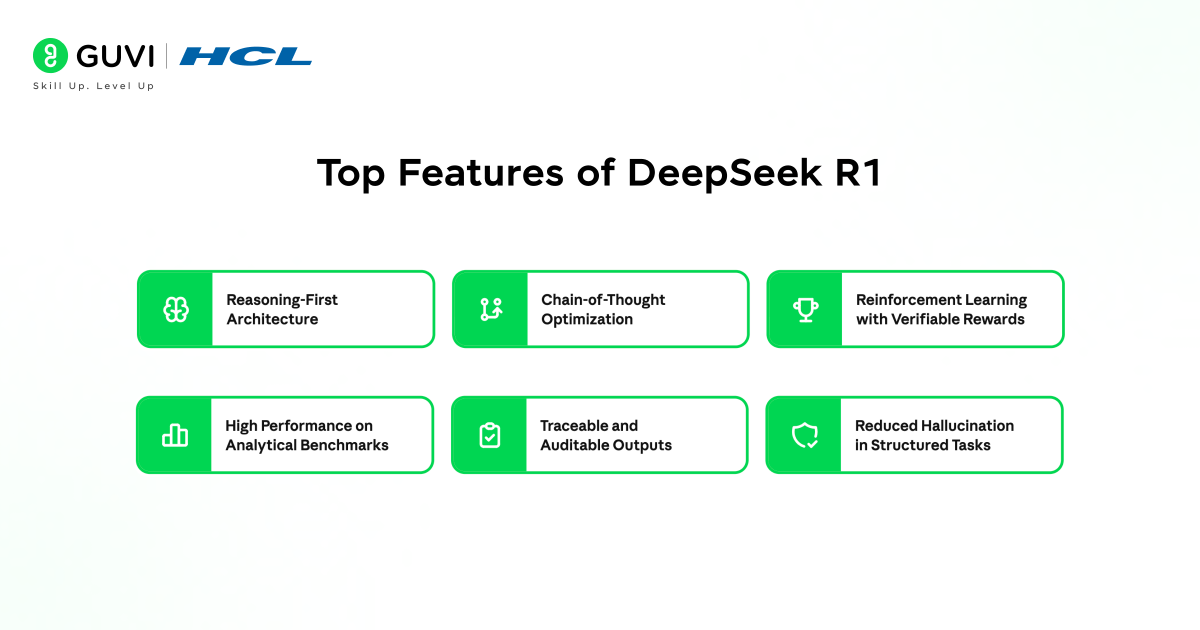
- Reasoning-First Architecture: Designed to solve multi-step problems with structured intermediate logic rather than direct answer generation.
- Chain-of-Thought Optimization: Produces stepwise reasoning paths that improve accuracy in mathematics, coding, and logical tasks.
- Reinforcement Learning with Verifiable Rewards: Trained to validate correctness of reasoning steps, not just final outputs, improving reliability.
- High Performance on Analytical Benchmarks: Demonstrates strong results in competitive math, algorithmic coding, and logic-based evaluations.
- Traceable and Auditable Outputs: Provides visibility into how conclusions are reached, supporting enterprise-grade transparency.
- Reduced Hallucination in Structured Tasks: Focus on reasoning lowers incorrect or unsupported responses in deterministic problem domains.
How to Run DeepSeek R1 Locally Using Ollama
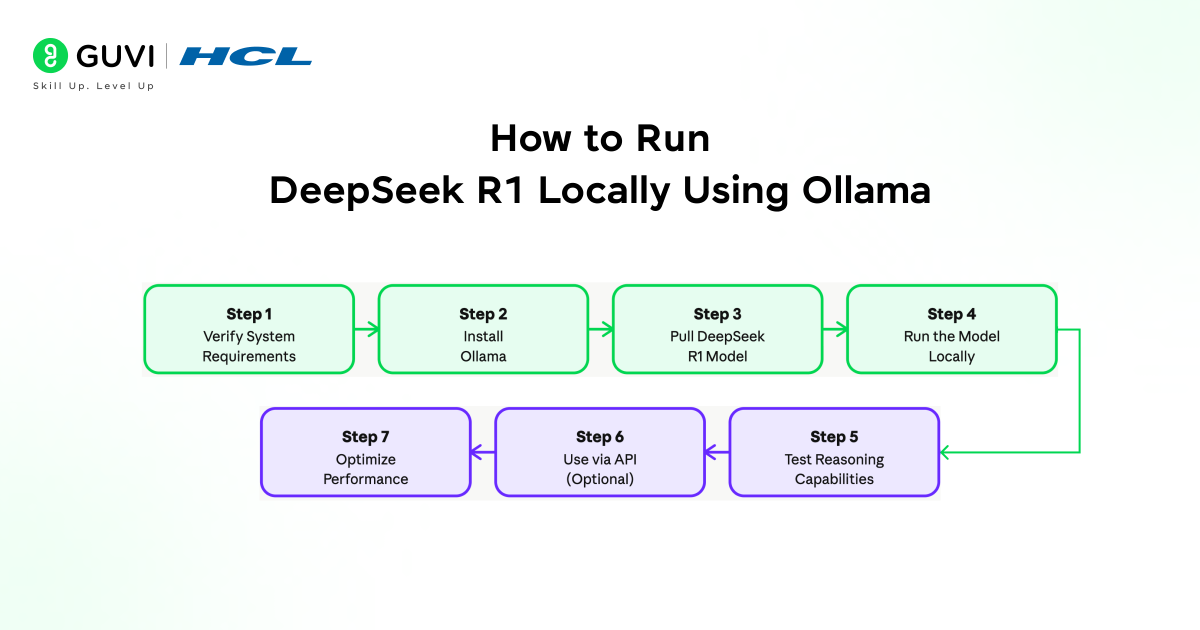
Step 1: Verify System Requirements
- Confirm that your system meets baseline requirements for running DeepSeek R1 efficiently. A modern multi-core CPU can handle smaller model variants, but a GPU with at least 8-16 GB VRAM is recommended for faster inference and larger models.
- Ensure a minimum of 16 GB system RAM, with 32 GB preferred for stability under heavier workloads.
- Allocate sufficient disk space, typically 10-30 GB depending on the model version and caching. Supported environments include macOS, Linux, and Windows through WSL2.
- Also, verify updated GPU drivers and CUDA support where applicable.
Step 2: Install Ollama
Download and install Ollama from the official source. Follow OS-specific installation steps and ensure the service is running in the background. After installation, validate the setup using:
ollama –version
You can also run a test model to confirm runtime functionality before pulling DeepSeek R1.
Build a strong foundation in Generative AI and move from concepts to real-world application. Download HCL GUVI’s GenAI eBook to learn core AI fundamentals, prompt engineering strategies, and practical use cases that help you build scalable AI solutions.
Step 3: Pull the DeepSeek R1 Model
Use the Ollama CLI to download the model:
ollama pull deepseek-r1
This downloads model weights and prepares them for inference. Depending on your system, you may choose specific variants or quantized versions to reduce memory usage. Monitor download progress and confirm successful installation before proceeding.
Step 4: Run the Model Locally
Start an interactive session with:
ollama run deepseek-r1
The model runs directly in the terminal, accepting prompts in real-time. For better usability, you can integrate it with local tools, editors, or lightweight interfaces. Ensure system resources are not constrained during execution to maintain consistent performance.
Step 5: Test Reasoning Capabilities
Evaluate the model using structured prompts that require step-by-step reasoning. Focus on tasks such as multi-step mathematical problems, code generation and debugging, and logical explanations. This step validates that the model performs as a reasoning-focused system and helps identify prompt patterns that yield accurate outputs.
Step 6: Use via API (Optional)
Ollama exposes a local API endpoint:
http://localhost:11434
You can connect this endpoint to applications, scripts, or internal tools. This allows integration into workflows such as internal copilots, automation scripts, or backend services. Configure request parameters and manage concurrency for stable performance.
Step 7: Optimize Performance
- Use quantized models if hardware resources are limited
- Utilize GPU acceleration where available to reduce latency
- Control context length to balance response quality and speed
- Monitor CPU, GPU, and memory usage during execution
- Run persistent sessions or background services for continuous workloads

Other Ways to Run DeepSeek R1
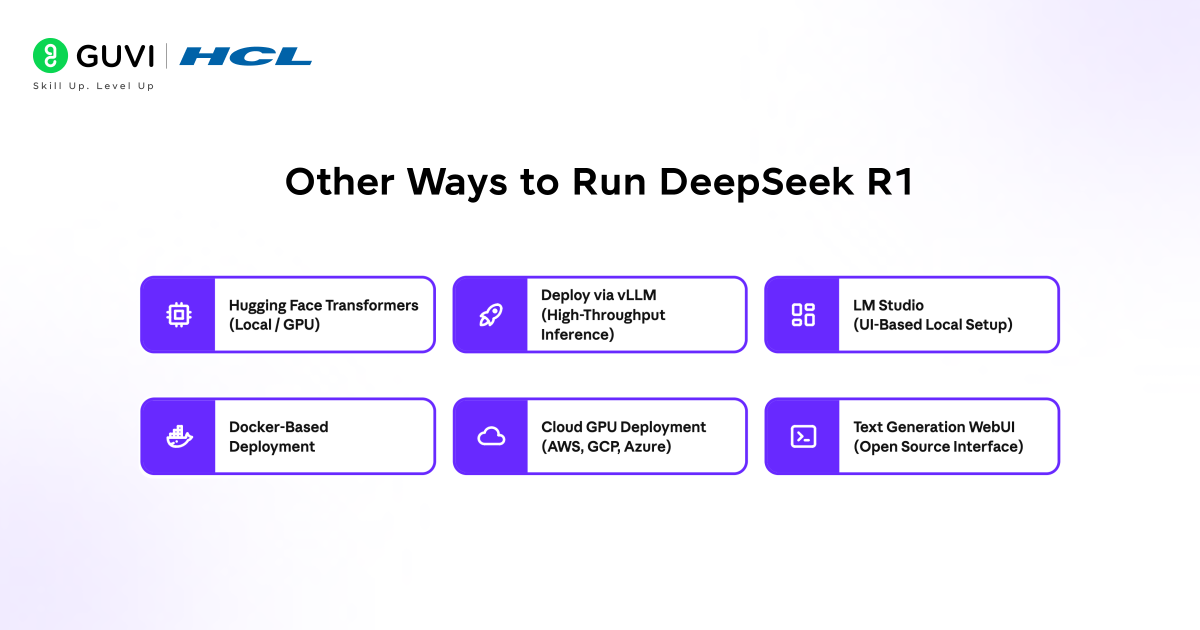
- Run with Hugging Face Transformers (Local / GPU)
- Install dependencies: transformers, accelerate, torch
- Load model from Hugging Face model hub
- Supports fine-grained control over inference, tokenization, and batching
- Best suited for developers building custom pipelines or experimenting with prompts
Use case: Research workflows, custom evaluation, controlled inference logic
- Deploy via vLLM (High-Throughput Inference)
- Use vLLM for optimized serving
- Efficient memory handling with PagedAttention
- Handles concurrent requests with low latency
Use case: Production APIs, high request volumes, scalable backend systems
- Run with LM Studio (UI-Based Local Setup)
- Install LM Studio
- Download DeepSeek R1 model through interface
- No command-line setup required
Use case: Non-technical users, quick local testing, prompt experimentation
- Use Docker-Based Deployment
- Containerize model runtime with Docker
- Standardizes environment across systems
- Simplifies dependency and version management
Use case: Team environments, reproducible deployments, CI/CD pipelines
- Cloud GPU Deployment (AWS, GCP, Azure)
- Deploy on GPU instances from Amazon Web Services, Google Cloud Platform, or Microsoft Azure
- Scale based on workload and latency requirements
- Integrate with enterprise data pipelines
Use case: Large-scale inference, enterprise AI systems, production-grade workloads
- Use Text Generation WebUI (Open Source Interface)
- Run via Text Generation WebUI
- Supports multiple backends and model formats
- Offers prompt templates, chat modes, and parameter tuning
Use case: Advanced experimentation with UI flexibility and parameter control
Real-World Use Cases for Local Deployment of DeepSeek R1
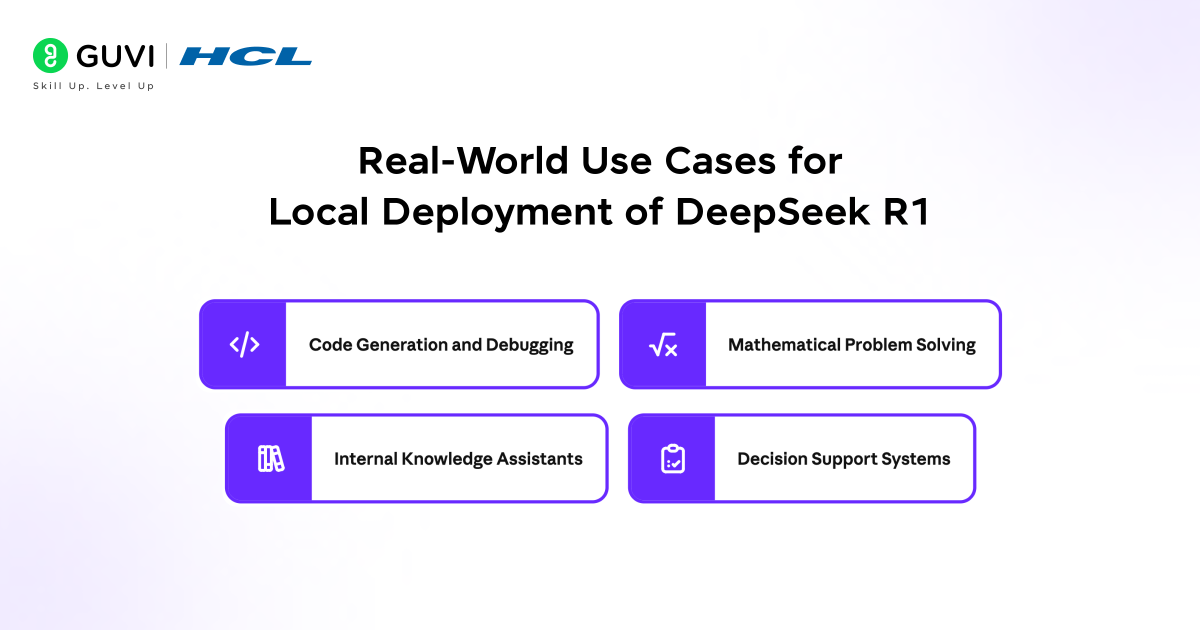
- Code Generation and Debugging: Supports structured reasoning required for writing, analyzing, and fixing code.
- Mathematical Problem Solving: Handles multi-step calculations and logical derivations with higher consistency.
- Internal Knowledge Assistants: Connect local APIs to internal documents for controlled AI-assisted workflows.
- Decision Support Systems: Provides traceable reasoning outputs for analytical and operational decisions.
Go beyond running models locally and build real-world AI systems with structured expertise. Join HCL GUVI’s Artificial Intelligence and Machine Learning Course to master Python, SQL, ML, MLOps, Generative AI, and Agentic AI through 20+ industry-grade projects, 1:1 doubt sessions with top SMEs, and placement assistance with 1000+ hiring partners.
Local vs Cloud Deployment for DeepSeek R1
Choosing between local and cloud deployment for DeepSeek R1 depends on priorities such as data control, scalability, and operational cost. Local deployment offers full control over data, consistent performance, and independence from external services, making it suitable for privacy-sensitive and latency-critical workloads. In contrast, cloud deployment provides access to high-performance infrastructure, easier scalability, and reduced setup overhead, which aligns with large-scale production environments.
| Factor | Local Deployment | Cloud Deployment |
| Data Control | Full control, data stays on-device | Data processed on external servers |
| Latency | Low and consistent (no network dependency) | Varies based on network and server load |
| Setup Complexity | Requires hardware setup and configuration | Easier to start with managed services |
| Scalability | Limited by local hardware | Scales easily with demand |
| Cost Model | One-time hardware investment | Ongoing usage-based costs |
| Performance | Depends on local CPU/GPU capability | Access to high-end GPUs and clusters |
| Customization | High control over models and environment | Limited by platform constraints |
| Reliability | Independent of internet connectivity | Dependent on cloud availability |
| Best For | Privacy-sensitive and controlled workflows | Large-scale and production workloads |
Conclusion
Running DeepSeek R1 locally creates a controlled environment for reasoning-intensive workloads, where performance, data privacy, and traceability remain internal. Using Ollama alongside the right hardware, model selection, and prompt design allows teams to evaluate and deploy structured reasoning with confidence. The setup progresses from installation to validation and optimization, supporting use cases such as code analysis, mathematical reasoning, and decision support without external dependencies.
FAQs
Can DeepSeek R1 run offline after setup?
Yes. Once the model is downloaded through Ollama or other tools, it runs entirely offline without requiring internet access.
How much disk space does DeepSeek R1 require?
Storage depends on the model variant, but most setups require several GB for model weights along with additional space for caching and logs.
Is GPU mandatory for running DeepSeek R1 locally?
No. CPU execution is possible, but GPU improves speed and supports larger models with better response consistency.
Can DeepSeek R1 be integrated into custom applications?
Yes. The local API endpoint allows integration with internal tools, scripts, and backend systems for automated workflows.
How do updates to DeepSeek R1 models work locally?
Updates require pulling newer versions manually through the runtime tool, allowing controlled upgrades without affecting existing setups.
Success Stories

About the Author
Vaishali
I'm a seasoned writer with four years of experience across technical, non-technical, and just about every genre or niche you can imagine. Adaptable and curious, I enjoy exploring new topics and making information engaging and easy to understand. Fueled by a steady stream of tea, I approach each project with creativity, reliability, and genuine enthusiasm for storytelling.
View all posts by Vaishali
Connect with me @













Did you enjoy this article?