


Artificial Intelligence and Machine Learning Articles
How to Evaluate LLM Outputs in Production Deployments
AI/ML Skills Gap 2026: Why Companies Can't Find Job-Ready Talent
20 AI/ML Interview Questions Recruiters Can Use Without a Tech Background - Best Guide
How Industry-Backed AI/ML Bootcamps Are Changing the AI/ML Hiring Pipeline - Best Guide 2026


Get In Touch For Details! Request More Information
Building Multi-Agent Application with CrewAI in 2026
Jun 26, 2026 4 Min Read 1855 Views
(Last Updated)
Have you ever asked yourself what would happen in case several AI systems would act as a team rather than work separately?
The majority of the current AI applications are based on a single model to eliminate tasks like content generation, question-answer, or data analysis. Although this is efficient in simple problems, a complex task can be done with many steps and various forms of expertise. This is where multi-agent systems become powerful, as they allow multiple AI agents to collaborate and share responsibilities within a workflow.
Frameworks such as CrewAI simplify the development of such collaborative systems by developers. This blog will focus on Building Multi-Agent Application with CrewAI and learn about how multi-agent systems, learning how beginners can build Multi-Agent Application workflows step by step.
Quick answer:
Building Multi-Agent Application with CrewAI involves creating a system where multiple AI agents collaborate to complete a task. Each agent is assigned a specific role, such as researching information, generating content, or reviewing outputs. Using CrewAI, developers can easily define agents, assign tasks, and organize them into a coordinated workflow that solves complex problems more efficiently than a single AI model.
Table of contents
- What Is a Multi-Agent System?
- What Is CrewAI?
- Why Build Multi-Agent Applications?
- Better Task Specialization
- Improved Scalability
- More Organized Workflows
- Real-World Simulation
- Applications of Multi-Agents Systems in the real world
- Core Components of CrewAI
- Agents
- Tasks
- Crew
- Setting Up Your Environment
- Step 1: Install Python
- Step 2: Install CrewAI
- Creating Your First Multi-Agent Application
- Step 1: Import Required Libraries
- Step 2: Create the Agents
- Step 3: Define the Tasks
- Step 4: Create the Crew
- Step 5: Run the Workflow
- Wrapping it up:
- FAQs:
What Is a Multi-Agent System?
Multi-agent system (MAS) is a system that consists of interacting autonomous agents to attain a certain goal.
Each agent has its own:
- Role
- Responsibilities
- Decision-making ability
- Availability of tools or information.
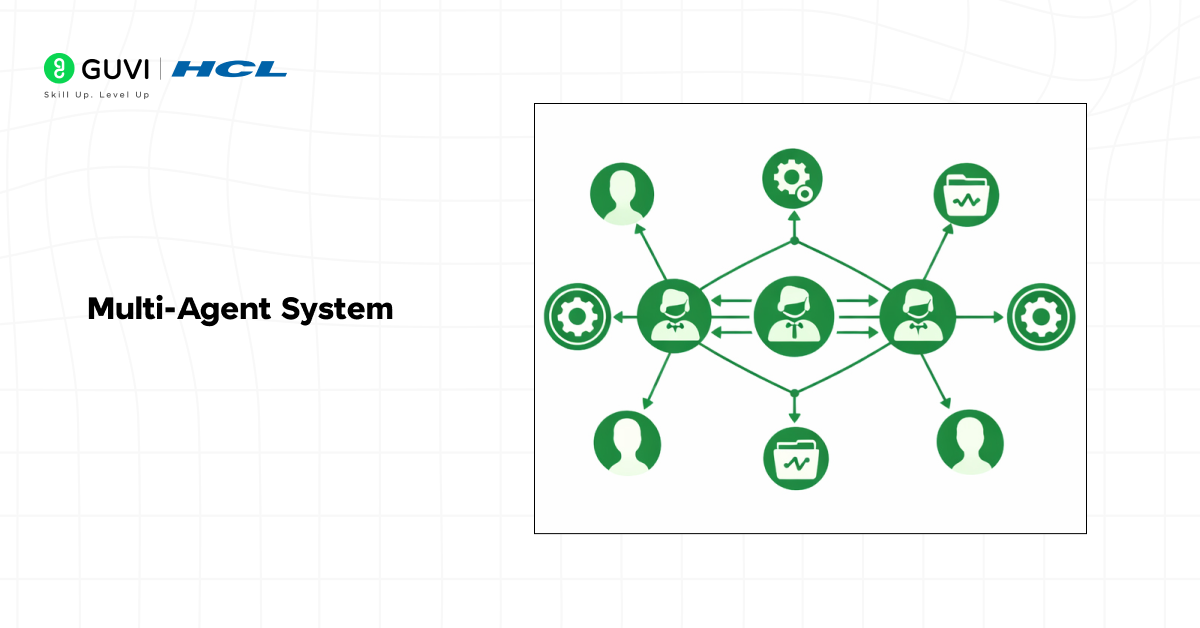
Rather than having a single AI to take care of all the tasks, the system is more scalable and efficient as the tasks are shared among many agents.
Consider, a case of building an AI app that creates a complete blog post. A multi-agent system may consist of:
- A Research Agent that gathers information
- A Writer Agent that composes the content.
- An Editor Agent that edits the article.
This systematic cooperation makes the process more precise and planned.
What Is CrewAI?
CrewAI is a Python framework that helps to create and maintain multi-agent AI systems.
It enables programmers to design a team of AI agents that can cooperate on tasks. Each agents are defined with the role, the goal, and the tools, which helps maintain structure and clarity within the system.
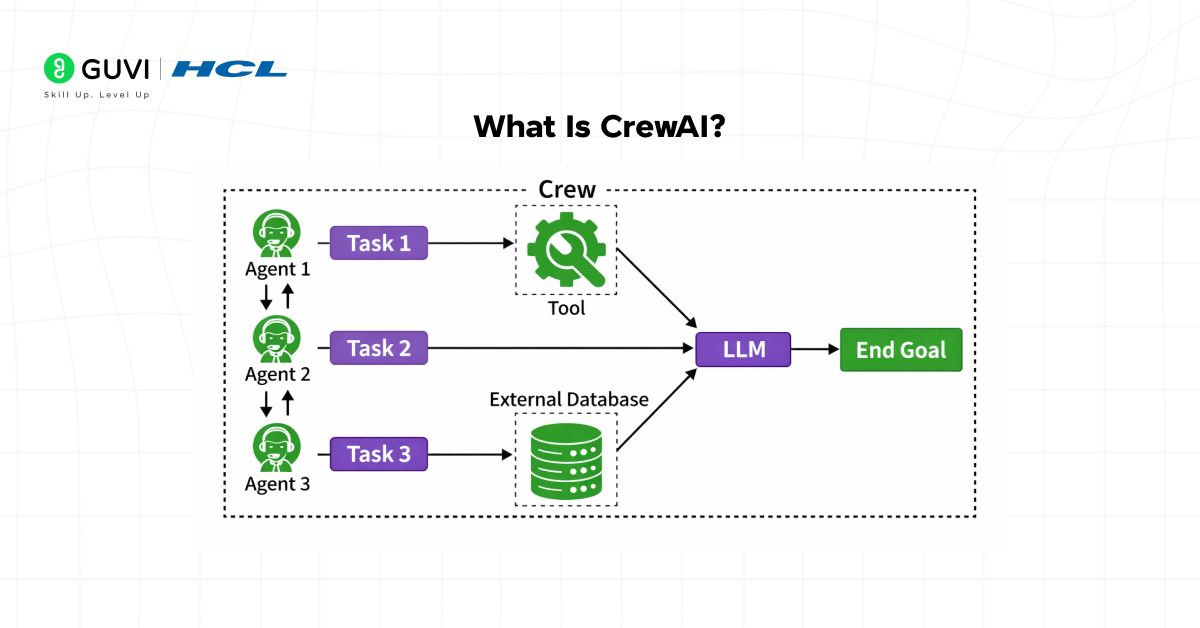
CrewAI concentrates on task orchestration, i.e., it controls the interaction and communication between agents.
CrewAI has some of the following important features:
- Role-based AI agents
- Task delegation between agents
- Structured workflows
- Large language models (LLM) integration
- Easy customization for different applications
Due to these characteristics, Building Multi-Agent Application with CrewAI has gained popularity with developers who construct AI assistants, research tools, automation pipelines, and intelligent workflows.
Why Build Multi-Agent Applications?
Individual AI models are capable of doing a large number of tasks, but they fail to cope with complex workflows that may involve a multitude of steps.
Multi-agent systems address this issue by dividing large tasks into smaller specialist functions.
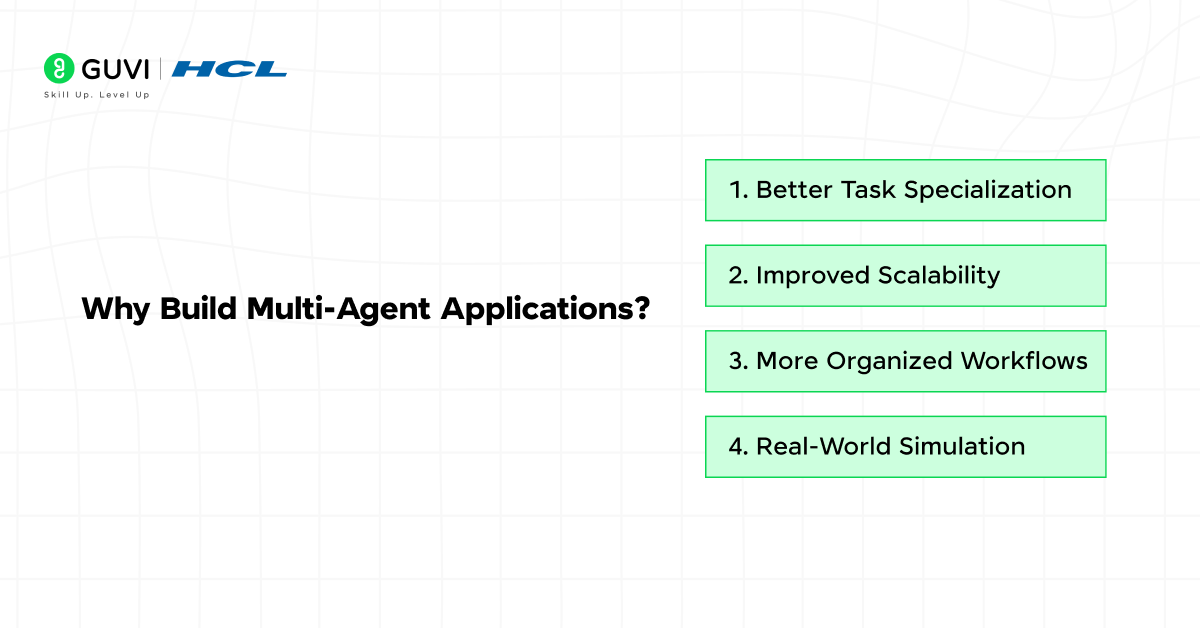
Here are some major benefits.
1. Better Task Specialization
All the agents specialize in a single activity. This enhances precision and makes the system simpler to control.
For example:
- One agent researches
- Another writes
- Another verifies facts
Such a structured workflow tends to have high quality outputs.
2. Improved Scalability
Multi-agent systems are easily scalable. The more the complexity of the system, the more agents you can add.
An example of a content pipeline would be:
- SEO optimizer
- Fact checker
- Image generator
3. More Organized Workflows
With roles, agents can be more easily monitored and debugged, as the workflow can be traced.
The system no longer represents a single giant AI prompt, but a pipeline of tasks.
4. Real-World Simulation
Multi-agent systems are similar to the human teamwork and therefore best suited to solving problems associated with teamwork.
- The term agentic IDE comes from agent-based AI — meaning the system can independently plan, reason, and execute multi-step coding tasks, not just generate code snippets.
- Modern agentic development environments can analyze entire repositories with thousands of files in seconds, identifying which modules are impacted by a single feature change.
- Some advanced platforms can run tests, debug failures, apply fixes, and retry automatically — effectively mimicking a junior developer’s workflow loop.
Agentic IDEs are redefining software development — shifting from code generation to autonomous problem-solving!
Applications of Multi-Agents Systems in the real world
Multi-agent systems are applied more and more in industries such as AI automation, research, and software development.
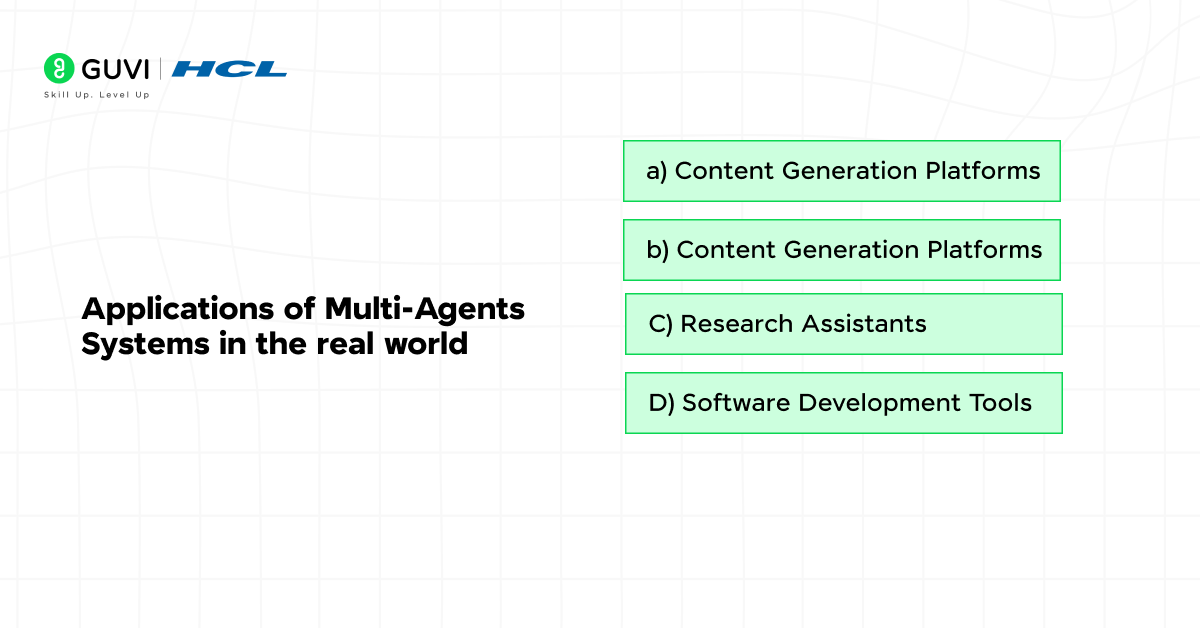
1. Content Generation Platforms
The AI agents work together to research, write, edit and optimize articles.
2. Customer Support Automation
Multiple agents handle:
- Customer queries
- Technical troubleshooting
- Escalation management
3. Research Assistants
Agents have the ability to gather information, examine sources and extract knowledge.
4. Software Development Tools
Agents assist with:
- Code generation
- Code review
- Debugging
- Documentation
These applications demonstrate the potential of Building Multi-Agent Application systems for intelligent automation.
Core Components of CrewAI
CrewAI organizes multi-agent systems in three important elements.
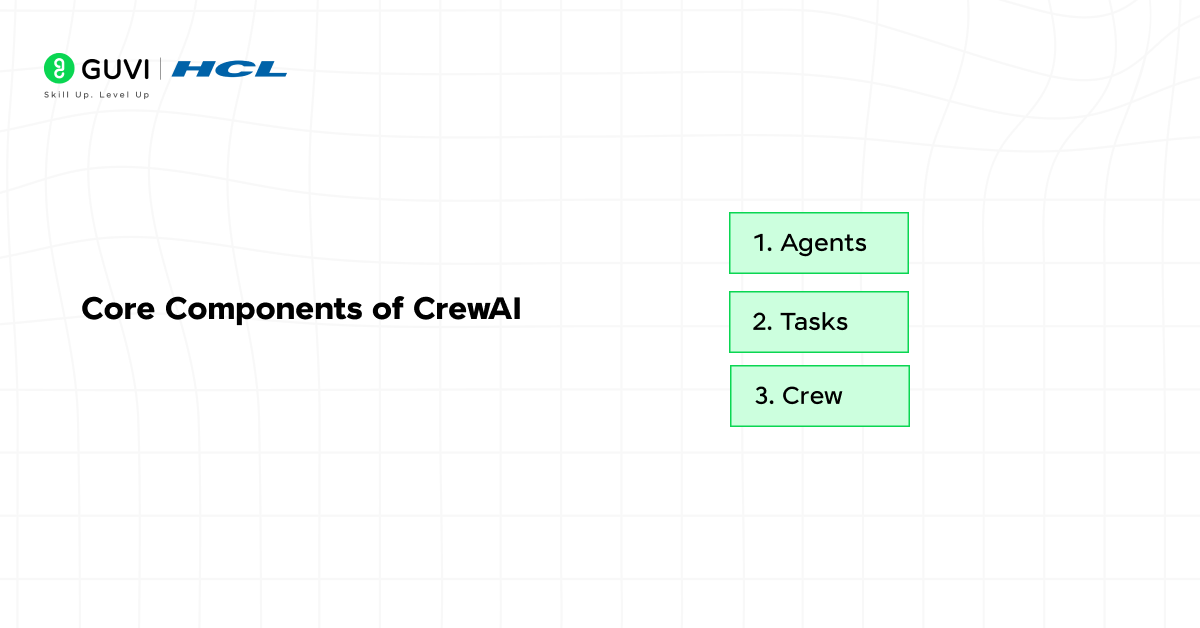
1. Agents
The AI workers who are involved in the tasks are called agents.
Each agent is defined by:

- Role
- Goal
- Backstory
- Tools
For example:
Research Agent:
- Role: Information gatherer
- Goal: Gather the right sources of information.
Writer Agent:
- Role: Content creator
- Goal: Translating research into readable form.
Editor Agent:
- Role: Content reviewer
- Goal: Better grammar, clarity, and structure.
2. Tasks
Tasks outline what the individual agents are to do.
For example:
- Research a topic
- Write an article draft
- Review and edit content
The tasks are allocated to individual agents.
3. Crew
The crew consists of the team of agents.
CrewAI also organizes the way agents cooperate, exchange outputs and accomplish tasks in a sequence or group of work.
Setting Up Your Environment
To start Building Multi-Agent Application with CrewAI, you need a basic Python environment.
Step 1: Install Python
Make sure Python 3.9 or higher is installed.
Step 2: Install CrewAI
You can install CrewAI using pip:
| pip install crewai |
You may also need an LLM provider such as OpenAI or other supported models.
Creating Your First Multi-Agent Application
Let us build a simple application where three agents collaborate to generate a blog article.
The system will include:
- Research Agent
- Writer Agent
- Editor Agent
Step 1: Import Required Libraries
First, import CrewAI components.
| from crewai import Agent, Task, Crew |
These modules allow us to define agents, tasks, and the crew.
Step 2: Create the Agents
Now we define the agents with their roles and responsibilities.
| researcher = Agent( role=”Research Specialist”, goal=”Find accurate information about AI multi-agent systems”, backstory=”Expert in collecting reliable technical information.” ) writer = Agent( role=”Content Writer”, goal=”Write a clear blog article based on research”, backstory=”Experienced writer who simplifies complex topics.” ) editor = Agent( role=”Content Editor”, goal=”Improve readability and correct grammar”, backstory=”Professional editor ensuring quality content.” ) |
Each agent now has a defined purpose, which helps structure the workflow.
Step 3: Define the Tasks
Next, we assign tasks to each agent.
| research_task = Task( description=”Research the topic of multi-agent systems in AI”, agent=researcher ) write_task = Task( description=”Write a beginner-friendly article using the research”, agent=writer ) edit_task = Task( description=”Review and refine the article”, agent=editor ) |
Step 4: Create the Crew
Now we combine everything into a crew.
| crew = Crew( agents=[researcher, writer, editor], tasks=[research_task, write_task, edit_task] ) |
The crew manages collaboration between agents.
Step 5: Run the Workflow
Finally, we execute the crew.
| result = crew.kickoff() print(result) |
The system now runs the tasks sequentially, allowing agents to collaborate and produce the final output.
This simple example demonstrates the core idea behind Building Multi-Agent Application with CrewAI.
Level up with GUVI’s industry-recognized AI & ML course, designed for beginners and professionals alike. With hands-on projects, live mentor-led sessions, and real-world workflows, you’ll learn how to build, deploy, and scale AI-powered applications confidently in the modern development landscape.
Wrapping it up:
The future of AI applications is moving beyond single intelligent systems toward collaborative AI architectures. Multi-agent systems allow different AI agents to handle specialized responsibilities and work together to complete complex tasks more efficiently. With CrewAI, you can create multi-agent applications that consist of agents that research, produce, evaluate, and revise output as a unified body. By working together, these agents provide a higher quality product and will ultimately allow AI systems to be scalable and adaptable in the real world.
FAQs:
1. What is a multi-agent application?
A multi-agent application is an AI system where multiple agents collaborate to complete a task. Each agent has a specific role, which helps break complex workflows into smaller and more manageable steps.
2. What is CrewAI used for?
CrewAI provides a framework for an agent-based architecture to support the development and management of multi-agent applications.
3. Why is Building Multi-Agent Application important?
The importance of multi-agent application development lies in improving resource efficiency and scalability. When multiple autonomous agents perform tasks simultaneously, there are less dependencies between tasks, thus resulting in a much simpler to manage complex application.
4. Which programming language is used with CrewAI?
CrewAI operates primarily with the Python programming language, allowing seamless connection to a variety of AI Libraries and also Large Language Models.
Success Stories

About the Author
Vishalini Devarajan
An Aerospace Engineer turned content writer, I focus on making complex concepts easy to understand through well-structured, reader-friendly blogs. Whether it’s a technical topic or a non-technical one, I love creating content that is clear, engaging, and impactful.
View all posts by Vishalini Devarajan
Connect with me @











Did you enjoy this article?