


DevOps Articles
Claude for IT Help Desks: Reducing Ticket Volume
From Beginner to DevOps Engineer: How HCL GUVI Zen Class Helps You Get There


Get In Touch For Details! Request More Information

What Is Azure DevOps? A Practical Guide for Modern Software Teams
Jul 24, 2026 5 Min Read 1764 Views
(Last Updated)
What causes software delivery to slow down even when teams use modern cloud platforms and automation tools? Many organizations struggle because planning, development, testing, and deployment operate as disconnected steps, which creates delays, rework, and limited visibility into progress and quality. Azure DevOps addresses this gap by bringing work tracking, source control, build automation, testing, and release processes into a unified system that shares context across teams.
Continue exploring this guide to understand how Azure DevOps structures DevOps workflows and supports reliable software delivery at scale.
Quick Answer Azure DevOps is a Microsoft Software-as-a-Service platform that unifies planning, source control, build automation, testing, and release management into a single DevOps system. It helps teams deliver software faster by keeping requirements, code changes, pipelines, tests, and deployments connected throughout the lifecycle. Azure DevOps improves reliability, traceability, and governance by standardizing CI/CD workflows, enforcing quality controls, and supporting scalable delivery across cloud, hybrid, and on-prem environments.
Table of contents
- What is Azure DevOps?
- Key Services and Components of Azure DevOps
- How Azure DevOps Works End to End?
- Step 1: Requirement definition and delivery scoping
- Step 2: Code development with enforced change control
- Step 3: Automated build execution and artifact creation
- Step 4: Integrated testing and quality validation
- Step 5: Controlled deployment and release progression
- Azure DevOps and the DevOps Lifecycle
- Azure DevOps vs GitHub
- When Azure DevOps Is a Better Fit
- When GitHub May Be Sufficient
- Azure DevOps vs GitHub: Key Comparison
- Who Should Use Azure DevOps?
- Enterprise Software Teams
- Organizations With Complex Workflows
- Teams Needing Strong Governance and Traceability
- Regulated Industries and Large-Scale Projects
- Benefits of Using Azure DevOps
- End-to-End Traceability Across the Delivery Lifecycle
- Deterministic Build and Release Automation
- Policy-Driven Governance Integrated Into Engineering Workflows
- Scalable Collaboration With a Single System of Record
- Infrastructure-Agnostic Delivery Across Cloud and On-Prem Targets
- Common Mistakes to Avoid With Azure DevOps
- Azure DevOps Best Practices
- Conclusion
- FAQs
- How does Azure DevOps improve release reliability?
- Can Azure DevOps support multi-cloud and on-prem deployments?
- Is Azure DevOps suitable for large teams working on multiple products?
What is Azure DevOps?

Microsoft Azure DevOps is a Software-as-a-Service platform that supports the full software delivery lifecycle by unifying planning, source control, build and release automation, testing, and package management within a single hosted service. This SaaS model allows teams to manage requirements, control code, validate quality, and deploy software without maintaining underlying infrastructure, which keeps delivery workflows consistent, scalable, and centrally governed.
Key Services and Components of Azure DevOps
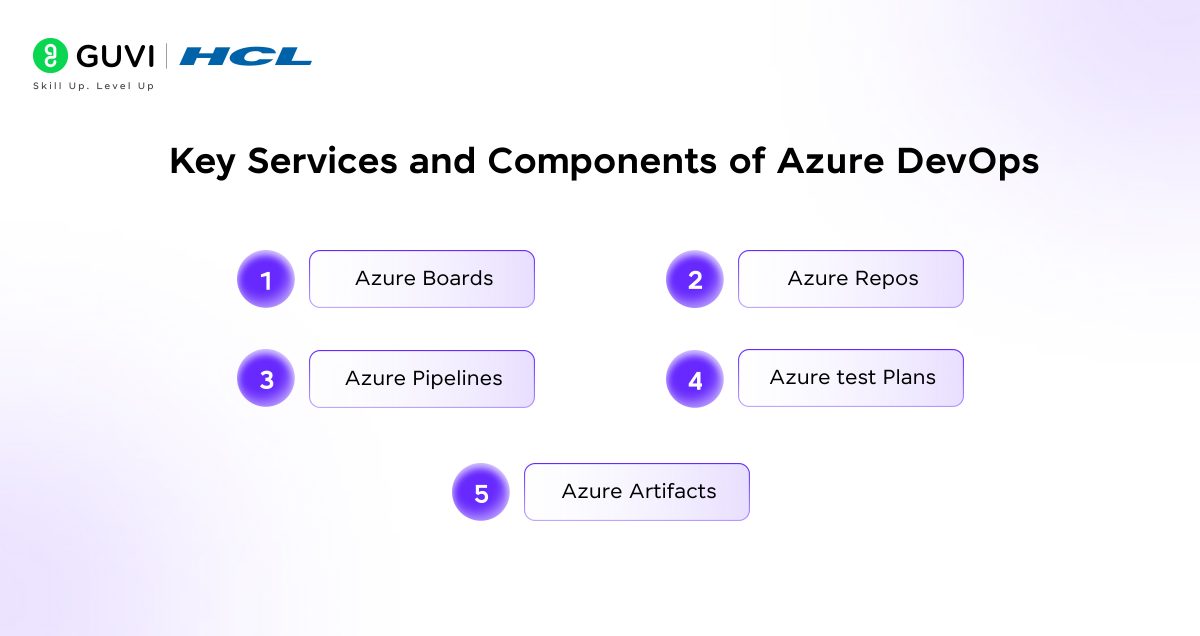
- Azure Boards: Azure Boards provides structured work management through epics, features, user stories, and bugs that align planning with delivery execution. It supports Scrum and Kanban workflows with backlog prioritization, sprint planning, and work item tracking, which keeps engineering effort connected to business objectives and release milestones.
- Azure Repos: Azure Repos offers cloud-hosted Git repositories with branch policies, pull request reviews, and commit traceability. These capabilities support controlled collaboration by enforcing code review standards and maintaining a clear history of changes linked to work items and releases.
- Azure Pipelines: Azure Pipelines delivers continuous integration and continuous delivery through YAML-based automation that runs builds, tests, and deployments across cloud, hybrid, and on-prem environments. Pipeline executions remain consistent because build agents, dependencies, and approval stages are defined and versioned alongside application code.
- Azure Test Plans: Azure Test Plans supports manual and exploratory testing by linking test cases directly to requirements and builds. Test results provide structured quality signals that inform release readiness and defect resolution throughout the delivery lifecycle.
- Azure Artifacts: Azure Artifacts manages internal package feeds for Maven, npm, NuGet, and Python, which allows teams to publish, version, and consume shared libraries securely. Dependency control improves because packages remain traceable to builds and governed through access policies.
Want a clear, practical understanding of Azure DevOps and modern DevOps workflows? Download HCL GUVI’s DevOps eBook to learn core concepts, real-world practices, and team-ready DevOps fundamentals in one place.
How Azure DevOps Works End to End?
Step 1: Requirement definition and delivery scoping
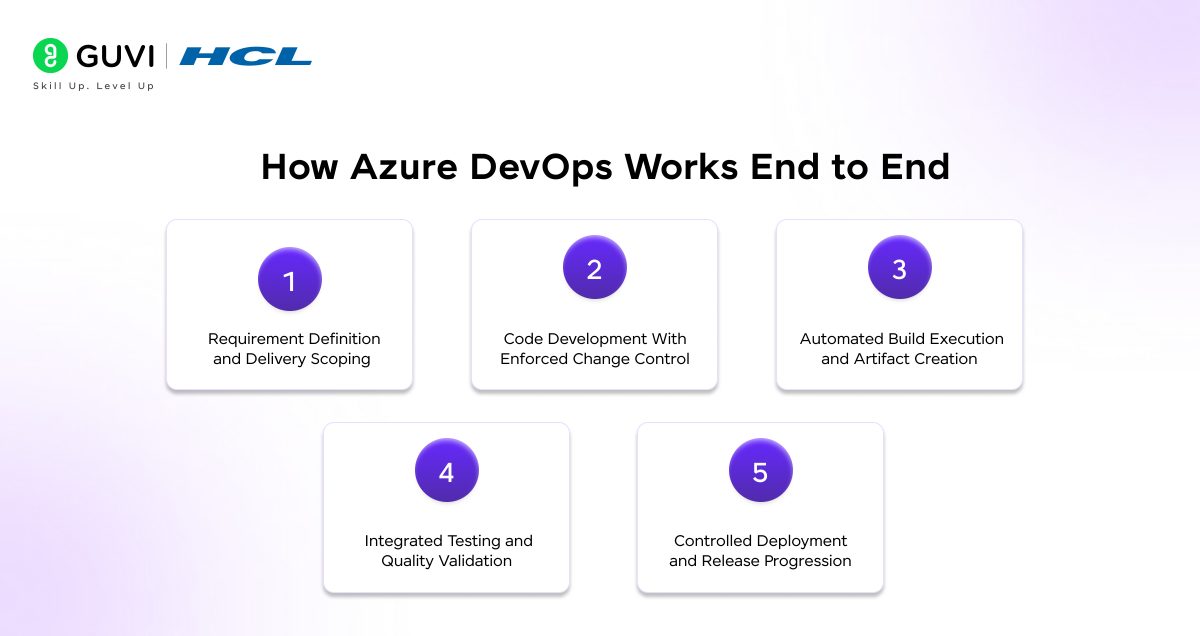
Learning Azure DevOps functioning starts with structured requirement capture in Azure Boards, where epics represent business initiatives and features define deployable scope. User stories and bugs break scope into executable units that align with sprint capacity and release timelines. This structure matters because every downstream activity relies on these identifiers to maintain traceability across code, builds, tests, and releases.
Step 2: Code development with enforced change control
Development work occurs in Azure Repos using Git repositories configured with branching strategies such as trunk-based or release branching. Pull requests enforce peer review and policy checks before code merges into shared branches. This control preserves code integrity because only validated changes advance into automated pipelines.
Step 3: Automated build execution and artifact creation
Merged code triggers Azure Pipelines, which executes YAML-defined build workflows on hosted or self-managed agents. These workflows compile source code, resolve dependencies, and generate versioned artifacts. Artifact consistency is preserved because build logic remains source-controlled and reproducible across environments.
Step 4: Integrated testing and quality validation
Automated unit and integration tests run as part of pipeline stages, while manual test cases execute through Azure Test Plans against the same build outputs. Test results attach directly to builds and work items, which allows teams to assess release readiness using concrete quality data rather than assumptions.
Step 5: Controlled deployment and release progression
Validated artifacts move through deployment stages defined by environments and approval gates. Role-based approvals regulate progression between stages, which reduces release risk. Deployment history remains auditable because releases link back to artifacts, commits, and requirements.
Read: Do You Know The DevOps Syllabus? [Updated]
Azure DevOps and the DevOps Lifecycle
- Plan- Turning ideas into actionable tasks: Planning converts strategic goals into prioritized backlogs that reflect delivery capacity. Dependencies and ownership remain visible, which aligns sprint commitments with release expectations.
- Develop- Writing and reviewing code collaboratively: Code development follows controlled workflows that combine branching strategies with enforced reviews. Collaboration improves because discussions occur within pull requests linked to specific requirements.
- Build and Test- Automation and quality checks: Automated pipelines validate every change through standardized build and test stages. Quality signals remain consistent because execution logic does not vary across runs.
- Release- Deploying changes safely and repeatedly: Release pipelines promote artifacts through environments using approval workflows and environment-specific configuration. Deployment reliability improves because releases follow identical execution paths.
- Monitor and Improve- Feedback-driven iteration: Delivery metrics expose bottlenecks and instability trends. Iteration improves because adjustments respond to observed delivery behavior rather than retrospective analysis.
Azure DevOps vs GitHub
- Project Management Depth
Azure DevOps provides native backlog hierarchies, sprint planning, and work item relationships that connect planning directly to delivery execution. GitHub offers issue tracking and project boards, which remain sufficient for simpler workflows but lack deep delivery linkage.
- CI/CD Flexibility
Azure Pipelines supports multi-stage workflows across cloud, hybrid, and on-prem environments with environment controls and approvals. GitHub Actions supports automation but requires additional structure to manage complex deployment flows at scale.
- Enterprise Governance and Compliance
Azure DevOps applies role-based access, policy enforcement, and approval gates across planning, code, and releases. Compliance requirements remain enforceable because controls operate within the delivery system. GitHub governance focuses primarily on repository-level control.
When Azure DevOps Is a Better Fit
- Azure DevOps works best when teams need full traceability between requirements, code changes, test results, and production releases.
- It suits environments where delivery pipelines span multiple stages and require approvals, audit history, and controlled promotion.
- Azure DevOps also fits organizations that rely on structured sprint planning, dependency tracking, and program-level visibility tied directly to execution.
- It is appropriate where governance, role-based access control, and compliance enforcement are required across planning and release workflows.
- DevOps supports teams that deploy applications across cloud, hybrid, and on-prem environments using standardized delivery processes.

When GitHub May Be Sufficient
- GitHub is suitable when source code collaboration and pull request workflows are the primary focus.
- It also works well for teams with simple CI/CD needs and limited deployment stages.
- It fits smaller teams that operate independently without complex cross-team dependencies.
- GitHub is also appropriate when governance requirements remain limited to repository-level controls.
- It supports projects where release speed and simplicity matter more than structured approval and promotion models.
Azure DevOps vs GitHub: Key Comparison
| Factor | Azure DevOps | GitHub |
| Core Use | End-to-end DevOps platform | Code hosting and collaboration |
| Planning | Built-in agile planning and backlogs | Basic issues and boards |
| Traceability | Requirement-to-release linkage | Repo-level visibility |
| CI/CD | Multi-stage pipelines with approvals | Workflow-based automation |
| Deployments | Cloud, hybrid, on-prem | Mostly cloud |
| Governance | Enterprise controls and audits | Repo-level controls |
| Testing | Integrated test management | External tools |
| Scale Fit | Large, regulated teams | Small to mid-size teams |
| Complexity | Higher | Lower |
| Best For | Structured, governed delivery | Fast, lightweight workflows |
Who Should Use Azure DevOps?
1. Enterprise Software Teams
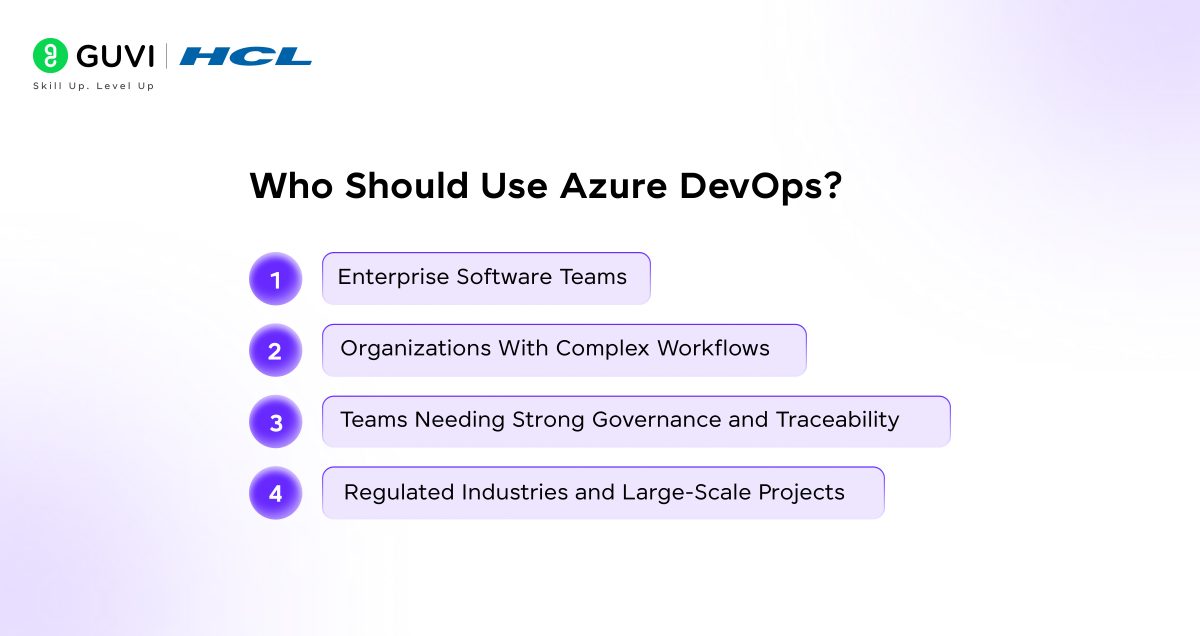
Large teams require shared planning, standardized pipelines, and consistent release controls. Azure DevOps supports these needs by centralizing delivery signals within one platform.
2. Organizations With Complex Workflows
Multi-team dependencies and staged releases require structured execution. Azure DevOps manages this complexity through integrated planning, automation, and approvals.
3. Teams Needing Strong Governance and Traceability
Audit and accountability requirements demand clear linkage between requirements, code, and continuous deployments. Azure DevOps preserves this linkage across the lifecycle.
4. Regulated Industries and Large-Scale Projects
Compliance-driven environments require enforceable controls and documented delivery paths. Azure DevOps supports these requirements through built-in policy enforcement and traceable execution.
Benefits of Using Azure DevOps
1. End-to-End Traceability Across the Delivery Lifecycle
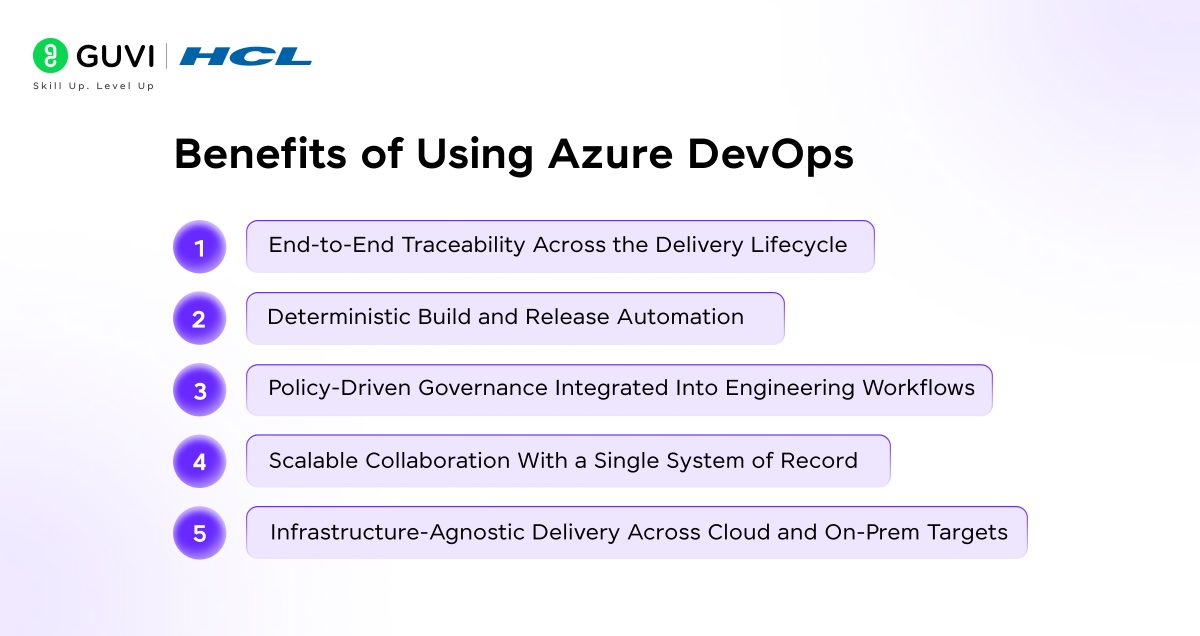
Azure DevOps maintains a shared data graph that links Azure Boards work items, Git commits, pipeline executions, test runs, and release artifacts. This linkage allows teams to trace a production deployment back to the originating requirement and associated code changes, which improves auditability and root-cause analysis. Delivery discussions become factual because scope, change velocity, and risk remain visible through connected artifacts rather than inferred from reports.
2. Deterministic Build and Release Automation
Azure Pipelines executes builds and deployments through YAML-defined workflows that version alongside application code. This approach reduces environmental drift because build agents, dependencies, and execution steps remain consistent across runs. Deployment reliability improves since every release follows the same validated sequence rather than relying on manual interpretation of runbooks.
3. Policy-Driven Governance Integrated Into Engineering Workflows
Azure DevOps applies branch policies, environment approvals, and role-based access controls directly within repositories and pipelines. These controls enforce security and quality expectations at commit and release time, which removes the need for separate review gates. Engineering velocity remains stable because compliance checks execute automatically as part of normal delivery flow.
4. Scalable Collaboration With a Single System of Record
Azure Boards, Repos, and Pipelines operate on a unified permission and identity model, which keeps large teams aligned across projects and geographies. Work ownership, delivery status, and release readiness remain visible without duplicating data across tools. Coordination overhead decreases because planning and execution signals originate from one authoritative platform.
5. Infrastructure-Agnostic Delivery Across Cloud and On-Prem Targets
Azure DevOps supports deployment targets across Azure, other cloud providers, and on-prem environments through extensible agents and service connections. Teams standardize delivery pipelines even when runtime environments differ. Operational consistency improves because infrastructure diversity does not fragment delivery processes.
Common Mistakes to Avoid With Azure DevOps
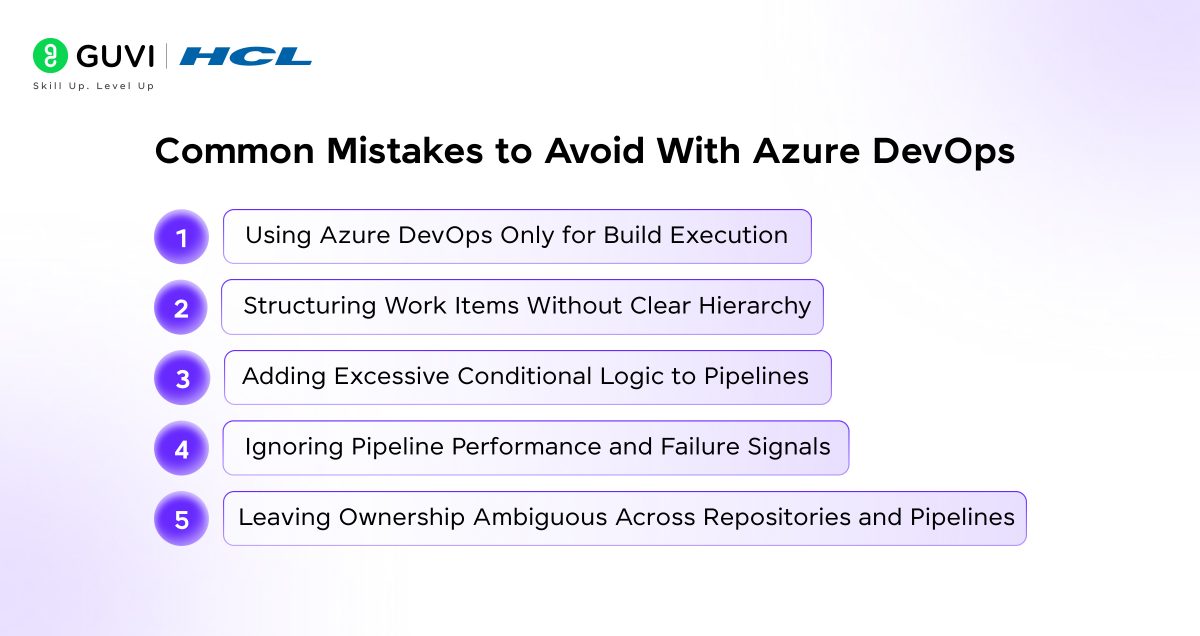
- Using Azure DevOps Only for Build Execution: Treating Azure DevOps as a pipeline runner disconnects planning and delivery outcomes. Traceability weakens because requirements and releases exist in separate contexts.
- Structuring Work Items Without Clear Hierarchy: Poor alignment between epics, features, and user stories obscures delivery progress. Forecast accuracy drops because scope and velocity cannot be evaluated consistently.
- Adding Excessive Conditional Logic to Pipelines: Complex pipeline paths increase maintenance effort and failure risk. Reliability suffers because execution behavior becomes difficult to predict and validate.
- Ignoring Pipeline Performance and Failure Signals: Build duration, retry rates, and test instability reflect system health. Improvement stalls when these indicators are not reviewed regularly.
- Leaving Ownership Ambiguous Across Repositories and Pipelines: Undefined responsibility delays response during failures. Quality degrades because standards drift without clear accountability.
Want to apply Azure DevOps concepts in real-world CI/CD pipelines and modern software teams? Join HCL GUVI’s DevOps course to gain hands-on experience with industry tools, guided mentorship, structured projects, and job-ready DevOps skills built for real production environments.
Azure DevOps Best Practices
Conclusion
Azure DevOps brings structure, visibility, and control to software delivery by connecting planning, development, testing, and release into one continuous system. Teams move faster because work, code, pipelines, and deployments remain traceable and governed throughout the lifecycle. Delivery outcomes improve as decisions rely on real execution signals rather than assumptions, which supports predictable releases, scalable collaboration, and disciplined DevOps practices across organizations.
FAQs
How does Azure DevOps improve release reliability?
Azure DevOps improves release reliability by enforcing standardized pipelines, approval gates, and environment controls that validate code and artifacts before deployment. Each release follows a repeatable execution path, which reduces configuration drift and unexpected failures.
Can Azure DevOps support multi-cloud and on-prem deployments?
Azure DevOps supports deployments across Azure, other cloud providers, and on-prem environments through extensible build agents and service connections. This flexibility allows teams to apply the same CI/CD workflows regardless of where applications run.
Is Azure DevOps suitable for large teams working on multiple products?
Azure DevOps scales well for large teams because it centralizes planning, code management, pipelines, and governance under one platform. Shared visibility and role-based controls help multiple teams coordinate delivery without losing accountability or consistency.
Success Stories

About the Author
Vaishali
I'm a seasoned writer with four years of experience across technical, non-technical, and just about every genre or niche you can imagine. Adaptable and curious, I enjoy exploring new topics and making information engaging and easy to understand. Fueled by a steady stream of tea, I approach each project with creativity, reliability, and genuine enthusiasm for storytelling.
View all posts by Vaishali
Connect with me @





























Did you enjoy this article?