


DevOps Articles
My DevOps Interview Experience at MAANG: From Rejection to Success [2026]
What is Ansible in DevOps? A Complete Practical Guide
Azure DevOps Lifecycle: 7 Stages from Planning to Deployment


Get In Touch For Details! Request More Information

Every time an application is updated, it needs to be built, tested, and deployed correctly. Doing this manually for every code change can slow down development and increase errors in fast-moving software teams. This is exactly where Jenkins plays a crucial role.
This blog explains what Jenkins is, why it is used in DevOps, and how it helps automate CI/CD pipelines in a simple and beginner-friendly way. If you are new to DevOps or software automation, this guide will help you understand Jenkins clearly from the basics.
Quick Answer
Jenkins is an open-source automation tool used to build, test, and deploy software automatically. It helps teams integrate code changes continuously and deliver applications faster through CI/CD pipelines. Jenkins is widely used in DevOps to reduce manual work and improve software quality.
Table of contents
- What Is Jenkins
- Why Jenkins Is Used
- How Jenkins Works
- Key Features Of Jenkins
- Jenkins In CI/CD
- 💡 Did You Know?
- Conclusion
- FAQs
- What is Jenkins used for?
- Is Jenkins easy to learn for beginners?
- Is Jenkins only used in DevOps?
- Is Jenkins free to use?
What Is Jenkins

Jenkins is an open-source automation tool used in software development to automate tasks such as building, testing, and deploying applications. Instead of doing these steps manually every time code changes, Jenkins performs them automatically, saving time and reducing mistakes.
It is widely used in DevOps and CI/CD workflows because it helps teams deliver software faster and more reliably. Jenkins connects different stages of software development into a single automated process, making development smoother and more efficient.
Imagine a team working on a website. Every time a developer updates the code, Jenkins automatically builds the website and checks whether it works properly. If something goes wrong, Jenkins alerts the team immediately, so they can fix the issue early.
Why Jenkins Is Used
Jenkins is widely used in DevOps to automate software development tasks and improve delivery speed. As applications grow more complex, manually managing builds, tests, and deployments becomes difficult and error-prone. Jenkins helps teams automate these steps and maintain consistency across every code change. This makes Jenkins an essential tool for continuous integration and continuous delivery pipelines.
Key Areas Where Jenkins Is Used:
- Continuous Integration: Automatically builds and tests code whenever developers push changes.
- Automated Testing: Runs tests frequently to identify bugs early in the development process.
- Continuous Deployment: Deploys applications automatically after successful testing.
- Release Automation: Manages frequent software releases with minimal manual effort.
- Feedback And Monitoring: Notifies developers quickly when a build or test fails.
If you’re new to DevOps and want a quick, practical way to understand CI/CD, automation, and tools like Jenkins, do check out GUVI’s DevOps eBook. This guide covers key DevOps concepts in simple language and helps beginners build a strong foundation before diving into real projects. It’s a great starting point for those who want to learn DevOps fundamentals quickly and effectively.
How Jenkins Works
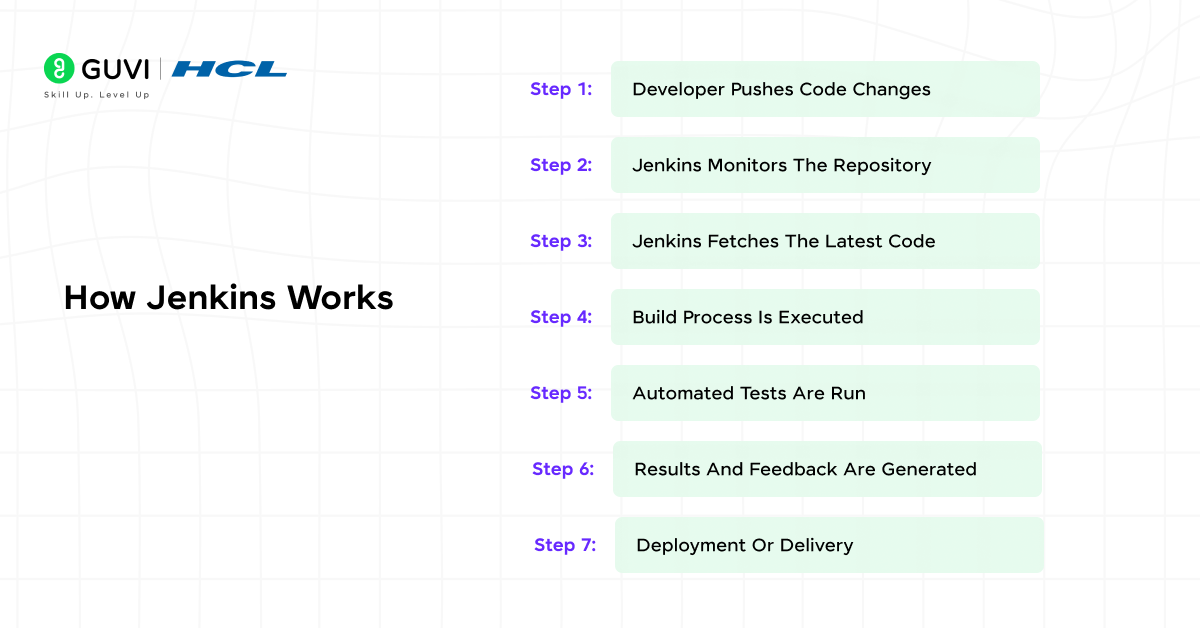
Jenkins works by automating the entire process of building, testing, and delivering software whenever there is a code change. Instead of developers manually performing each step, Jenkins follows a structured workflow that runs automatically. Below is a detailed, step-by-step explanation of how Jenkins works in real projects.
Step 1: Developer Pushes Code Changes
A developer writes or updates code and pushes it to a version control system like Git. This repository stores the latest version of the project code and acts as the main source Jenkins works with. Every new change becomes the trigger point for automation.
Step 2: Jenkins Monitors The Repository
Jenkins is connected to the code repository and constantly watches for updates. It can detect changes using webhooks or scheduled checks. The moment new code is pushed, Jenkins knows that a new build process needs to start.
Step 3: Jenkins Fetches The Latest Code
Once a change is detected, Jenkins pulls the updated code from the repository. This ensures that Jenkins always works with the most recent version of the application. It prevents outdated or mismatched code from being processed.
Step 4: Build Process Is Executed
Jenkins starts the build process defined in the job or pipeline configuration. This may include compiling the source code, resolving dependencies, or packaging the application. If the build fails, Jenkins stops the process and reports the issue.
Step 5: Automated Tests Are Run
After a successful build, Jenkins runs automated tests to check whether the application works as expected. These tests help identify bugs, broken features, or performance issues early. This step ensures code quality before moving forward.
Step 6: Results And Feedback Are Generated
Jenkins records the results of every step and provides detailed reports. If something fails, developers receive immediate notifications through email, dashboards, or chat tools. This quick feedback helps teams fix issues faster.
Step 7: Deployment Or Delivery
If all previous steps succeed, Jenkins can automatically deploy the application to a server or environment. This makes the software ready for release or further testing. If deployment is not configured, Jenkins still marks the process as successful.
If you want to gain practical skills in DevOps and automation tools like Jenkins, do check out HCL GUVI’s DevOps Course in their Zen Class series. This program helps you learn core DevOps concepts, CI/CD pipelines, and automation practices used in real software projects. It’s a great fit for beginners who want hands-on experience and industry-aligned skills to start a career in DevOps and software automation.

Key Features Of Jenkins
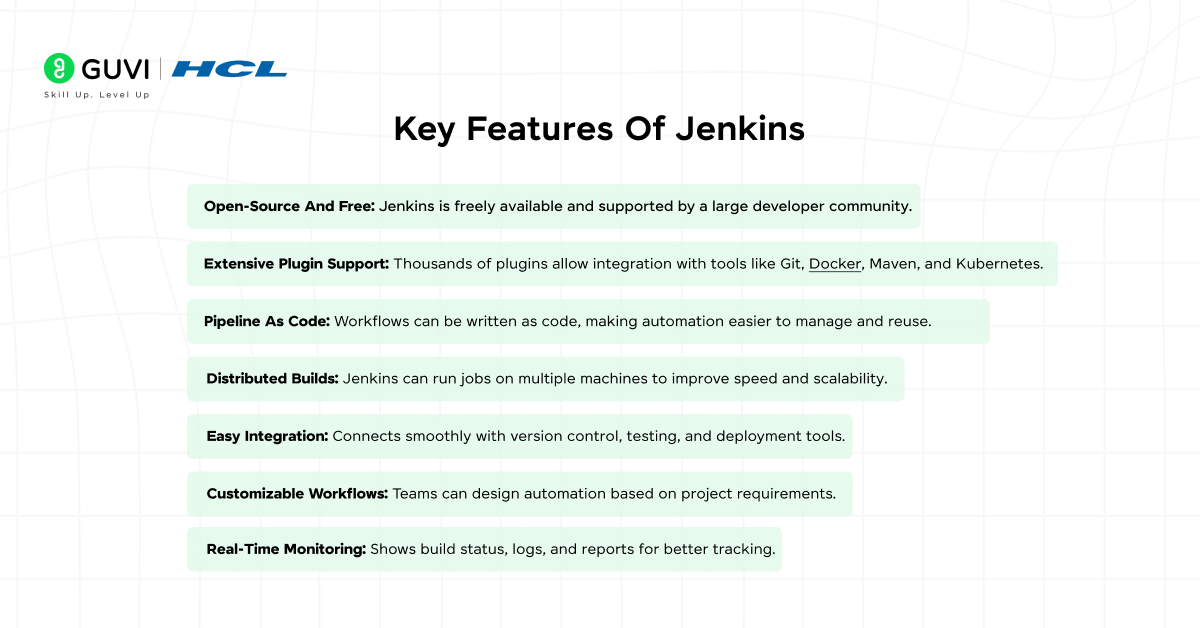
Jenkins is popular in DevOps not just because it automates tasks, but because it offers powerful features that support complete CI/CD workflows. These features help teams manage builds, testing, integrations, and deployments efficiently. Jenkins is flexible enough to work with small projects as well as large enterprise systems. Understanding its key features helps beginners see why Jenkins is widely used across the software industry.
Key Features Of Jenkins:
- Open-Source And Free: Jenkins is freely available and supported by a large developer community.
- Extensive Plugin Support: Thousands of plugins allow integration with tools like Git, Docker, Maven, and Kubernetes.
- Pipeline As Code: Workflows can be written as code, making automation easier to manage and reuse.
- Distributed Builds: Jenkins can run jobs on multiple machines to improve speed and scalability.
- Easy Integration: Connects smoothly with version control, testing, and deployment tools.
- Customizable Workflows: Teams can design automation based on project requirements.
- Real-Time Monitoring: Shows build status, logs, and reports for better tracking.
Jenkins In CI/CD
Jenkins plays a key role in implementing Continuous Integration and Continuous Delivery in DevOps workflows. It automates the process of integrating code changes, testing them, and preparing applications for deployment. By using Jenkins in CI/CD, teams can reduce manual effort and release software more frequently. This automation helps maintain code quality and stability throughout the development lifecycle.
Key Roles Of Jenkins In CI/CD:
- Automates Code Integration: Jenkins automatically integrates code changes from multiple developers into a shared repository.
- Runs Automated Builds: It builds the application every time new code is pushed, ensuring nothing breaks.
- Executes Continuous Testing: Jenkins runs tests at every stage to detect bugs early.
- Enables Continuous Delivery: Successfully tested builds are prepared for deployment automatically.
- Provides Fast Feedback: Developers receive immediate feedback if a build or test fails.
- Improves Release Reliability: Automation reduces human errors during releases.
💡 Did You Know?
- Jenkins was originally developed as a tool called Hudson before being renamed Jenkins.
- Jenkins supports thousands of plugins, allowing it to work with almost any DevOps tool or technology.
- Large companies use Jenkins to run hundreds of automated jobs every day without manual intervention.
Conclusion
Jenkins is a powerful automation tool that helps teams build, test, and deploy applications efficiently. By automating repetitive development tasks, Jenkins reduces manual errors and improves overall software quality. It plays a key role in DevOps and CI/CD pipelines, making software delivery faster and more reliable.
For beginners, learning Jenkins provides a strong foundation in modern software development practices. Understanding how Jenkins works and where it is used helps developers collaborate better and release applications with confidence. As automation becomes more important, Jenkins continues to be a valuable skill in the DevOps ecosystem.
FAQs
1. What is Jenkins used for?
Jenkins is used to automate software development tasks such as building, testing, and deploying applications, helping teams deliver software faster and with fewer errors.
2. Is Jenkins easy to learn for beginners?
Yes, Jenkins is beginner-friendly when learned step by step. Basic knowledge of Git and software development concepts is enough to get started.
3. Is Jenkins only used in DevOps?
Jenkins is mainly used in DevOps, but it is also helpful for developers and testers who want to automate their workflows.
4. Is Jenkins free to use?
Yes, Jenkins is an open-source tool and completely free to use.
Success Stories

About the Author
Jebasta
I translate the language of data into stories that anyone can understand. As a writer with a data science background, I simplify analytics, AI, and decision-making so beginners and enthusiasts can confidently explore the world of data.
View all posts by Jebasta
Connect with me @
















Did you enjoy this article?