


Python Articles
How to Install Requirements.txt in Python: A Beginner's Step-by-Step Guide (2026)
How to Check if Python Is Installed on Your Computer


Get In Touch For Details! Request More Information

Have you ever needed to explain a block of code or temporarily disable several lines while testing your program? Knowing how to work with multiple lines in Python comments is a basic yet powerful skill that helps you write cleaner, more readable code and avoid confusion while debugging or collaborating.
In this blog, you will learn how to comment multiple lines in Python, the different ways developers handle multiple lines for documentation and testing, common mistakes beginners make, and best practices to keep your Python code structured and easy to maintain.
Quick Answer
In Python, there is no special syntax for commenting multiple lines at once, unlike some other languages. Instead, developers commonly use the hash symbol on each line or triple quotes when working with multiple lines in Python for documentation purposes. Understanding the correct usage helps keep your code clean and readable.
Table of contents
- What Are Multiple Line Comments In Python
- When To Use Multiple Line Comments In Python
- How To Write Multiple Line Comments In Python
- Multiple Line Comments Vs Docstrings
- Common Mistakes While Writing Multiple Line Comments In Python
- Best Practices For Writing Multiple Line Comments In Python
- 💡 Did You Know?
- Conclusion
- FAQs
- Is there any official Python proposal to support true multi line comments in the future?
- Can multi line comments behave differently inside functions compared to modules?
- How do code linters and formatters treat different multi line commenting styles?
- Are there situations where multi-line comments can cause unexpected memory usage?
- What commenting approach do large Python codebases follow for long explanations?
What Are Multiple Line Comments In Python
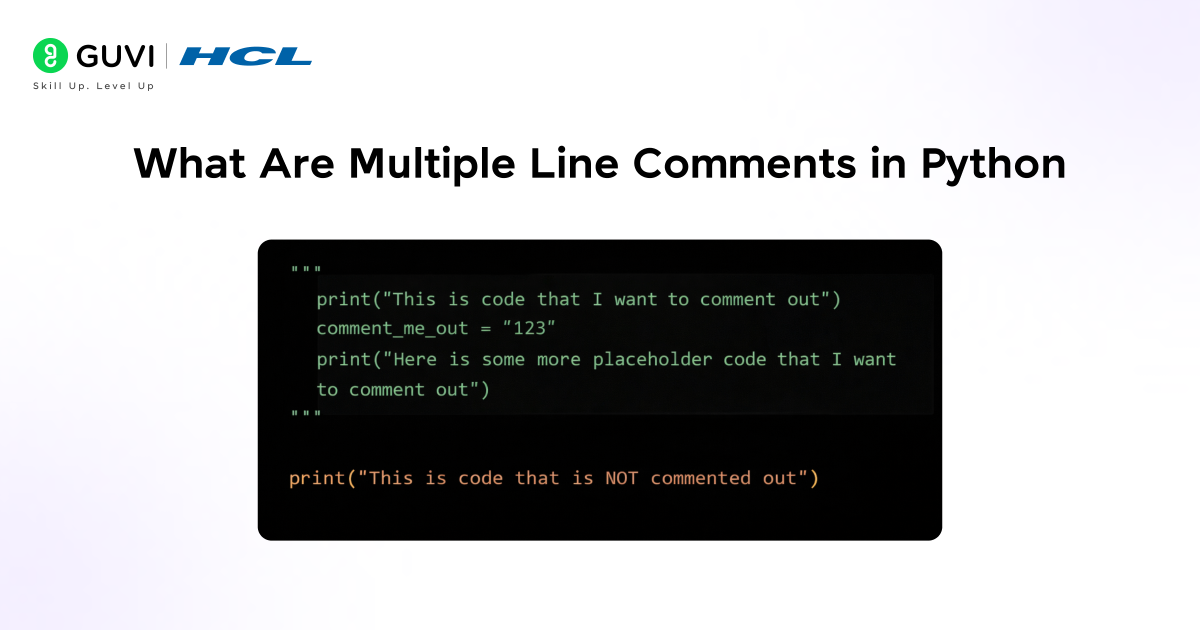
Multiple line comments in Python are used when you want to explain a block of code across several lines without letting Python execute it. They are especially helpful when the logic is long, complex, or when you want to add detailed notes for yourself or others reading the code. Using multiple lines in Python comments improves code readability and makes programs easier to understand and maintain.
Key Points
- Used For Long Explanations: Helps explain code that cannot fit in a single line.
- Ignored During Execution: Python skips multiple lines of comments completely.
- Improves Code Readability: Makes programs easier for beginners and teams to follow.
- Written Using Simple Syntax: Python does not have a dedicated multi-line comment keyword.
# This program checks user eligibility
# It verifies age and citizenship
# Then it prints the result

age = 20
citizen = True

if age >= 18 and citizen:
    print("Eligible")
This example demonstrates how multiple lines in Python comments, created using the hash symbol, can clearly explain the program’s logic without affecting execution.
Do check out HCL GUVI’s Python Course if you want to go beyond basics like understanding how to comment multiple lines in Python and actually apply these concepts in real coding scenarios. While this blog helps you clearly understand writing clean and readable comments, the Zen Class takes it further by teaching structured Python coding, best practices, and industry level project usage where proper commenting and code readability really matter.
When To Use Multiple Line Comments In Python
Sometimes Python code becomes hard to understand, especially when logic grows or testing is involved. Multiple line comments in Python help you manage such situations by allowing you to explain code clearly, pause execution safely, and guide readers through your thought process. Below are the key situations where using multiple line comments in Python makes your code easier to read and maintain.
1. Explain Complex Logic
When a block of code performs multiple steps or calculations, a single line comment is often not enough. Multiple line comments allow you to explain each step clearly, which helps beginners understand how the logic flows. This is especially useful in calculations, conditions, and loops.
Example:
# Calculate the total price including base, tax, and shipping
# Step 1: Add base price and shipping
# Step 2: Calculate tax on the sum
# Step 3: Print the final total
base_price = 100
shipping = 10
tax = 5
total = base_price + shipping + tax
print(total)
This example shows how multiple line comments explain each step of the calculation, making the logic easy to follow.
2. Temporarily Disable Code
While testing or debugging, you may want to stop a block of code from running without deleting it. Multiple line comments let you safely disable code so you can focus on other parts of the program. This keeps your work intact and easy to restore.
Example:
# Temporarily disable this block during testing
# base_price = 200
# discount = 50
# total_price = base_price - discount
# print(total_price)
Here, the commented lines are ignored by Python, allowing testing without losing the original code.
3. Document Code For Others
When someone else reads your code, they may not immediately understand your logic. Multiple line comments help document rules, conditions, and decisions clearly. This makes collaboration easier and reduces confusion during code reviews.
Example:
# Check user access based on rules
# User must be registered
# User must have an active subscription
user_registered = True
subscription_active = True
if user_registered and subscription_active:
    print("Access granted")
This example documents the conditions clearly so any reader understands why access is granted.
4. Learning And Debugging Aid
For beginners, multiple line comments act like step-by-step guidance. They help track what each part of the program does and make it easier to identify where something goes wrong. This improves learning and debugging speed.
Example:
# Create an empty list
# Add values to the list
# Print the final list
numbers = []
numbers.append(1)
numbers.append(2)
print(numbers)
These comments guide learners through each action, making debugging and understanding much easier.

How To Write Multiple Line Comments In Python
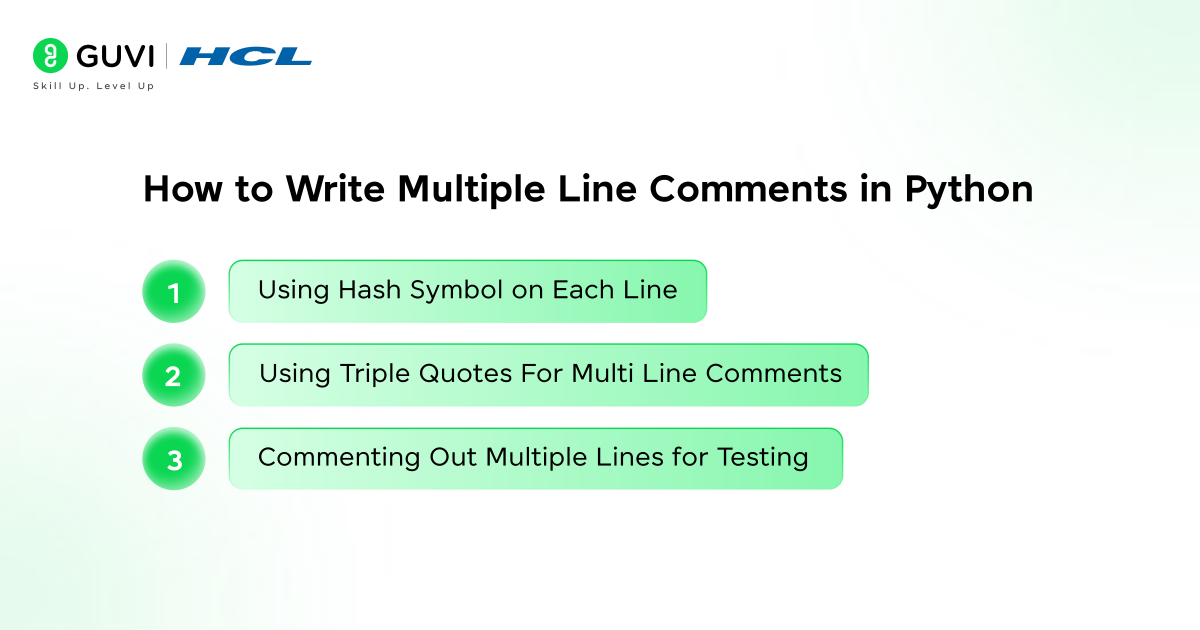
When working with longer explanations or blocks of code, knowing how to write multiple line comments in Python becomes essential. Python does not provide a special symbol only for multi line comments, but it offers simple and effective ways to comment multiple lines in Python without affecting program execution. In this section, you will learn the correct and commonly used ways to write multiple lines in Python comments.
1. Using Hash Symbol On Each Line
The most common and recommended way to write multiple line comments in Python is by placing a hash symbol at the beginning of each line. Python treats every line starting with a hash as a comment and ignores it during execution. This method is clear, readable, and widely used in real projects.
Example:
# This program calculates the final amount
# It adds tax to the base price
# Then it prints the total value

price = 100
tax = 10
total = price + tax
print(total)
In this example, each line starting with a hash explains what the code does, while Python executes only the actual logic.
2. Using Triple Quotes For Multi Line Comments
Triple quotes can also be used to write multiple lines in Python, but they are technically multi line strings. Developers sometimes use them as comments when the text is not assigned to a variable. However, this method should be used carefully.
Example:
"""
This block explains the purpose of the program
It checks user eligibility
Then it displays the result
"""

age = 20
if age >= 18:
    print("Eligible")
Here, the triple quoted text acts like a comment because it is not stored or used, but Python still treats it as a string internally.
3. Commenting Out Multiple Lines For Testing
When testing or debugging, you may want to stop a block of code from running without deleting it. Adding a hash symbol to multiple lines is the safest way to comment out code temporarily.
Example:
# base_price = 500
# discount = 50
# final_price = base_price - discount
# print(final_price)

print("Testing completed")
This example shows how multiple lines are disabled during testing while keeping the code available for future use.
Do check out HCL GUVI’s online Python IDE, it lets you write, test, and run Python code right in your browser, so you can practice multiple line comments in Python instantly and see the results as you learn.
Multiple Line Comments Vs Docstrings
Many beginners get confused between multiple line comments in Python and docstrings because both can look similar when written using triple quotes. However, they serve very different purposes in real Python programs. Understanding this difference helps you choose the correct approach and follow proper Python coding practices.
| Aspect | Multiple Line Comments In Python | Docstrings In Python |
| Purpose | Used to explain code logic or add notes for humans | Used to document functions, classes, or modules |
| Syntax | Hash symbol at the start of each line | Triple quotes |
| Execution | Completely ignored by Python | Stored as a string object |
| Memory Usage | Does not consume memory | Consumes memory |
| Access By Tools | Cannot be accessed using help() | Can be accessed using help() |
| Usage Scope | Can be written anywhere in the code | Written inside functions, classes, or modules |
| Disabling Code | Safe and recommended | Not recommended |
| Beginner Friendly | Very easy to understand | Requires basic documentation knowledge |
| Coding Example | python\n# This function adds two numbers\n# It returns the sum\n# Used only for explanation\ndef add(a, b):\n return a + b\n | python\ndef add(a, b):\n \”\”\”\n This function adds two numbers.\n It returns the sum of a and b.\n \”\”\”\n return a + b\n |
Common Mistakes While Writing Multiple Line Comments In Python
When learning how to comment multiple lines in Python, beginners often follow patterns that look correct but are not recommended. Below are the most common mistakes to avoid for clean and readable code.
1. Using Triple Quotes As Comments
Triple quotes create strings, not true comments, and should not be used for regular multiple line comments.
2. Commenting Obvious Code
Explaining what is already clear from the code makes it harder to read.
3. Commenting Out Large Code Blocks
Disabling big sections using comments creates clutter and poor maintainability.
4. Writing Very Long Comments
Lengthy explanations reduce readability and slow down code understanding.
5. Leaving Outdated Comments
Comments that no longer match the code cause confusion.
6. Inconsistent Commenting Style
Mixing different comment styles makes the code look unstructured and unprofessional.
Best Practices For Writing Multiple Line Comments In Python
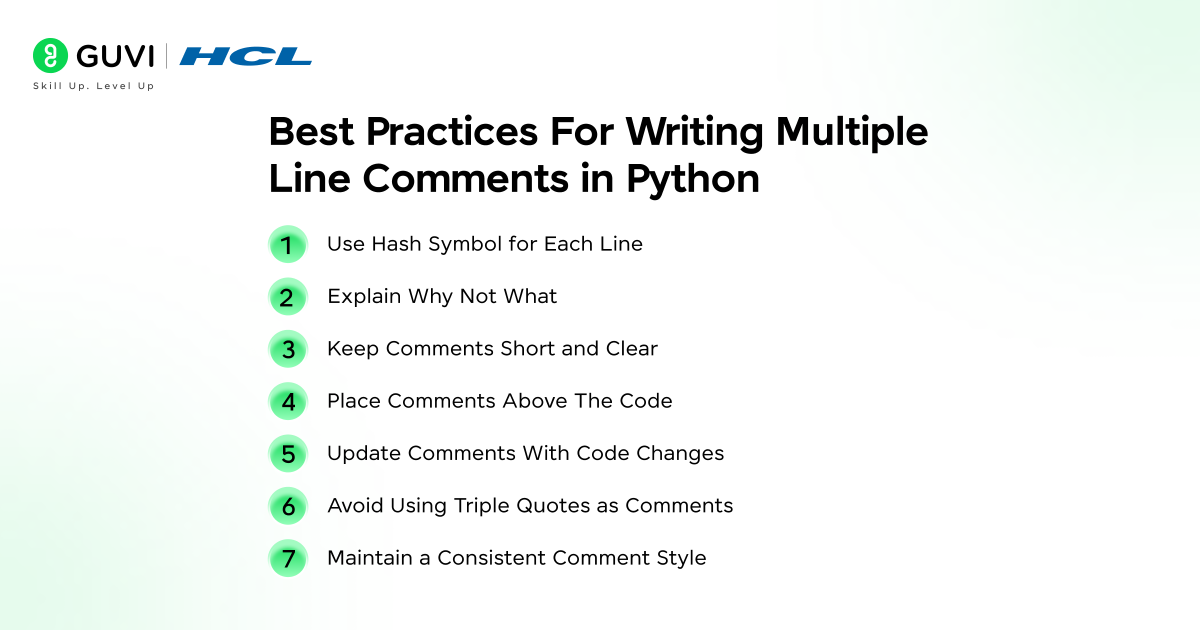
Writing multiple line comments the right way keeps your Python code clean, readable, and easy to maintain. These best practices help you comment clearly without affecting code quality.
1. Use the hash symbol for each line
Use # at the beginning of every line to create clear and valid multiple line comments.
2. Explain Why Not What
Focus on why the code exists instead of repeating what the code already shows.
3. Keep Comments Short And Clear
Write concise comments that are easy to understand at a glance.
4. Place Comments Above The Code
Always write comments before the logic they describe for better readability.
5. Update Comments With Code Changes
Ensure comments always match the current behavior of the code.
6. Avoid Using Triple Quotes As Comments
Triple quotes are meant for strings and docstrings, not for commenting code blocks.
7. Maintain A Consistent Comment Style
Follow the same commenting pattern throughout the file to keep the code professional.
Do check out HCL GUVI’s Python Hub for more tutorials, examples, and explanations that make learning multiple line comments in Python and other concepts easier and more practical as you continue to grow your coding skills.
💡 Did You Know?
- Python does not have a built-in syntax for true multi line comments, which is why developers rely on multiple hash symbols.
- Using triple quotes for comments can accidentally create unused string objects, which may affect memory and performance.
- Clean and meaningful comments are often considered a sign of senior level Python code quality.
Conclusion
Commenting multiple lines in Python is simple once you understand that Python relies on practical conventions rather than a dedicated syntax. Using hash symbols correctly helps you explain logic clearly, disable blocks of code safely, and keep your programs easy to read and maintain.
When you apply the right commenting approach along with clean formatting and best practices, your Python code becomes more professional and beginner friendly. Writing good comments is not just about syntax, it is about communicating intent clearly to anyone reading your code later.
FAQs
1. Is there any official Python proposal to support true multi line comments in the future?
No. Python’s design philosophy intentionally avoids true multi line comments. The language prefers single line comments using the hash symbol, and there is no active proposal to change this behavior.
2. Can multi line comments behave differently inside functions compared to modules?
Yes. When triple-quoted strings are placed inside functions and not assigned to a variable, they still exist as string objects but are ignored at runtime, which is different from module-level docstrings that Python actually stores.
3. How do code linters and formatters treat different multi line commenting styles?
Most linters like pylint and flake8 recommend using hash-based comments for explanations. Triple-quoted strings used as comments are often flagged as bad practice because they create unused objects.
4. Are there situations where multi-line comments can cause unexpected memory usage?
Yes. Using triple-quoted strings as comments creates string objects in memory, especially inside functions, which can slightly increase memory usage in large or frequently executed code.
5. What commenting approach do large Python codebases follow for long explanations?
Large codebases usually prefer multiple hash-based single-line comments combined with proper docstrings for functions and classes, keeping the code readable and memory efficient.
Success Stories

About the Author
Jebasta
I translate the language of data into stories that anyone can understand. As a writer with a data science background, I simplify analytics, AI, and decision-making so beginners and enthusiasts can confidently explore the world of data.
View all posts by Jebasta
Connect with me @















Did you enjoy this article?