


Software Automation & Testing Articles
Top 5 Programming Languages For Automation Testing
Selenium vs RPA: Battle Of The Best Automation Technologies


Get In Touch For Details! Request More Information

Exposure to Cucumber BDD Framework: A Complete Guide
Aug 29, 2025 2 Min Read 1719 Views
(Last Updated)
Did you know that over 60% of software project failures stem from miscommunication and unclear requirements between teams? Seamless collaboration among developers, testers, and business stakeholders is not just beneficial, it’s critical for delivering successful software. The Cucumber BDD framework (Behavior Driven Development) addresses this challenge head-on, offering a human-readable approach that unites technical and non-technical team members.
Cucumber empowers teams to write requirements in plain language, making sure everyone, from engineers to business analysts, shares a common understanding of the project’s goals. This shared language leads to fewer misunderstandings, stronger collaboration, and higher-quality outcomes.
Curious how Cucumber can transform your workflow and bridge the gap between business and technology? Keep reading for a comprehensive guide to leveraging the full potential of the Cucumber BDD framework!
Table of contents
- What is Cucumber?
- What is BDD (Behavior Driven Development)?
- 🧾 Gherkin: The Language of Cucumber
- How Cucumber Works
- Example in Java with Selenium:
- Cucumber Project Structure
- Integrating with Tools
- Advantages of Cucumber BDD Framework
- Challenges and Best Practices
- Conclusion
What is Cucumber?

Cucumber is an open-source testing framework that supports Behavior Driven Development (BDD). It allows teams to write test cases in plain English using the Gherkin language, making it easier for non-technical stakeholders to understand and participate in the testing process.
What is BDD (Behavior Driven Development)?
BDD is an agile software development practice that encourages collaboration between developers, QA, and business analysts. It extends TDD (Test Driven Development) by writing test cases in a natural language that describes the behavior of the application.
Key Objectives of BDD:
- Encourage collaboration
- Improve the clarity of requirements
- Reduce misunderstanding
- Enable automated acceptance tests
🧾 Gherkin: The Language of Cucumber
Gherkin is a domain-specific language used in Cucumber to describe test scenarios in a structured format.
Basic Syntax:
Feature: User Login
Scenario: Successful login with valid credentials
Given the user is on the login page
When the user enters a valid username and password
And clicks the login button
Then the user should be redirected to the homepage
Keywords:
- Feature: High-level description of the functionality
- Scenario: A specific situation under the feature
- Given: Initial context
- When: User action
- Then: Expected outcome
- And, but: Logical additions to steps
How Cucumber Works
Cucumber scenarios are linked to automation code through Step Definitions. These are written in languages like Java, JavaScript, Ruby, or Python, depending on the environment.
Example in Java with Selenium:
Step Definition:
| @Given(“the user is on the login page”) public void user_on_login_page() { driver.get(“https://example.com/login”); } @When(“the user enters valid username and password”) public void enter_credentials() { driver.findElement(By.id(“username”)).sendKeys(“testuser”); driver.findElement(By.id(“password”)).sendKeys(“password123”); } @Then(“the user should be redirected to the homepage”) public void verify_homepage() { Assert.assertTrue(driver.getTitle().contains(“Homepage”)); } |
Cucumber Project Structure
A typical Maven-based Cucumber project in Java may include:
src/
└── test/
├── java/
│ ├── stepdefinitions/
│ └── runners/
└── resources/
└── features/
└── login.feature

Integrating with Tools
Cucumber can be integrated with:
- Selenium WebDriver for UI testing
- JUnit/TestNG as test runners
- Maven/Gradle for build automation
- Extent Reports/Allure for reporting
- Jenkins for CI/CD automation
Ready to accelerate your QA career with real-world automation skills? Enroll in our Selenium Automation Testing Course and master test automation, BDD frameworks, and industry best practices. Get hands-on with Selenium, Cucumber, and more, build your portfolio and become a sought-after automation tester!
Advantages of Cucumber BDD Framework
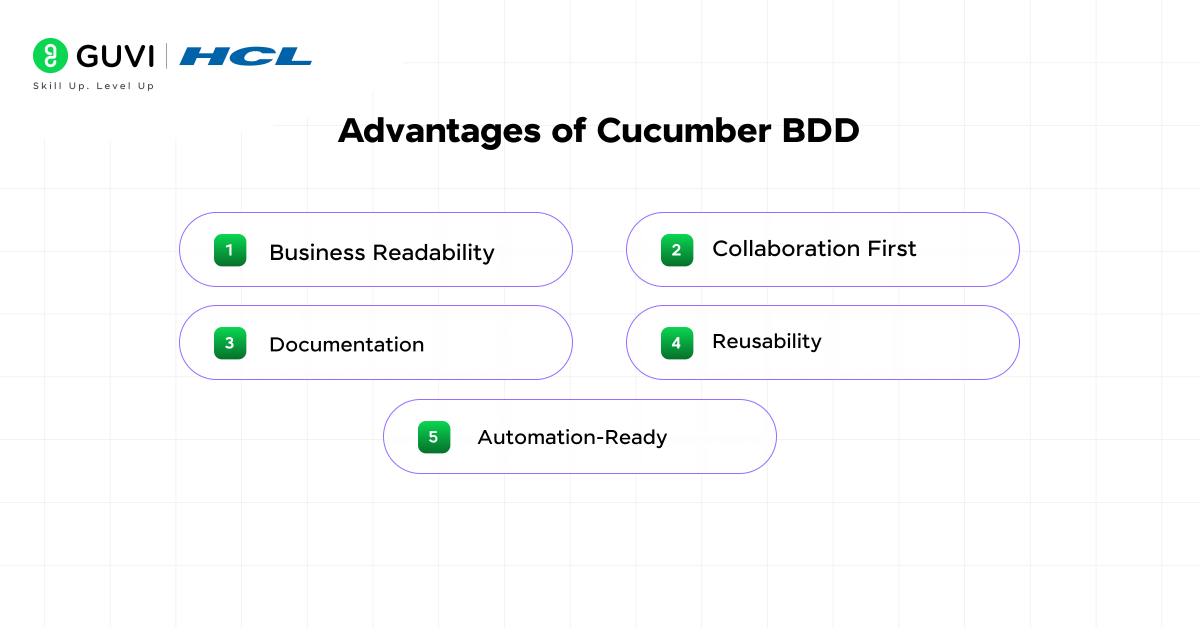
- Business Readability: Non-technical stakeholders can read and write scenarios.
- Collaboration First: Encourages team communication.
- Documentation: Scenarios serve as living documentation.
- Reusability: Step definitions can be reused across scenarios.
- Automation-Ready: Scenarios can be easily linked to automation code.
Challenges and Best Practices
Challenges:
- Duplicate step definitions
- Maintenance overhead
- Overuse of UI in BDD scenarios
Best Practices:
- Keep scenarios concise and focused
- Avoid technical jargon
- Reuse steps wisely
- Separate UI logic from step definitions
- Use tags to organize and filter test cases
Conclusion
Adopting the Cucumber BDD framework isn’t just a technical upgrade; it’s a strategic move that can redefine the way your teams build and deliver software. By breaking down silos and enabling a clear, shared understanding, Cucumber turns requirements into living documentation and drives effective collaboration. It ensures your automation efforts directly align with business goals.
When implemented thoughtfully, Cucumber can be the difference between projects that struggle with ambiguity and those that deliver with confidence. Ready to elevate your automation strategy, empower your team, and deliver higher quality software? Dive into the Cucumber BDD framework and experience the difference collaboration can make.
Success Stories

About the Author
Lavish Jain
A Professional Developer Mentor and Corporate Trainer with over 10 years of experience, I have contributed to technological advancements through comprehensive training and mentorship. My journey includes pivotal roles at Cluebix, Focus-4D,ThoughtWorks, and currently with Guvi -HCL Group, where I shape the careers of aspiring developers. I specialize in simplifying complex concepts, making them accessible to learners at all levels, and have successfully trained lakhs of budding developer through corporate and boot camp courses focused on full-stack development.
View all posts by Lavish Jain
Connect with me @












Did you enjoy this article?