


Artificial Intelligence and Machine Learning Articles
Finance Manager to Data Analytics: Career Growth, Salary and Seniority
How to Evaluate LLM Outputs in Production Deployments
AI/ML Skills Gap 2026: Why Companies Can't Find Job-Ready Talent
20 AI/ML Interview Questions Recruiters Can Use Without a Tech Background - Best Guide


Get In Touch For Details! Request More Information
Google VaultGemma: A Guide to Privacy-First LLMs
Jun 16, 2026 4 Min Read 868 Views
(Last Updated)
What if an AI model could generate useful responses while ensuring that sensitive information remains protected? Google VaultGemma is designed to address this challenge by combining language model capabilities with privacy-preserving training techniques. Built as part of Google’s Gemma model family, VaultGemma integrates differential privacy methods to reduce the risk of memorizing or exposing confidential data during inference. This makes it particularly useful for enterprise environments that require secure AI interactions with internal documents or sensitive datasets.
Continue exploring this guide to understand how VaultGemma works and how developers can start using it effectively.
Table of contents
- What is Google VaultGemma?
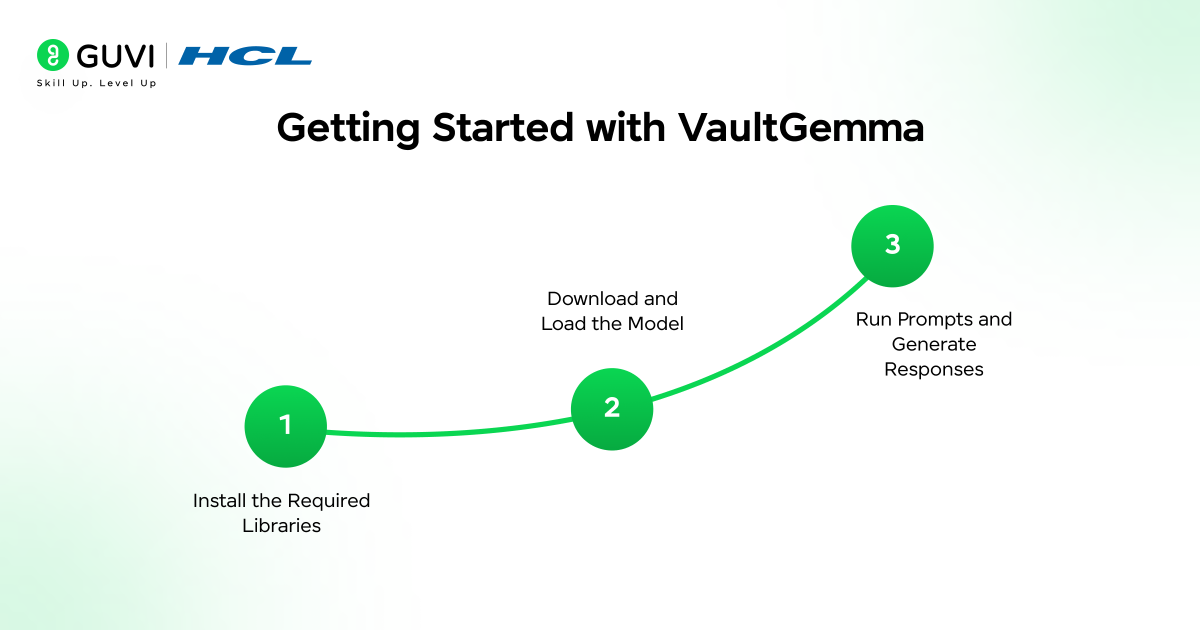
- Getting Started with VaultGemma
- Step 1: Install the Required Libraries
- Step 2: Download and Load the Model
- What happens in this step?
- Step 3: Run Prompts and Generate Responses
- What this code does
- VaultGemma vs Traditional LLMs
- VaultGemma’s Strengths and Limitations in Real-World Deployments
- Key Use Cases of VaultGemma
- Conclusion
- FAQs
- How is VaultGemma different from other models in the Gemma family?
- Can VaultGemma run on local machines?
- What types of tasks is VaultGemma best suited for?
What is Google VaultGemma?
Google VaultGemma is a privacy-focused open language model developed by Google as part of the Gemma model family. It is designed to enable developers and organizations to build AI systems that handle sensitive data while reducing the risk of information leakage. VaultGemma incorporates differential privacy training techniques, which introduce controlled noise during training to prevent the model from memorizing or revealing specific data points from the training dataset.
Getting Started with VaultGemma
Getting started with VaultGemma is relatively straightforward because the model is openly accessible through Hugging Face-compatible tooling and Kaggle’s model hub. VaultGemma is designed as a privacy-preserving language model, which means it is trained using techniques such as differential privacy to reduce the risk of memorizing or leaking sensitive training data.
Developers can run VaultGemma locally or in cloud environments using common machine learning frameworks such as PyTorch and Hugging Face Transformers.
Step 1: Install the Required Libraries
Before running the model, you need to install the required Python libraries. These libraries provide the infrastructure needed for downloading, loading, and running large language models.
The key dependencies include:
- Transformers: The Hugging Face Transformers library provides pre-built APIs for loading tokenizers, managing model architectures, and running inference.
- PyTorch: VaultGemma relies on PyTorch for executing neural network computations during inference.
- Kagglehub: Kagglehub simplifies downloading models hosted on Kaggle’s model repository without manually handling large model files.
Install the libraries using pip:
pip install transformers

pip install Kagglehub
If you are working in a notebook environment such as Google Colab or a web IDE, install the preview version of Transformers that supports VaultGemma.
!pip install git+https://github.com/huggingface/[email protected] -qOptional Dependencies
Depending on your setup, you may also install:
- accelerate for optimized multi-device inference
- bitsandbytes for memory-efficient quantized inference
- datasets if you plan to fine-tune the model
Example:
pip install accelerate bitsandbytes datasets
These tools are useful when deploying the model in production or resource-constrained environments.
Step 2: Download and Load the Model
After installing the dependencies, the next step is to download and load the VaultGemma model.
VaultGemma models are distributed in multiple parameter sizes, such as 1B parameters, which allows developers to run them on consumer GPUs or even high-RAM CPUs.
Using Kagglehub, you can directly download the model files and initialize them using Hugging Face Transformers.
Example:
import Kagglehub

from transformers import AutoTokenizer, AutoModelForCausalLM

# Download the VaultGemma 1B model

MODEL_PATH = Kagglehub.model_download("google/vaultgemma/transformers/1b")

# Load tokenizer

tokenizer = AutoTokenizer.from_pretrained(MODEL_PATH)

# Load model

model = AutoModelForCausalLM.from_pretrained(

   MODEL_PATH,

   device_map="auto",

   torch_dtype="auto"

)
What happens in this step?
Model Download: Kagglehub.model_download() retrieves the VaultGemma model files from Kaggle’s model repository and stores them locally.
These files typically include:
- Model weights
- Configuration files
- Tokenizer vocabulary
- Model metadata
Tokenizer Initialization: The tokenizer converts human-readable text into tokens, which are numerical representations that the neural network can process.
Model Loading: The AutoModelForCausalLM class loads the model architecture designed for causal language modeling, which is used for text generation tasks.
Key parameters:
device_map="auto"Automatically selects the optimal numeric precision such as float16 or bfloat16 for faster inference and reduced memory usage.
Learn how large language models work and how developers build real-world AI applications with them. Enroll in HCL GUVI’s LLMs and Their Applications course to understand LLM architectures, prompt engineering, and practical AI workflows through structured online modules designed for modern AI development.
Step 3: Run Prompts and Generate Responses
Once the model is loaded, you can begin generating text using prompts.
Large language models generate responses through autoregressive decoding, where the model predicts the next token repeatedly until a stopping condition is reached.
Example:
text = "Explain differential privacy in simple terms."

input_ids = tokenizer(text, return_tensors="pt").to(model.device)

outputs = model.generate(

   **input_ids,

   max_new_tokens=100

)

print(tokenizer.decode(outputs[0], skip_special_tokens=True))
What this code does
- Tokenization: The input text is converted into token IDs.
tokenizer(text, return_tensors="pt")This produces PyTorch tensors that the model can process.
- Model Generation
The generate() method performs inference and predicts the next sequence of tokens.
| Parameter | Purpose |
| max_new_tokens | Maximum tokens generated |
| temperature | Controls randomness |
| top_p | Nucleus sampling |
| top_k | Limits token sampling candidates |
| do_sample | Enables stochastic sampling |
Important generation parameters you can tune:
Example with more control:
outputs = model.generate(

   **input_ids,

   max_new_tokens=150,

   temperature=0.7,

   top_p=0.9,

   do_sample=True

)
These settings allow you to balance deterministic responses vs creative generation.
VaultGemma vs Traditional LLMs
| Feature | VaultGemma | Traditional LLMs |
| Training method | Differential privacy training | Standard large-scale training |
| Data leakage risk | Low | Higher |
| Privacy protection | Strong | Minimal or none |
| Fluency and creativity | Moderate | Very high |
| Enterprise data safety | Safer for sensitive data | Risky with confidential data |
| Best use cases | Internal tools, confidential QA, secure assistants | Public chatbots, creative content, general AI tasks |
Build deeper expertise in artificial intelligence and privacy-aware AI systems with structured mentorship. Join HCL GUVI’s Zen Class Artificial Intelligence and Machine Learning course to learn Python, machine learning, and modern AI technologies through live instructor-led sessions, real projects, and career support.
VaultGemma’s Strengths and Limitations in Real-World Deployments
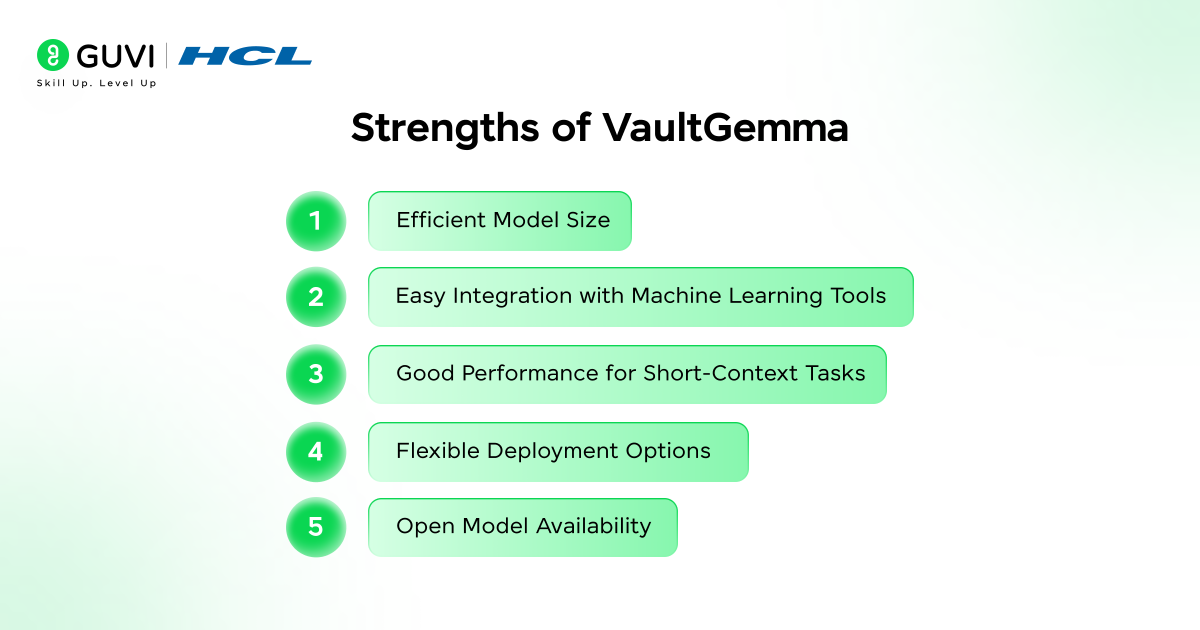
- Efficient Model Size: Smaller variants such as the 1B parameter model allow developers to run the model on moderate GPUs or high-RAM CPUs, making deployment more accessible.
- Easy Integration with Machine Learning Tools: VaultGemma works with widely used frameworks like Hugging Face Transformers and PyTorch, simplifying development and experimentation.
- Good Performance for Short-Context Tasks: The model performs well in tasks such as short question answering, document summaries, and instruction-based responses.
- Flexible Deployment Options: Developers can run VaultGemma locally, in cloud environments, or integrate it into applications through standard APIs.
- Open Model Availability: Being openly available allows developers to experiment, fine-tune, and build custom AI workflows.
Limitations
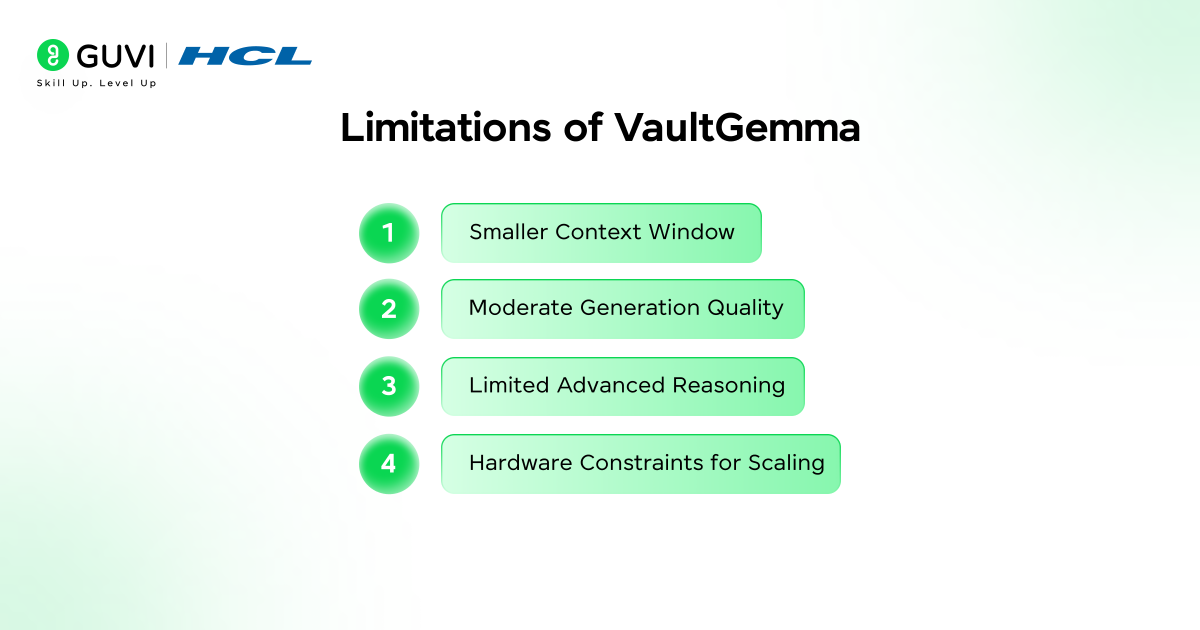
- Smaller Context Window: The model may not handle long documents or complex multi-step reasoning as effectively as larger LLMs.
- Moderate Generation Quality: Creative writing, storytelling, and highly nuanced content generation may be less sophisticated compared to larger models.
- Limited Advanced Reasoning: Complex analytical tasks may require larger models with more parameters.
- Hardware Constraints for Scaling: Running larger versions or fine-tuning the model may still require GPUs and significant memory resources.
Key Use Cases of VaultGemma
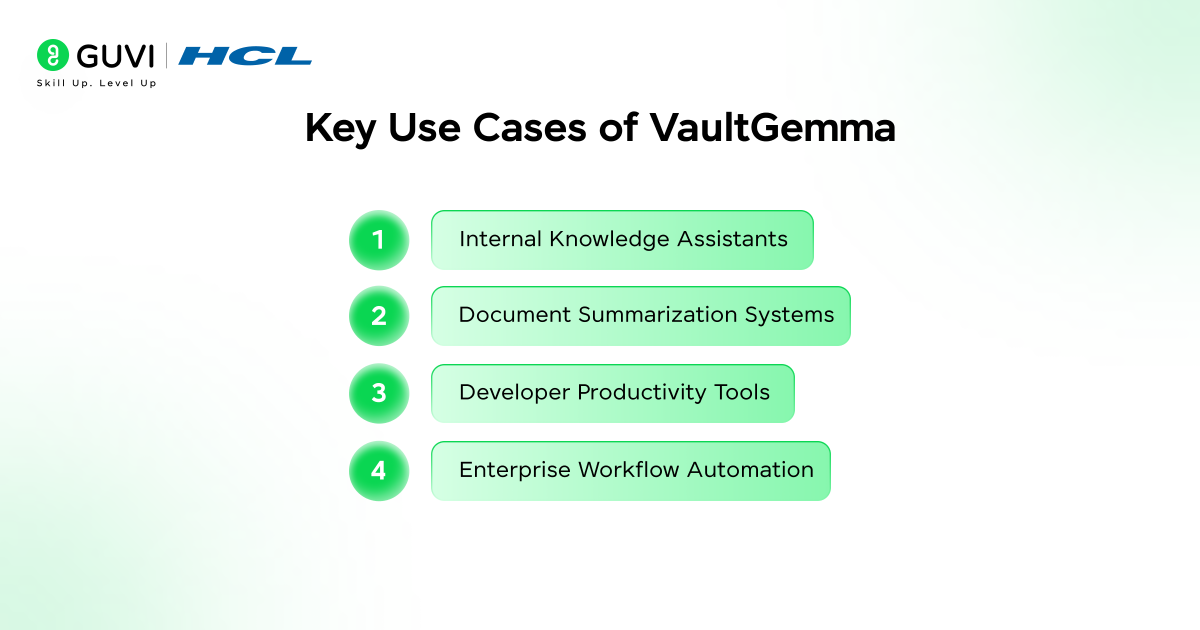
- Internal Knowledge Assistants: Organizations can build AI assistants that answer questions from internal documents, policies, or company knowledge bases.
- Document Summarization Systems: VaultGemma can summarize reports, research papers, meeting transcripts, or technical documentation to help teams quickly understand key points.
- Developer Productivity Tools: The model can assist developers with documentation search, code explanations, and technical knowledge retrieval within internal repositories.
- Enterprise Workflow Automation: VaultGemma can be integrated into business workflows to automate tasks such as generating summaries or extracting insights from internal data.
Conclusion
Google VaultGemma represents an important step toward building privacy-first large language models that can be used safely in enterprise environments. By integrating differential privacy techniques with modern LLM frameworks, it enables organizations to experiment with AI while reducing risks related to sensitive data exposure. As businesses increasingly adopt AI for internal workflows, secure document processing, and intelligent assistants, models like VaultGemma provide a practical path toward responsible and privacy-aware AI development.
FAQs
1. How is VaultGemma different from other models in the Gemma family?
VaultGemma is specifically trained using differential privacy techniques to reduce the chance of memorizing sensitive training data, while other Gemma models primarily focus on performance and general language generation.
2. Can VaultGemma run on local machines?
Yes. Smaller versions such as the 1B parameter model can run on consumer GPUs or high-RAM CPUs using frameworks like Hugging Face Transformers and PyTorch.
3. What types of tasks is VaultGemma best suited for?
VaultGemma performs well in tasks like internal document question answering, short-context knowledge retrieval, enterprise AI assistants, and summarizing organizational reports or documentation.
Success Stories

About the Author
Vaishali
I'm a seasoned writer with four years of experience across technical, non-technical, and just about every genre or niche you can imagine. Adaptable and curious, I enjoy exploring new topics and making information engaging and easy to understand. Fueled by a steady stream of tea, I approach each project with creativity, reliability, and genuine enthusiasm for storytelling.
View all posts by Vaishali
Connect with me @













Did you enjoy this article?